





Remove Watermark from Video Online with AI
Remove unwanted watermarks from your videos effortlessly online. Powered by advanced AI, this tool lets you erase distractions like watermarks, texts, or logos in just a few clicks—no editing skills required.


What is a Video Watermark Remover?
A Video Watermark Remover is an AI-powered tool that removes unwanted elements (like logos, text, or stickers) from videos while keeping the visuals natural and seamless. Key technologies include:
- Inpainting (Filling Missing Pixels)
Rebuilds the removed area by matching surrounding textures and details. - Frame Reconstruction (Video Continuity)
Maintains smooth, consistent visuals across frames to avoid flickering. - Diffusion-Based Recovery (Advanced AI)
Uses generative AI to restore complex backgrounds with high accuracy.

How To Remove Watermark From A Video Online
Here are three simple steps to remove objects & watermarks from your videos:

Upload your Video
Upload the video with a watermark (Support MP4, MOV, M4V files, max: 1 min).

Select Watermark Area
Add selections to mark unwanted objects, logos, or watermarks.

Generate & Save
AI automatically erases the selected area frame by frame, download once satisfied!
Erase Logo From Video
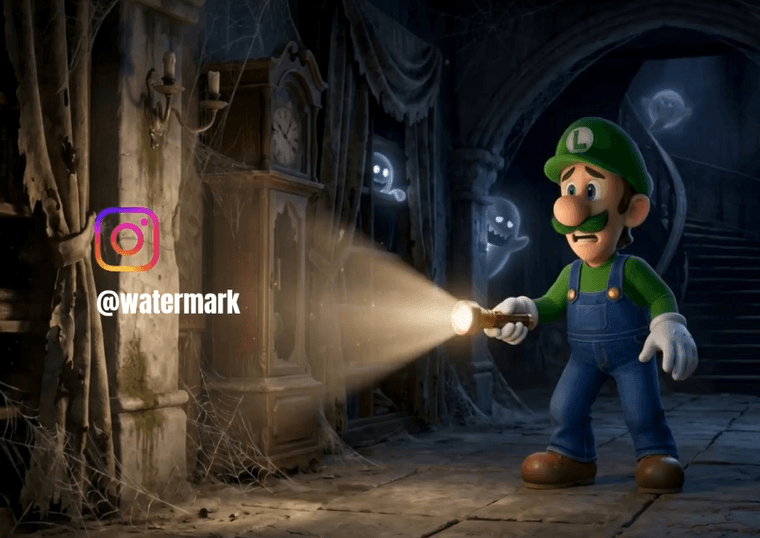
Want to reuse or repurpose your content without distractions? You can now easily remove platform logos like TikTok from your videos, whether you're reposting content across different social media channels or creating clean, professional edits. Perfect for creators who need polished, watermark-free videos.
Remove Stickers in Video
Stickers can be fun—but not always permanent. If you’ve added stickers that no longer fit your content, just highlight the sticker area, and our AI will intelligently fill in the background for a natural-looking result. Perfect for updating old videos or creating more professional content without starting from scratch.

Get Rid of Overlays
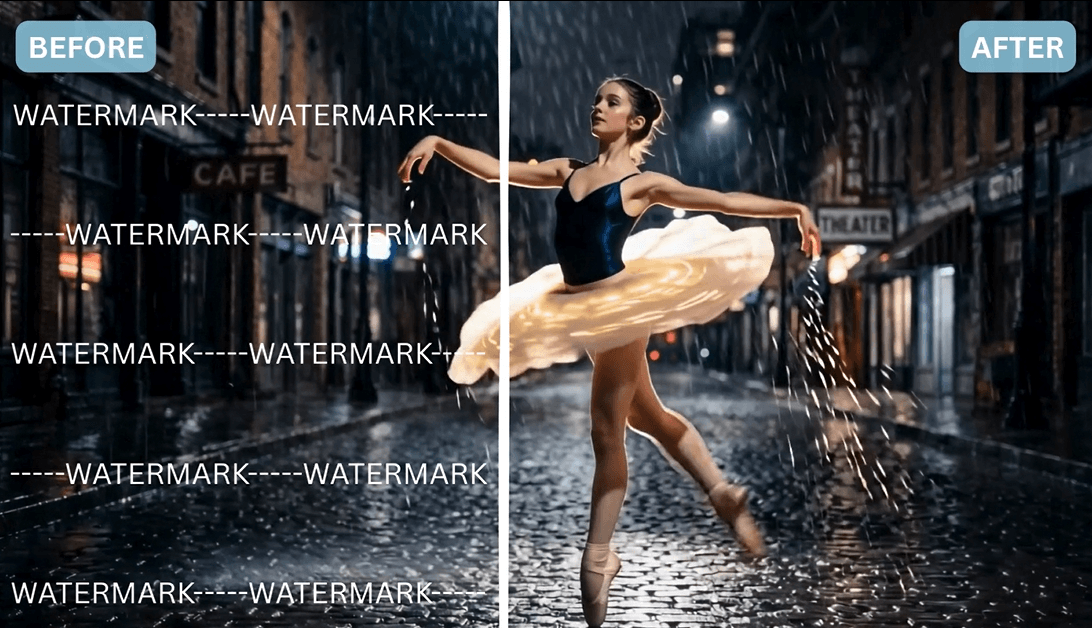
Overlay watermarks like text, timestamps, or branding can distract from your video. With our Video Watermark Remover, you can precisely remove these elements while keeping the surrounding visuals intact in high clarity.
💡 Results may vary depending on complexity. Simpler backgrounds and stabler motion typically produce the best output.
Frequently Asked Questions When Removing Watermarks
What is YouCam Online Editor’s Video Watermark Remover?
It is an AI-powered tool that helps you remove unwanted elements like logos, text, stickers, or watermarks from videos while maintaining natural visual quality and smooth motion.
Can I remove watermarks from any video?
You can remove many common watermarks, including text overlays and logos. However, results may vary depending on complexity—heavily watermarked or fast-moving videos may be more challenging for the AI to reconstruct perfectly.
Does the tool affect video quality after removal?
No, the AI is designed to preserve original video quality by using techniques like inpainting and frame reconstruction to keep visuals clean and consistent.
Do I need editing skills to use it?
Not at all. The process is fully automated—simply upload your video, highlight the area you want to remove, and the AI handles the rest.
What types of objects can I remove besides watermarks?
You can also remove stickers, text overlays, logos, timestamps, and other distracting objects from your video to create a cleaner final result.

