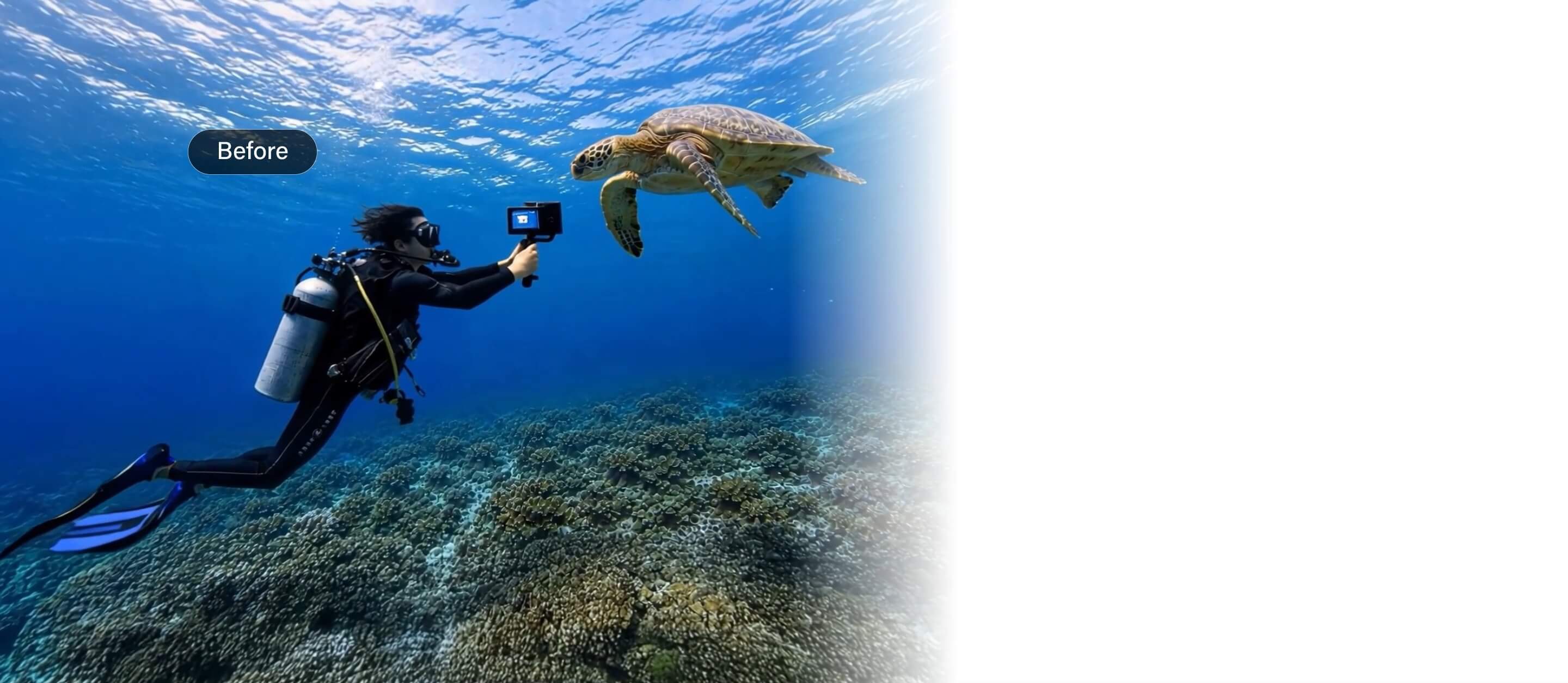
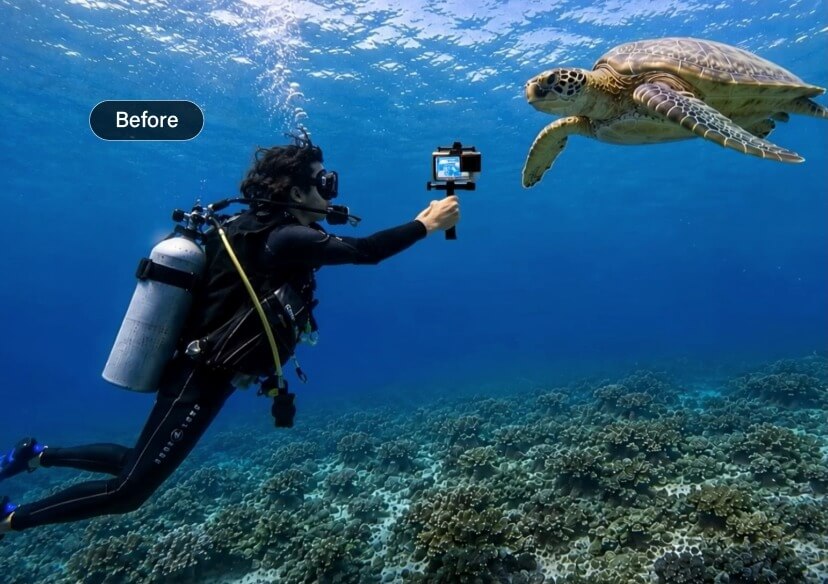




Replace Objects and People in Video
Instantly swap objects and people with AI. No green screen or advanced editing skills required.


How to Edit Your Video with the AI Video Editor
Create amazing AI videos in just 3 easy steps.

Upload Your Video
Choose your favorite AI video model and upload your video file. Supports all major file formats.
Describe Your Edit
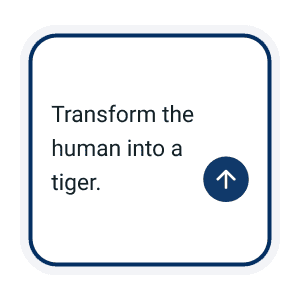
Type what you want to change.
Example: “Turn the person into a tiger” or “Change the outfit to a red dress.”

Generate & Download
Let the AI transform your video in seconds. Preview the result and download your final video in high quality.
Instant Object Swapping
Create clean, professional-looking videos anywhere — no green screen or complicated editing needed. Just tap any object you want to replace. The AI naturally rebuilds the hidden details, making every swap look smooth and realistic in motion.
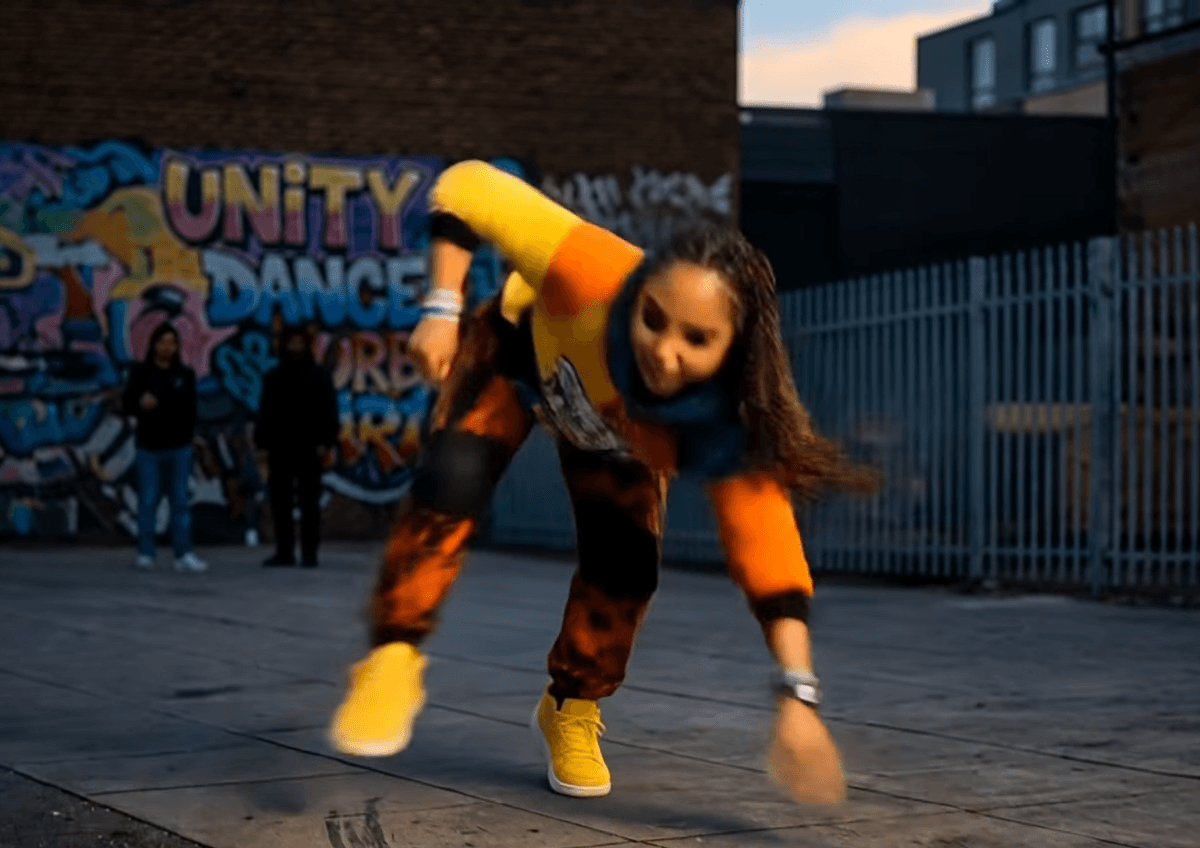
Change People in Video
Swap characters, transform appearances, or replace background people with AI-generated characters in seconds. Just describe the person you want, and the AI updates the video naturally with smooth, realistic motion.
AI Video Editor FAQs
How does the AI object swap feature work?
Simply select the object you want to replace and describe the new object. The AI automatically rebuilds the hidden details and creates smooth, realistic transitions in motion.
Can I change outfits in videos with AI?
Yes. The AI can instantly change clothing styles in your video without reshooting. You can turn casual outfits into formal looks, runway fashion, costumes, and more.
Can I use text prompts to edit videos?
Absolutely. Just type what you want to change, such as “change the outfit to a red dress” or “replace the coffee cup with flowers,” and the AI handles the transformation automatically.
How do I edit videos with AI prompts?
Upload your video and type a prompt describing the change you want. For example, “replace the cup with flowers” or “change the outfit to a black suit.” The AI will generate the edited video automatically.

