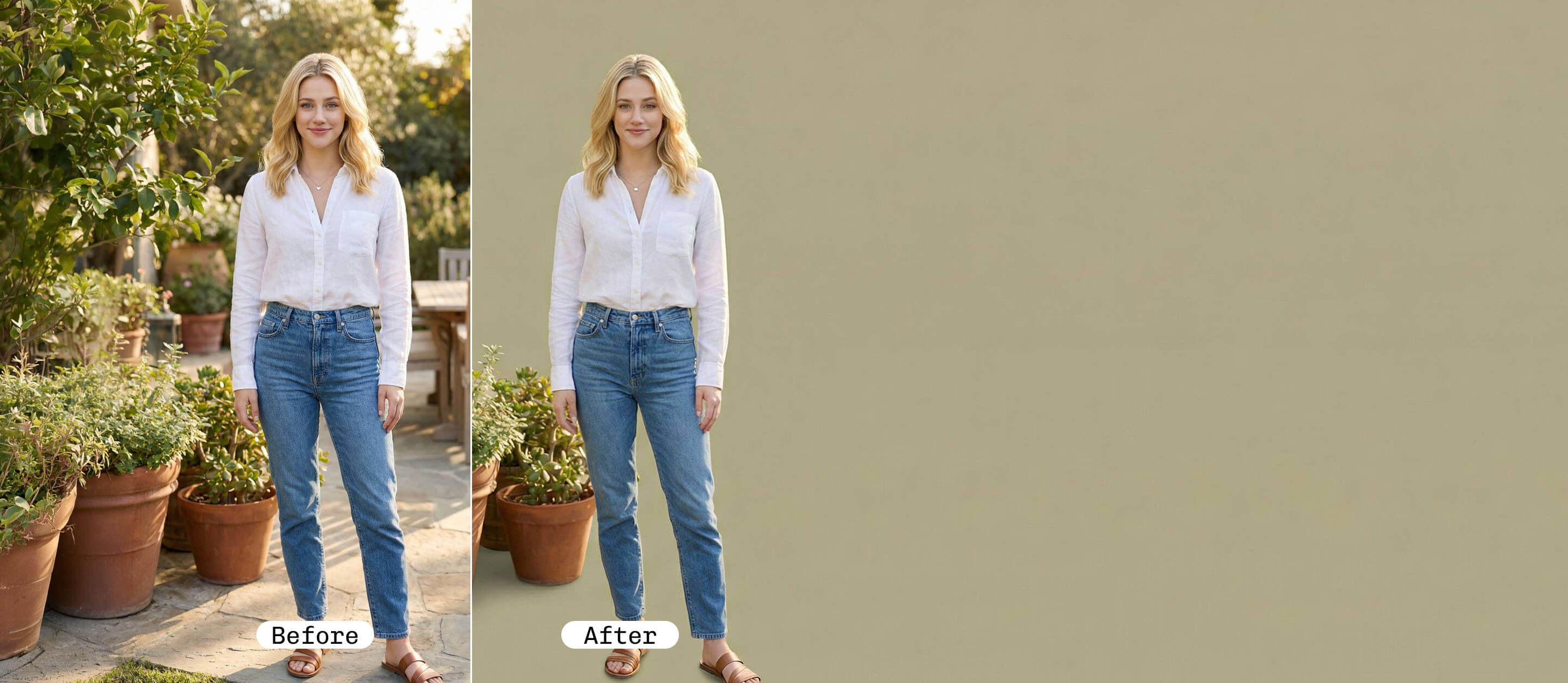
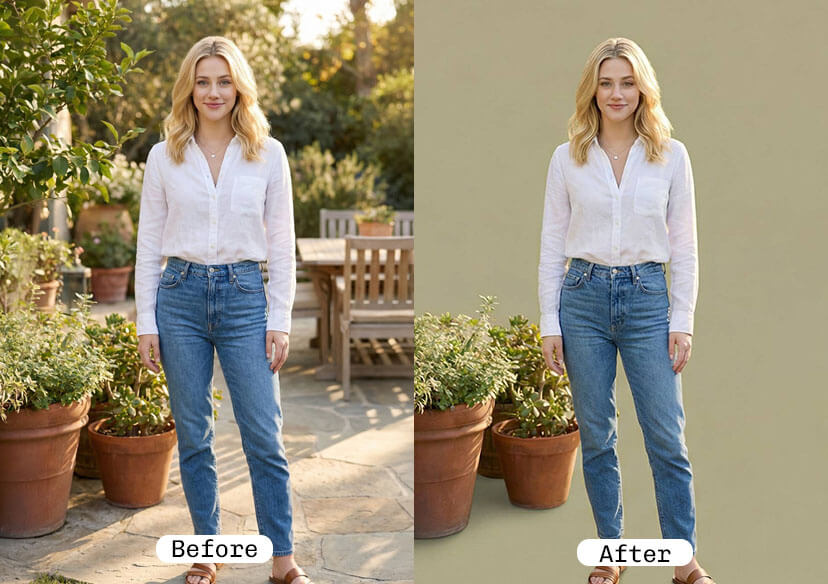




Sage Green Background Changer
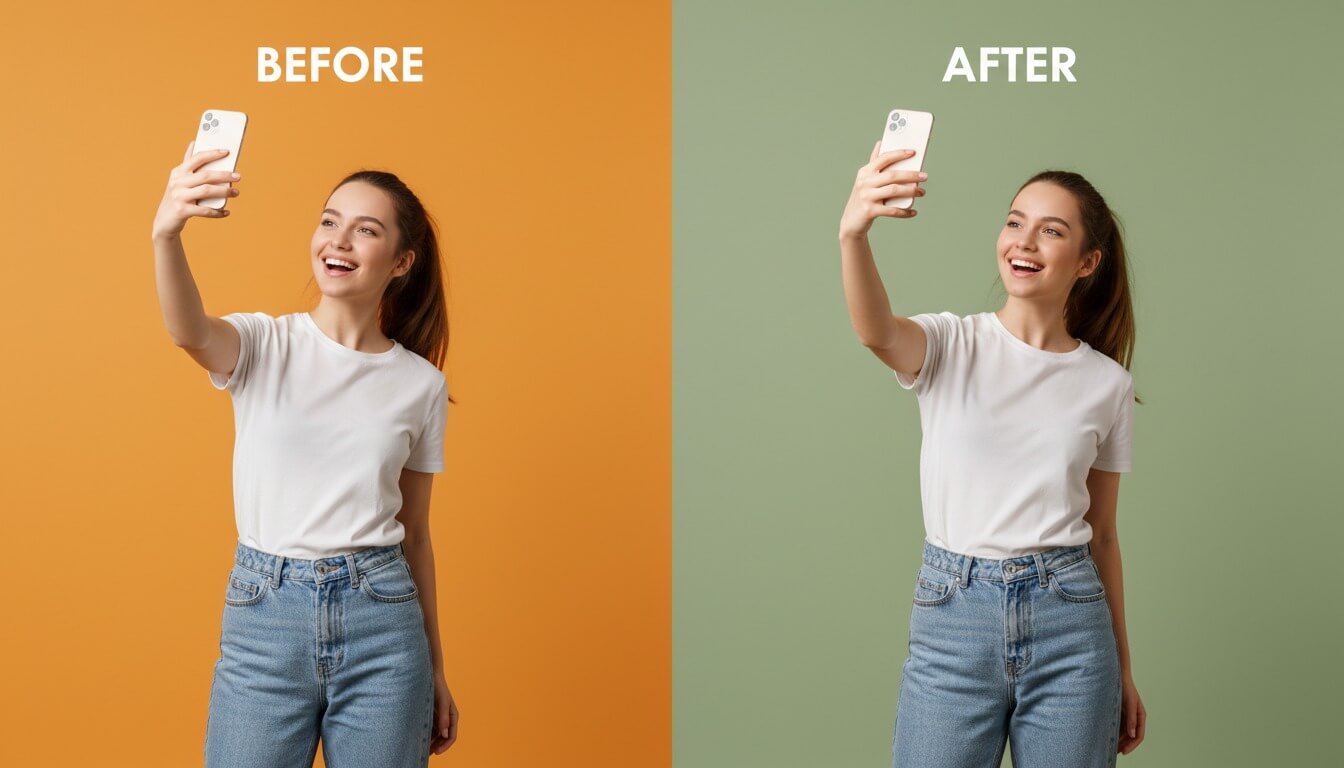
Looking to transform your photo with a soft, natural aesthetic? Replace your photo background instantly with a beautiful sage green with no design experience required!

What is Sage Green?
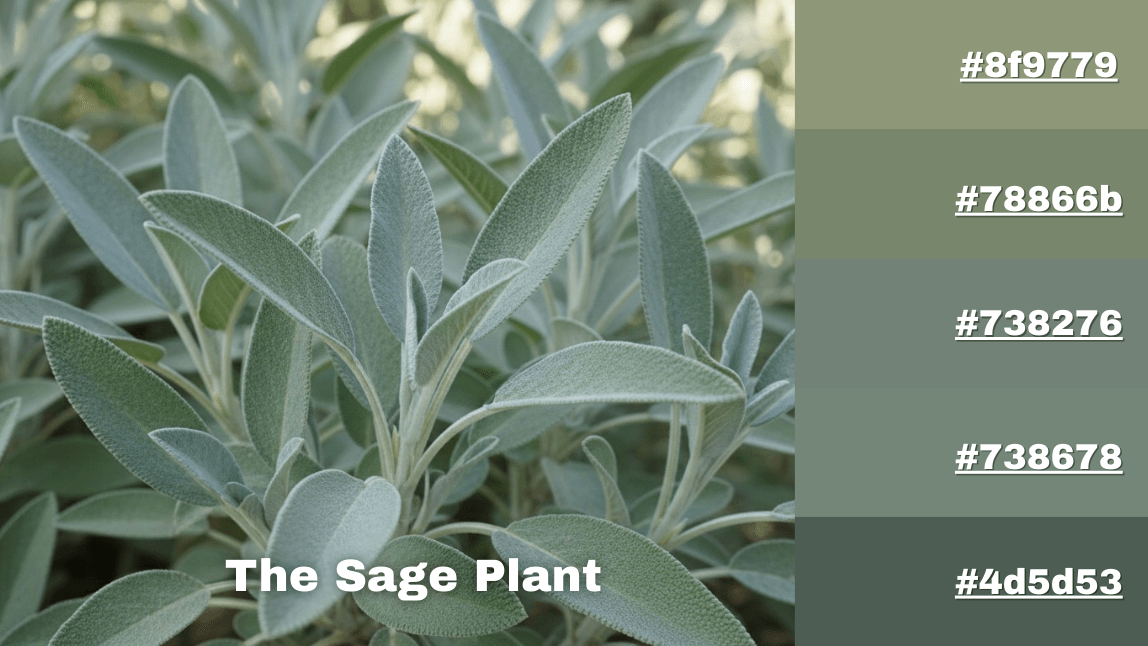
“Sage green is a muted green with gray undertones inspired by the sage plant.”
With its calming and earthy feel, sage green (#b2ac88) sits between green and gray on the color spectrum, and is widely used in interior design, fashion, branding, and photo backgrounds.
Change Your Photo Background to Sage Green in Seconds
With YouCam Online Editor’s Background Changer, you can transform your photo in just a few clicks.

Upload Your Image
Upload your image or drag and drop your image file to get started. We support JPG, JEPG, PNG, TIFF, and GIF formats.

Auto Remove Background
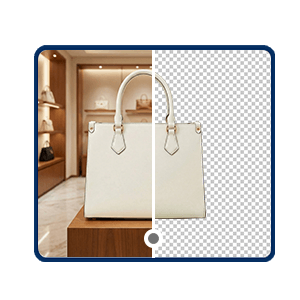
YouCam Online Editor automatically detects and removes the background from your picture.
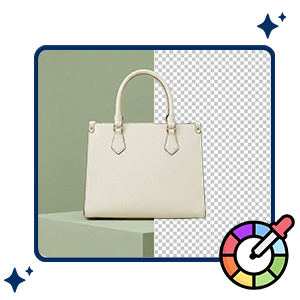
Customize Your Background
Change the background into sage green to make your image on the next level.
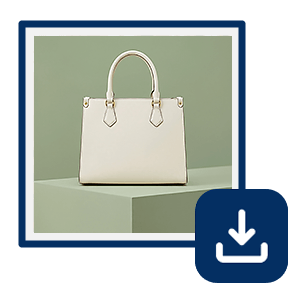
Download Your Image
Click the "Save" button, and enjoy your new image.
Pro Tips for a Natural Sage Green Background
To make your photo look professional and realistic:
- Match lighting direction between subject and background
- Add slight background blur for depth
- Adjust white balance to prevent green color cast on skin
- Add subtle shadow beneath subject for realism
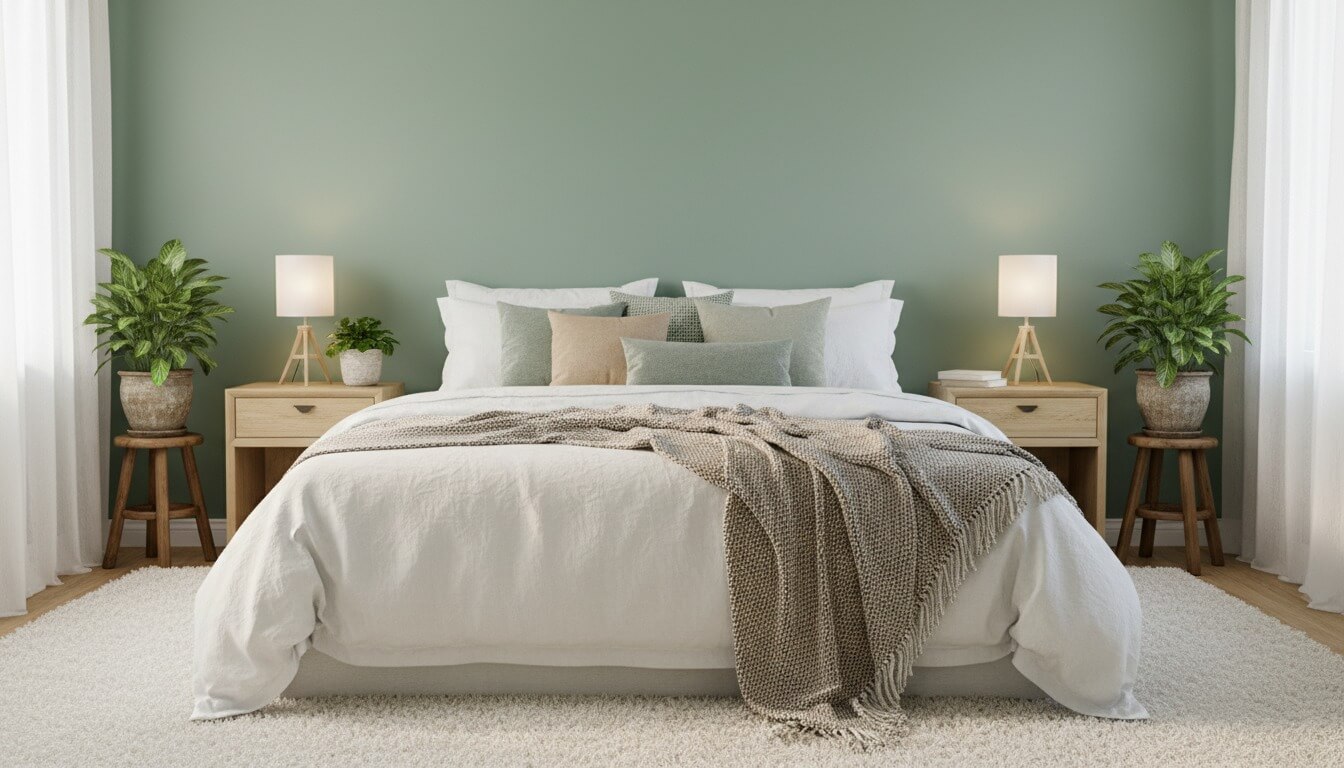
Why Choose Sage Green for Your Photo Background?
Aesthetic Social Media Posts
Sage green creates a clean, cohesive Instagram or Pinterest feed. It enhances skin tones and pairs beautifully with neutrals like beige, ivory, or soft pink.
Wellness & Lifestyle Branding
Associated with balance, harmony, and renewal, sage green is commonly used in wellness brands, eco-friendly products, and holistic businesses.
Fashion & Product Photography
This tone adds sophistication without overpowering the subject. It works exceptionally well for jewelry, skincare products, and minimalist fashion shoots.
Modern Interior or Event Themes
Sage green backgrounds are popular for wedding announcements, baby shower invites, and home décor visuals.
Customize Your Perfect Sage Green Shade
Not all sage greens are the same. You can personalize your background using HEX or RGB codes for consistent branding. Here are some examples for you to try:
- Soft Sage: #B2AC88
- Muted Sage: #9CAF88
- Cool Sage: #A3B18A
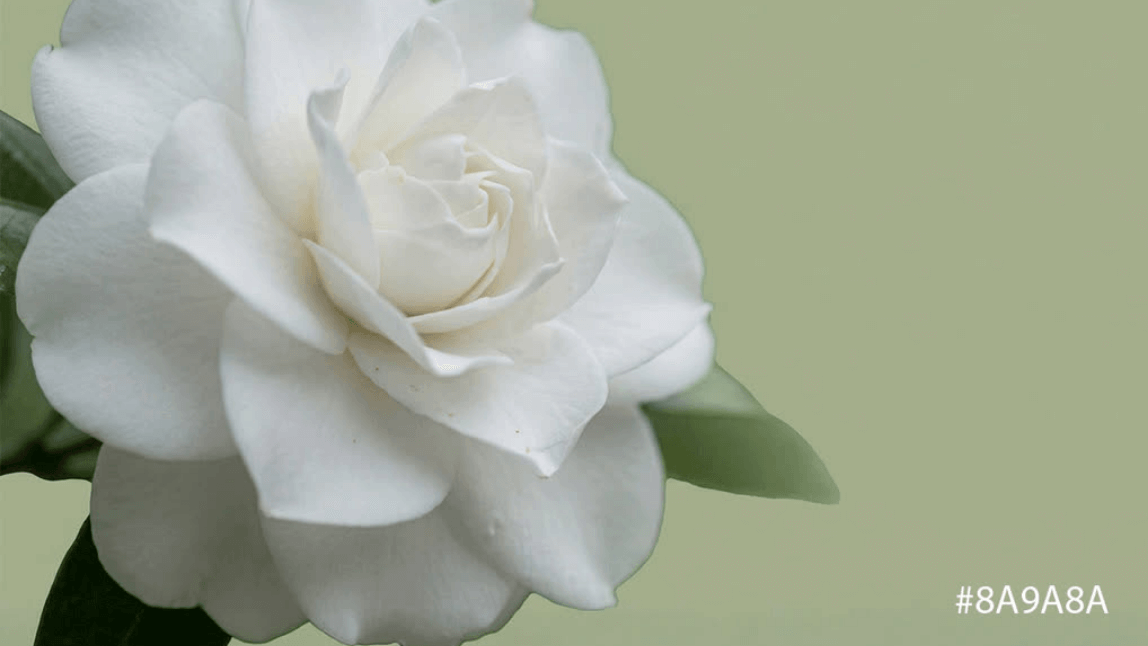
- Gray Sage: #8A9A8A
FAQs for Sage Green Background Changer
Is sage green good for portraits?
Yes. Its muted tone complements most skin tones and creates a calm, flattering effect.
Can I use a custom sage green shade?
Absolutely. You can input HEX codes to create your exact desired tone. Here are 15 different shades for you to choose:
- Soft Sage — #B2AC88
- Pale Sage — #C1CBA1
- Misty Sage — #D8E2C8
- Classic Sage — #A3B18A
- True Sage — #9CAF88
- Herbal Sage — #8F9779
- Deep Sage — #7C8363
- Gray Sage — #8A9A8A
- Earthy Sage — #6E765B
- Muted Sage — #A0B497
- Fresh Sage — #A8BBA2
- Dusty Sage — #889C8A
- Forest Sage — #7A8F74
- Light Sage Green — #BCCCB5
- Warm Sage — #C2B280
Will the sage green background look natural?
Yes. The AI ensures clean cutouts, and you can refine edges manually if needed.
Is YouCam Online Editor free to use?
YouCam Online Editor offers free editing tools, with optional premium features for higher resolution exports and advanced tools.

