





Seedance Video Generator
Seedance Video Generator is designed for creators, marketers, influencers, and anyone who wants to produce engaging AI videos without complex editing software.
Create Videos from Text Prompts
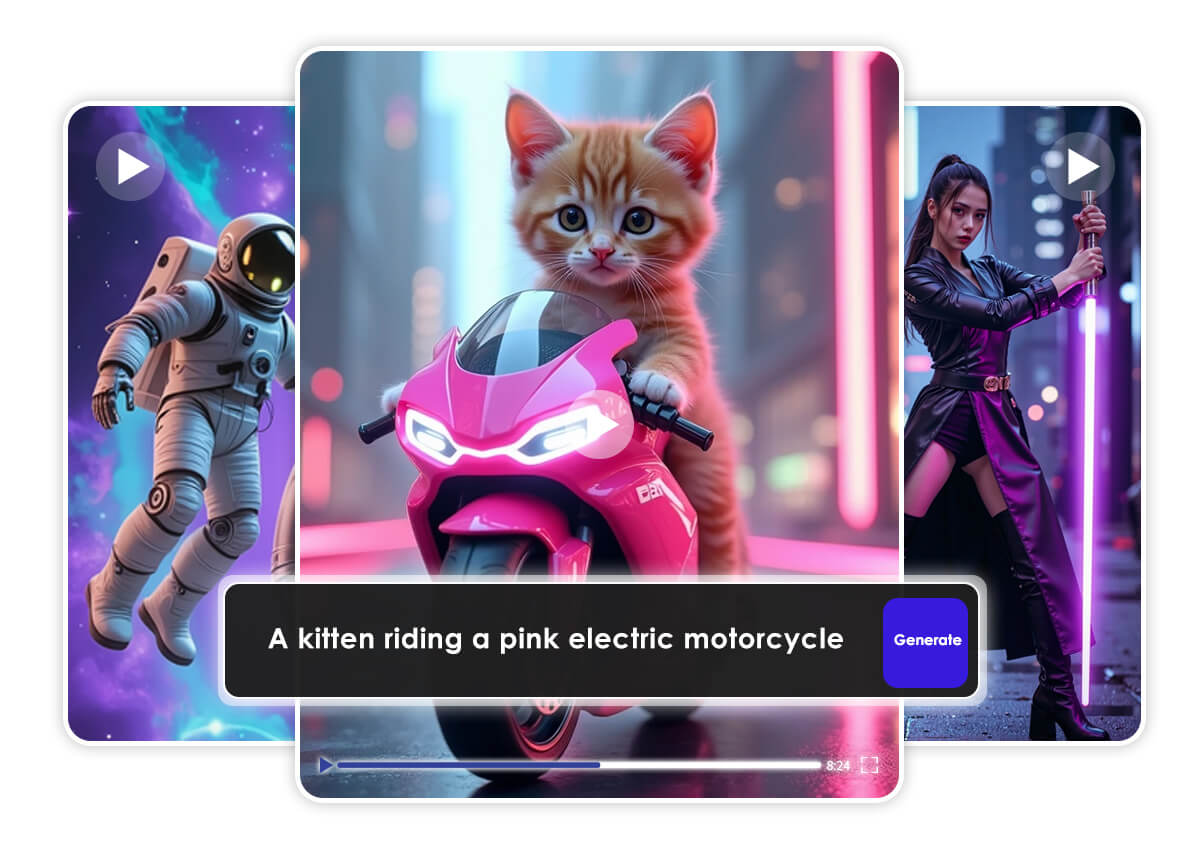
Transform your concepts into production-ready videos within seconds. Simply enter a detailed text prompt describing the scene, visual style, or narrative direction, and Seedance will automatically interpret your intent and generate a fully rendered, high-quality video.
How to Use Seedance Video Generator
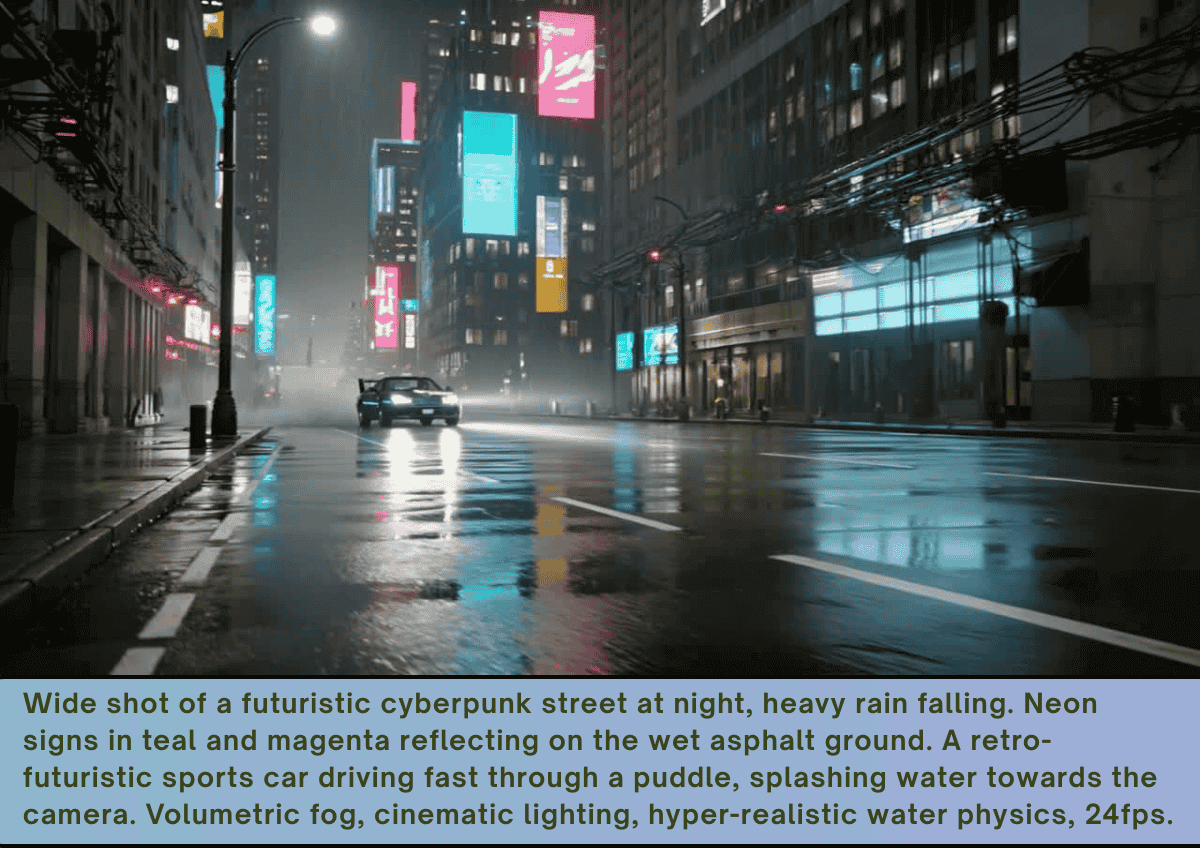
Pro Tips: Add a specific camera movement at the end of the prompt, for example “Dolly zoom” or “Pan right.” Seedance tends to execute these instructions more accurately than general models.

Select Seedance AI Model
Seedance Video Generator now supports 1.0 Lite, 1.0 Pro, 1.0 Pro Fast, and 1.5 Pro models. Experience faster rendering, higher-quality motion, and professional AI video generation online.

Input Detailed Prompt
Enter a prompt to unlock the full power of AI creation. Describe your vision in natural language and watch it transform into stunning results within seconds.

Hit Generate and Save
Watch the AI transform your idea into a fully rendered, high-quality video in just seconds. Once your video is ready, download it and share on Instagram, TikTok, YouTube, and more.
Why Use Seedance with YouCam?
Our AI video generator utilizes advanced deep learning algorithms to analyze your text prompts, understand context and visual intent, and transform them into dynamic, high-quality videos within seconds.
- Multi-Model Access: Choose the best Seedance model for your goal.
- Fast & Flexible: Generate videos in seconds with Seedance Pro.
- All-in-One Workflow: Combine Seedance’s AI video generation with YouCam’s editing tools for finished content that looks professional and eye‑catching.
Why Seedance Is So Popular?
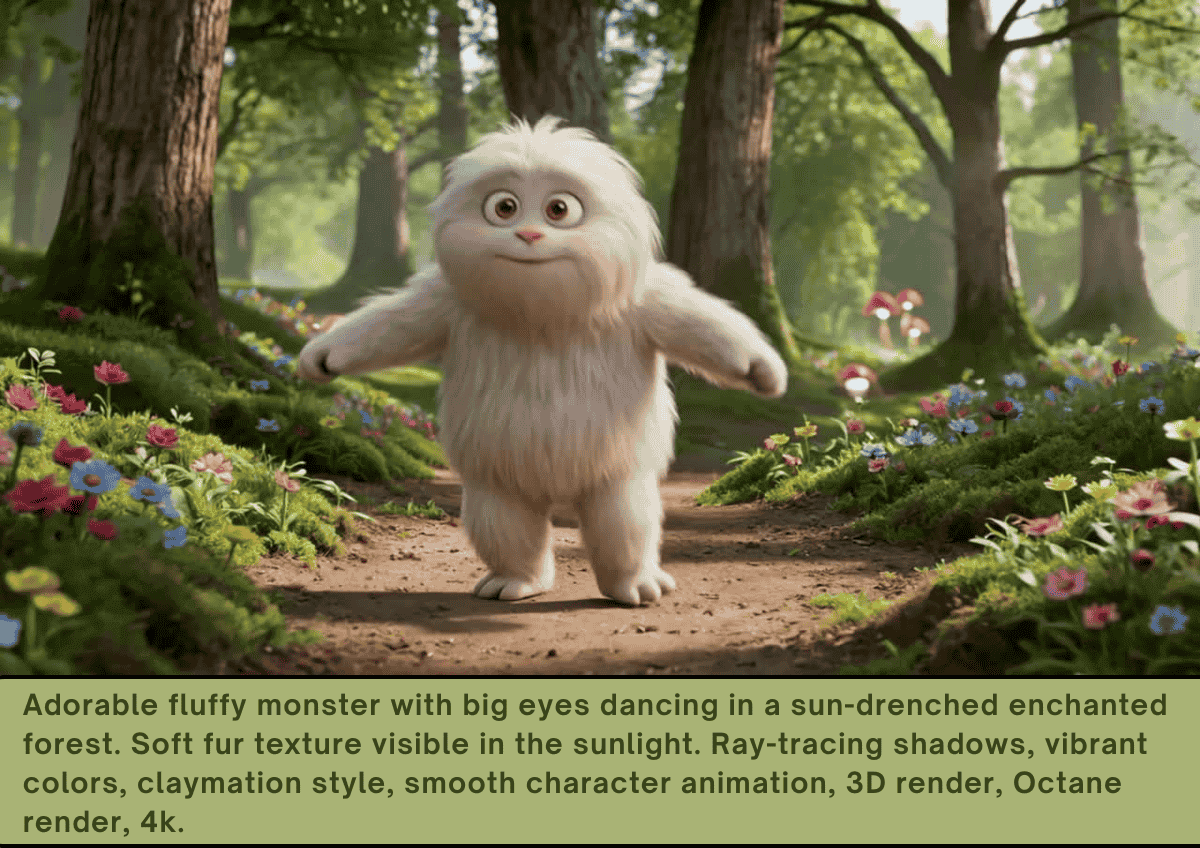
Seedance is popular because it removes technical barriers and delivers high-quality AI video content fast and efficiently.
- Fast AI Video: Turn prompts into videos in seconds.
- Easy Workflow: No editing skills needed.
- Social-Ready: Optimized for TikTok, Instagram, YouTube.
- Professional Look: Polished, cinematic results.
- Scalable: Create multiple videos quickly.
Seedance Video Generator FAQs
Does Seedance generate video with audio?
Yes. Seedance can generate videos with built-in audio, including background music and sound effects, depending on the model version you use.
What is Seedance?
Seedance is an AI model that turns text prompts into fully rendered videos in seconds. It’s designed for creators, marketers, and social media content production.
What is the difference between Seedance Lite and Pro?
The main difference between Seedance Lite and Pro is quality, control, and output capability.
- Seedance Lite is designed for speed and efficiency. It renders videos faster and is ideal for quick social media content, concept testing, and high-volume creation.
- Seedance Pro delivers higher resolution output, more refined motion consistency, and better scene coherence. Making it better suited for professional projects, brand campaigns, and cinematic storytelling.

