


Skin Color Changer Online
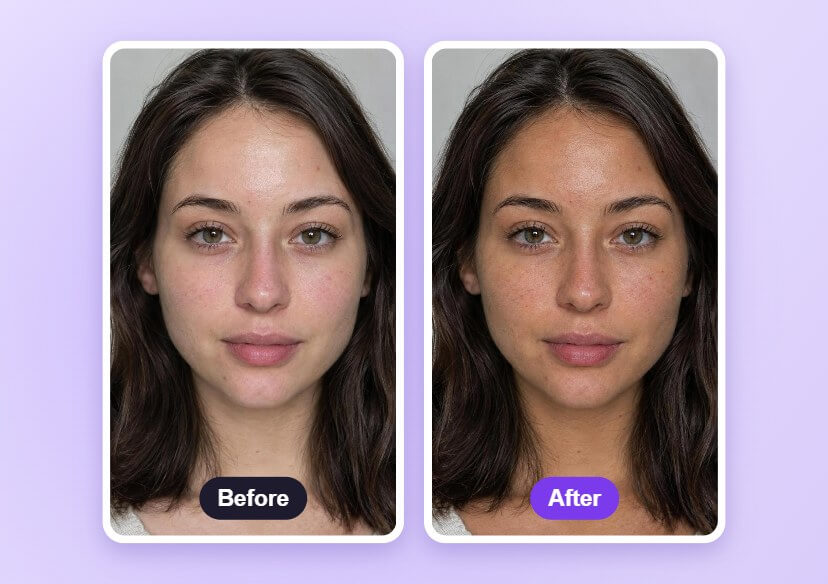
Change the skin tone in a portrait with the YouCam AI Agent. Describe the tone you want, such as a natural tan, and compare it with the original.





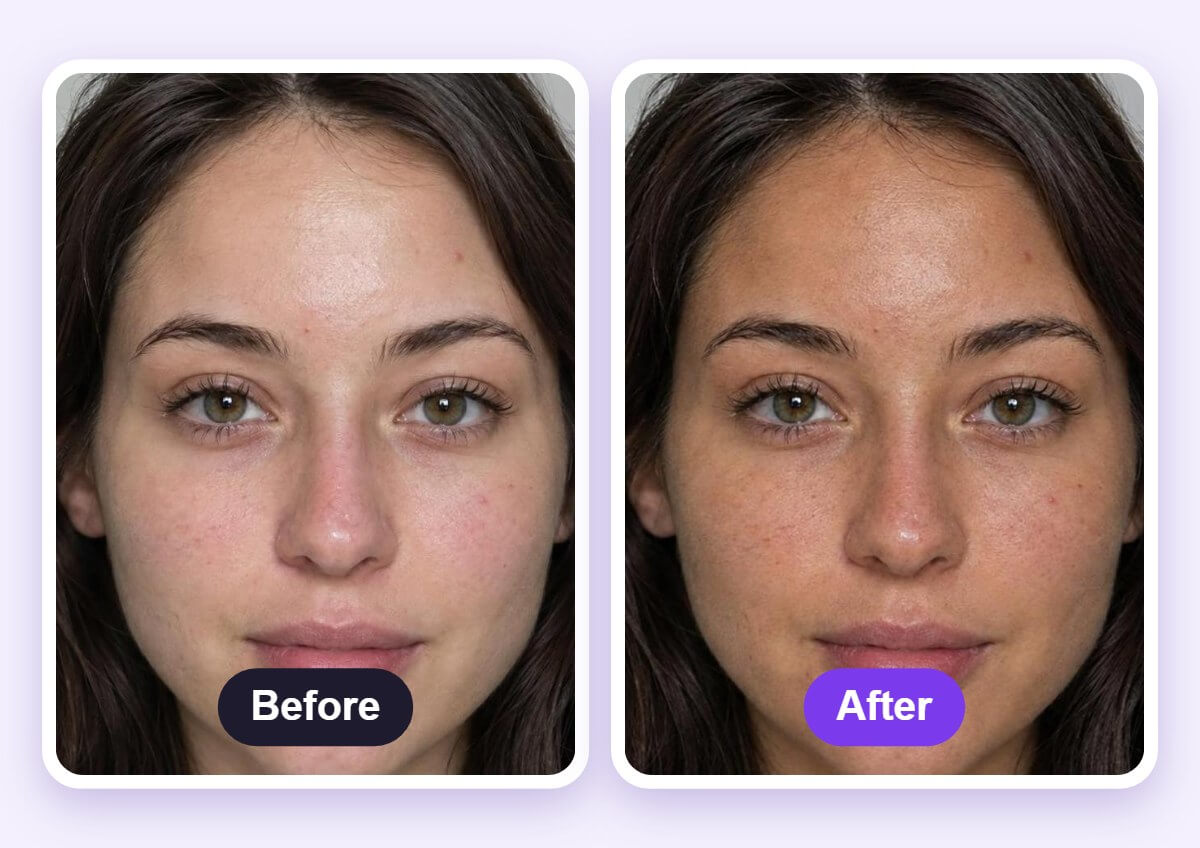
See the Skin Tone Before and After
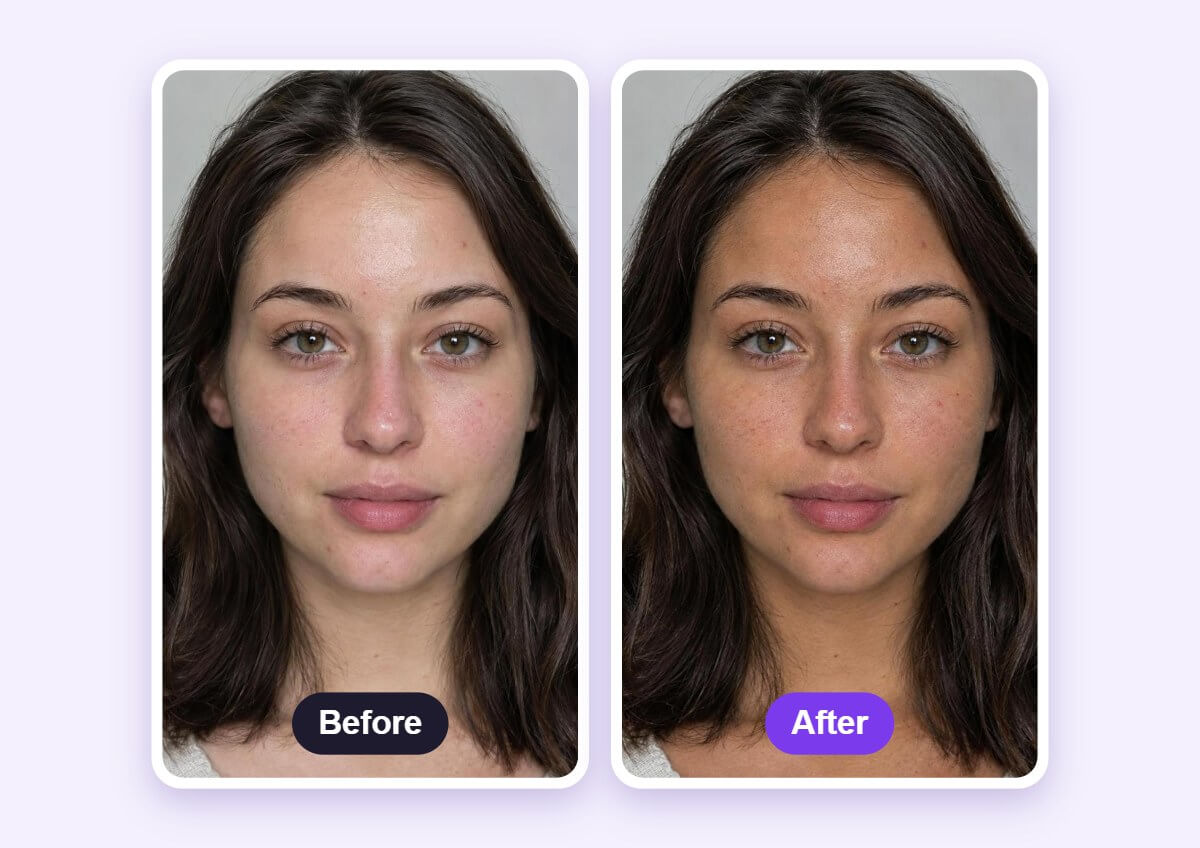
Side by side, you can check that the tone changed while the face, hair and light stay the same.
How to Change Skin Color with AI
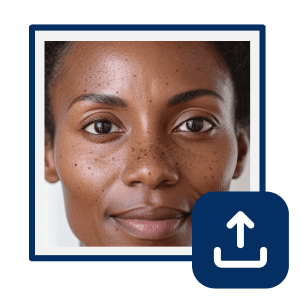
Upload a Clear Portrait
Open the AI Agent and upload a sharp, front-facing photo in even light with the face and neck visible.

Describe the Skin Tone
Type the change you want, such as a natural sun-kissed tan, and ask to keep the hair, eyes and background the same.
Compare and Download
Check the result against the original photo, then download the edited image.
Natural Tone, Real Texture
Ask for the tone you want and the AI Agent shifts the skin while freckles, pores and fine texture stay visible, so the face does not look painted. Use it to preview a tan or a warmer tone.
FAQs: Skin Color Changer
What is an AI skin color changer?
It edits the skin tone in a photo from a text description, such as a natural tan, without changing the rest of the picture.
What photo works best?
A sharp, front-facing photo in even light, with the face and neck clearly visible.
Does it change hair, eyes or the background?
You can ask it to keep them the same. Compare the result with the original, because AI edits can shift small details.
Will it look like a real tan?
It aims for a natural tone and keeps freckles and skin texture, but results vary by photo and wording. Ask for a subtle tone and refine it in a follow-up message if needed.
Can I try another shade?
Yes. Send another message describing a different shade or a softer result, and compare each version with the original.
How do I save the edited photo?
Download the image from the result once you are happy with it.

