






Replace Sky in Photos Online
Fast, automatic sky replacement with stunning results





Fix Bad Weather in Travel Photos
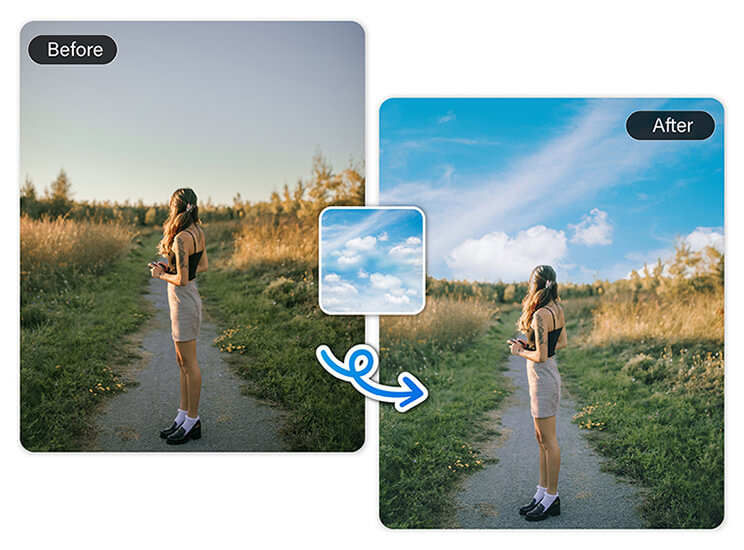
Don’t let gray skies ruin your perfect memories. Whether your beach day turned gloomy or your mountain hike was fogged over, AI sky replacement can bring your shots back to life. No Photoshop needed, just use our sky replacement online tool.
Upgrade Social Media Content
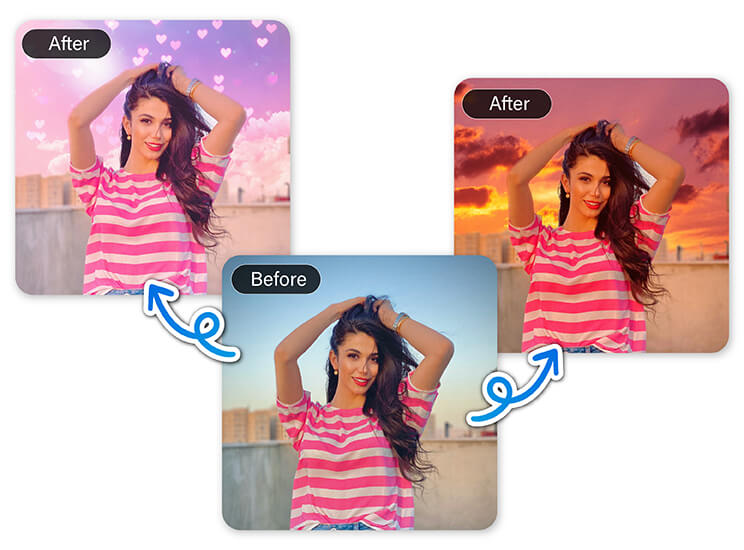
Make every photo Instagram-ready with a perfect sky. If you’re building your personal brand or curating your feed, a flat or cloudy sky can throw off your whole aesthetic. Use AI sky replacement to instantly match the vibe you want: golden hour, dreamy clouds, or a dramatic sunset. Our sky replacement tool helps your content stand out, no matter the original lighting.
Enhance Real Estate & Landscape Shots
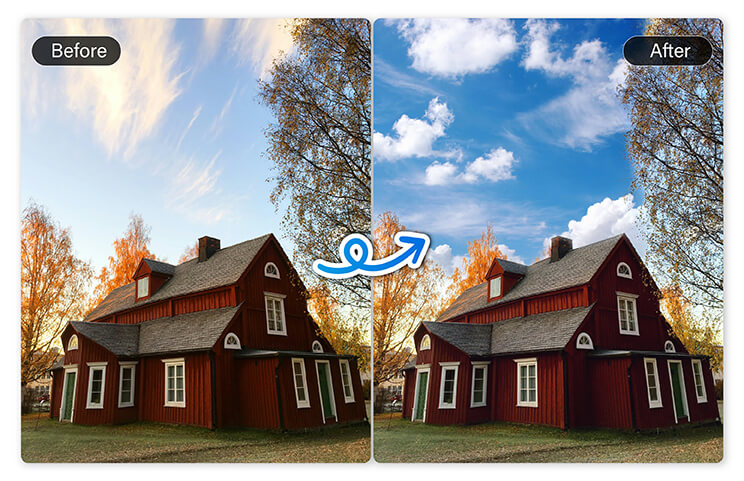
Showcase your properties or outdoor scenes in the best light. When you're listing a home or presenting a location, first impressions matter. A bright, clear sky can dramatically improve how a property looks. With sky replacement online, you can swap out flat skies for sunny or twilight views that highlight the environment.
Create Projects, Posters, and Presentations
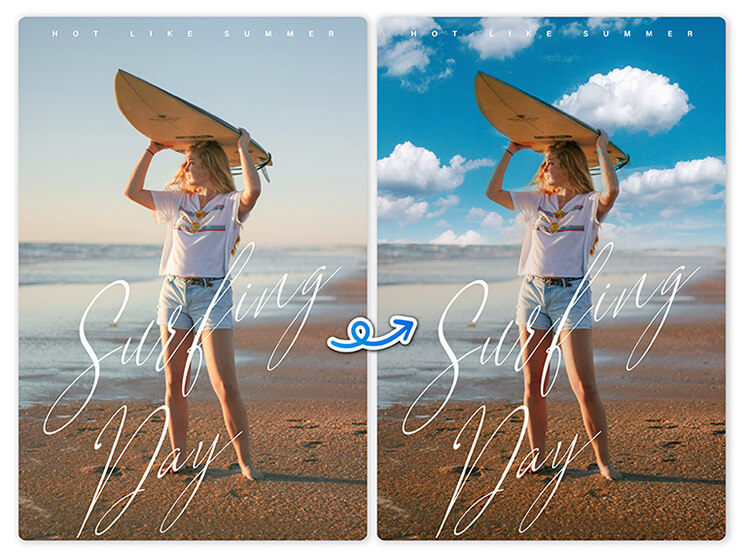
Bring your visual projects to life with the perfect sky backdrop. Students, educators, and creatives often need custom visuals for classwork or client work. Using the sky replacement tool, you can quickly change the mood of a photo to fit your theme, whether it’s science fair material or a design portfolio.
Why Use AI Sky Replacement?
- Quick & Easy: Replace skies in seconds with just one click, no editing experience required.
- Save Time: Skip manual cutouts or complicated software; everything happens right in your browser.
- Creative Flexibility: Choose any sky style you like, from clear blue to dramatic sunsets.
- No Downloads Needed: Enjoy full sky replacement online using the YouCam Online Editor - anytime, anywhere.
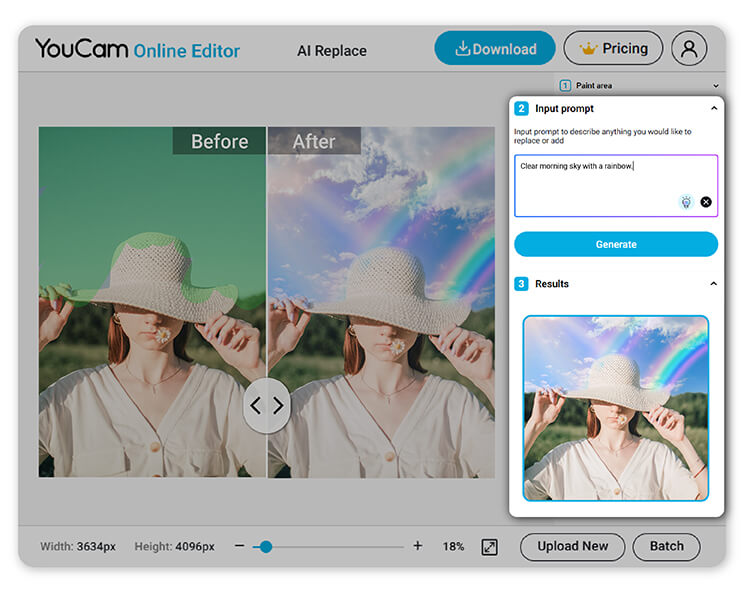
How to Replace the Sky in Your Photo
It's fast, easy, and completely online - no software or design skills needed.
With the YouCam Online Editor, you can replace the sky in any photo using the Change Background tool powered by AI. Here’s how to get started:

Upload Your Photo
Choose any image with a sky you'd like to improve: travel shots, portraits, or landscapes.


Replace the Sky
Open the Change Background tool, select a new sky from our library or upload your own, and let AI do the rest.

Save Your Photo
Download your edited image in seconds: ready to share or print.
Sky Replacement FAQs
How to do a sky replacement?
To do a sky replacement, simply upload your photo to an online editor like YouCam Online Editor, which uses AI sky replacement technology. The tool automatically detects the sky and lets you replace it with a new one, like clear blue, golden hour, or dramatic clouds. It’s fast, seamless, and doesn’t require any editing skills. Just upload, choose your sky, and save.
How does a sky swap work?
A sky swap works by using AI and background detection to identify the sky area in your photo. Tools like YouCam Online Editor then replace that sky with a new one, blending it naturally with the rest of the image. This ensures realistic lighting, color, and edges without manual editing. It's a smart, efficient way to enhance your photos.
How to replace sky in a photo?
To replace the sky in a photo, go to YouCam Online Editor and use the Change Background tool. Upload your photo, choose a new sky background, and the AI sky replacement feature will automatically make the change. No apps or downloads are needed; everything is done online in seconds. Perfect for travel photos, portraits, or real estate images.
What is the best sky replacement software?
One of the best tools for sky replacement is YouCam Online Editor, especially for quick and easy edits. It offers powerful AI sky replacement capabilities right in your browser, no advanced software or skills required. For professional use, apps like Photoshop exist, but YouCam is ideal for fast, seamless, and free sky edits.
How to edit sky on iPhone?
To edit the sky on your iPhone, open your browser and go to YouCam Online Editor. Upload your photo and use the Change Background tool to swap out the sky. It works directly in Safari or any mobile browser, so no need to download an app. You’ll get instant, realistic sky edits using AI, right from your phone.

