



Sticker Maker App
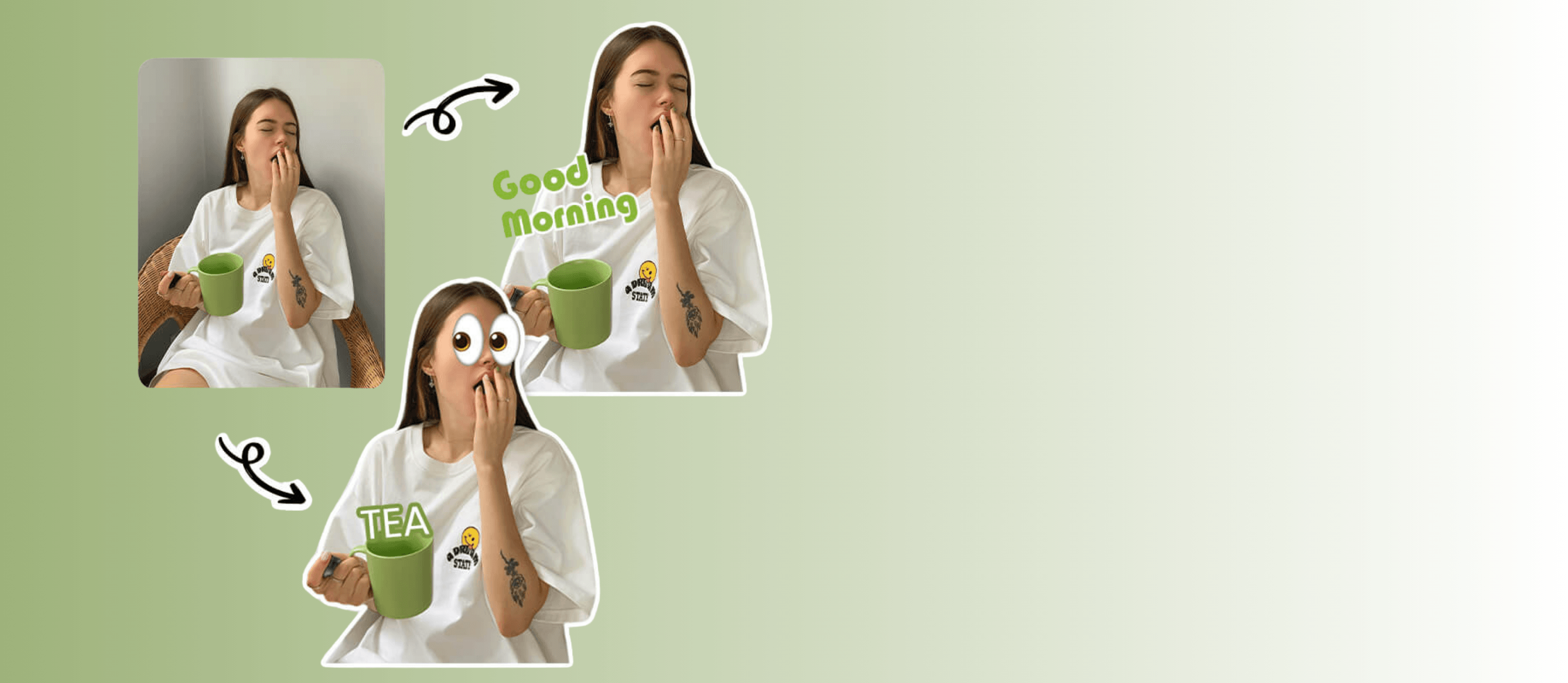
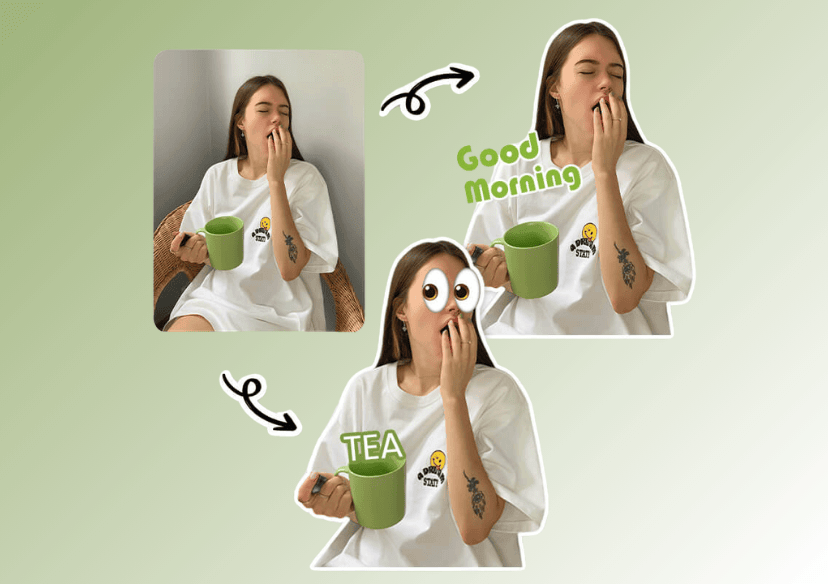
Create your own personalized stickers with YouCam Sticker App. Turn your photos, emojis, and drawings into unique stickers for chats, social media, or messaging apps.
Download App for FreeTry AI Replace OnlineHow to Create Stickers?
You can crop, add text, apply effects, and design stickers that perfectly express your personality and style.
Pro Tip: Experiment with layers, colors, and text styles to make your stickers stand out. Save your creations and reuse them across different platforms for maximum fun and expression.

Upload or Take a Photo
Start by selecting a photo from your gallery or snapping a new selfie. You can also use emojis or your own drawings as the base for your sticker.

Customize Your Sticker
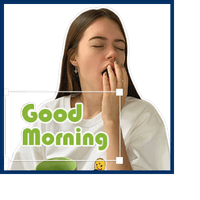
Use the app’s tools to crop, remove backgrounds, add text, apply filters, and layer effects. Adjust colors, fonts, and styles to make your sticker unique and expressive.

Share Anywhere
Use your stickers in messaging apps, social media, or chats. Share with friends or keep them for your personal use to make every conversation more fun!

Try the Best Sticker App
Crop images, remove backgrounds, add text, apply filters, and layer effects to craft stickers that look polished and professional. Even if you have never made stickers before, the app guides you step by step, turning the process into a fun and creative experience.
Create Stickers That Are Uniquely Yours
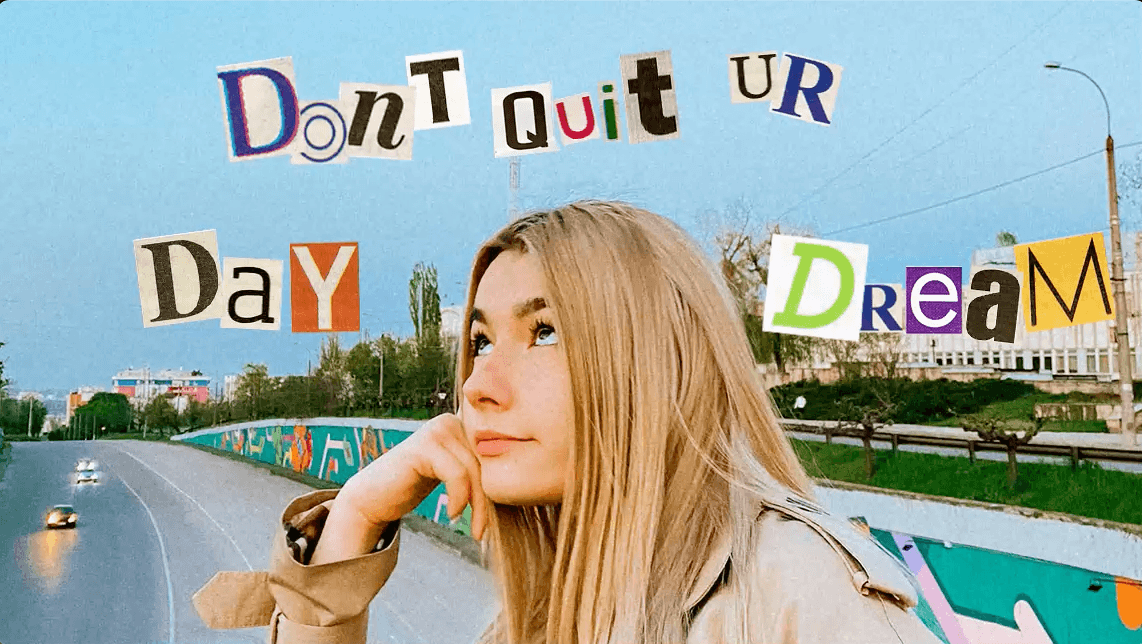
Turn any photo, emoji, or drawing into a custom sticker that perfectly reflects your personality and style. Whether it is a selfie, a pet photo, or a doodle, you can transform it into a sticker that expresses your mood, emotions, or creativity. Stand out in chats and social media with designs that are completely one of a kind.
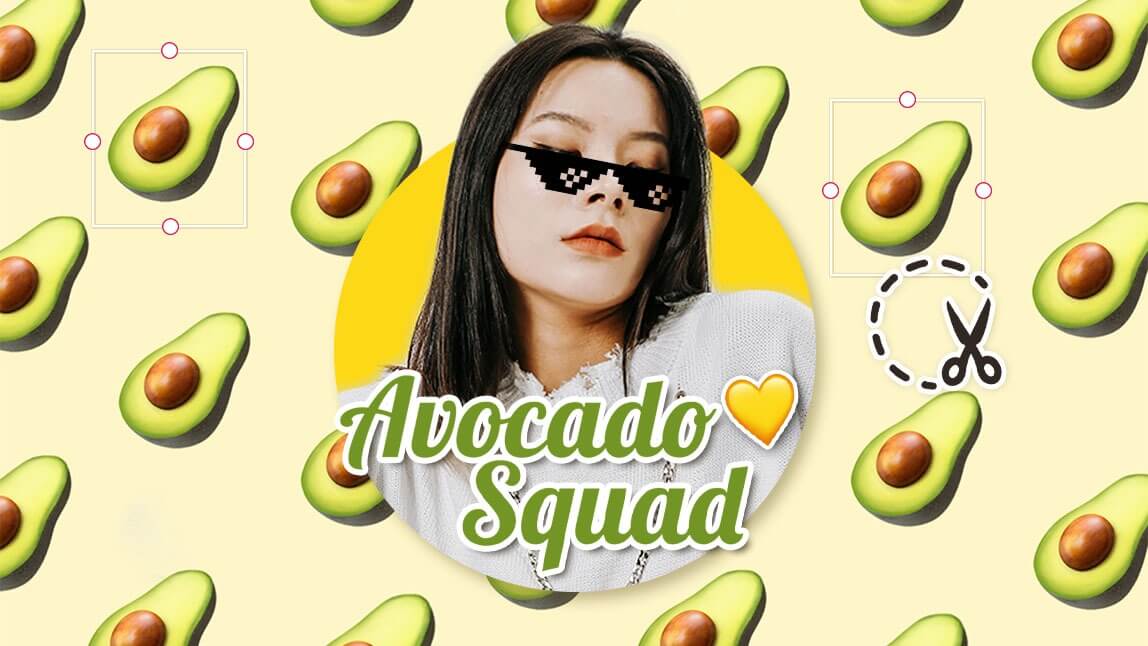
Share and Brighten Every Conversation
Instantly use your stickers in messaging apps, social media posts, or chat platforms. Share with friends or save for later, and watch your conversations come alive. With endless customization options, your sticker collection grows with you, keeping your chats playful, memorable, and uniquely personal.
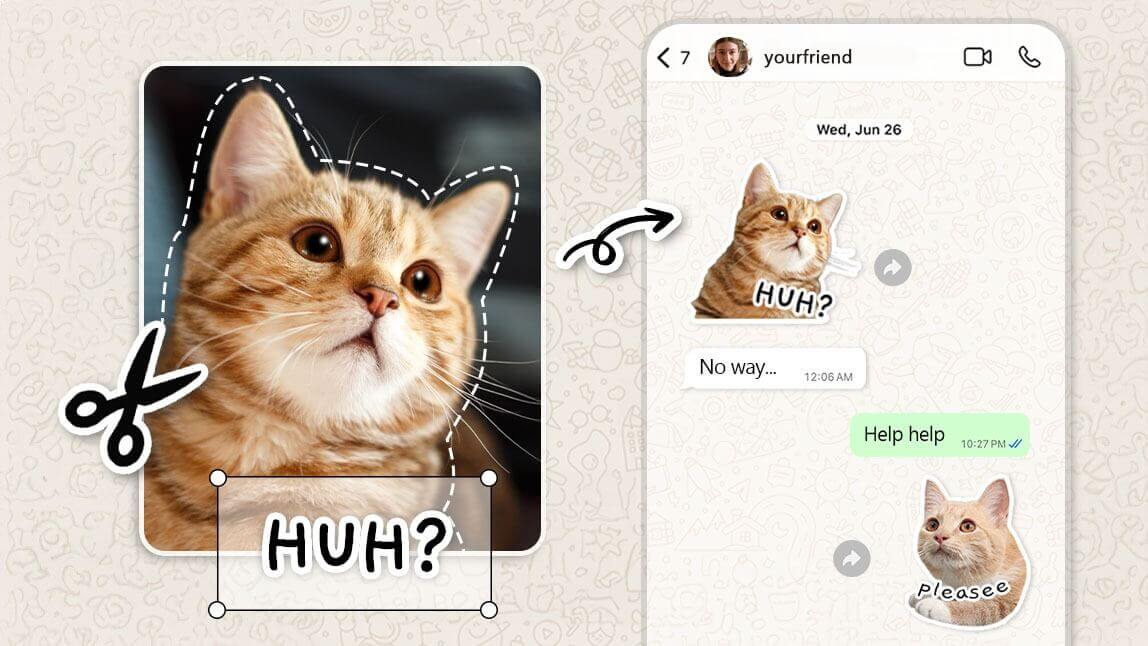
Sticker App FAQs
What is the Sticker Maker App?
It’s an app that lets you create personalized stickers from your photos, emojis, or drawings. You can crop, add text, apply effects, and design unique stickers for chats and social media.
Can I use my own photos to make stickers?
Yes! You can upload any photo from your gallery or take a new one directly in the app to turn it into a custom sticker.
Can I add text or effects to my stickers?
Absolutely. You can add text, emojis, filters, and other creative effects to make your stickers truly unique.
Are the stickers compatible with messaging apps?
Yes. Stickers you create can be exported and used in popular messaging apps, social media, and chat platforms.
Can I share my stickers with friends?
Yes, you can easily share your custom stickers with friends via messaging apps, social media, or by exporting them as image files.
Create, customize, and share stickers that make your chats come alive!