



AI Tier Maker
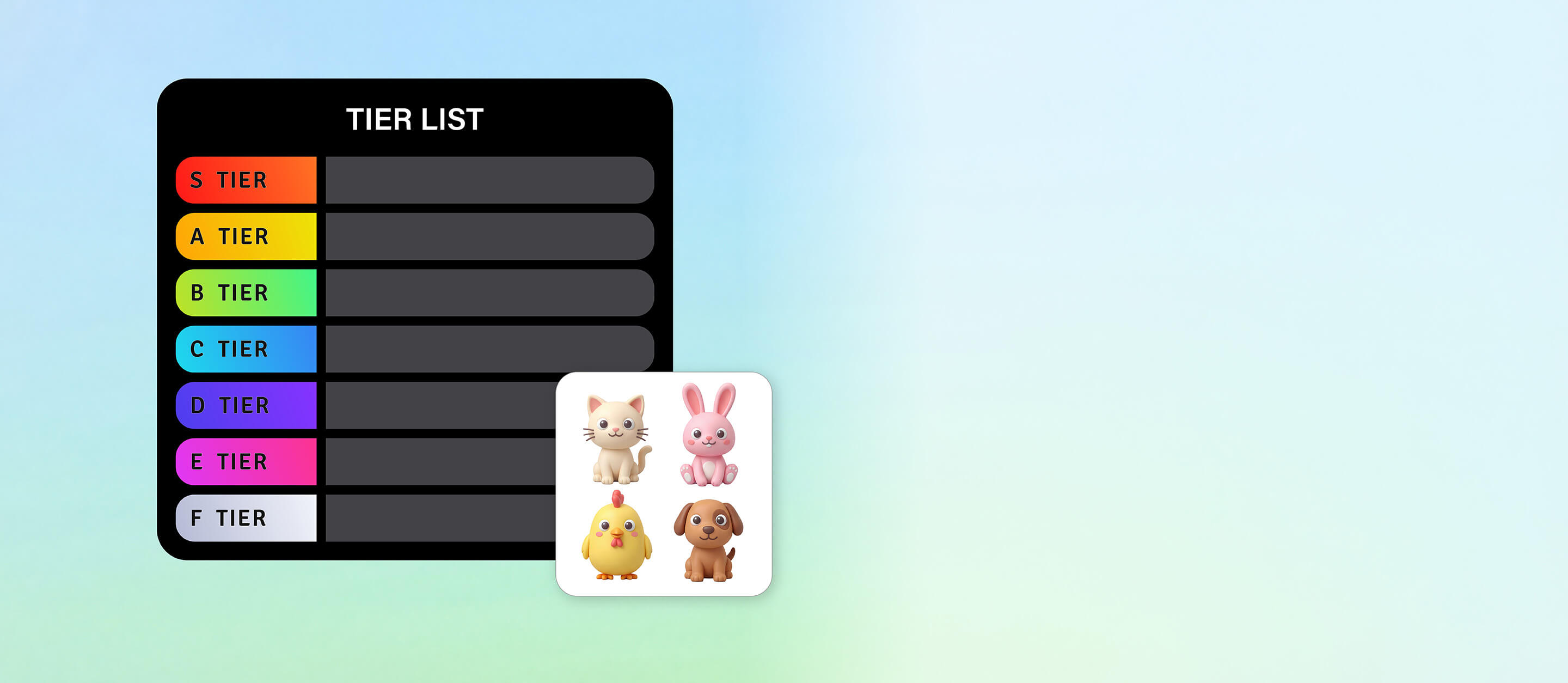
Bring your tier lists to life with YouCam tier maker! Turn ideas, characters, or concepts into vivid visuals automatically and organize them with ease.
Generate Your TierOrganize Your Favorites with a Tier Maker
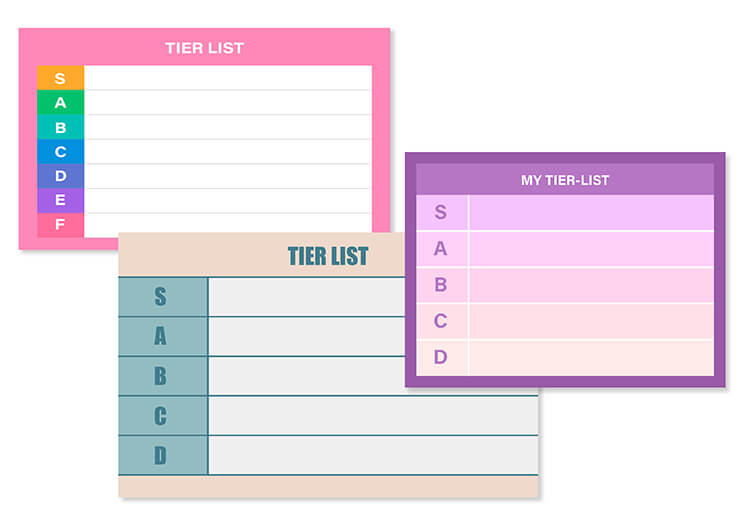
Creating tier lists is a fun way to rank your favorite games, characters, movies, or trends. With YouCam tier maker, you can easily visualize your rankings in a clear and colorful layout. Whether it’s for personal use or sharing online, this tool makes organizing your favorites effortless.
Perfect for Creative Projects and Social Sharing
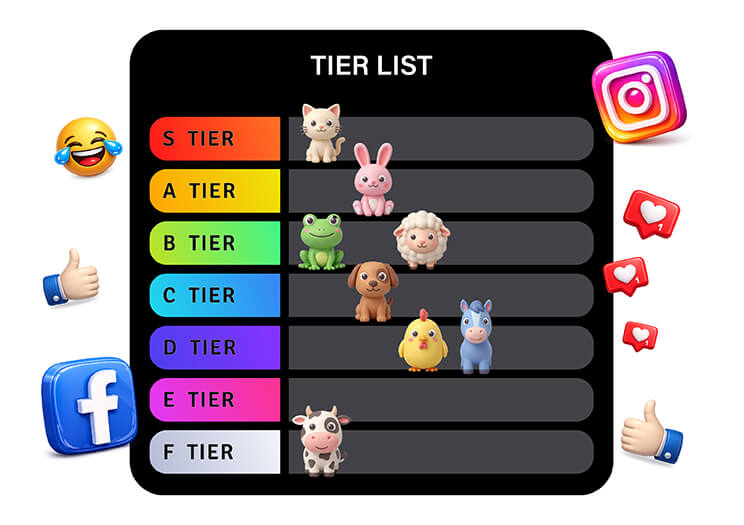
Tier lists aren’t just for ranking - they’re a creative outlet. Use our tier maker to craft unique content for social media, blogs, or group discussions. With AI-generated images, your tier lists stand out and spark conversations every time.
How to Create a Tier List with AI Tier Maker
Getting started with your tier list is quick and fun. With YouCam Online Editor’s Text-to-Image AI, you can turn your ideas into visual rankings in just a few steps. Follow this simple guide to bring your tier list to life:
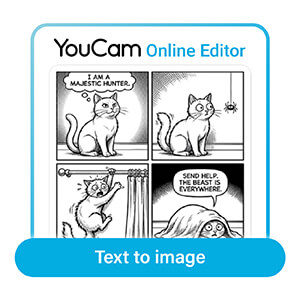
Open the Text-to-Image AI Image Generator
Launch the AI tool directly within YouCam Online Editor.
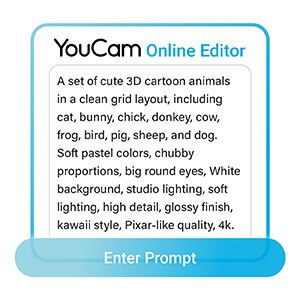
Type in your prompt
Describe the character, item, or concept you want to appear in your tier list.
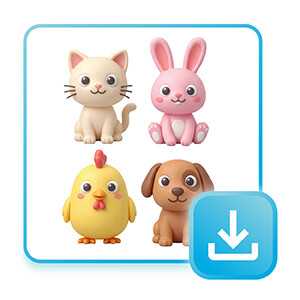
Generate and save your image
Once the AI creates your image, save it and place it into your tier list.

Tier Maker FAQs
What is a tier maker?
A tier maker is a tool that helps you create visual rankings of items, characters, or concepts. With YouCam Online Editor, you can use the Text-to-Image feature to generate custom images for each item, making your tier list more engaging and shareable online. It’s perfect for both personal and social content.
How do I make a tier list with AI?
To make a tier list with AI, open YouCam Online Editor’s Text-to-Image generator, type a prompt for each item, generate the images, and save them. Then drag and drop the visuals into your tier list, arranging them in the order you want. AI makes every list visually unique and creative.
What can I use a tier maker for?
A tier maker can rank anything from games and movies to trends and personal favorites. It’s also a creative tool for social content, fan debates, or classroom activities. YouCam Online Editor’s AI images add a unique visual touch, making your tier lists more interactive and memorable.

