



Virtual Try On App for Clothes
Want to see how clothes look on you without trying them on? Use a virtual try on app to try outfits instantly and explore styles from the comfort of your home.
Download APP for FreeTry On Clothes OnlineExplore Fashion Instantly
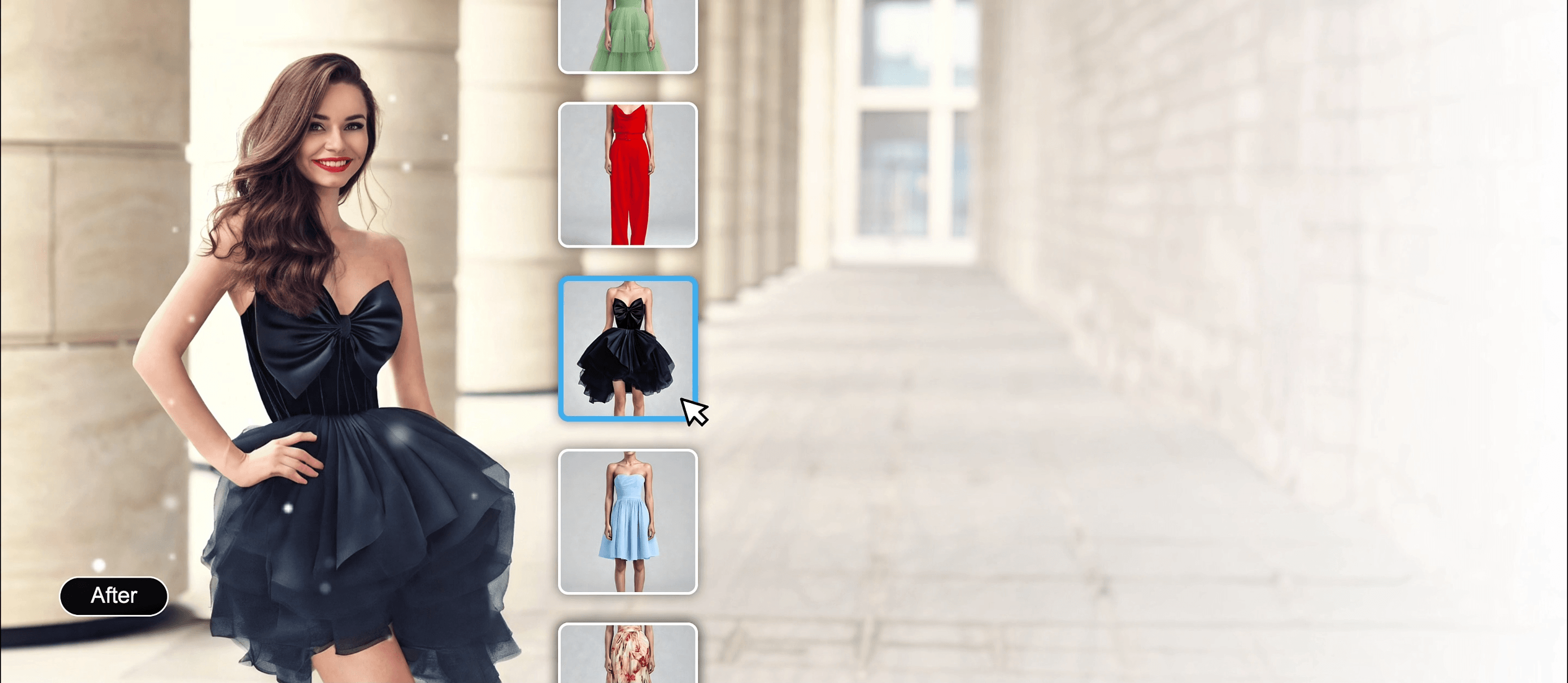
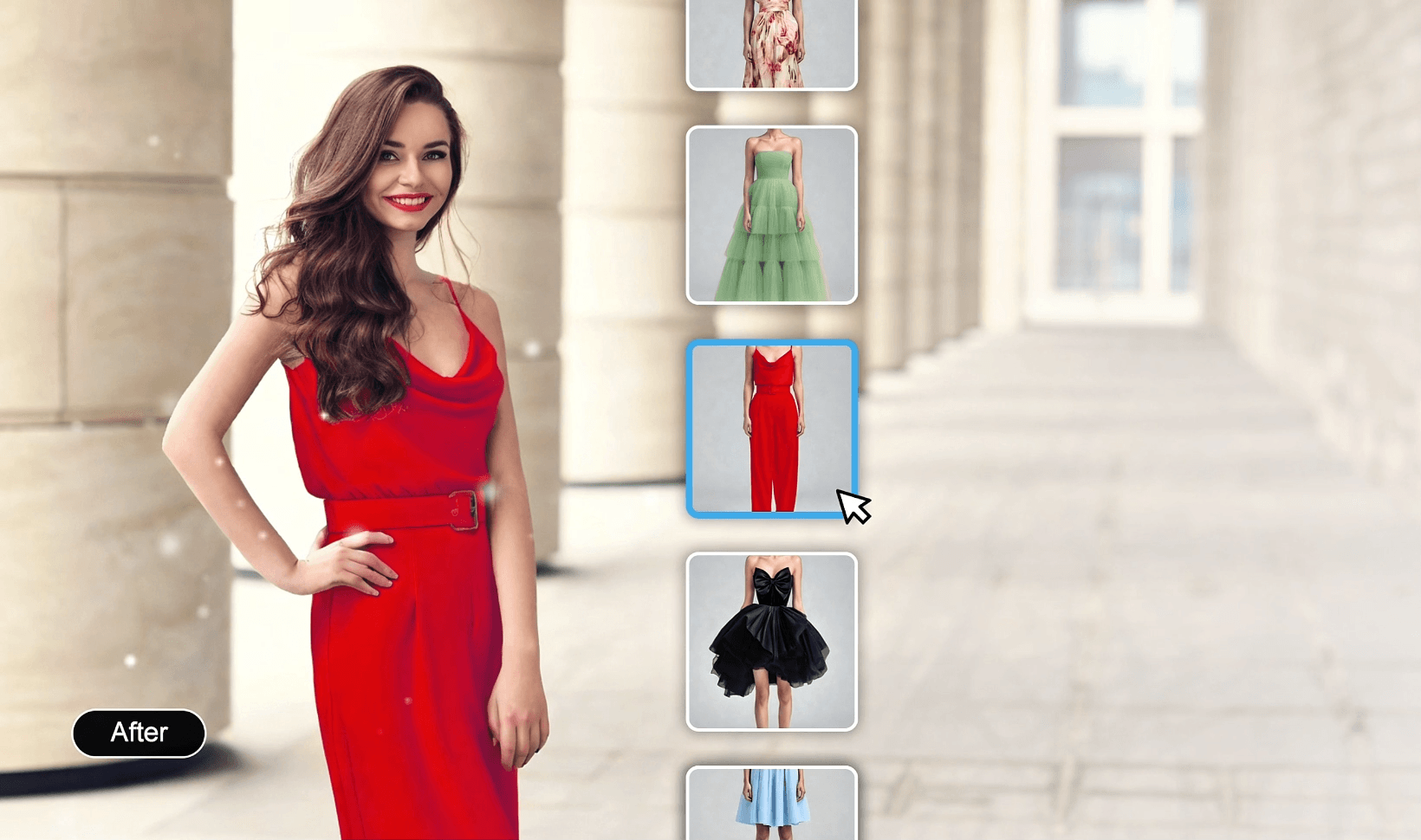
A virtual try on app lets you see how clothes fit your body in real-time. Instead of guessing sizes or styles, AI overlays garments on your photo or live video, giving you an accurate preview of fit, color, and style.
Make Shopping Easier
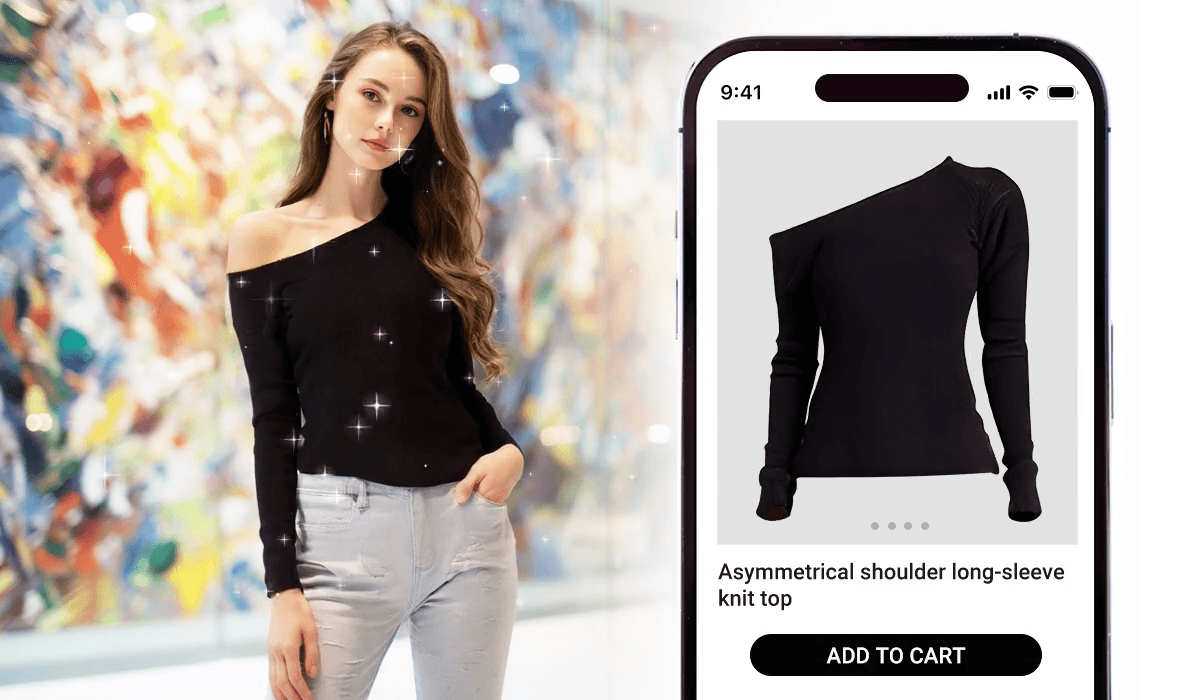
Online shopping can be tricky—different brands have different fits, and you can’t always tell from pictures. With YouCam Makeup, you can:
- Visualize outfits before buying
- Mix and match tops, bottoms, and dresses
- Experiment with new styles confidently
Try Clothes Without Going to the Store
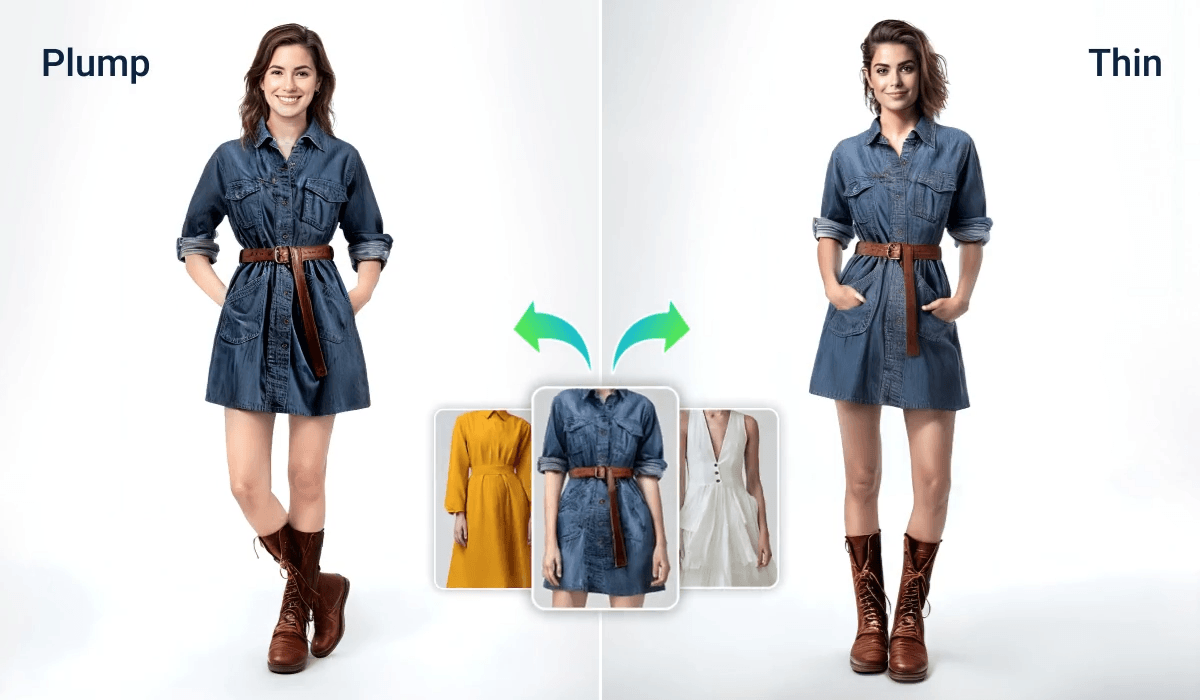
No need for crowded stores or waiting in long lines. A virtual try on app lets you try multiple outfits in seconds. AI adapts clothing to your body shape and size, producing a realistic and personalized look.

Discover New Styles
A virtual try on app is not just about trying clothes—it’s also a style assistant. Experiment with different colors, patterns, and cuts, and find combinations you might not have considered.
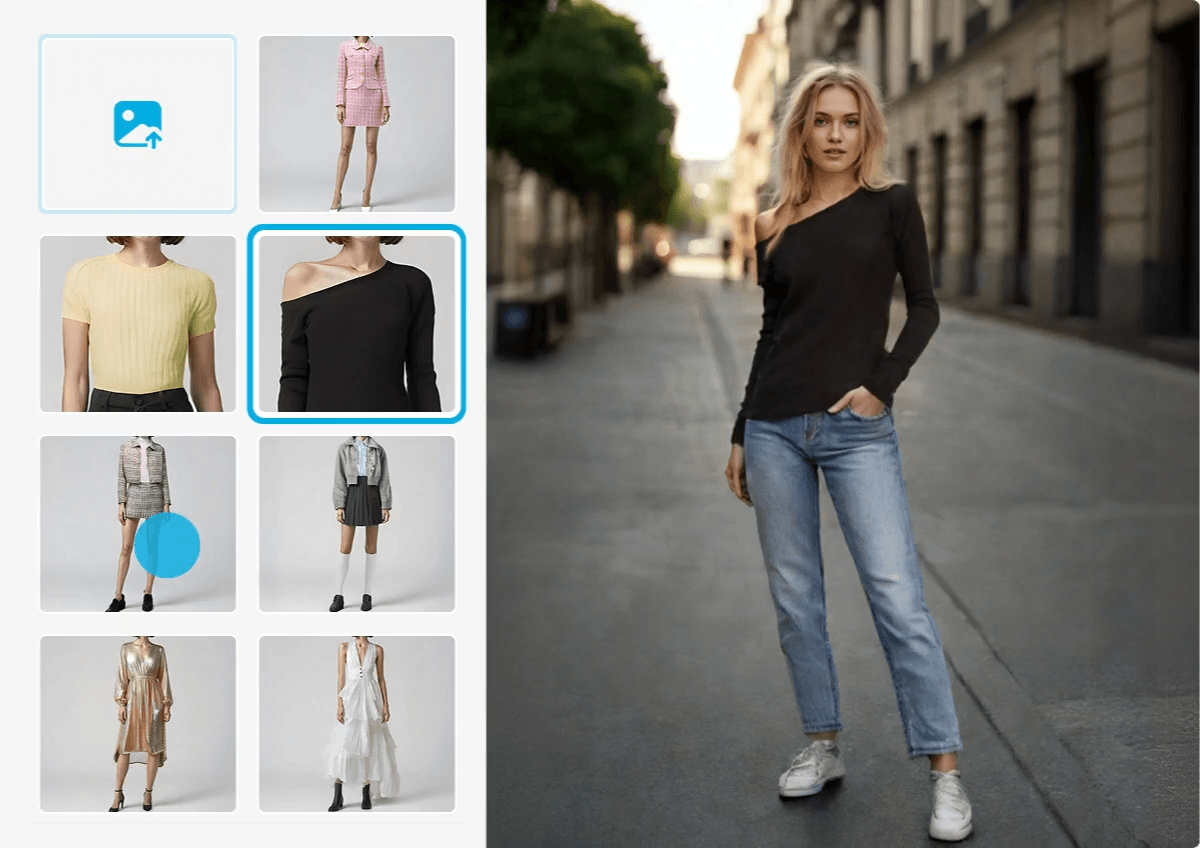
How to Use a Virtual Try On App for Clothes
Our advanced AI technology maps your body shape to apply new outfits seamlessly. Follow these steps for the most realistic virtual try on app experience.
Pro Tip: Ensure your hands are not covering your clothes in the original photo for a flawless AI replacement.

STEP 1: Upload Your Photo
Upload a clear image. For the best results, use a full-body or half-body shot with good lighting and no objects blocking your current outfit. YouCam Makeup works best with unobstructed clothing views.
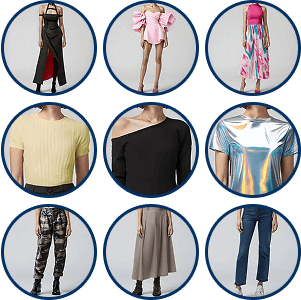
STEP 2: Select or Upload a Style
Browse the curated fashion gallery (dresses, suits, casual wear) or upload a reference image of a specific clothing item you want to try on.

STEP 3: AI Auto-Replacement
Click “Generate.” The AI detects your body pose and replaces your current clothes with the selected style, automatically adjusting for folds, lighting, and fit.
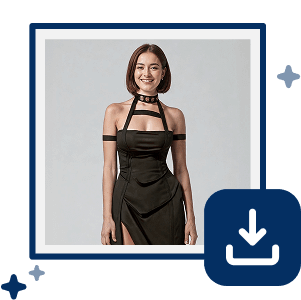
STEP 4: Save Your New Look
Preview your makeover. If satisfied with the style, download high-resolution images to share on social media or use for fashion inspiration.
Virtual Try On App FAQ
What is a virtual try on for clothes?
A virtual try on allows users to see how clothing items look on them digitally using their photo, video, or live camera. Advanced AI and AR technology map the clothing onto your body realistically.
Does virtual try on app work for all body types?
Absolutely. Advanced AI adapts clothing to your shape for a realistic preview.
Is virtual try on app easy to use for beginners?
Yes. No fashion design skills are needed—just upload, select, try on, and explore.
Do I need special equipment to try on clothes virtually?
No special equipment is needed. A smartphone, tablet, or computer with a camera is usually sufficient.

