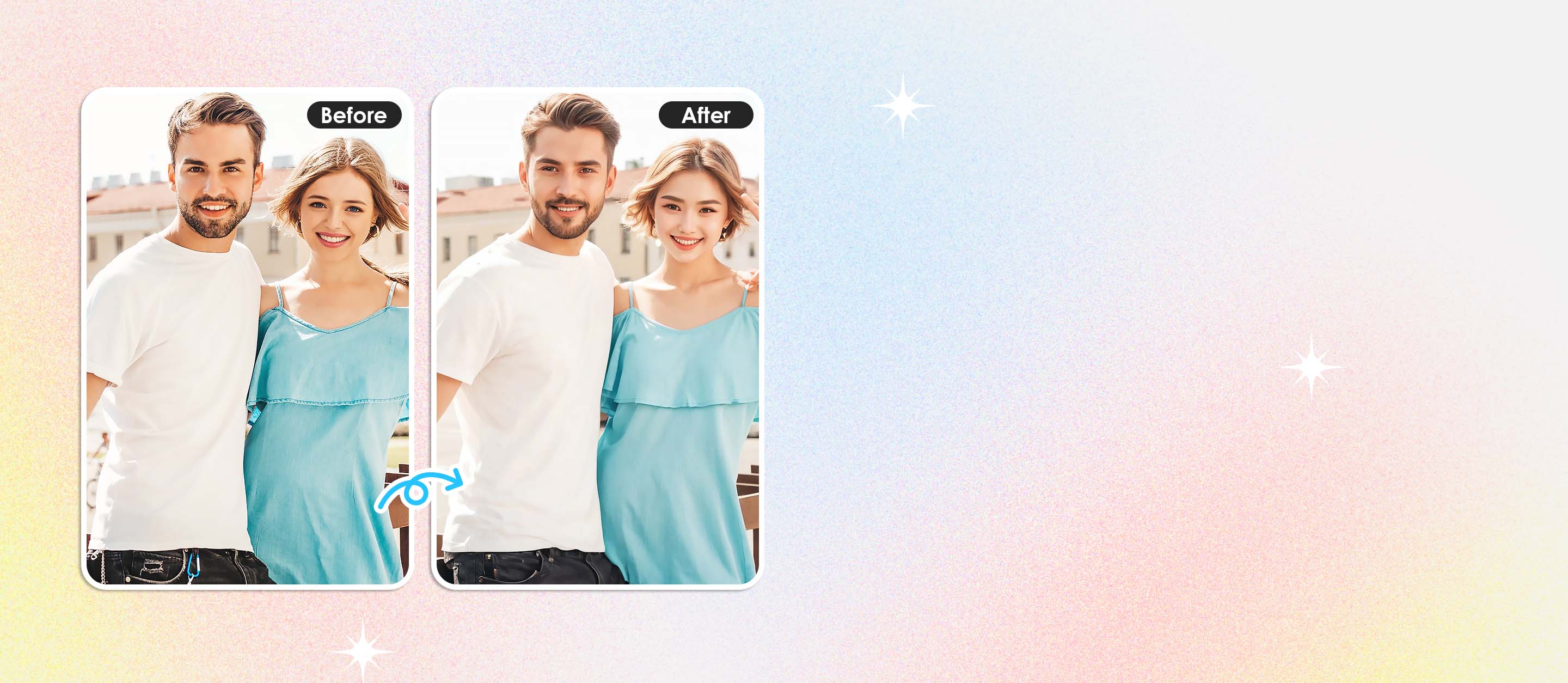
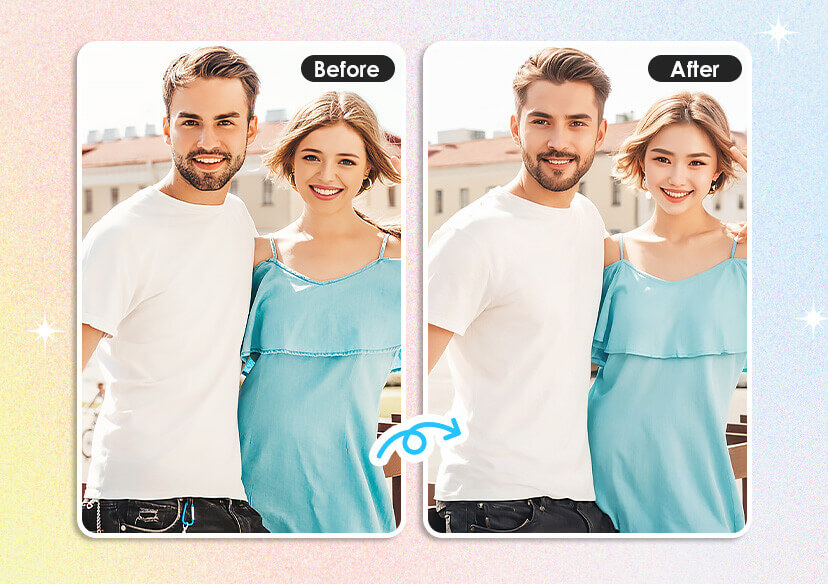




Anime AI Generator: Turn Photo & Videos to Anime
With YouCam Free Anime AI Generator, you can effortlessly convert your video clips into stunning, animated sequences. Sign up now for 5 free credits.

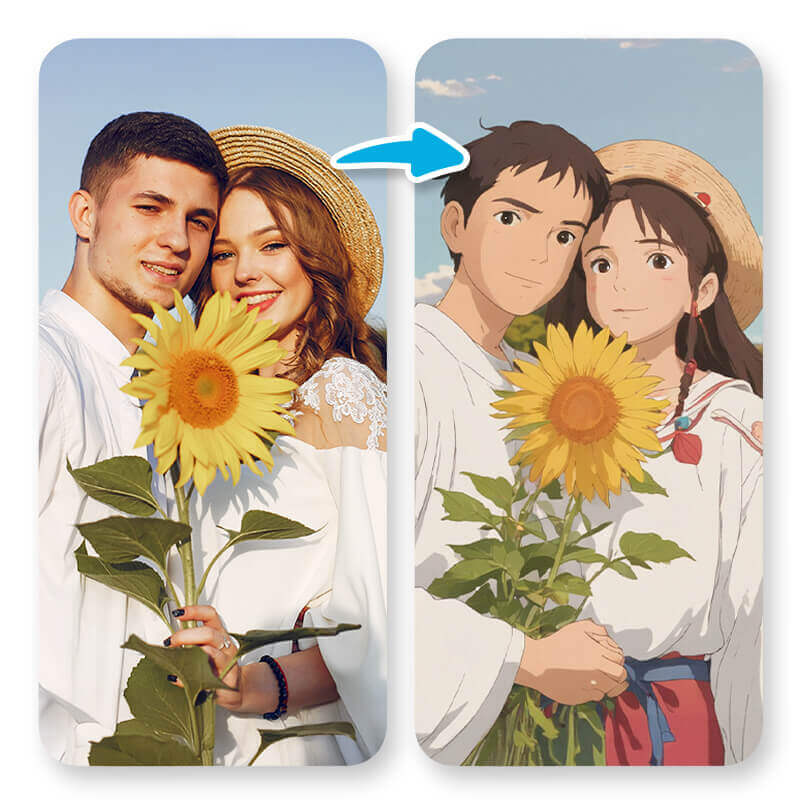
Turn your photos into anime-style art with YouCam’s Image-to-Image feature. Just upload a photo, add a prompt, and pick your anime style to create a fun, personalized image.

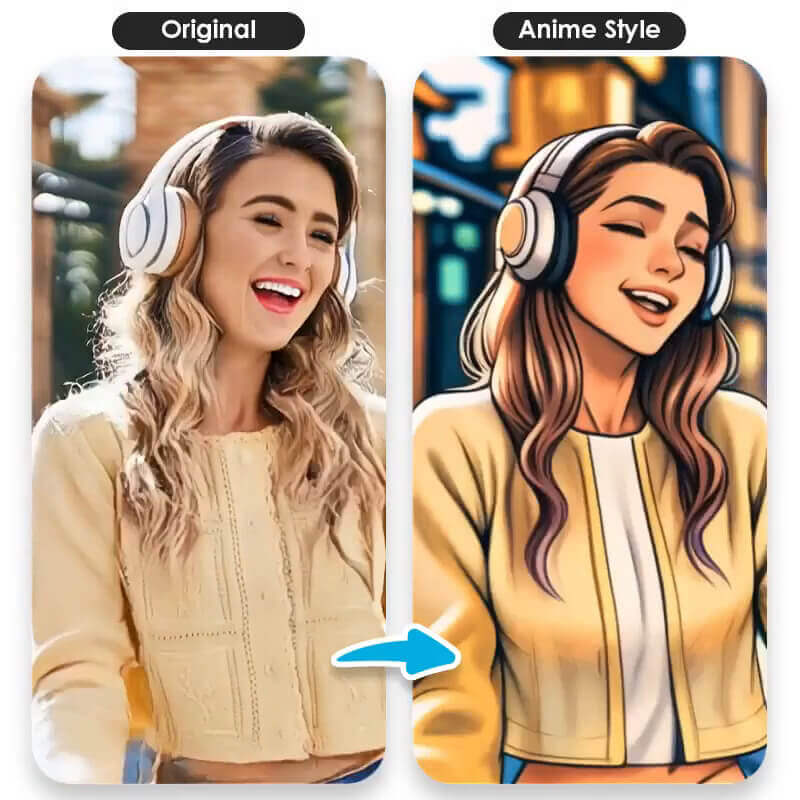
Add anime effects to your videos with YouCam AI Style Transfer—just upload and stylize for instant animated visuals.
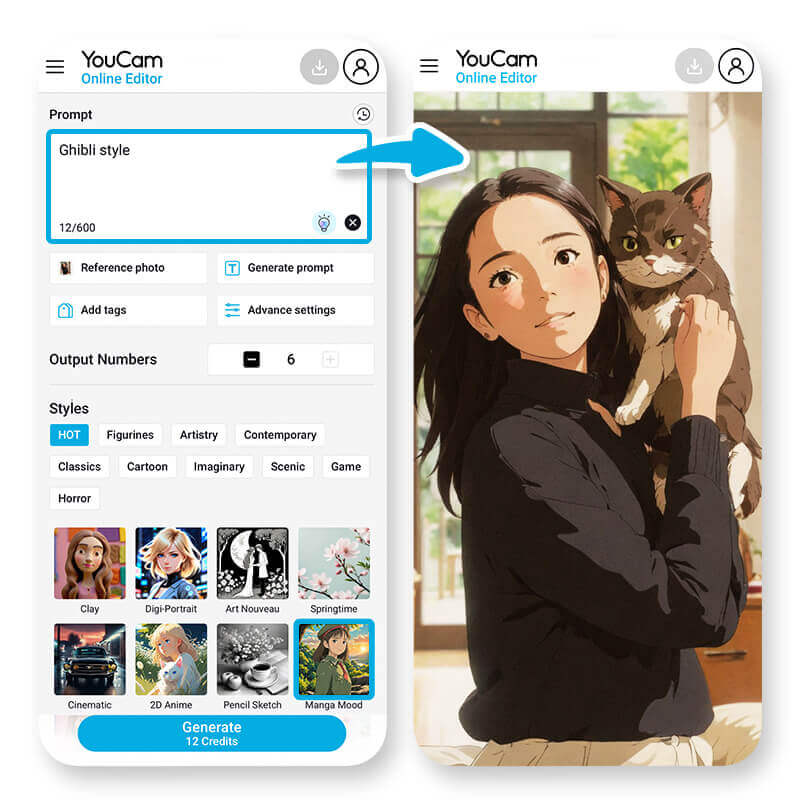
Create a cartoon character from text with YouCam’s Text-to-Image. Just describe your idea, and the AI generates an anime-style image—perfect for creators and storytellers
Transform Your Videos into Anime Masterpieces!
Use YouCam Online Editor’s AI Style Transfer to instantly add anime filters—from shonen to chibi—and animate your videos online for free with one click.
Explore more use cases: AI Cartoon Generator, AI Anime Generator, AI Ghibli Filter, AI Character Generator
How to Anime Your Videos with AI?
Converting your video into anime style is easy and fun with YouCam Anime AI Generator that instantly apply artistic anime effects to your footage. Here’s how you can get started:

Upload Your Video
Start by uploading your video file (MP4, MOV, or M4V) to our platform. Just click the “Upload Video” button and select your file.

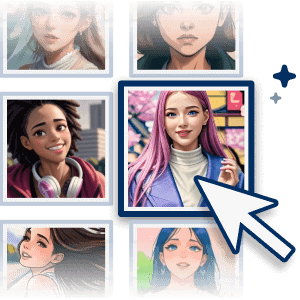
Choose an Anime Filter
Explore our collection of AI Anime filters, then click 'Generate.' Watch as your video is transformed into a unique anime style in seconds.
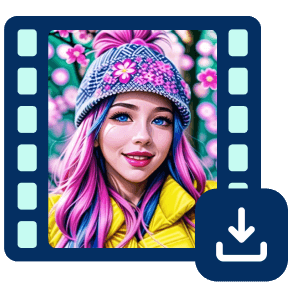
Review and Download
Preview your newly animated video. If you’re happy with the result, simply hit “Download” to save your animated masterpiece. Share it with friends or post it directly to social media!
Explore 30 top AI animation ideas for 2025—from classic 2D anime to vibrant 3D styles—and bring your photos and videos to life online for free.
Photos to AI Anime
Bring your ideas to life with YouCam’s Photo to Anime AI Generator. Upload a photo, describe your vision, and get high-res anime images in a click
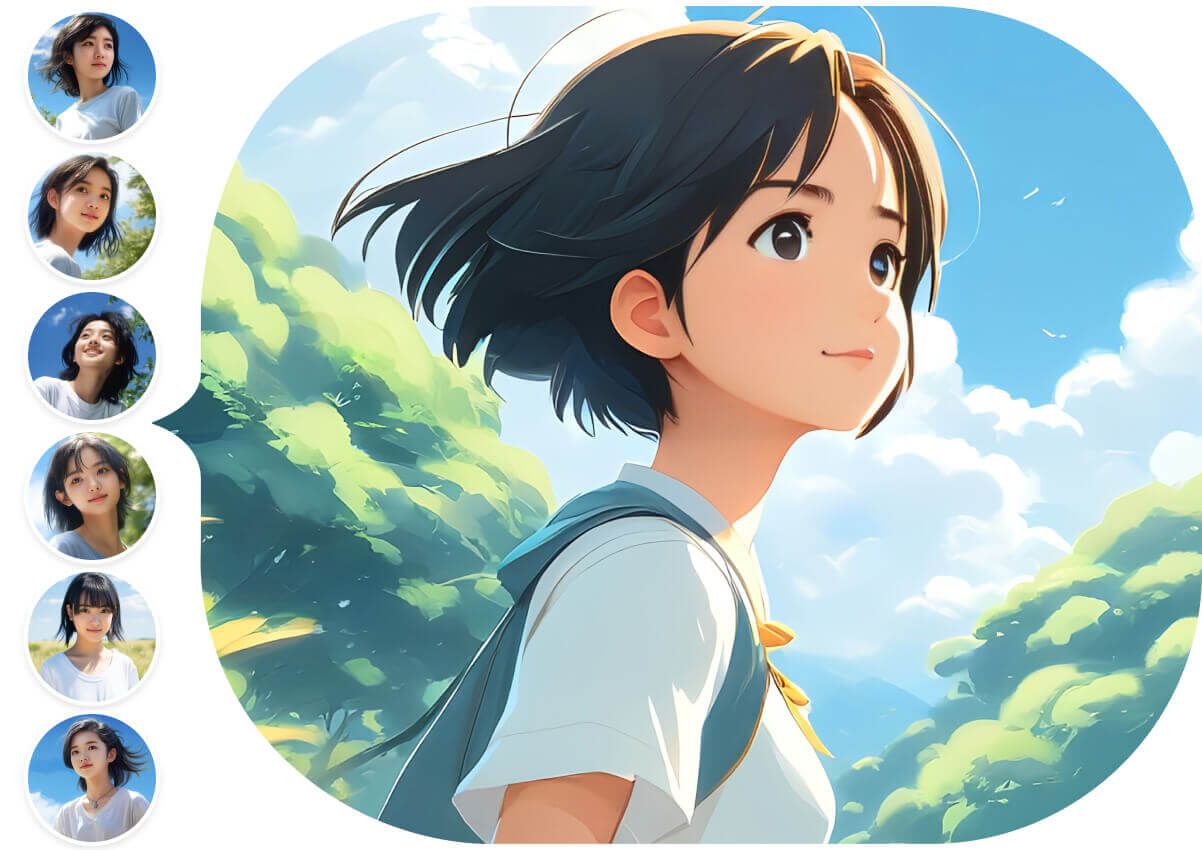
Anime Video Transformations
With YouCam Anime AI Generator, turn video clips into anime-style scenes instantly—perfect for creators and casual users wanting animated flair without complex skills.
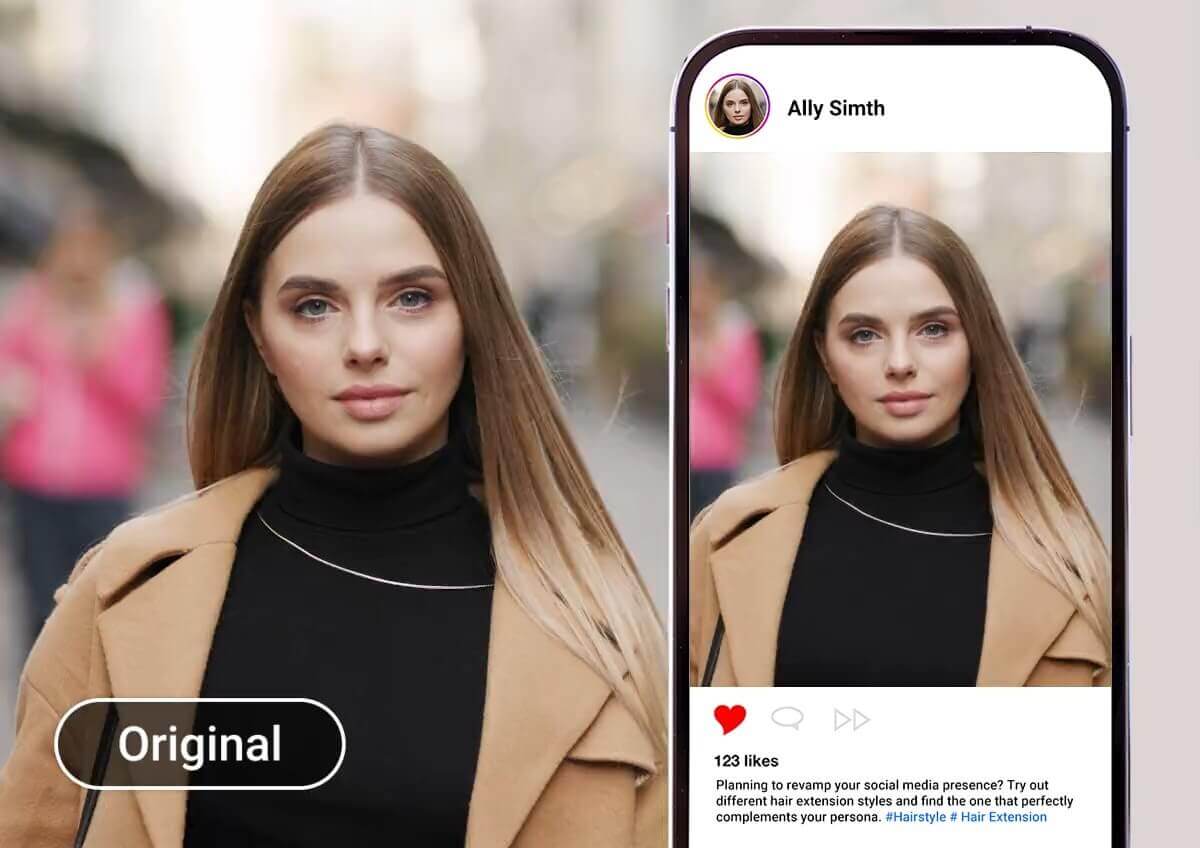
Anime Social Avatars
Create your own anime avatar with YouCam Anime AI Generator. Just upload a photo to get a unique, animated profile pic—perfect for Discord, Instagram, Twitch, and more.
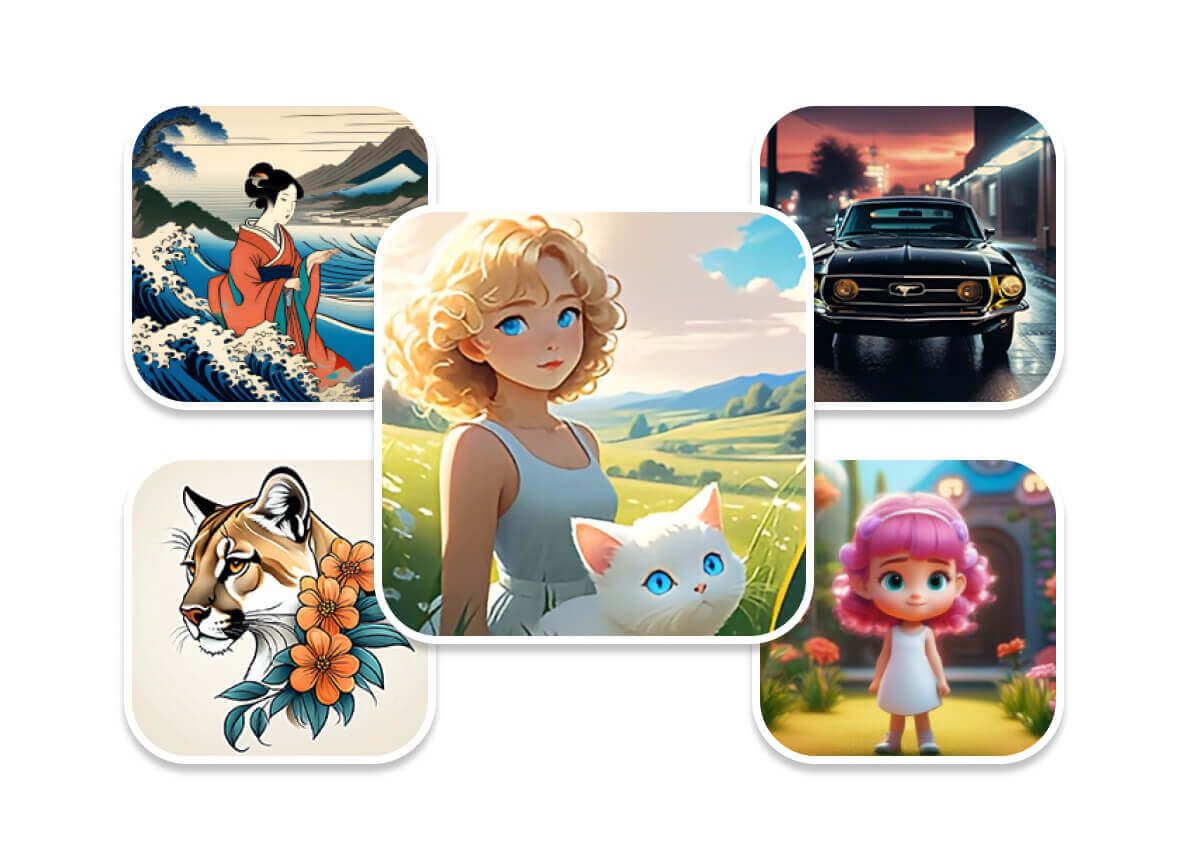
Promotional & Digital Art
Make your content stand out with YouCam Anime AI Generator. Easily create anime-style visuals for promos, game concepts, or gifts—saving time while adding artistic flair.
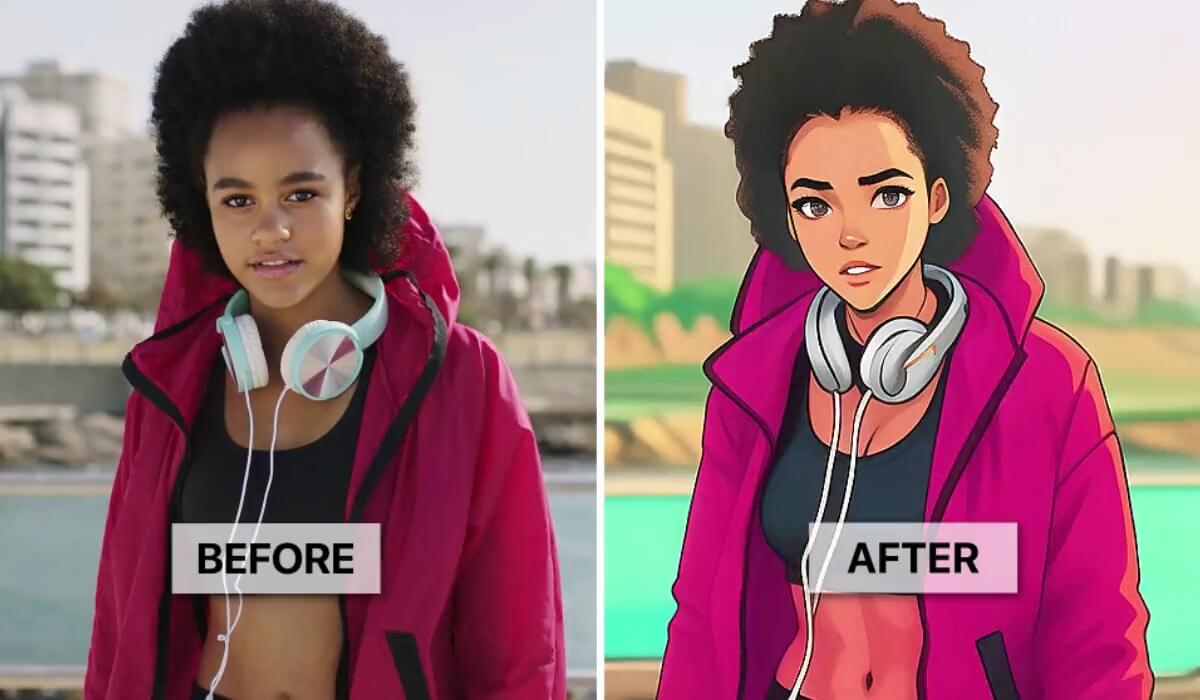
AI Anime Generator FAQs
What is an AI anime generator?
An AI anime generator is a tool that uses artificial intelligence to transform your photos, videos, or even text descriptions into anime-style art. It leverages advanced algorithms to create unique characters, scenes, and animations with an artistic flair, often allowing users to choose from various anime styles.
How do I turn my photos into anime using AI?
To turn your photos into anime, you typically upload your image to an anime image generator. Many tools, like the YouCam AI Anime Generator, allow you to simply upload a photo and then apply an anime filter with a click or by typing a descriptive prompt. The AI art anime then processes your image to create a unique anime rendition. For those specifically looking to convert existing pictures, it also functions as an anime generator from photo.
Can I use an AI anime generator to animate my videos?
Yes, many AI anime generators, including the YouCam Anime AI Generator, can transform your video clips into animated sequences. With its AI Style Transfer feature, you can apply artistic filters and effects to your videos, converting them into various anime or cartoon looks with just a click.
Are AI anime generators free to use?
Many AI anime generators offer free trials or free versions with certain limitations, such as watermarks or daily usage caps. For instance, YouCam Anime AI Generator often provides free features, like turning photos into cartoons or generating images from text, typically with a set number of free credits or daily generations.For those who want photo to anime conversion, there are often free options available.
Do I need drawing skills to use an AI anime generator?
No, you do not need any drawing skills to use an AI anime generator. These tools are designed to be user-friendly, allowing anyone to create anime AI style art simply by providing photos, videos, or text prompts. The YouCam AI Anime Generator is an excellent example of this, as it handles the artistic rendering with its advanced AI anime technology, making it accessible for both beginners and seasoned artists to create stunning anime transformations. You can even use it as an anime photo maker without any artistic background.
What kind of anime styles can AI generators create?
AI anime generators can produce a wide range of anime styles, from classic 2D anime AI and vibrant 3D styles to specific sub-genres like shonen or chibi. Tools like the YouCam Anime AI Generator offer various artistic filters and effects to help you achieve different anime aesthetics. This also includes features that make it an effective AI anime art generator.

