
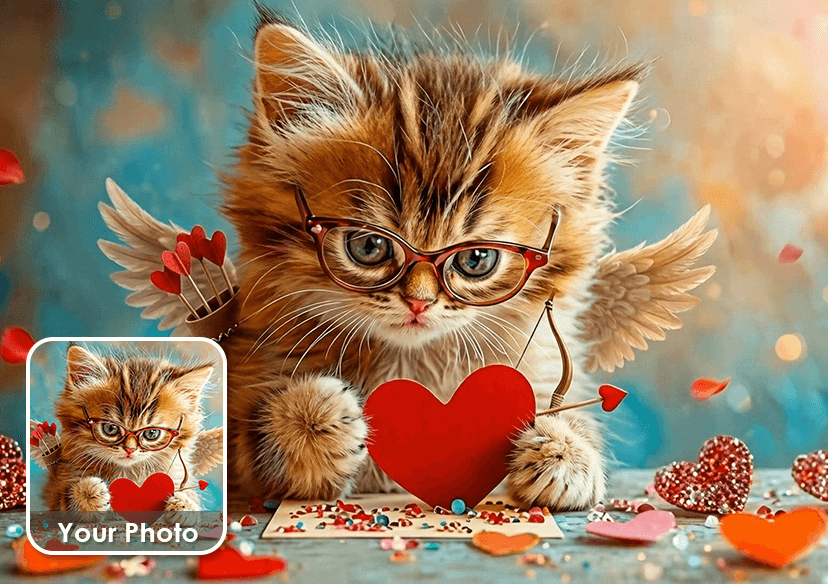




Create the Best Valentine's Day Videos
Create AI Valentine’s Day videos that truly stand out with “text to video” feature. Prompt your video idea and experience your creation with YouCam Online Editor.
How to Generate AI Videos
Here are four simple steps for you to create a masterpiece.
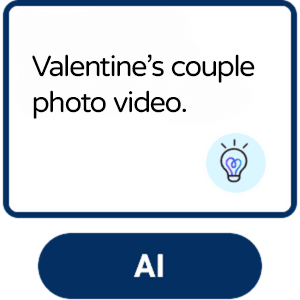
Enter Text Prompt
Type your video idea into the prompt box. For more inspiration, choose a sample to get started quickly.

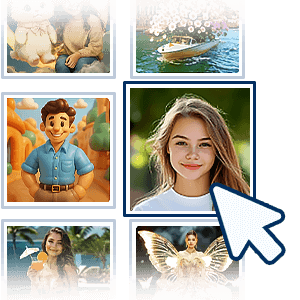
Choose AI Model
Choose which AI video creation model you want to use, set the video duration and aspect ratio.
Start the Creation
Click the “Generate” button and watch as AI turns your text prompt into a cinematic video in minutes.

Save Your AI Video
Preview your sweet Valentine's Day video and download for sharing or any use.
When to try an AI Video Generator?
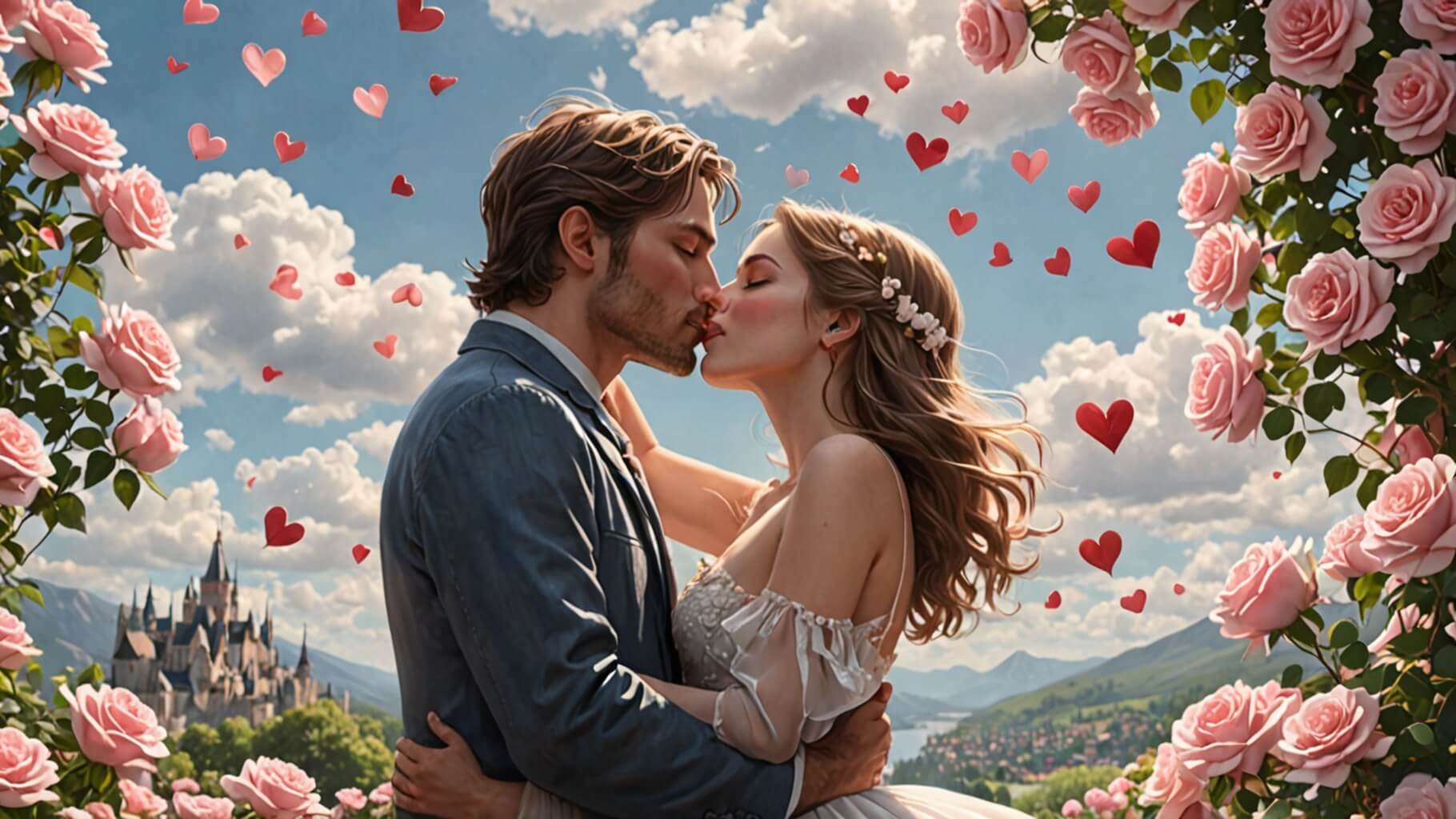
Turn Couple Photos into a Romantic Memory
Create a sweet Valentine’s Day video from your favorite couple photos with YouCam Online Editor. Perfect for surprising your partner with a heartfelt memory!
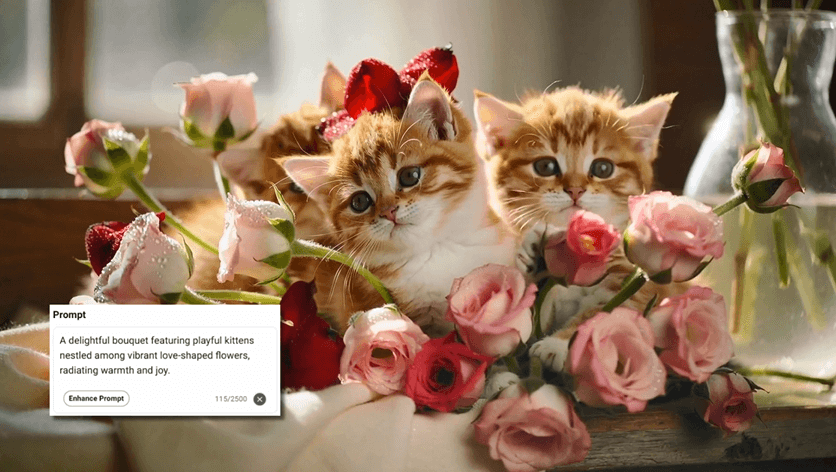
Express Love with Animals
Create your Valentine’s Day video with cute animals to express love based on prompts. Show your lover's adorable animals interacting sweetly — hugging or holding hearts.
Turn Love Messages into Videos
Turn a love caption into a beautiful Valentine’s Day video. Type your words and watch them transform into cinematic scenes. Ideal for long-distance love or last-minute surprises.
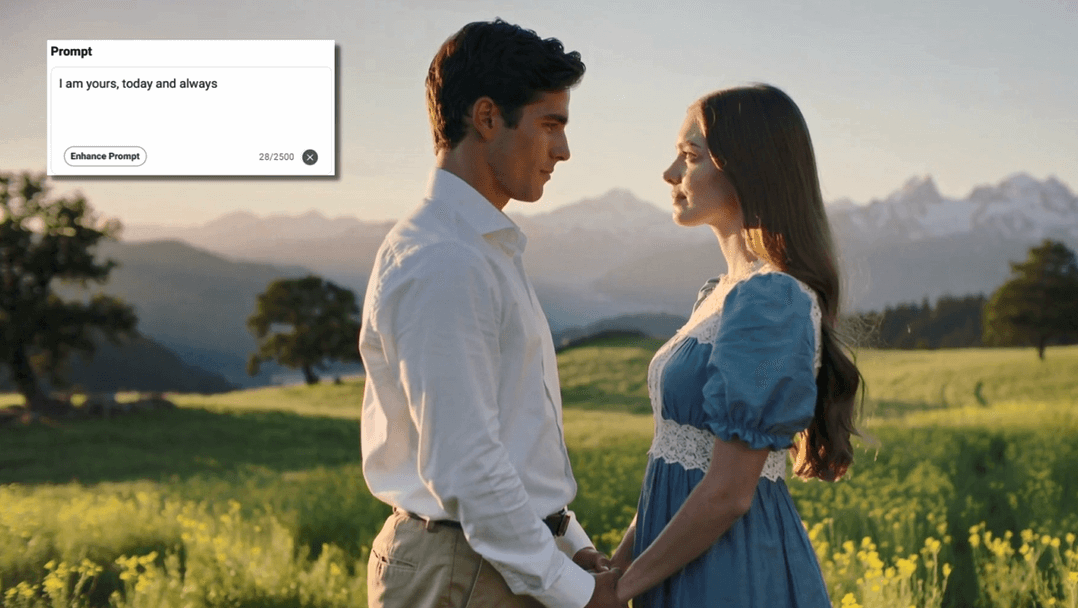
Here are some romantic and sweet prompt ideas for you.
Valentine's Day Video Generator FAQs
What is an AI video generator?
An AI video generator is a tool that uses artificial intelligence to automatically create videos from text prompts, images, or existing clips. Instead of manual editing, AI handles scene creation, motion, transitions, and sometimes audio, making video creation faster and more accessible for everyone.
What is the best AI video generator?
The best AI video generator depends on your goals, but platforms that support multiple AI models offer the most flexibility. Tools like YouCam Online Editor stand out because they combine powerful AI video creation with multiple top models in one place, allowing users to generate, edit, and refine videos without a steep learning curve.
Can I create Valentine’s Day videos without any editing experience?
Yes! The Valentine’s Day video generator is designed for everyone. Simply enter a text prompt describing your idea, and the AI automatically creates a polished, romantic video—no editing skills required.
What types of Valentine’s Day videos can I create?
You can create a wide variety of Valentine’s Day videos, including romantic love messages, animated greeting cards, couple photo slideshows, proposal videos, social media reels, and branded Valentine’s promotions.
Are the Valentine’s Day videos suitable for social media platforms?
Absolutely. YouCam Video generates videos for Valentine’s Day that are optimized for popular platforms like Instagram, TikTok, Facebook, and YouTube, making it easy to share your love story or campaign in the perfect format.

