




Video Background Changer
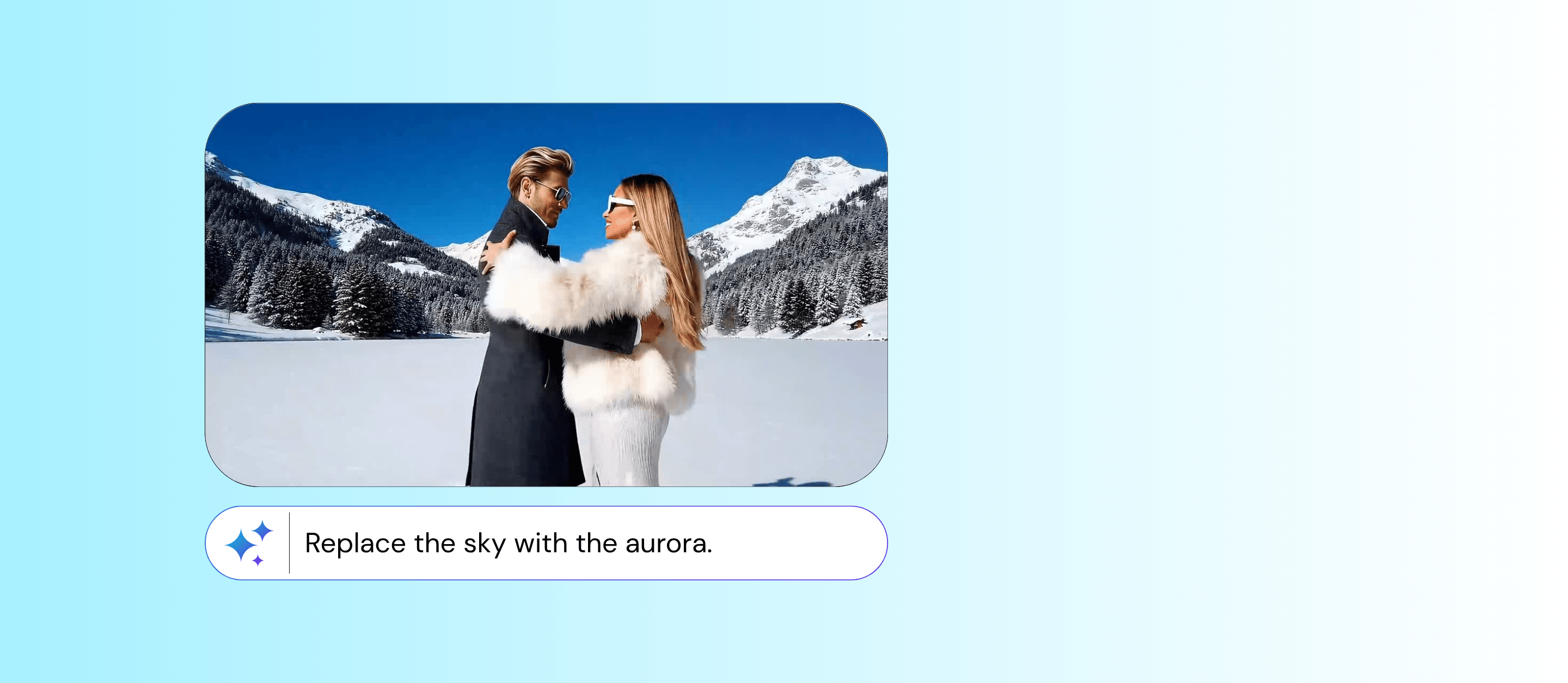
Create any scene you imagine without reshooting your video. Simply remove the original background and replace it with either a text prompt or an image you already have.


How to Change the Background of a Video?
Pro tip: Be as specific as possible when describing your scene or choosing a reference image. Details will significantly improve the final result and make the background feel more realistic and consistent with your video.

Upload Your Video
Upload the video you want to edit from your device. You can use any regular footage.
Choose Your Background
Change your background by either describing it in text or uploading an image as a reference.

Generate and Save
Let the AI process your video automatically, then download your final result in seconds.
Effortless Professional Results
Create high quality visual content without production barriers. No manual masking, no frame by frame editing, and no technical setup. Everything is handled automatically so your content looks polished with minimal effort.
Built for Real World Footage
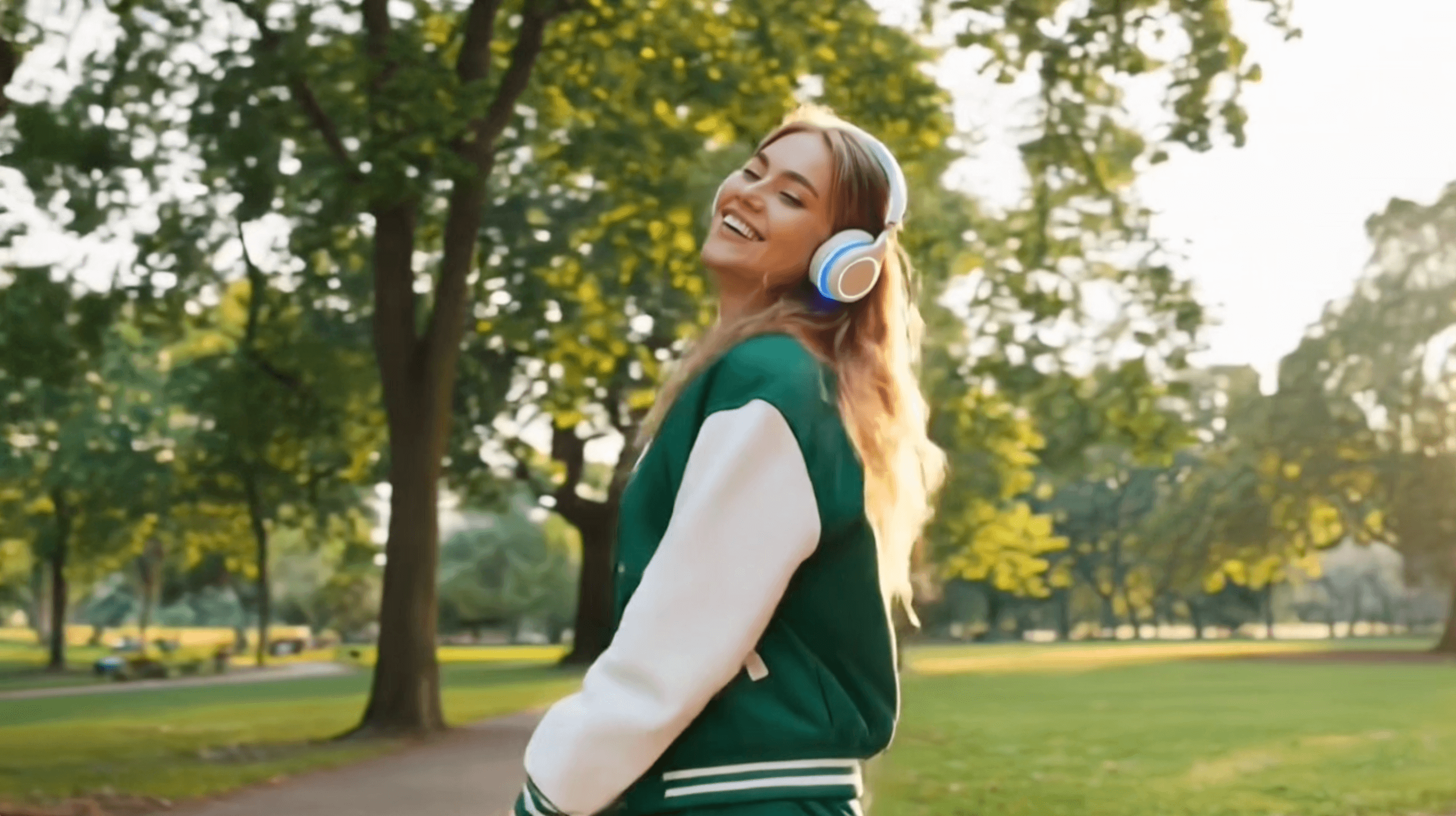
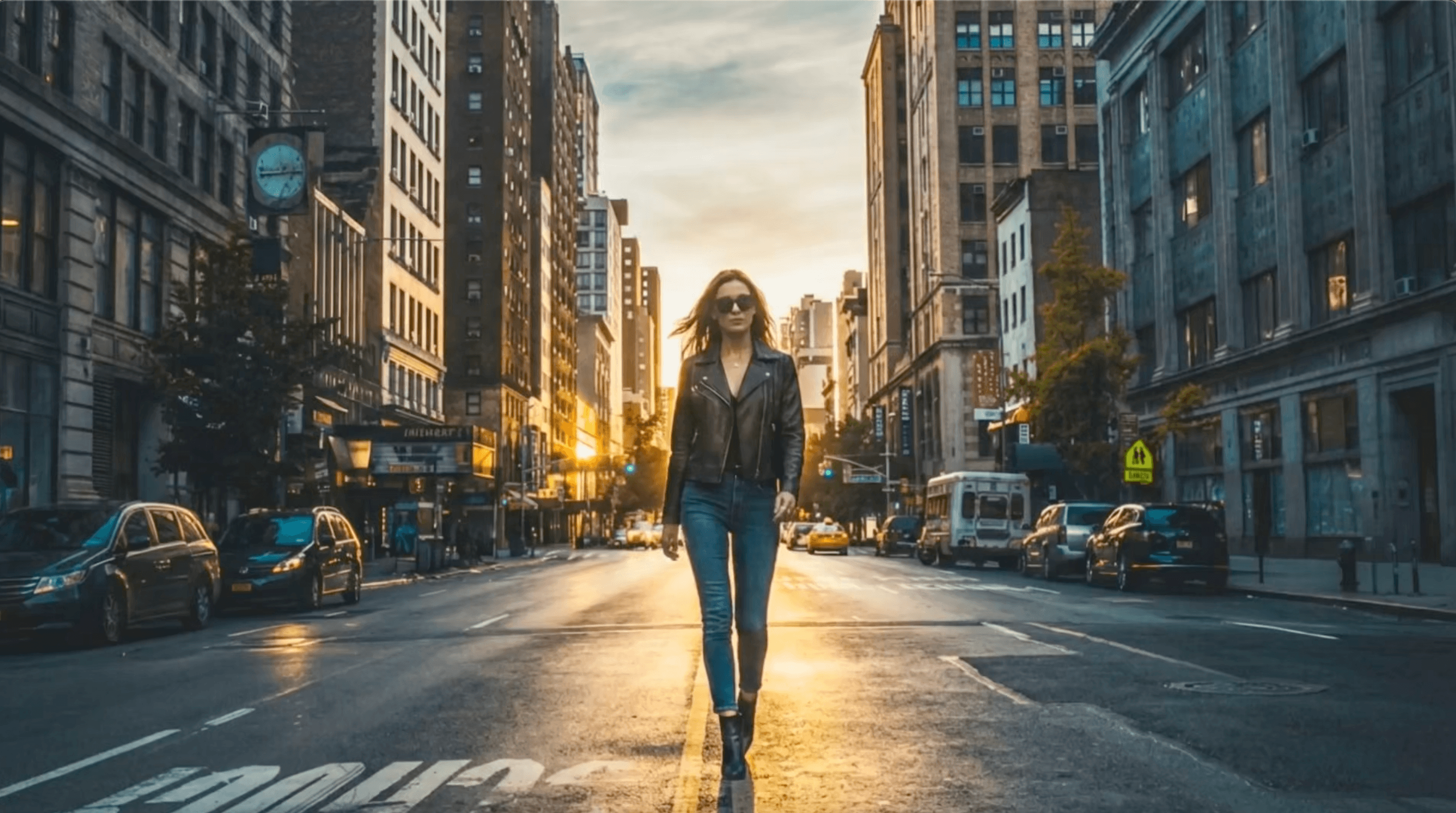
Works with videos captured anywhere in your room outdoors or on mobile. The system automatically detects the subject and separates it from the background so you do not need controlled lighting studio setups or editing experience. Just record naturally and enhance it afterward.
Video Background Changer FAQs
Can I use any image as a background?
Yes. You can upload almost any image, and the tool will place your subject into it while preserving natural edges and motion.
What kind of text prompts work best?
Visual descriptions work best. For example:
- “modern office with natural light”
- “sunset beach with soft waves”
- “cyberpunk city at night with neon lights”
Will the result look realistic?
Yes. The AI is designed to preserve lighting consistency, edges, and motion so the subject blends naturally into the new background.
Does it work with moving videos or only static clips?
It works with both. The tool tracks motion frame-by-frame to keep the subject stable and clean.

