



AI Video Face Swap App
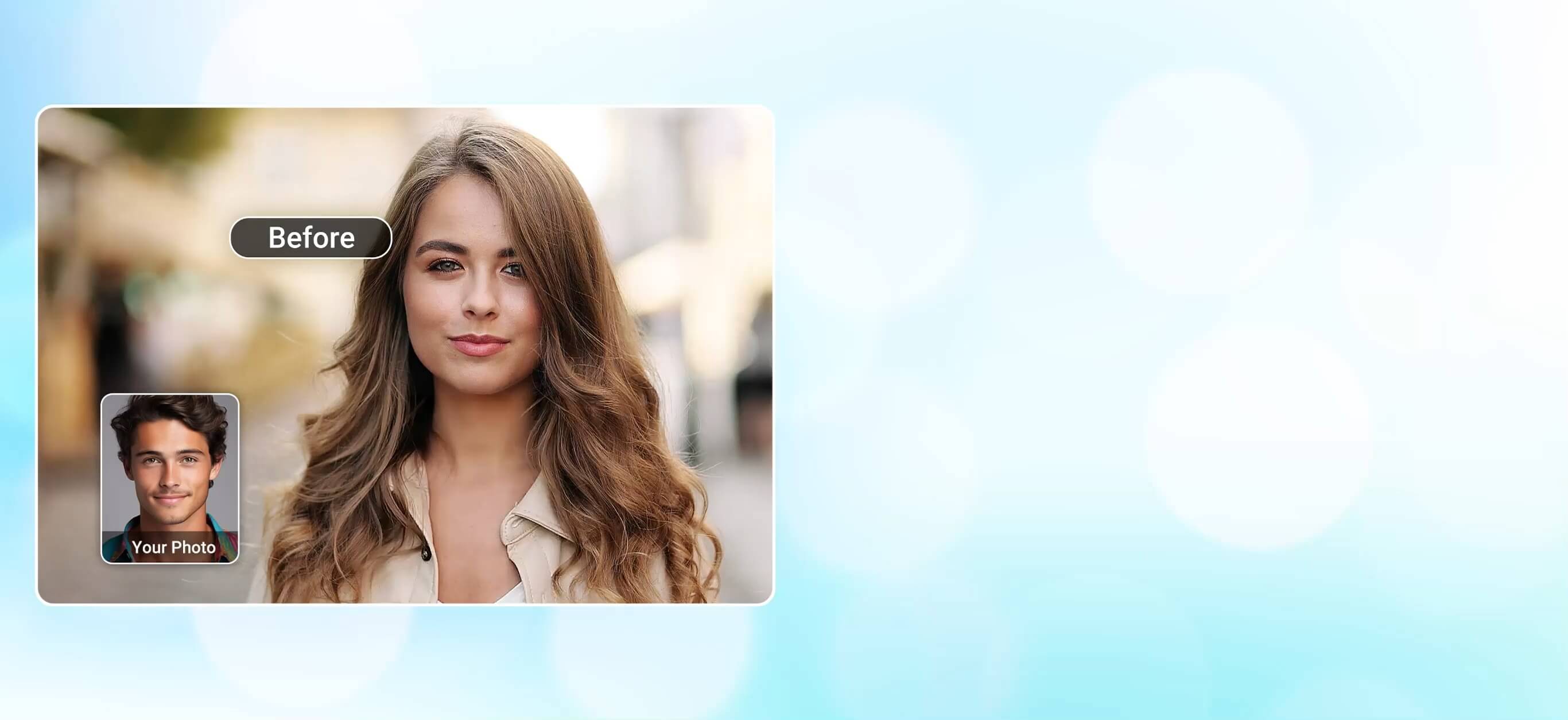
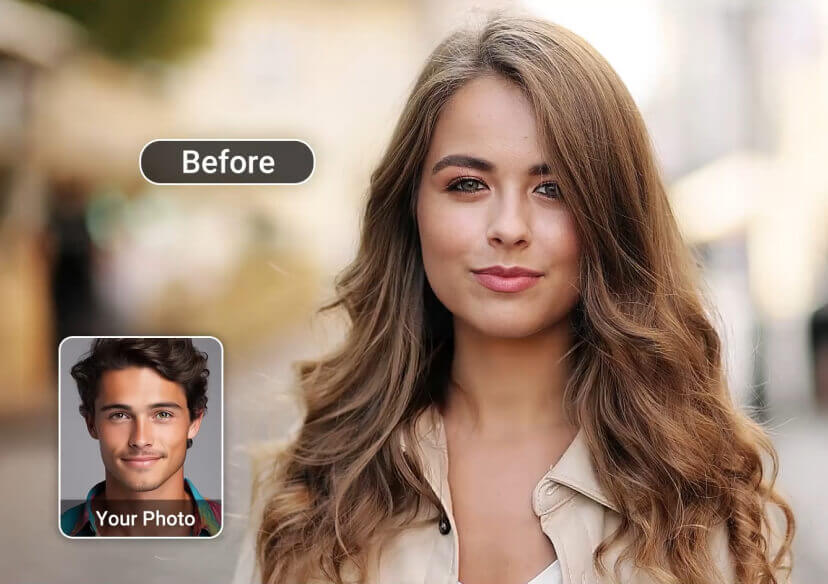
Create hilarious face swap videos in seconds with YouCam Video. Put yourself in movie clips and viral trends with hyper-realistic results.
Download App for FreeTry It OnlineTransform Faces in a Few Clicks
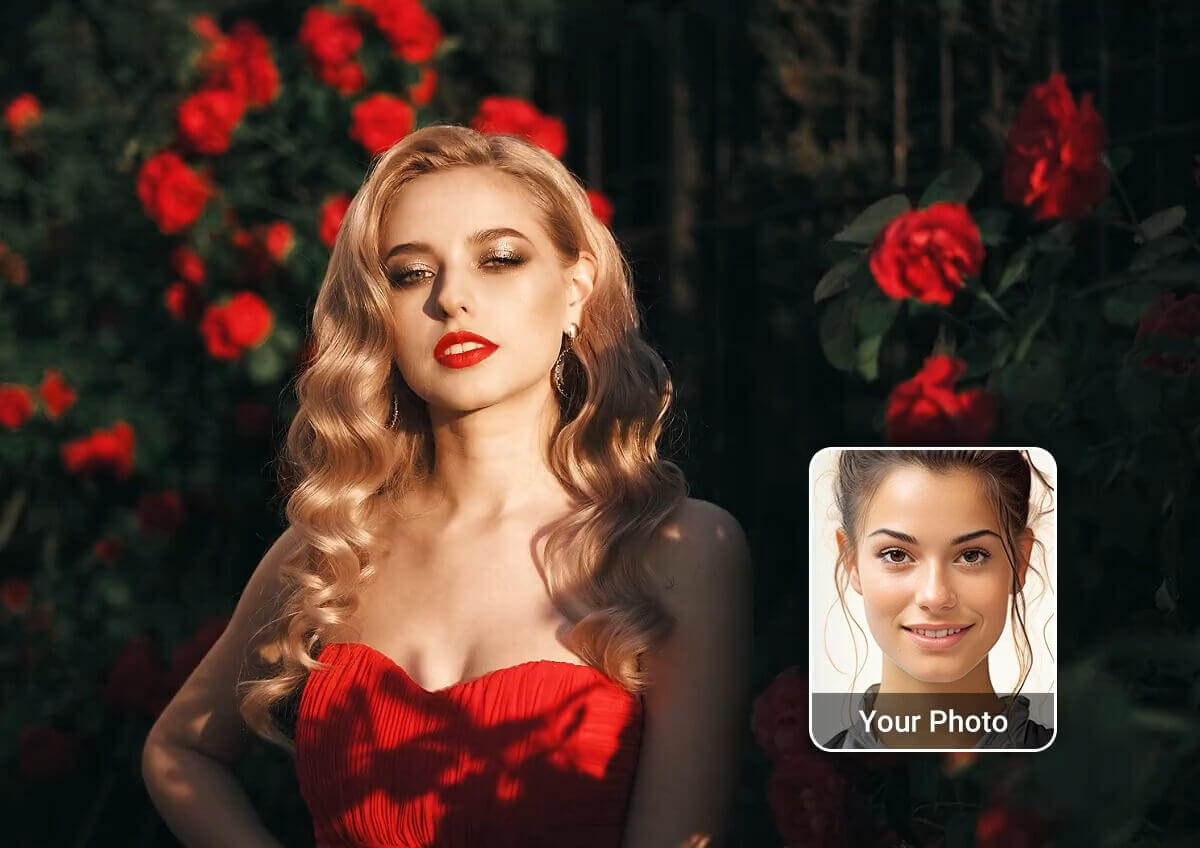
Ever dreamed of being a supermodel? Try swapping your face with a model and step into the spotlight! Discover your high-fashion look today.
Get Started Fast with 20+ Video Face Swap Templates
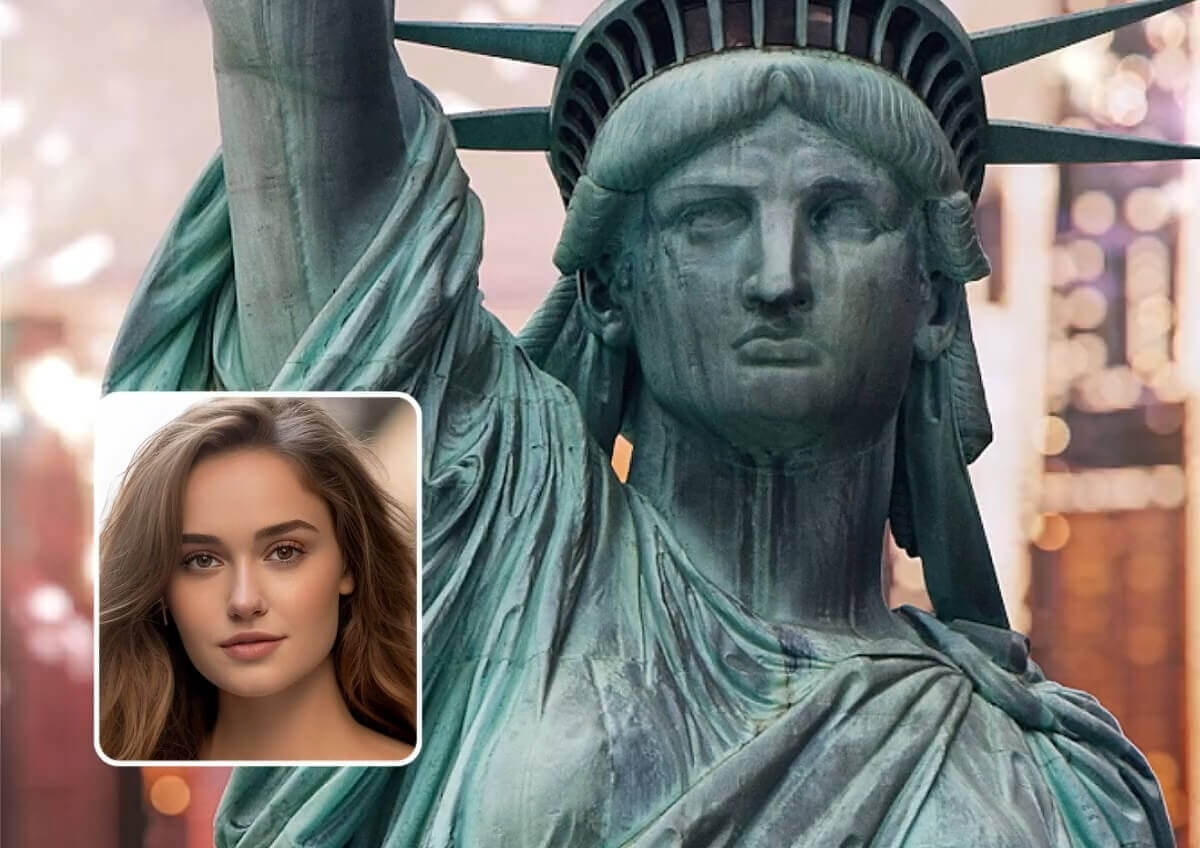
Discover the Fun with Over 20 Video Face Swap Templates! Dive into a world of creativity and see yourself in a whole new light with our diverse selection of face swap templates.
Why YouCam Video is the Best Video Face Swap App
- Hyper-Realistic AI Swaps: Get seamless video results as our AI matches expressions, lighting, and motion.
- Multiple Face Swaps in Videos: Effortlessly replace every face in a group video for hilarious, shareable content.
- Fast & Easy Process: Create professional-quality face swap videos in just a few seconds. No skills needed.
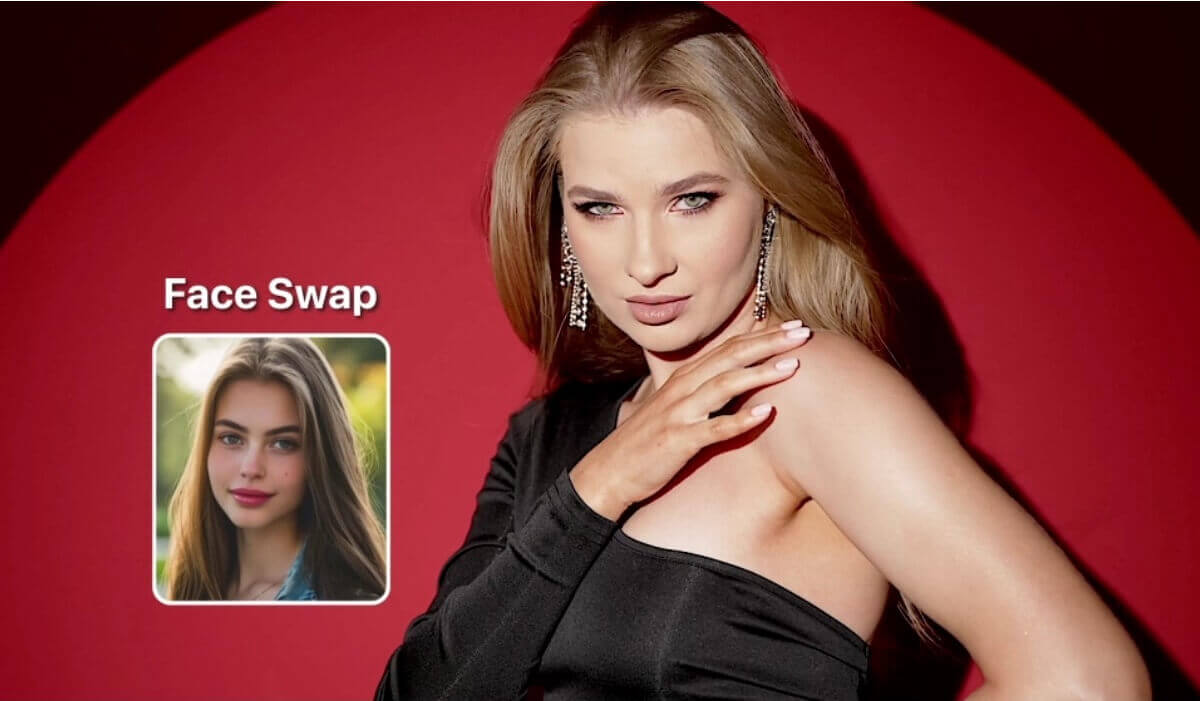
How to Swap Faces in Video with the Best Video Face Swap App
Follow the steps below to know how to swap faces in video.
Upload Your Video
First, open the YouCam Video app on your device. Tap Face Swap and upload the video you want to edit.


Upload Your Face Photos
Next, upload a clear, front-facing photo of the face you want to use for the swap.

Start AI Video Face Swap
Click the "Face Swap Now" button to let our AI analyze and replace the faces.
Download Your Video
Once complete, preview the result and save your newly edited video to your device.
Best Video Face Swap App FAQs
What is the best video face swap app?
YouCam Video is one of the best video face swap apps, offering powerful AI tools to easily replace faces in videos with realistic results—perfect for fun, social media, or creative projects.
Why choose YouCam Video?
Because it combines powerful AI, fast results, and an easy-to-use interface, making it the perfect tool to create scroll-stopping, share-worthy videos in seconds 🚀
Are there any ethical concerns with video face swaps?
Yes, video face swaps can bring up concerns about consent and spreading misinformation. It's important to use this tech responsibly. Make sure everyone involved agrees to having their face used and that the content isn't misleading.
What are the applications of video face swap?
Video face swap is used in entertainment and social media for fun content, film and TV production for visual effects and actor replacement, advertising for interactive campaigns, education and training for simulations, personalized greetings and memes, and gaming/VR for immersive avatars.
How does video face swap work?
Video face swap works by detecting faces in video frames, mapping facial landmarks, encoding the source face, transferring it onto the target face frame by frame, blending skin tone and expressions, and generating the final output video.

