



Video Logo Remover
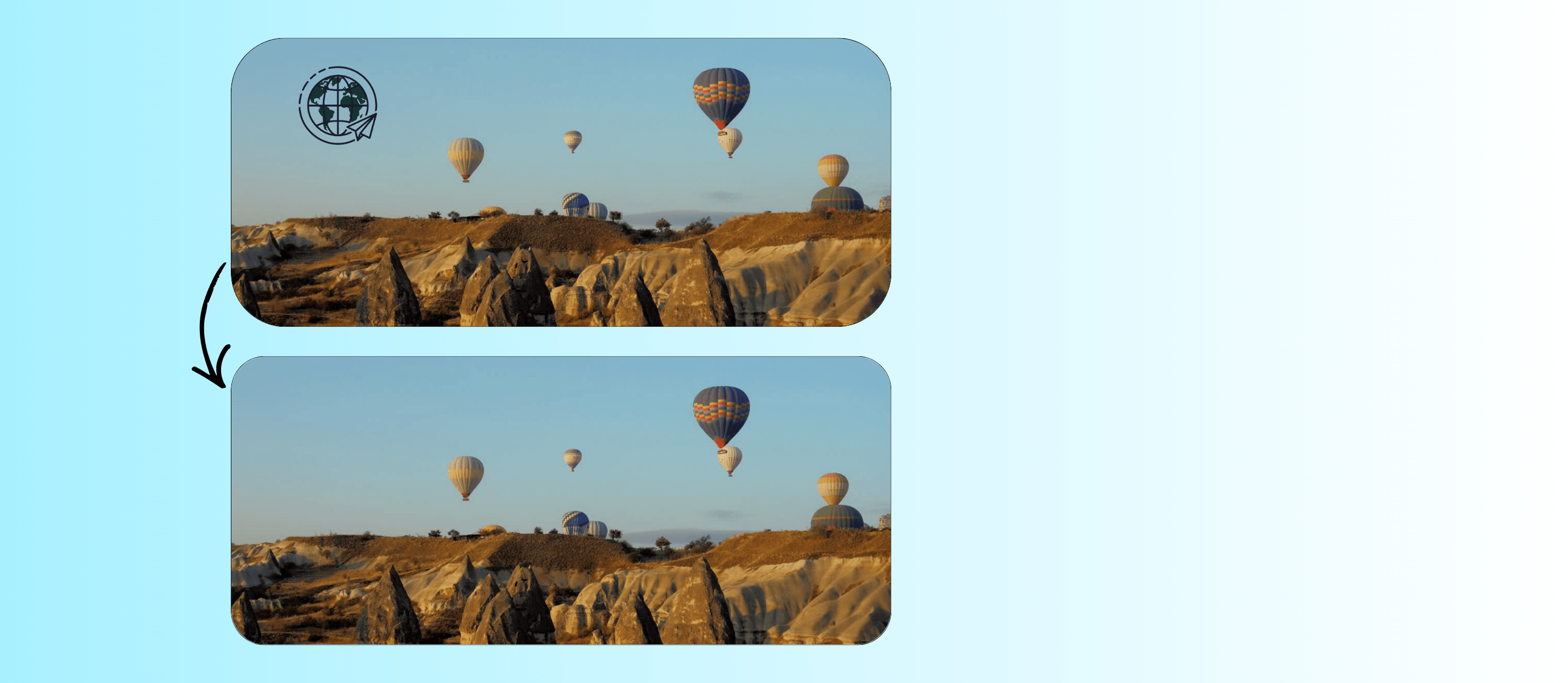
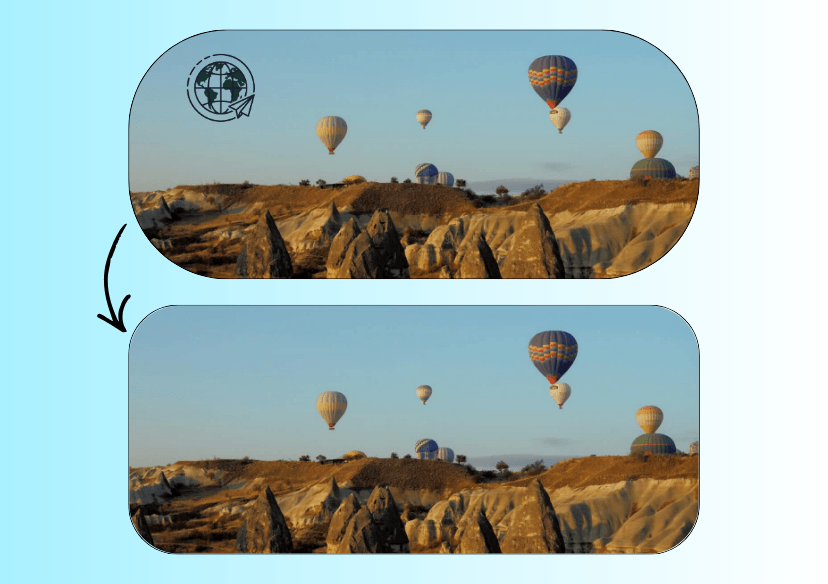
Clean up your videos instantly with AI. Remove logos, watermarks, timestamps, and distractions while keeping your video quality sharp and natural.


How to Remove Logo from Video?
💡 Tip: For best results, use videos with stable backgrounds or consistent motion.
Large logos covering key subjects can be harder to remove perfectly.
We’re continuously improving our AI to handle more complex scenarios.

Upload your Video
Import your footage into the tool. For best results, use high-resolution videos with minimal motion blur and consistent lighting.

Select the Logo to Remove
Highlight the logo or watermark you want to erase by simply selecting the area on your video. AI will automatically detect the region and track it across frames for smooth, consistent removal.

Preview and Export
The AI tracks the subject frame by frame, removes them, and seamlessly reconstructs the background. Then download your final video in your preferred resolution and format.
What You Can Remove
Our AI video object remover supports removing:
- Logos and watermarks
- Subtitles and captions
- Timestamps and overlays
- Unwanted text or branding
- Background distractions or objects
Each removal is processed frame-by-frame to maintain consistency and avoid flickering.

Why Choose YouCam to Remove Logos from Videos?
- Advanced AI That Actually Understands Video: Our tool uses frame-by-frame AI processing with motion tracking, so logos are removed cleanly without blur, ghosting, or flickering.
- Natural, High-Quality Output: We don’t just cover logos, we reconstruct the background to keep your video looking original and professional.
- Private & Secure: Your videos are processed securely and automatically deleted after completion.
- Designed for Real Use Cases: From social media repurposing to marketing edits, everything is built to save you time while keeping quality high.
Remove Logo from Video FAQs
What is a Video Logo Remover?
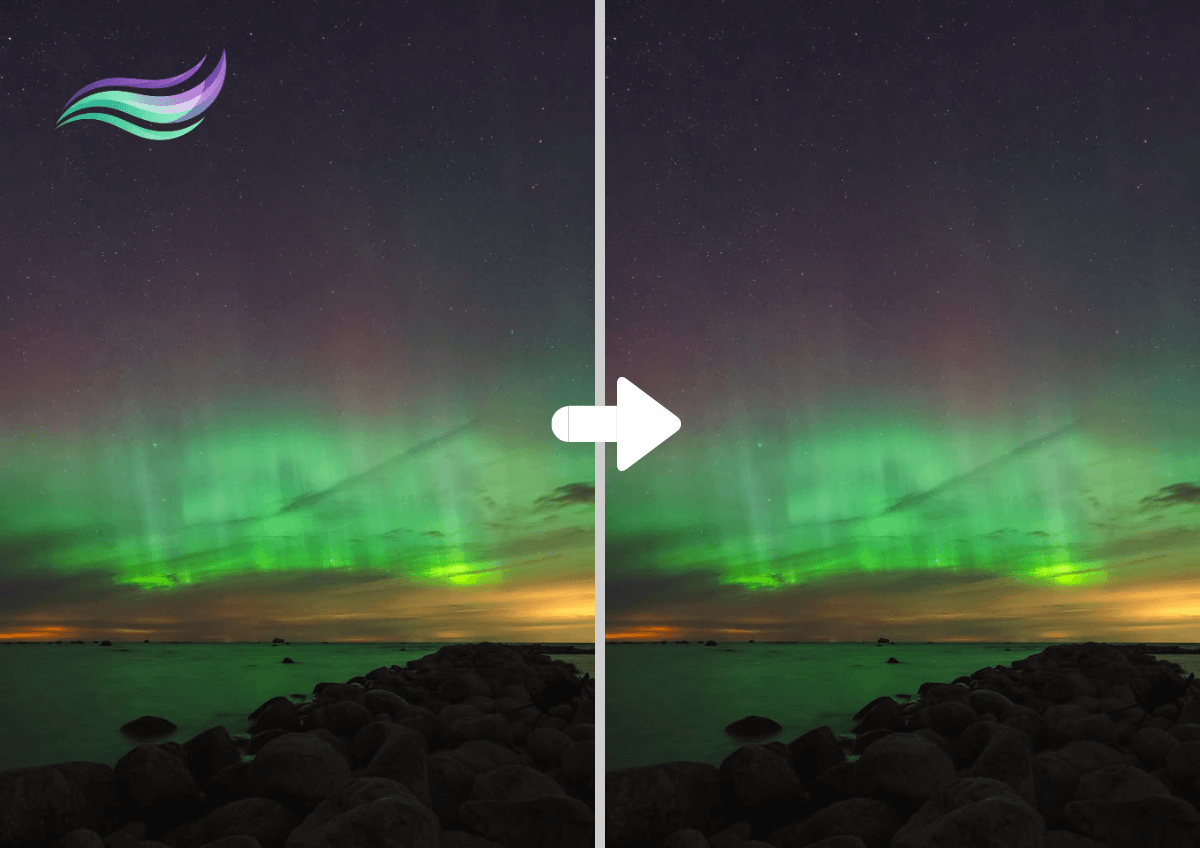
A video logo remover is an AI-powered tool that detects and removes logos, watermarks, or unwanted elements from videos. Advanced tools use video inpainting and motion tracking to reconstruct missing areas naturally, ensuring the final result looks clean and unedited.
Will removing a logo reduce video quality?
No .Our AI preserves the original video quality while removing unwanted elements.
What types of logos can be removed?
You can remove watermarks, channel logos, timestamps, subtitles, and other unwanted objects.
Is it legal to remove logos from videos?
It depends on how you use the video. Removing logos for personal use is generally acceptable, but for commercial use, ensure you have the rights to edit the content.

