

AI Video Summarizer Online
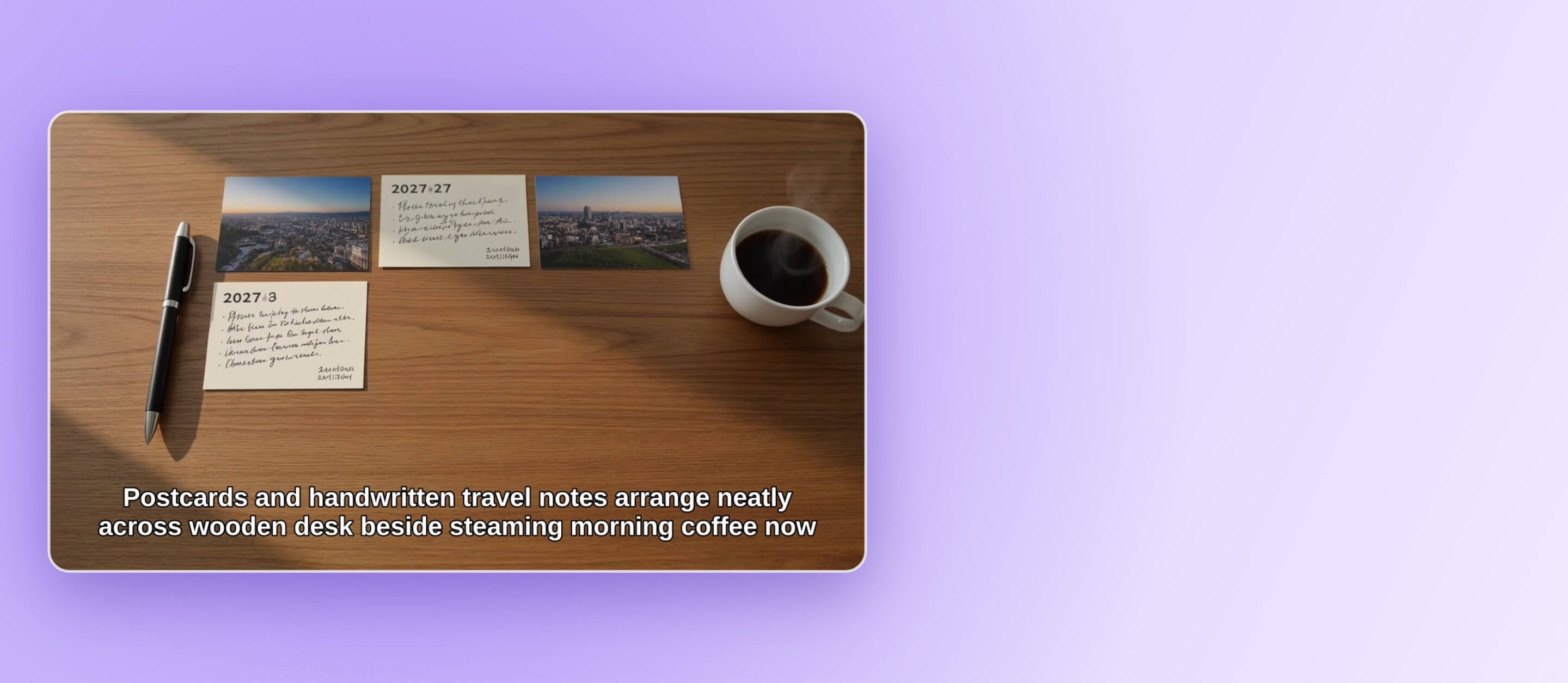
Condense your clips into one short, watchable video with YouCam Online Editor. Upload your clips, say what the video should focus on, and AI picks the moments, adds captions and music.
What is an AI Video Summarizer?
How to Summarize a Video With AI
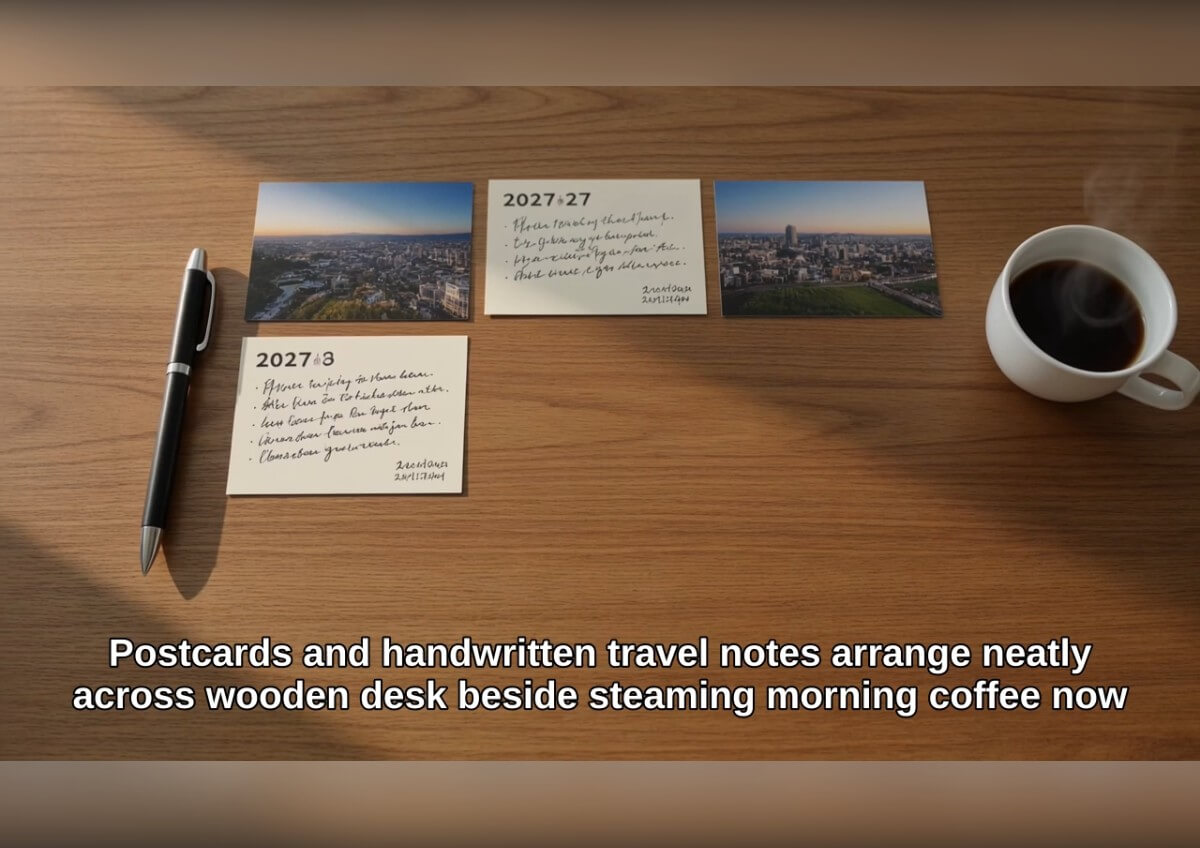
Go from a stack of clips to one short video in three steps.

Add Your Clips
Import the videos and photos you want condensed. Put the ones that matter most in your idea so the summary stays on topic.

Describe the Focus
Write one sentence about what the summary should show, such as the main events of a trip. Pick a style and a target length.
Generate and Review
Auto Edit builds the video with captions and music. Open the storyboard to review the result before you export.

Keep the Moments That Matter
You tell Auto Edit what the video is about, and it builds the summary around that idea. A clear one-sentence idea works better than a long list, because the AI uses it to decide which parts of your footage to keep.

Captions and Music Included
The result comes with subtitles and background music. Narration is optional and can be switched on if you want the story read aloud.

Review It in the Storyboard
After the video is generated, open the storyboard to look through the scenes and edit the result before exporting. You can also change the idea and generate again to get a different cut from the same footage.

AI Video Summarizer FAQs
What does an AI video summarizer do?
It condenses longer footage into a shorter video. In YouCam Online Editor, Auto Edit selects and orders moments from the clips and photos you upload, based on the idea you describe.
How long can the summary be?
You pick the finished length in the settings, from 30 seconds up to 3 minutes. The shortest summary Auto Edit makes is 30 seconds.
Can I upload more than one video?
Yes. You can add several clips and photos, and Auto Edit combines them into one video.
Does it add captions and music?
Yes. Subtitles and background music are part of the result, and narration can be turned on in the settings.
Can I choose which parts are kept?
You guide the summary with the idea you write, and you can review and edit the result in the storyboard. A clearer idea gives the AI a better sense of what to keep.
Where can I use it?
Auto Edit runs in the online editor in your browser. The Download App button takes you to the YouCam app for more video editing on your phone.
What if the summary misses something?
Try a more specific idea, use fewer or shorter source clips, and generate again. Each run can produce a different cut.

