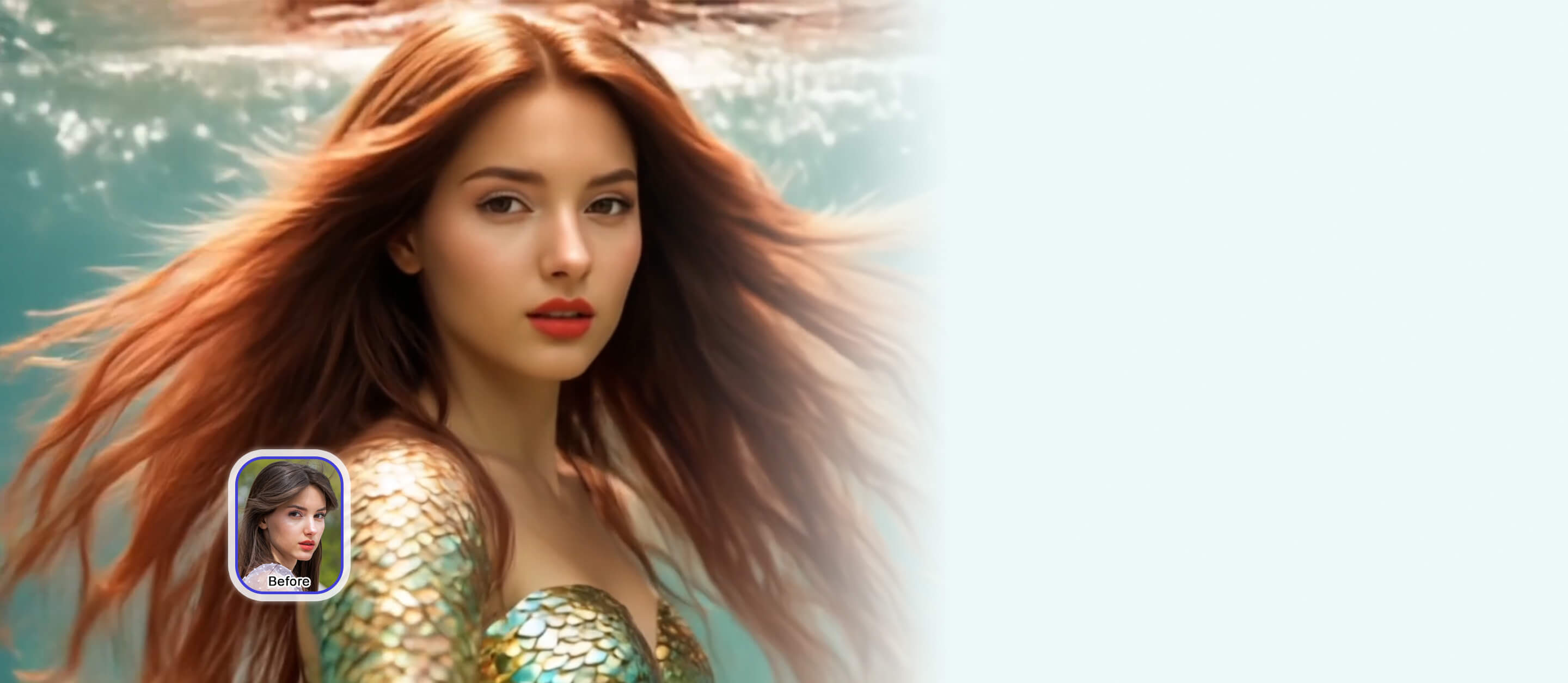
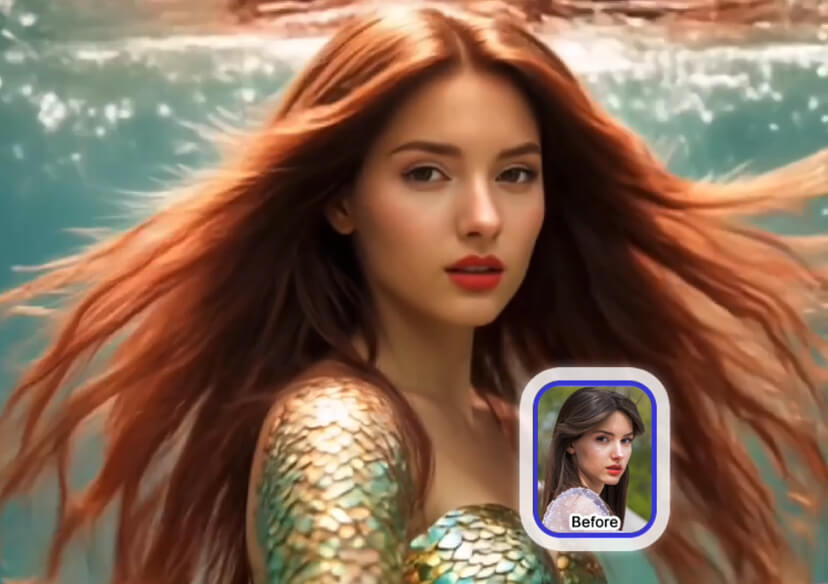




Vidu AI Video Generator
Create cinematic AI videos in seconds with Vidu AI. Just upload a photo or enter a text prompt to generate stunning clips with lifelike motion and storytelling precision.
How to Generate Videos With Vidu AI
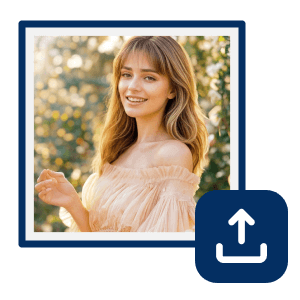
Upload Your Photo
Upload a photo to turn into a video. For the most optimal results, use a clear image. (Supported formats: JPG, JPEG, PNG, TIFF, and GIF.)


Choose Vidu for Video Generation
Choose from multiple Vidu models and enter a prompt to generate your video.
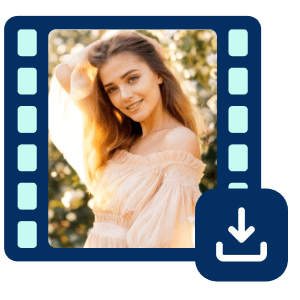
Generate and Download
Click 'Generate’ to create your AI video. Your viral video will be processed and available in in your gallery to download.
Turn Ideas into Viral AI Videos
Create eye-catching videos with YouCam Online Editor and Vidu AI. From kiss and hug animations to superhero transformations, you can join trends or make unique content that stands out.
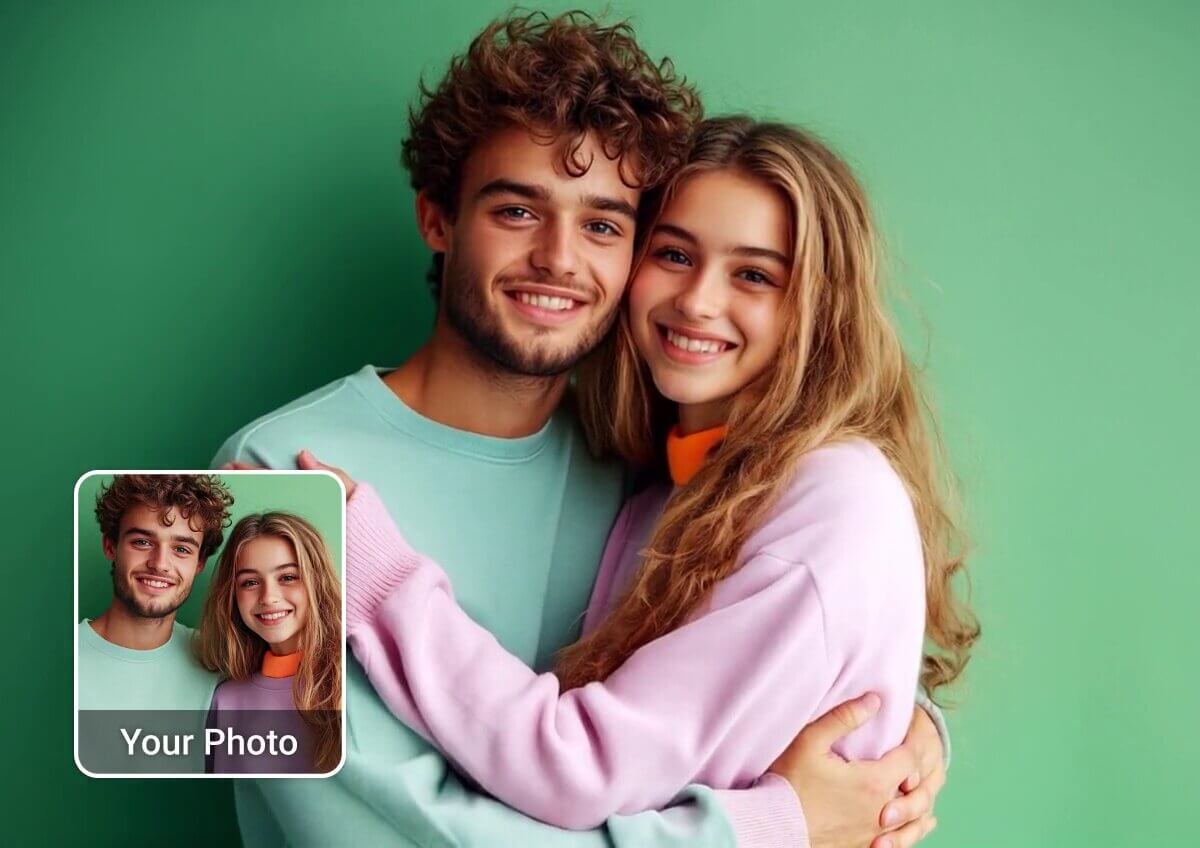
Flexible AI Video Creation
With Vidu, you get multiple creation modes in one place and advanced editing. Whether you’re producing fun short clips or cinematic brand videos, you can bring your ideas to life in seconds without limits.
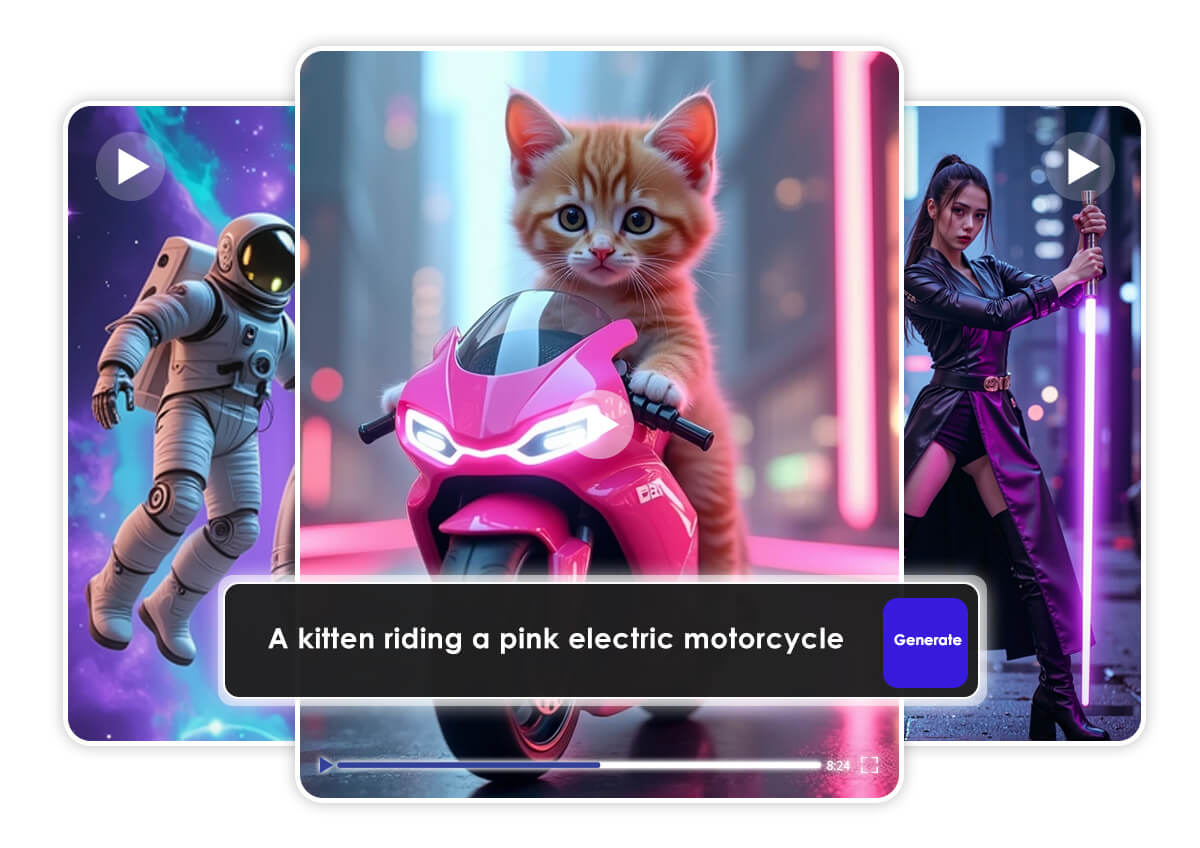
Consistent, Professional Results
Keep your videos smooth and cohesive with Vidu AI. Characters, scenes, and effects stay perfectly aligned, giving every video a polished, professional look.
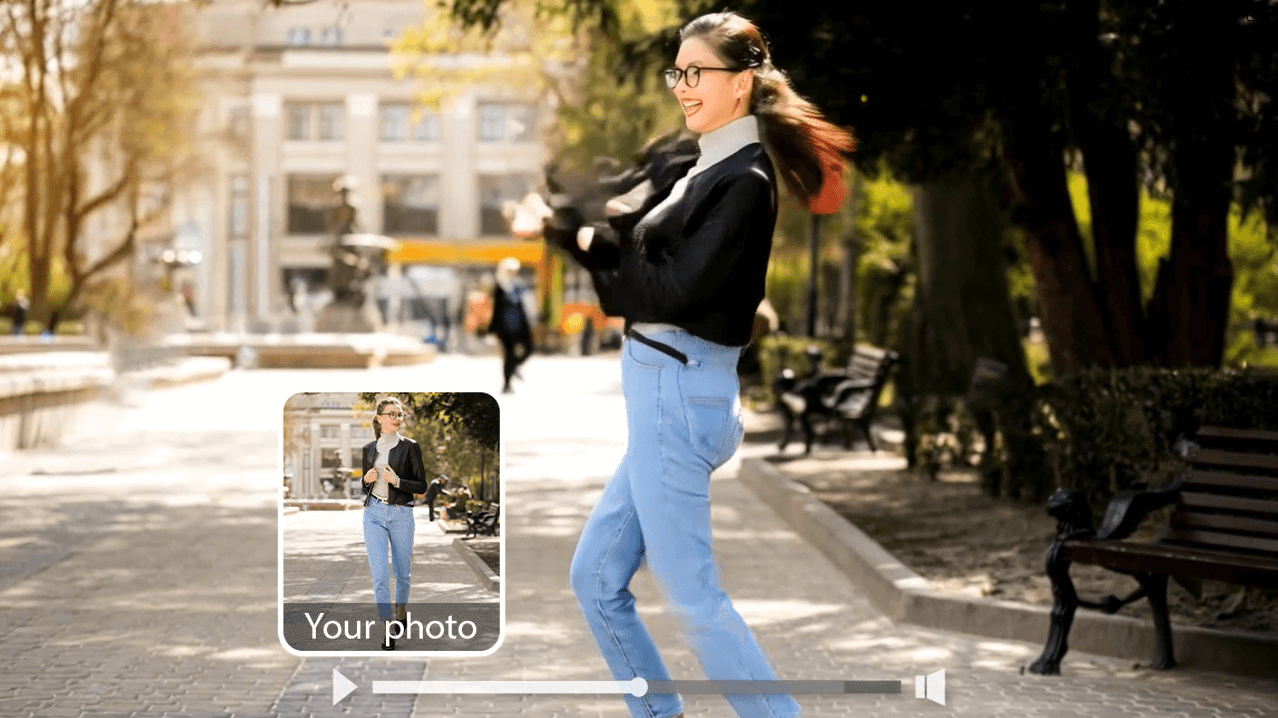
Vidu AI Video Generator FAQs
What kind of videos can I create with the AI Vidu Generator?
With Vidu AI Video Generator, you can create a wide variety of videos, including hug or kiss animations, superhero transformations, body morphing effects, object-to-robot animations, and cinematic short clips. It’s perfect for social media trends, creative storytelling, or promotional content.
Is Vidu AI video free?
Yes, Vidu AI offers a free plan that lets you create AI-generated videos online. Advanced features or higher-quality exports may require credits or a subscription, but you can test most core features without payment.
What is Vidu AI?
Vidu AI is an advanced AI video generator that turns your text prompts or images into short animated videos. Using powerful AI models and motion simulation, it creates realistic, cinematic clips ideal for social media, marketing, or storytelling.

