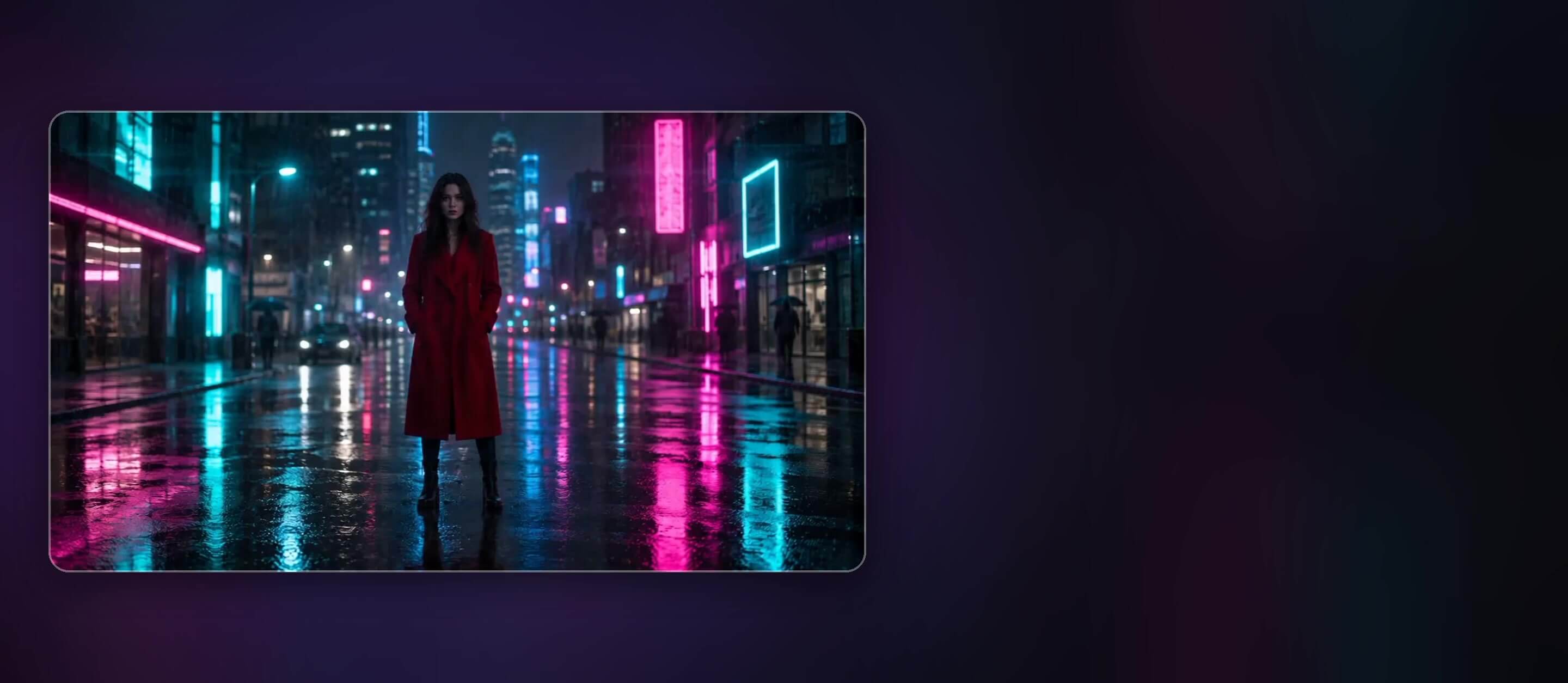
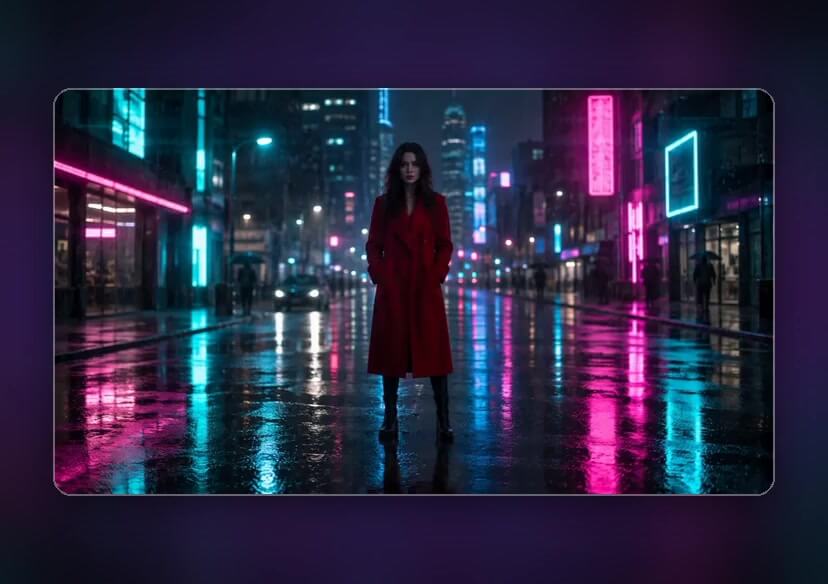




Vidu Q4 Preview AI Video Generator
Bring one photo to life with Vidu Q4 Preview in YouCam Online Editor. Describe the motion, pick your resolution and create videos of up to 4K with fluid movement and AI audio, right in your browser.
What Vidu Q4 Preview Brings to AI Video
Vidu Q4 Preview is the latest video model from Vidu, and it is now one of the models you can pick in YouCam Online Editor. You give it a single photo and a short prompt, and it animates the scene with fluid motion and rich detail. It can output up to 4K with 10-bit color for smoother gradients, and the AI Audio switch adds sound to the clip. Vidu labels this release as a preview, so expect it to keep improving.

Big, Fast Motion That Stays Stable
Fast movement is where many video models fall apart, with warped limbs and shaky frames. Vidu Q4 Preview is built to keep large motion such as spins, runs, dances and group movement steady and sharp. Describe the action in your prompt, for example a dance routine or a sprint, and mention that the camera should follow it. Short, concrete action verbs usually give cleaner motion than long abstract descriptions.
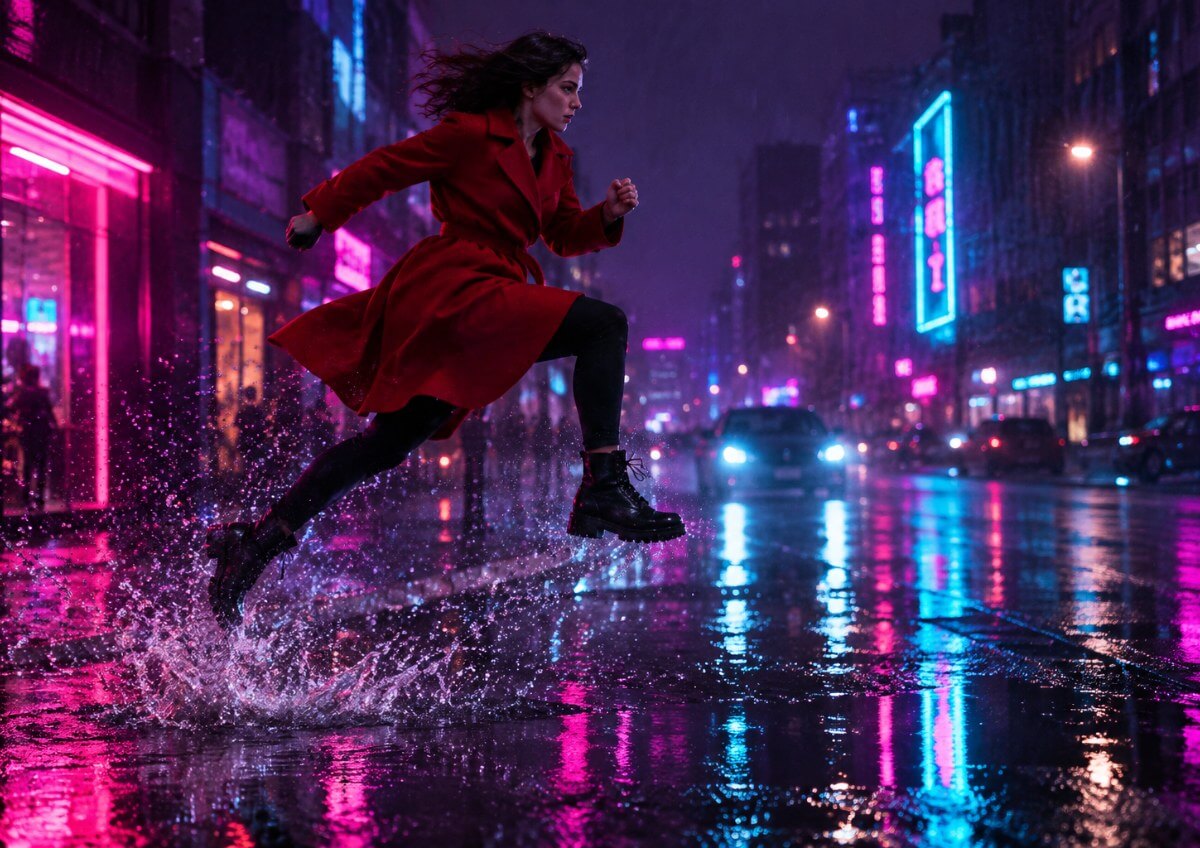
Camera Moves That Feel Directed
Vidu Q4 Preview follows camera instructions such as push-ins, pull-outs, pans, tilts and slow orbits, and it keeps the move smooth through the whole clip. Put one clear camera move in your prompt, then add the subject action. Asking for several camera changes in a short clip can make the scene feel rushed, so start with one and add more once you like the result.
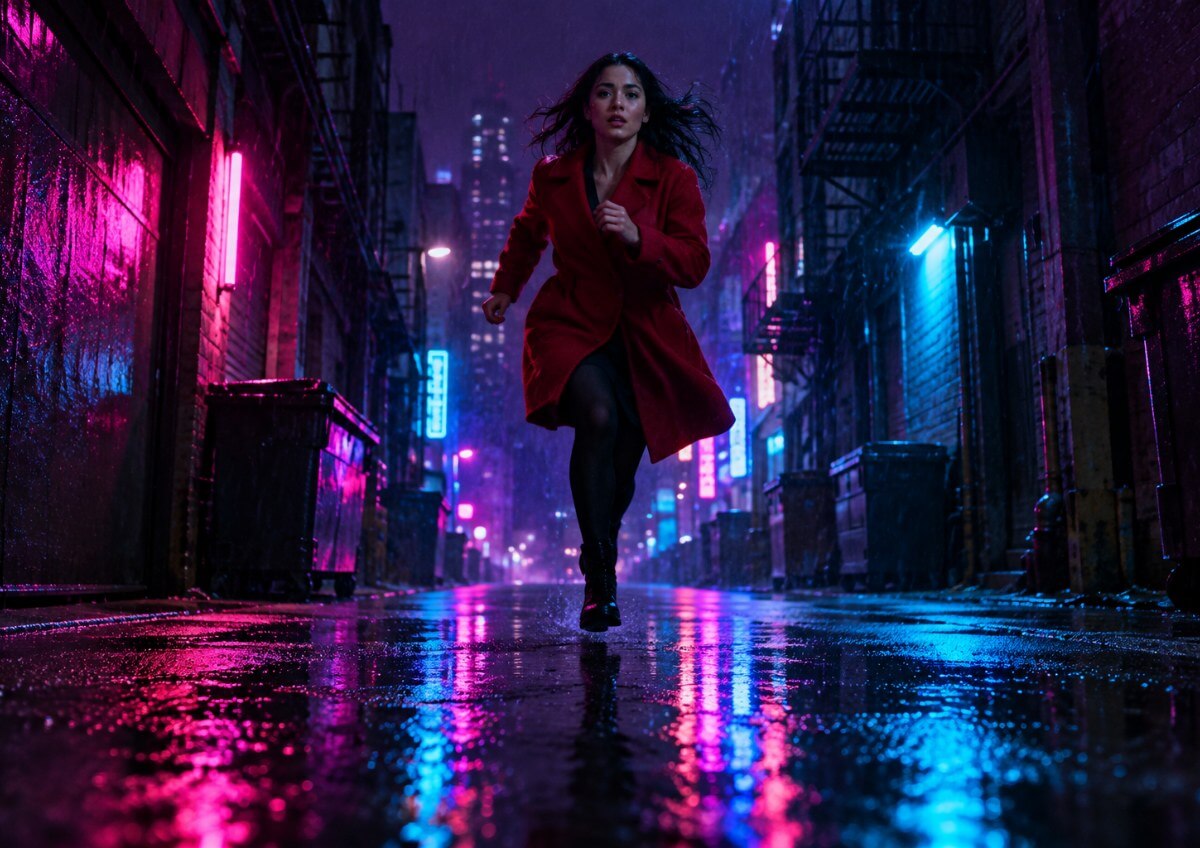
Expressive Faces and Styles Beyond Photorealism
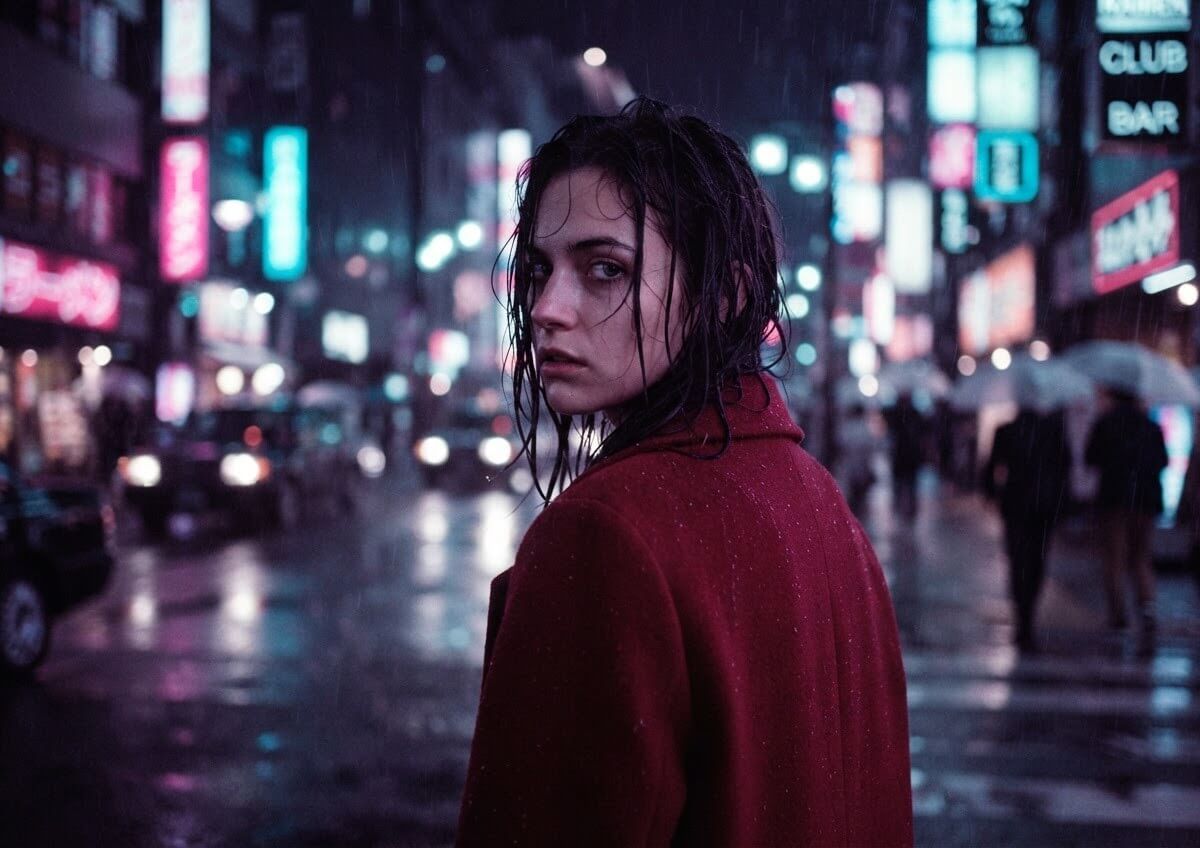
Vidu Q4 Preview can show micro-expressions and speech with lip-sync, so portraits feel like a performance and not a still image. It also handles styles such as photorealism, pixel art, clay, Y2K, game CG and anime. Use a clear, front-facing photo for talking or expressive shots, and name the style you want in the prompt.
How to Use Vidu Q4 Preview in YouCam Online Editor
Go from one photo to a finished video in three steps, right in your browser.

Upload your photo


Pick Vidu Q4 Preview and write your prompt
Generate and save your video
Vidu Q4 Preview AI Video Generator FAQs
What is Vidu Q4 Preview?
Can I use Vidu Q4 Preview in YouCam Online Editor?
What resolutions can I choose?
How many photos do I need?
Does Vidu Q4 Preview add sound to my video?
Are there any limits?

