

Weight Loss Simulator Online
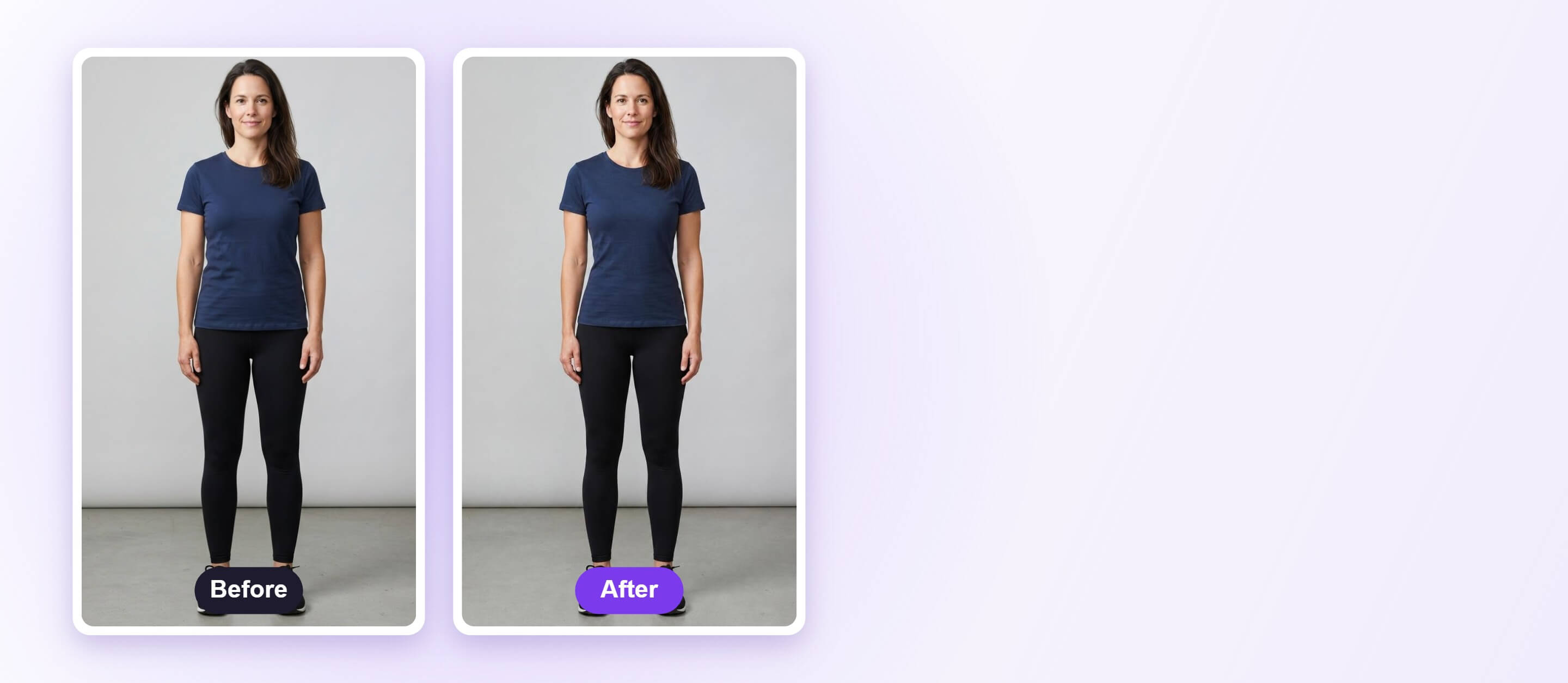
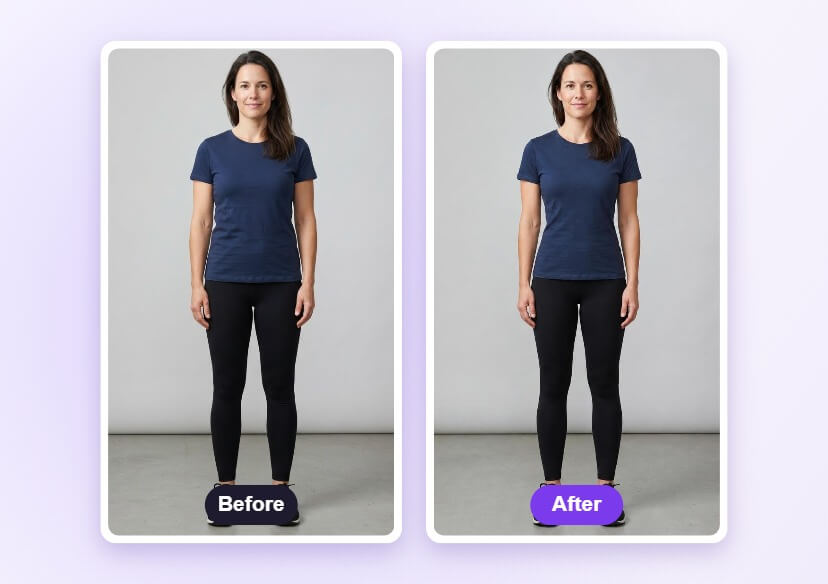
Preview a slimmer look in a full-body photo with a weight loss simulator. Upload a photo, adjust the sliders and compare with the original.




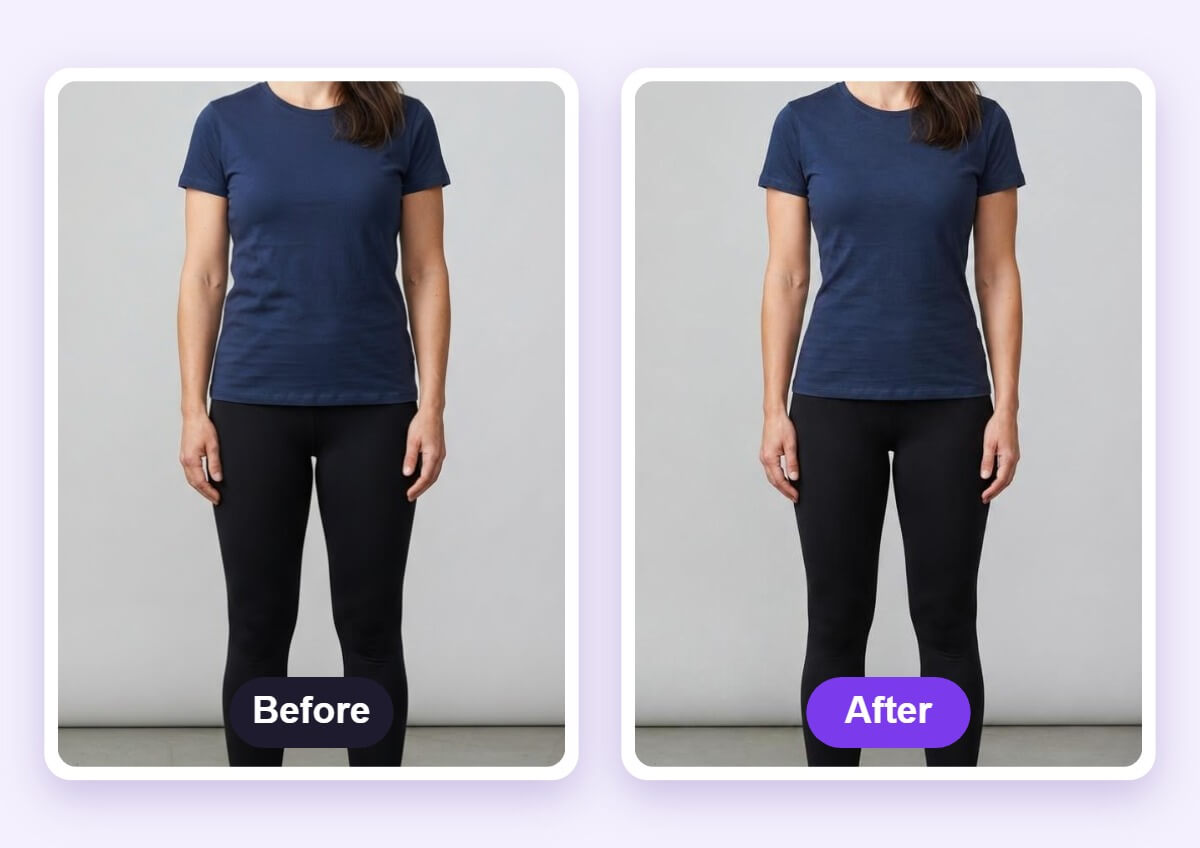
See a Slimmer Look Before and After
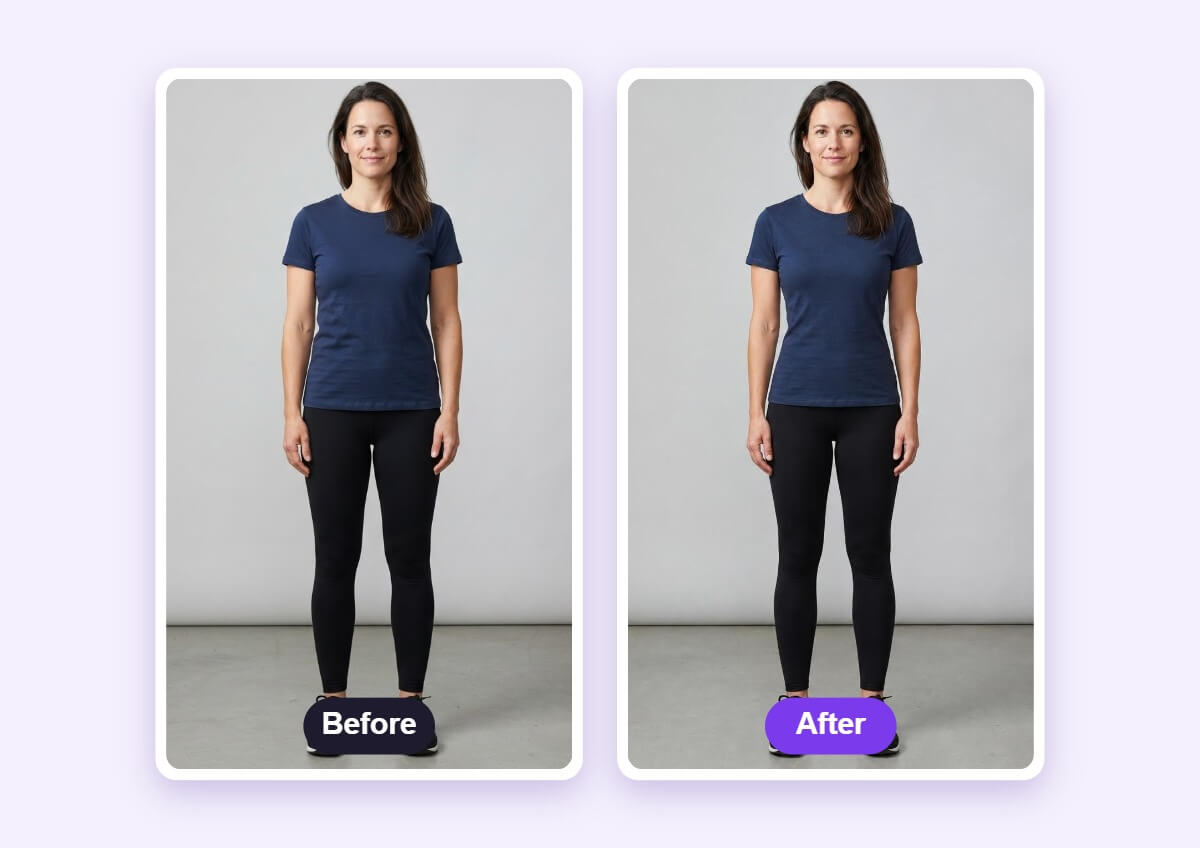
Comparing the original with the edit shows how the shape changes. Use small slider moves for a result that stays realistic.
How to Use a Weight Loss Simulator
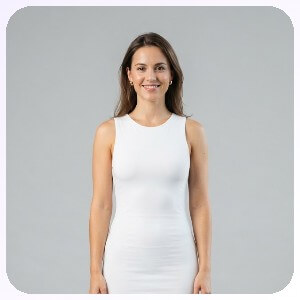
Upload a Full-Body Photo
Use a photo where the whole body is visible, standing straight in even light, so the tool can detect the body.

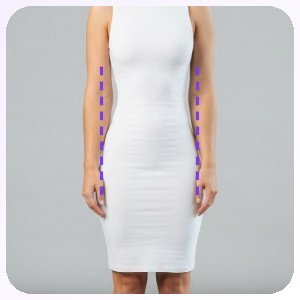
Slim the Body Shape
Pick the area you want to change and drag its slider toward slimmer a little at a time.
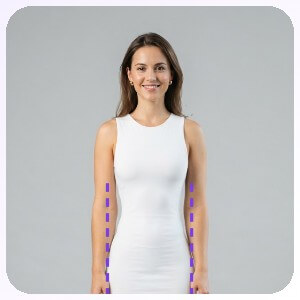
Apply and Download
Apply the change, compare it with the original photo and download the result.
A Preview, Not a Prediction
The simulator edits the shape in your photo as a visual goal or for planning. It does not predict real weight loss, and healthy goals are best set with a doctor or dietitian.
FAQs: Weight Loss Simulator
What is a weight loss simulator?
A weight loss simulator edits a photo to show a slimmer body shape. You upload a full-body photo, move the sliders and compare the result with the original.
Does it predict how much weight I will lose?
No. It is a visual edit of one photo and does not predict real results or timelines.
What photo should I use?
A full-body photo, standing straight and facing the camera in even light, gives the cleanest result.
How do I keep it realistic?
Use small slider steps and compare with the original. Big changes can bend the background or distort clothing.
Does it work with loose clothes?
It works best with fitted clothes. Baggy outfits and crossed arms make the body outline harder to detect.
How do I save the edited photo?
After you compare the result with the original, download the photo from the editor.

