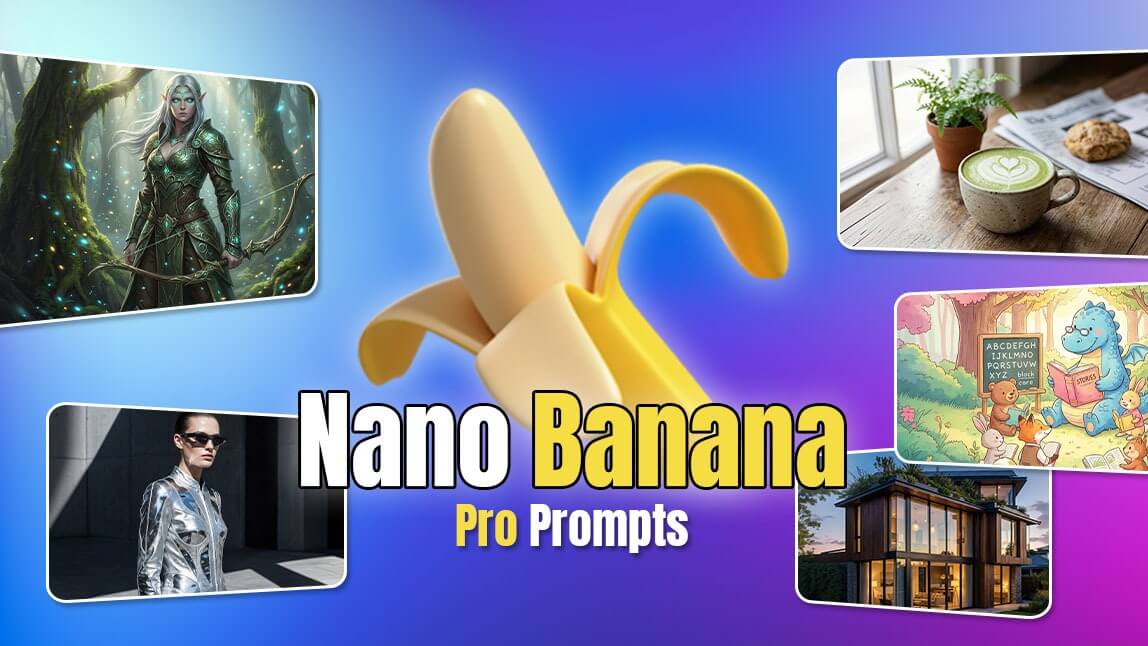
Prompts Nano Banana Pro : astuces pour les prompts Texte en image
10 meilleurs prompts Nano Banana Pro à essayer absolument en 2026
Comment utiliser Nano Banana Pro sur YouCam Editeur en Ligne
Explorez Nano Banana Pro dès maintenant
Les principaux atouts de Nano Banana Pro
1. Conception de personnage fantastique
2. Visualisation extérieure architecturale
3. Photo éditoriale de mode
4. Scène de jeu rétro en pixel art
5. Illustration de personnage kawaii mignon
6. Photographie culinaire : esthétique café
7. Illustration de livre pour enfants
8. Matte painting de paysage urbain SF
9. Images d’infographie
10. Création de storyboard
Étape 1. Ouvrez « YouCam Editeur en Ligne »
Étape 2. Appuyez sur "Générateur d'image IA" et sélectionnez votre mode IA
Étape 3. Sélectionnez "Nano Banana Pro" et saisissez votre prompt détaillé
Étape 4. Générez et enregistrez



Pas de connection Internet
Vérifier votre connection et essayez encore.
🔥Seedance 2.5 est arrivé : créez vos plus belles vidéos✨
Prompts Nano Banana Pro : astuces pour les prompts Texte en image
 Auteur : Team YouCam
12 août 2026 · Lecture d’environ 3 minutes