



Video online verscherpen met AI
Maak je video’s eenvoudig scherper met de beste gratis online AI-videoverbeteraar.Registreer nu en ontvang 5 GRATIS credits!

Maak je video automatisch en moeiteloos scherper met AI
- Video’s verscherpen: Verbeter de scherpte en details van je video’s.
- Resolutie opschalen: Verhoog de videoresolutie tot 4K voor superieure kwaliteit.
- AI-gezichtsrestauratie: Herstel gelaatstrekken levensecht met geavanceerde AI-technologie.
- Betere helderheid: Maak video’s helderder en scherper voor een betere kijkervaring.
Ontdek meer use cases: AI Video Enhancer, AI Video Upscaler, AI Video Generator
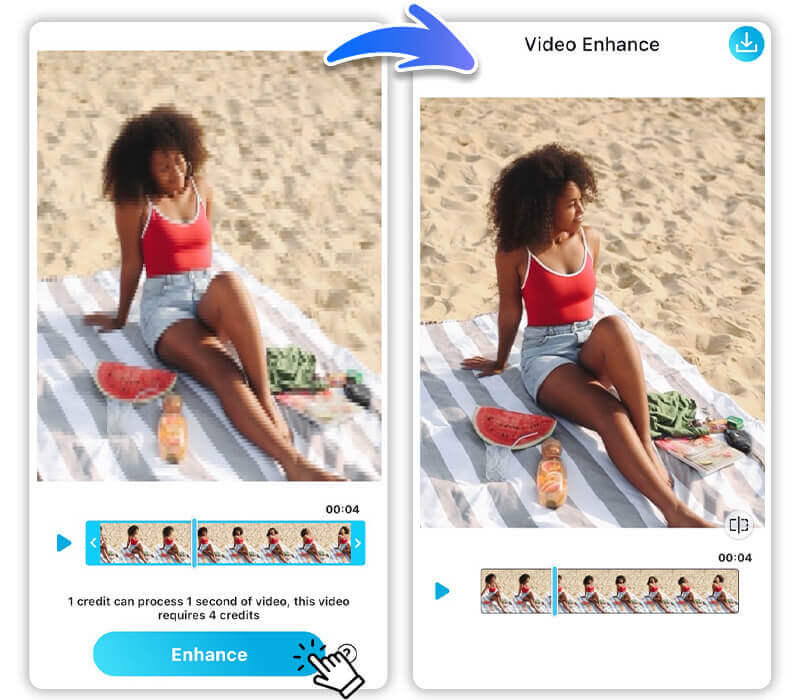
Hoe een video onscherpte verwijderen met YouCam AI Video Clearer

Upload je video
Begin door je video in een van de ondersteunde formaten (MP4, MOV, M4V) te uploaden naar de YouCam AI Video Clearer-tool.


Bekijk de verscherpte video
De tool genereert snel een korte preview van de verscherpte video zodat je het resultaat kunt bekijken.

Start AI-video verscherpen
Klik op de downloadknop om het AI-verscherpingsproces te starten. Dit kan enkele minuten duren, afhankelijk van de videolengte.

Download je verscherpte video
Zodra het verscherpen is voltooid, kun je je verbeterde video downloaden naar je apparaat.

4 highlights van de beste AI-videoverbeteraar
Vage video’s opschalen naar HD & 4K
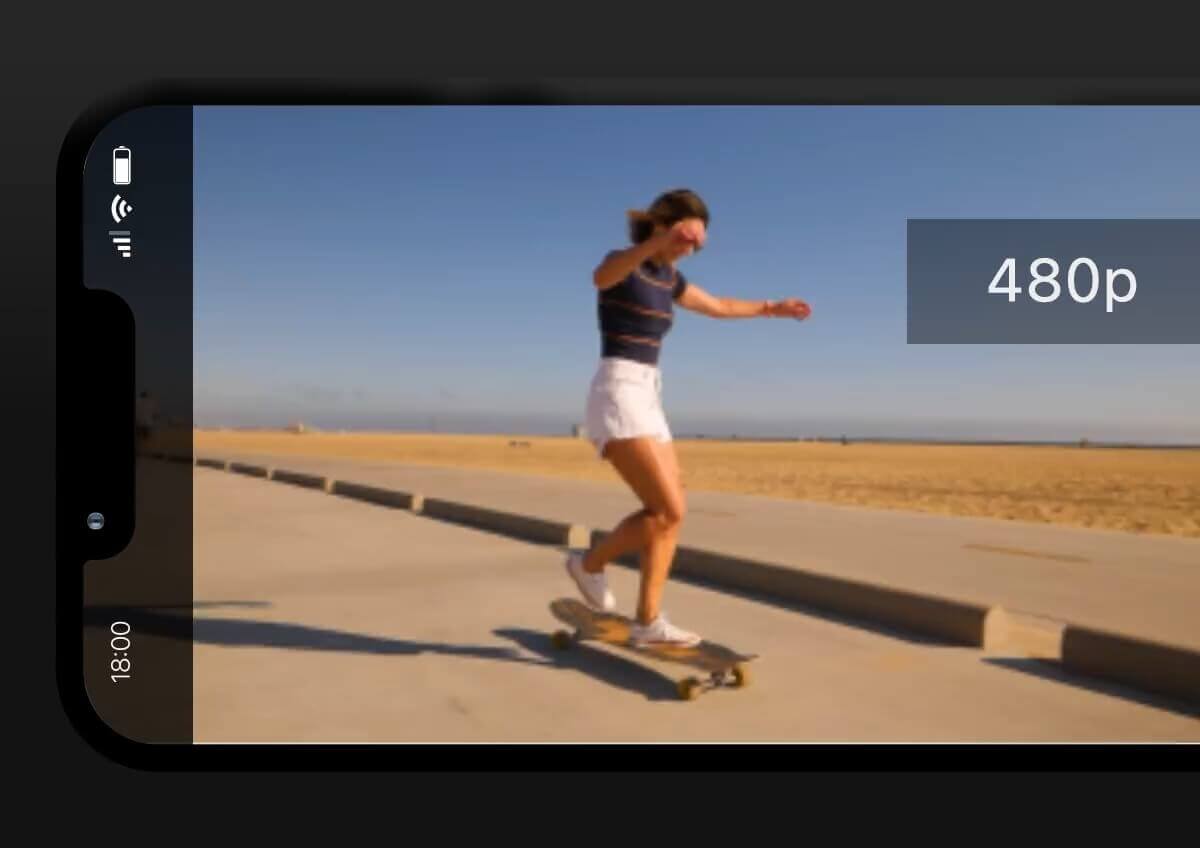
Je kunt video’s met een lagere resolutie zoals 240p, 360p, 480p of 1080p uploaden, en YouCam AI Video Clearer schaalt ze op tot 4K.
Deze functie verdubbelt de resolutie van je video’s en zorgt zo voor een flinke kwaliteitsboost.
Geniet van je favoriete momenten in prachtige hoge definitie, ongeacht de originele kwaliteit.
Los blokkerige & korrelige video’s op
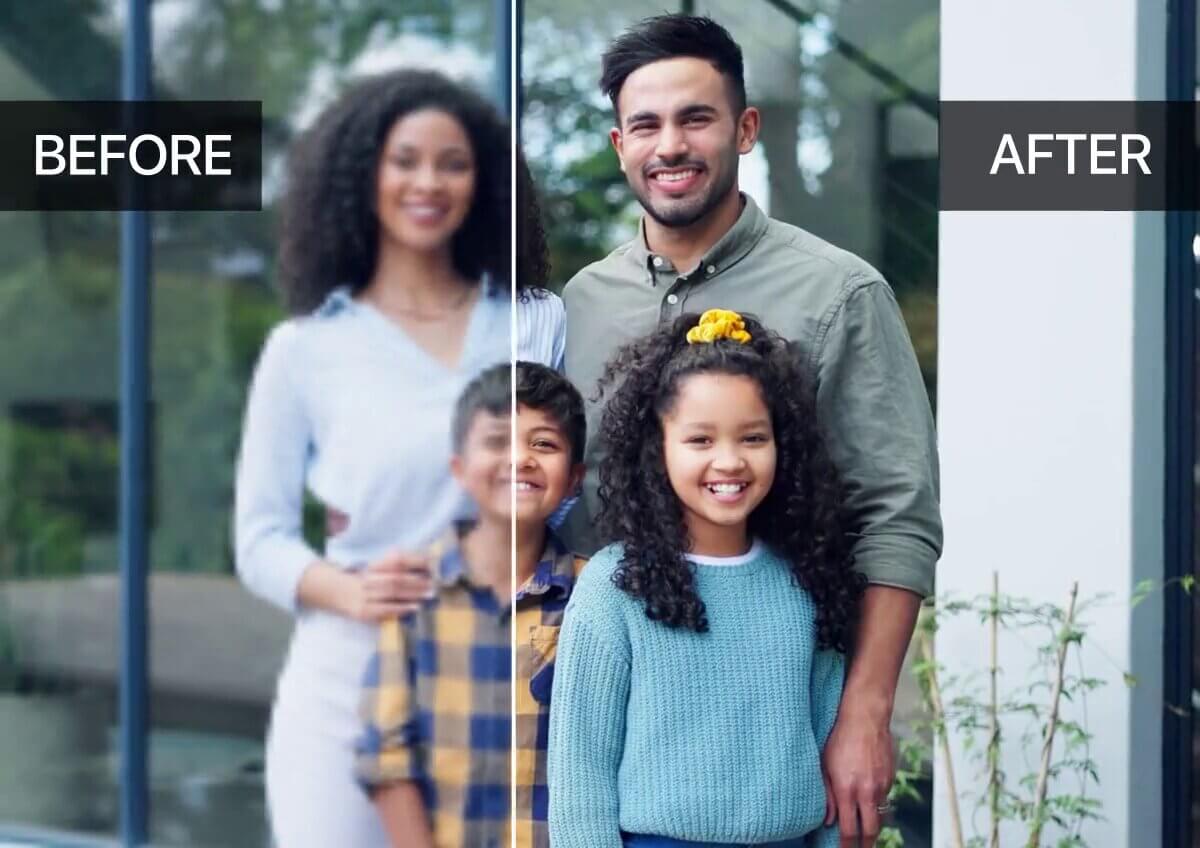
YouCam AI Video Clearer blinkt uit in het verbeteren van blokkerige en korrelige video’s, zodat ze er scherp en duidelijk uitzien. De geavanceerde algoritmen verfijnen elk frame, zodat zelfs de meest lastige video’s worden verbeterd.
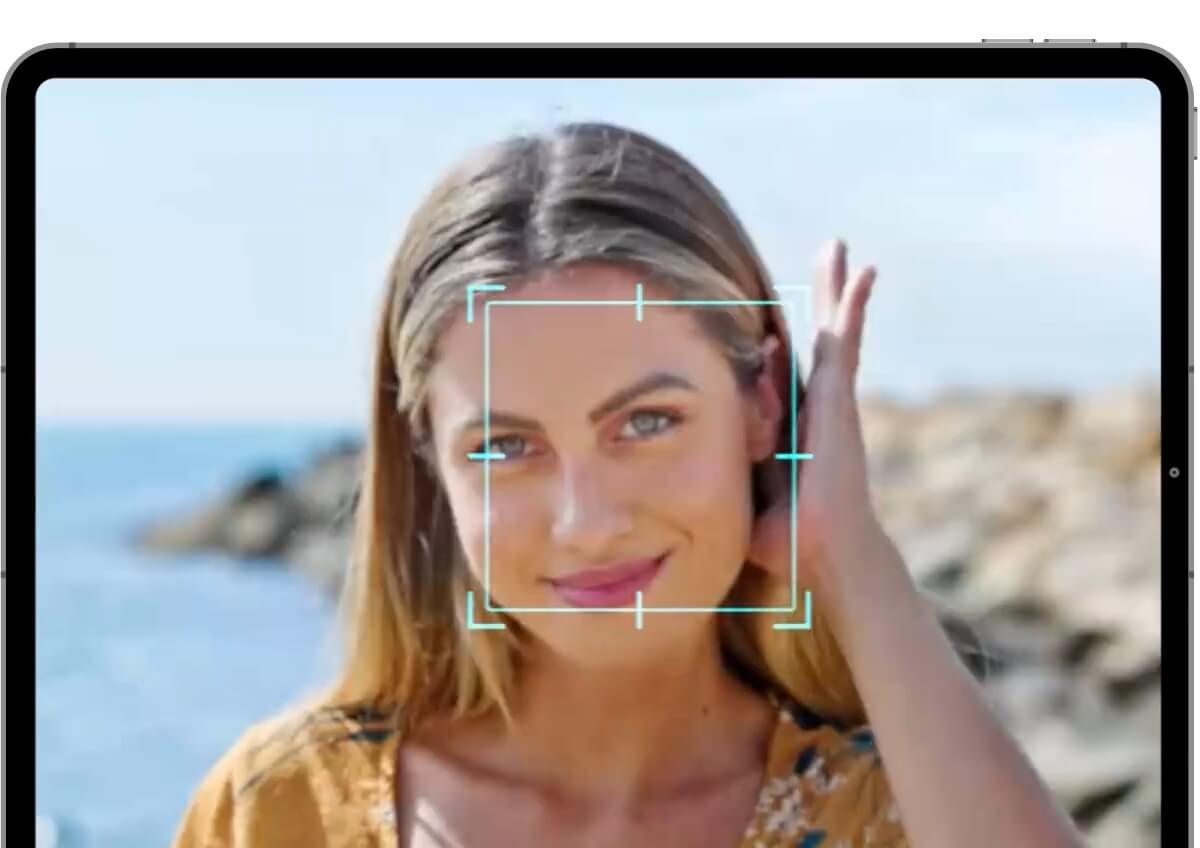
Maak portretten haarscherp met levendige details
De geavanceerde algoritmen van YouCam AI Video Clearer doen meer dan alleen portretten verscherpen; ze verfijnen ook gezichtskenmerken.
Zo worden je video’s niet alleen helder, maar blijven ze ook natuurlijk ogen, met levendige details waardoor gezichten prachtig opvallen.
Perfect om zowel persoonlijke als professionele video’s te verbeteren.
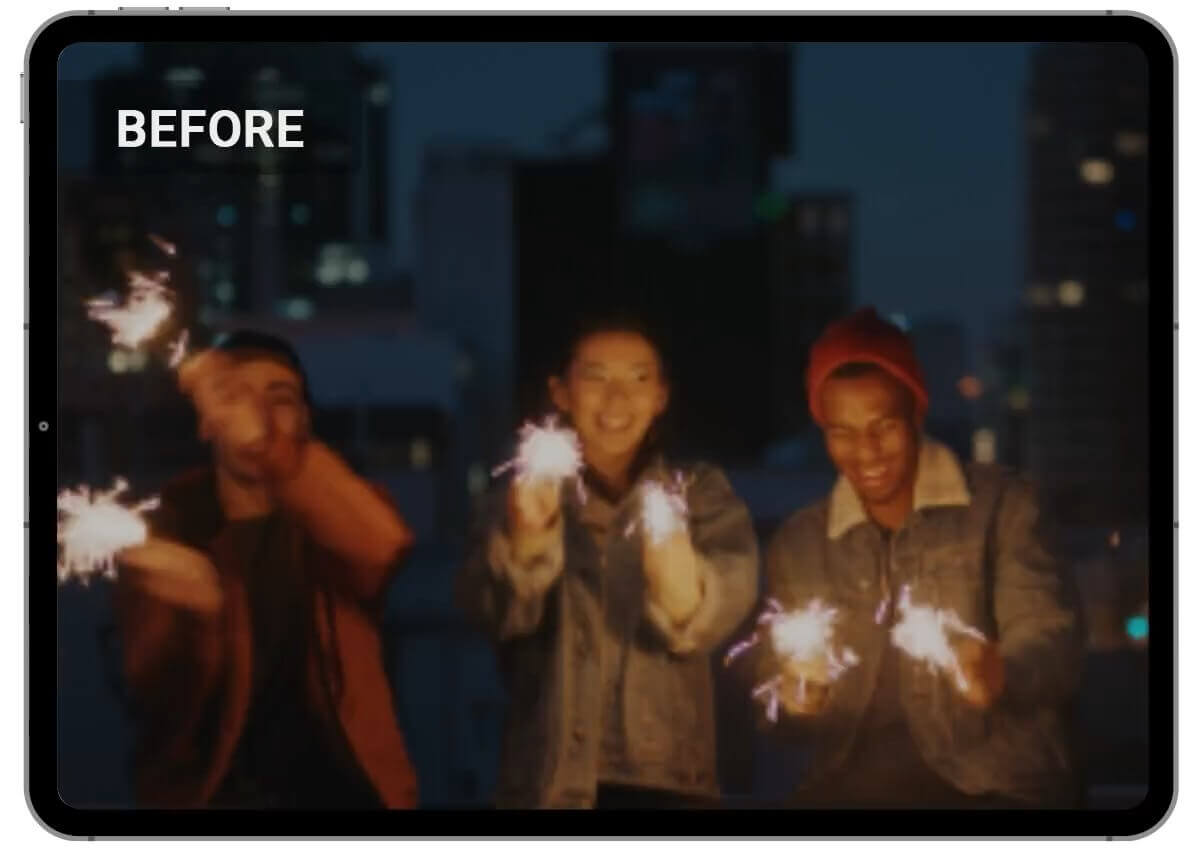
Repareer video’s met verbeterde kwaliteit
Deze tool maakt je video’s niet alleen scherper, maar vermindert ook licht ruis en verbetert de helderheid.
Hij repareert je video’s effectief en haalt het beste uit je beelden door de algehele kwaliteit te verbeteren.
Of je video nu donker of lawaaierig is, YouCam AI Video Clearer laat hem er strak en professioneel uitzien.
FAQ over video verscherpen
Hoe maak je een video scherper?
Om een video scherper te maken, kun je videobewerkingssoftware of apps gebruiken met functies voor verscherpen en verbeteren. Tools zoals YouCam AI Video Clearer kunnen de helderheid en scherpte van je video’s aanzienlijk verbeteren.
Hoe los je een wazige video op?
Een wazige video herstellen doe je met gespecialiseerde software of apps die onscherpte kunnen verwijderen en de video kunnen verbeteren. YouCam AI Video Clearer is hier een uitstekende keuze voor, omdat het geavanceerde algoritmen gebruikt om scherpte en details terug te brengen.
Hoe verwijder je onscherpte uit een video op iPhone?
Om een video op je iPhone scherper te maken, download je de YouCam Video-app uit de App Store. Open de app, upload je wazige video en gebruik de AI Video Clearer-functie om je video eenvoudig te verbeteren en te verscherpen.
Wat is de beste app om video’s scherper te maken op iPhone & Android?
De beste app om video’s scherper te maken op zowel iPhone als Android is YouCam Video. De app biedt krachtige AI-gestuurde tools om video’s te verbeteren en scherper te maken, zodat ze er helder en duidelijk uitzien.
Hoe verwijder je onscherpte uit een video?
Onscherpte uit een video verwijderen kun je doen met videobewerkingssoftware of apps die speciaal functies hebben om onscherpte te verminderen. YouCam AI Video Clearer is zeer effectief in het weghalen van wazigheid en het verbeteren van de videokwaliteit.
Hoe maak je een video scherper die iemand je gestuurd heeft?
Als iemand je een wazige video heeft gestuurd, kun je YouCam AI Video Clearer gebruiken om hem te verbeteren. Upload de video eenvoudig in de tool, gebruik de AI Video Enhancer-functie en download de verbeterde versie.
Kan ik video’s in verschillende formaten verscherpen?
Ja, YouCam AI Video Clearer ondersteunt verschillende videoformaten, waaronder MP4, MOV en M4V, waardoor het geschikt is voor allerlei soorten video’s.

