




Wyostrz wideo online dzięki AI
Wyostrzaj swoje filmy łatwo dzięki najlepszemu darmowemu internetowemu narzędziu AI do poprawy ostrości wideo.Zarejestruj się teraz i odbierz 5 DARMOWYCH kredytów!

Wyostrz swoje wideo łatwo i automatycznie z AI
- Wyostrzanie wideo: Zwiększ ostrość i szczegółowość swoich filmów.
- Skalowanie rozdzielczości: Zwiększ rozdzielczość wideo do 4K dla lepszej jakości.
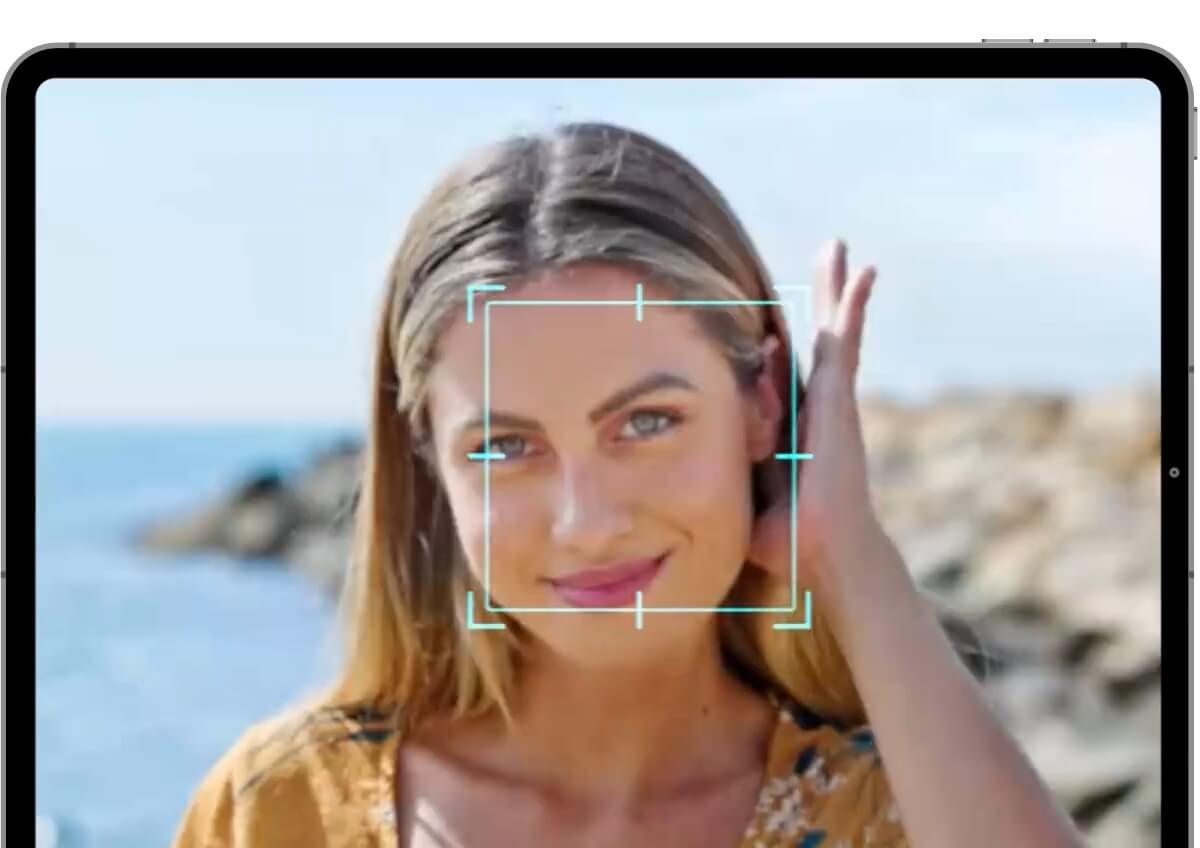
- Przywracanie twarzy AI: Odtwórz wyraźnie rysy twarzy za pomocą zaawansowanej technologii AI.
- Poprawa przejrzystości: Spraw, by filmy były jaśniejsze i wyraźniejsze dla lepszego oglądania.
Poznaj więcej zastosowań: AI Video Enhancer, AI Video Upscaler, AI Video Generator
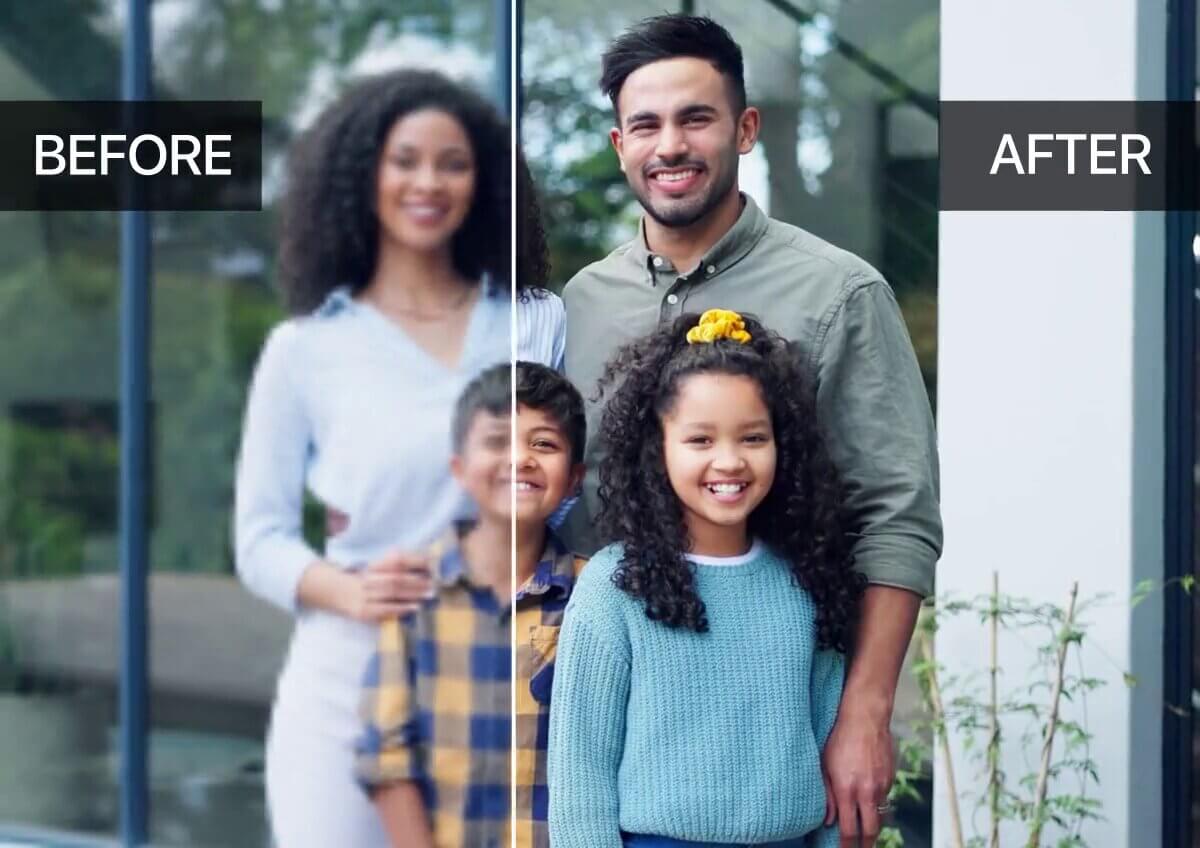
Jak wyostrzyć wideo za pomocą YouCam AI Video Clearer

Prześlij swoje wideo
Zacznij od przesłania swojego wideo w jednym z obsługiwanych formatów (MP4, MOV, M4V) do narzędzia YouCam AI Video Clearer.


Podgląd wyostrzonego wideo
Narzędzie szybko wygeneruje krótki podgląd wyostrzonego wideo, abyś mógł je sprawdzić.

Rozpocznij wyostrzanie wideo AI
Kliknij przycisk pobierania, aby rozpocząć proces wyostrzania AI, który może zająć kilka minut w zależności od długości wideo.

Pobierz swoje wyostrzone wideo
Gdy proces wyostrzania się zakończy, pobierz ulepszone wideo na swoje urządzenie.

4 najważniejsze zalety najlepszego AI Video Clearer
Skaluj rozmazane wideo do HD i 4K
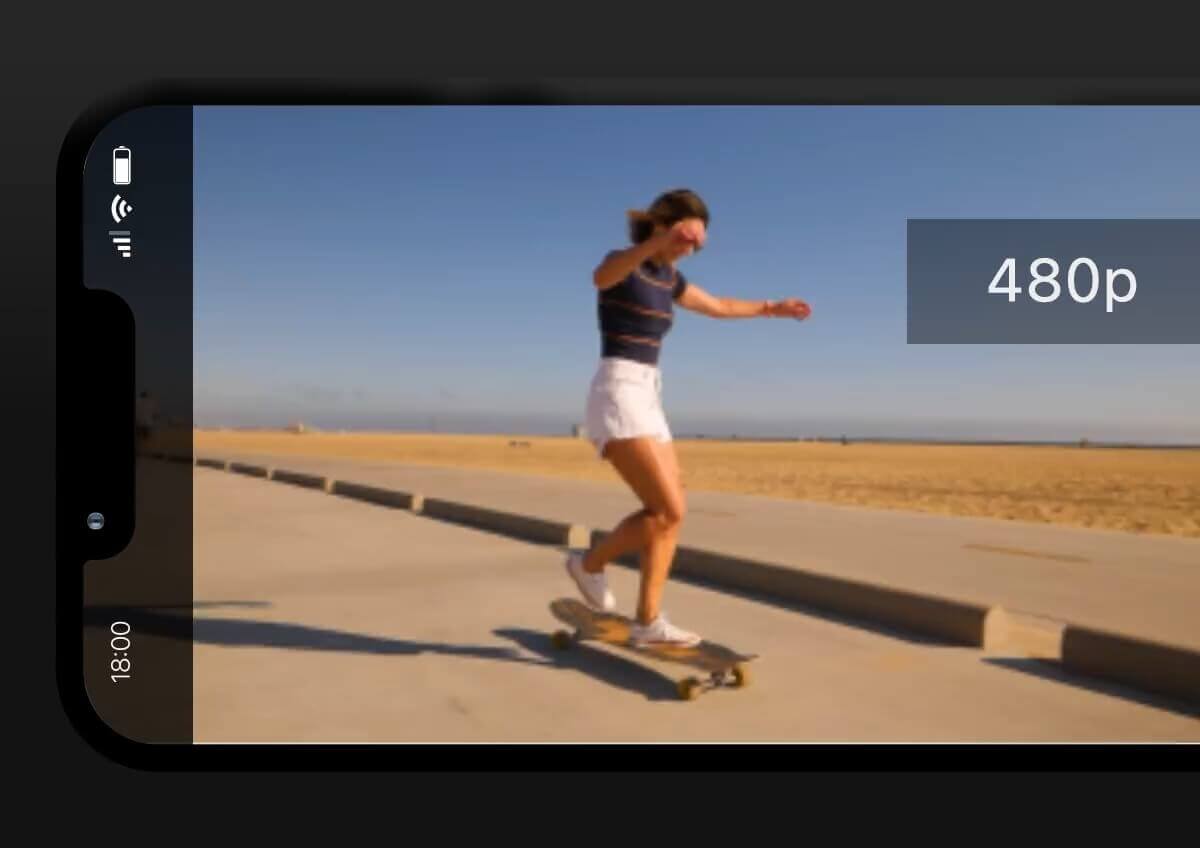
Możesz przesyłać filmy w niższych rozdzielczościach, takich jak 240p, 360p, 480p lub 1080p, a YouCam AI Video Clearer przeskaluje je do 4K.
Ta funkcja podwaja rozdzielczość Twoich filmów, zapewniając znaczną poprawę jakości.
Ciesz się ulubionymi chwilami w zachwycającej wysokiej rozdzielczości, niezależnie od jakości oryginału.
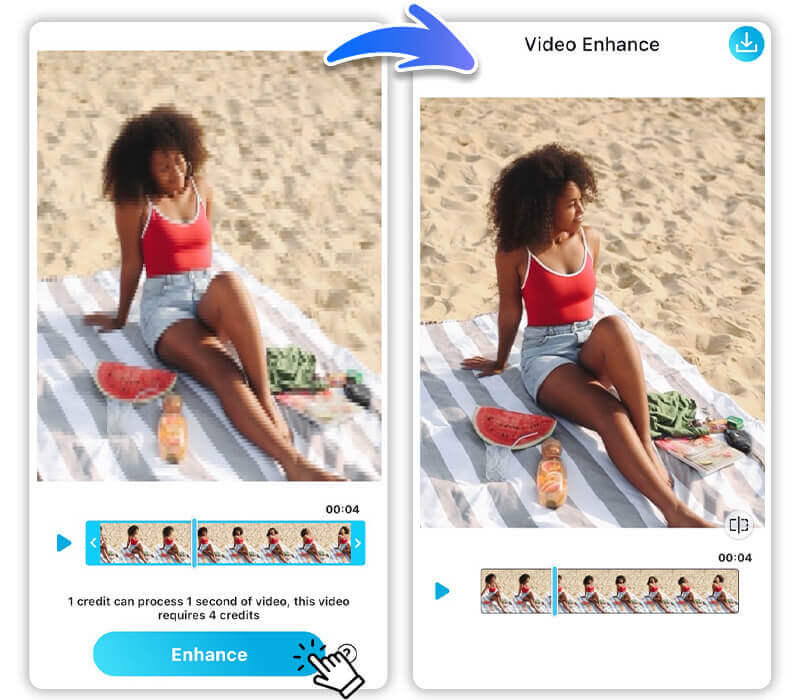
Napraw pikselowe i zaszumione wideo
YouCam AI Video Clearer doskonale sprawdza się przy poprawianiu pikselowych i zaszumionych filmów, sprawiając, że wyglądają ostro i wyraźnie. Zaawansowane algorytmy dopracowują każdą klatkę, dzięki czemu poradzi sobie nawet z najtrudniejszym materiałem wideo.
Wyostrz portrety z żywymi detalami
Wyrafinowane algorytmy YouCam AI Video Clearer robią więcej niż tylko wyostrzanie portretów – dodatkowo dopracowują rysy twarzy.
Dzięki temu Twoje filmy są nie tylko wyraźne, ale też wyglądają naturalnie, z żywymi detalami, które pięknie podkreślają twarze.
To idealne rozwiązanie zarówno do filmów prywatnych, jak i profesjonalnych.
Naprawiaj filmy z lepszą jakością
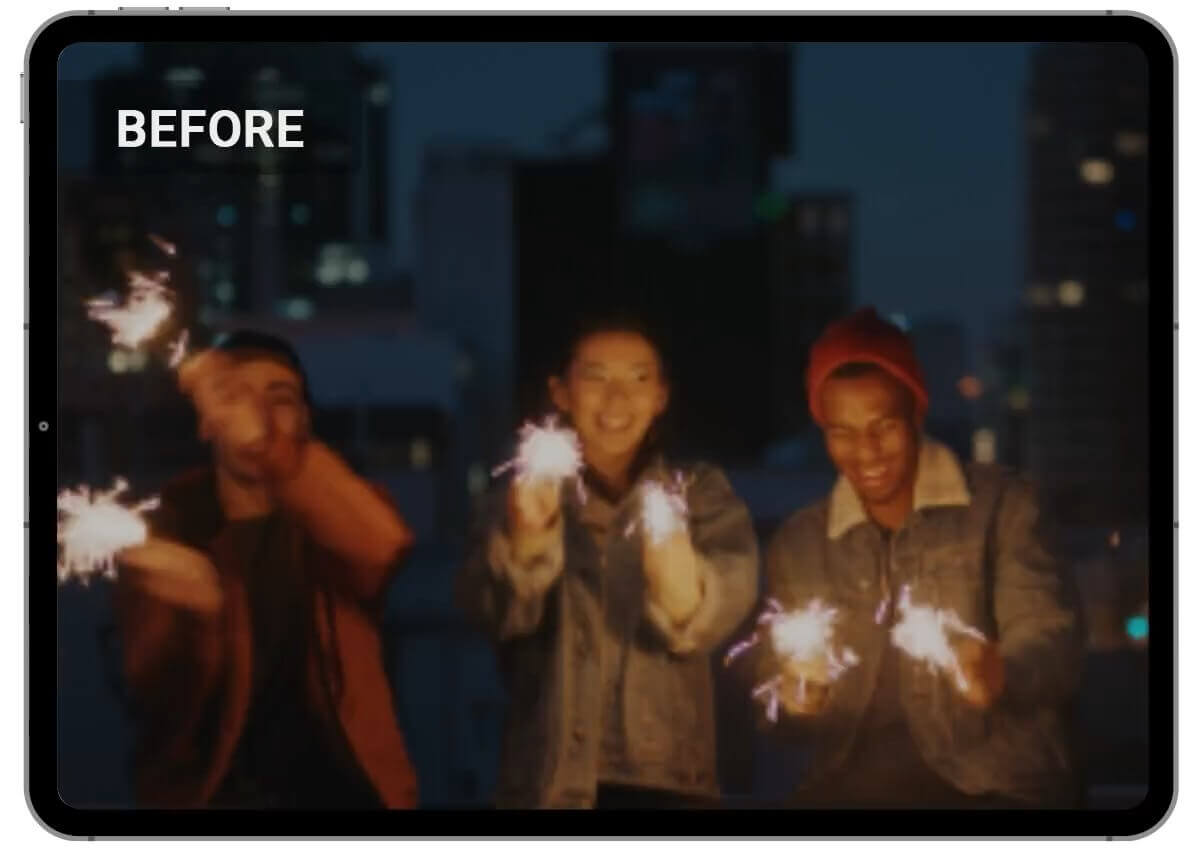
To narzędzie nie tylko wyostrza Twoje filmy, ale też delikatnie usuwa szum i poprawia jasność.
Skutecznie „naprawia” wideo, wydobywając z ujęć to, co najlepsze, dzięki poprawie ogólnej jakości.
Niezależnie od tego, czy film jest ciemny czy zaszumiony, YouCam AI Video Clearer sprawi, że będzie wyglądał profesjonalnie i dopracowanie.
FAQ dotyczące wyostrzania wideo
Jak sprawić, żeby wideo było wyraźniejsze?
Aby poprawić wyrazistość wideo, możesz użyć programu lub aplikacji do edycji wideo z funkcjami wyostrzania i ulepszania. Takie narzędzia jak YouCam AI Video Clearer potrafią znacząco poprawić przejrzystość i ostrość filmów.
Jak naprawić rozmazane wideo?
Naprawa rozmazanego wideo polega na użyciu specjalnych programów lub aplikacji, które potrafią wyostrzać i ulepszać obraz. YouCam AI Video Clearer to świetny wybór do tego zadania, bo wykorzystuje zaawansowane algorytmy do przywracania ostrości i detali.
Jak wyostrzyć wideo na iPhonie?
Aby wyostrzyć wideo na iPhonie, pobierz aplikację YouCam Video z App Store. Otwórz aplikację, prześlij rozmazany film i użyj funkcji AI Video Clearer, aby łatwo go ulepszyć i wyostrzyć.
Jaka jest najlepsza aplikacja do wyostrzania wideo na iPhone i Androidzie?
Najlepszą aplikacją do wyostrzania filmów zarówno na iPhone, jak i Androidzie jest YouCam Video. Oferuje potężne narzędzia oparte na AI do ulepszania i wyostrzania wideo, dzięki czemu wygląda ono ostro i jasno.
Jak usunąć rozmycie z wideo?
Usuwanie rozmycia z wideo jest możliwe dzięki programom i aplikacjom do edycji wideo z funkcją wyostrzania. YouCam AI Video Clearer bardzo skutecznie usuwa rozmazanie i poprawia jakość nagrania.
Jak wyostrzyć wideo, które ktoś Ci wysłał?
Jeśli ktoś wysłał Ci rozmazane wideo, możesz ulepszyć je w YouCam AI Video Clearer. Po prostu prześlij film do narzędzia, użyj funkcji AI Video Enhancer, a następnie pobierz poprawioną wersję.
Czy mogę wyostrzać filmy w różnych formatach?
Tak, YouCam AI Video Clearer obsługuje różne formaty wideo, w tym MP4, MOV i M4V, więc jest uniwersalny dla różnych typów nagrań.

