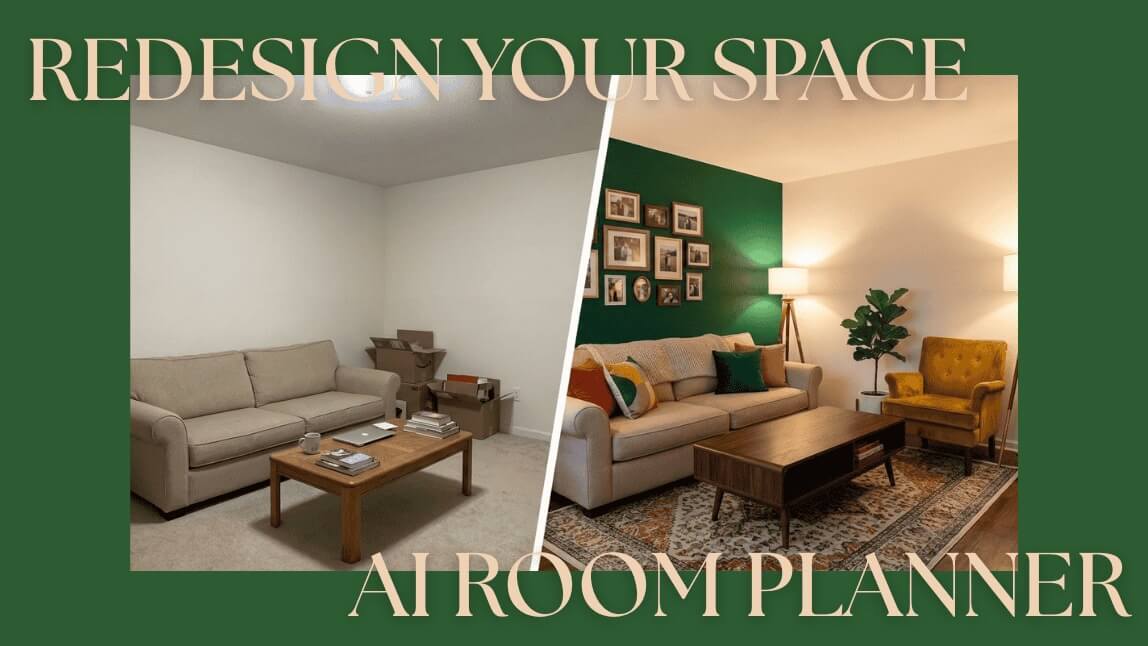
Redesign Your Space Instantly with an AI Room Planner
What Actually is an AI Interior Planner?
How to Give Your Room a Virtual Makeover (In 3 Steps)
3 Secrets for "Pinterest-Worthy" Results
Why You’ll Love Using AI for Decor
Start Your Makeover Today
FAQ: Your AI Decor Questions Answered
Step 1: Select "Image 2 Image" & Upload
Step 2: Describe Your Dream Style
Step 3: Adjust the "Magic Slider" (Image Strength)
1. Talk About Lighting
2. Be Specific with Materials
3. Use the "Negative Prompt"



No Internet Connection
Check your connection and then try again.
🔥Create a Halloween Video with the latest Kling-V4 model!✨
Redesign Your Space Instantly with an AI Room Planner
 Author: Team YouCam
Jan 16, 2026 · 3 minutes read