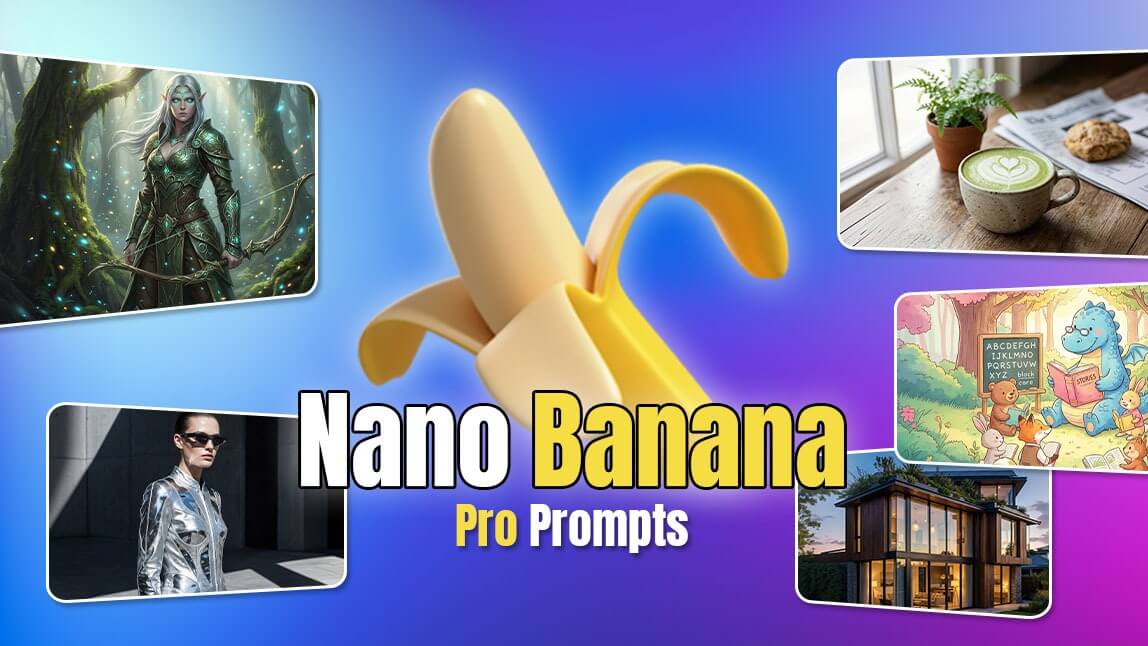
Nano Banana Pro : 50+ Text-to-Image Prompts to Use & Tips
10 Best Nano Banana Pro Prompts You Must Try
How To Use Nano Banana Pro on YouCam Online Editor
Explore Nano Banana Pro Now
My Key Takeaways
1. Fantasy Character Design
2. Architectural Exterior Visualization
3. Fashion Editorial Shot
4. Retro Pixel-Art Game Scene
5. Cute Kawaii Character Illustration
6. Food Photography — Café Aesthetic
7. Children’s Book Illustration
8. Sci-Fi Cityscape Matte Painting
9. Infographic Images
10. Storyboard Making
Step 1. Open “Youcam Online Editor”
Step 2. Tap "AI Image Generator" & Select Your AI Mode
Step 3. Select "Nano Banana Pro" and Input Your Detailed Prompt
Step 4. Generate & Save



No Internet Connection
Check your connection and then try again.
🔥Vidu Q4 Release Now: Create Your Best Videos Yet✨
Nano Banana Pro : 50+ Text-to-Image Prompts to Use & Tips
 Author: Team YouCam
Dec 23, 2025 · 3 minutes read