




Remove People from Photos with AI
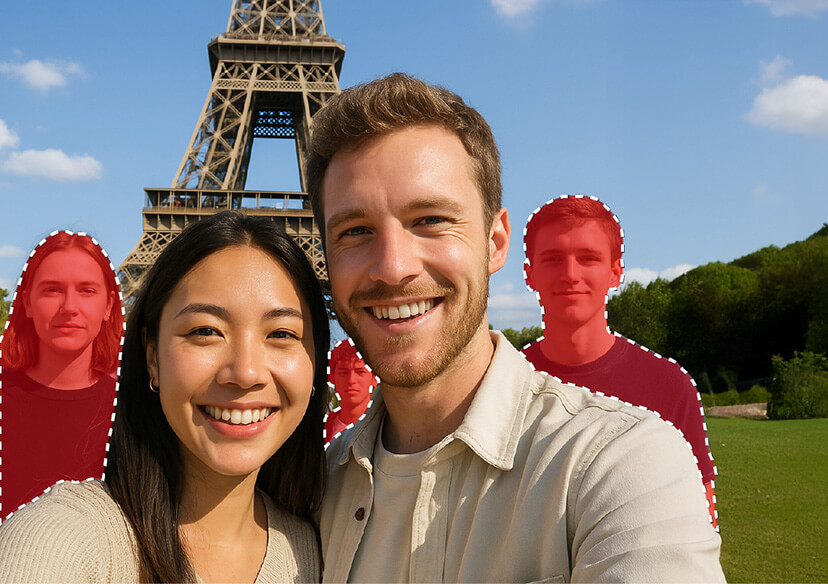
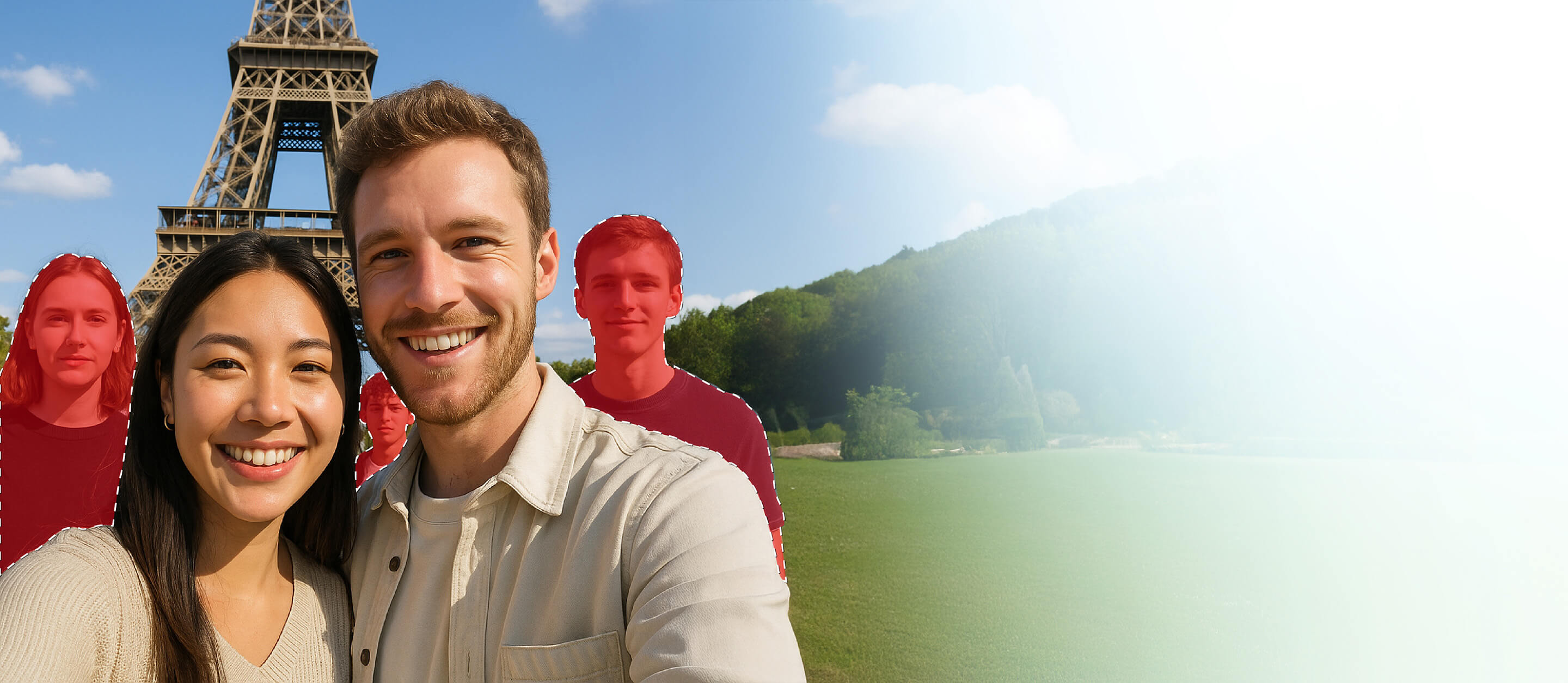
Our powerful Online Removal Tool uses advanced artificial intelligence to erase unwanted people from your images—quickly, cleanly, and with just a few clicks. No editing skills required.

Effortless People Removal with AI
- Smart Automatic Detection: AI technology quickly identifies and suggests people for removal, streamlining your workflow and saving valuable time.
- Manual Precision Tools: Need more control? Use intuitive brush and lasso tools to manually select individuals with accuracy and ease.
- High-Quality, Seamless Results: Enjoy clean, natural-looking edits. Backgrounds stay intact, with no awkward distortions or traces of removal.

How to Remove People From a Photo Online
Tired of strangers photobombing your favorite shots? Our AI-powered eraser tool makes it incredibly easy to clean up your pictures in just a few clicks. Using advanced algorithms, it intelligently detects and removes people from the background—so your photo gets the attention it deserves, not the distractions.

Upload Your Photo
Click “Try for Free” or simply drag and drop your image onto the page. The tool supports JPG, JPEG, PNG, TIFF, and GIF formats.

Highlight Who to Remove
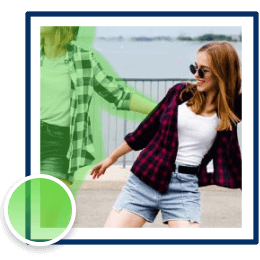
Use the intuitive brush tool to paint over the people you want gone. You can easily adjust the brush size for precision—even in tricky areas.

Click Remove & Save
Hit the "Remove" button and let the magic happen. Once your photo is cleaned up, just download it and save it to your device.
Top Highlights of the Best AI People Remover
Remove People from Your Photo’s Background
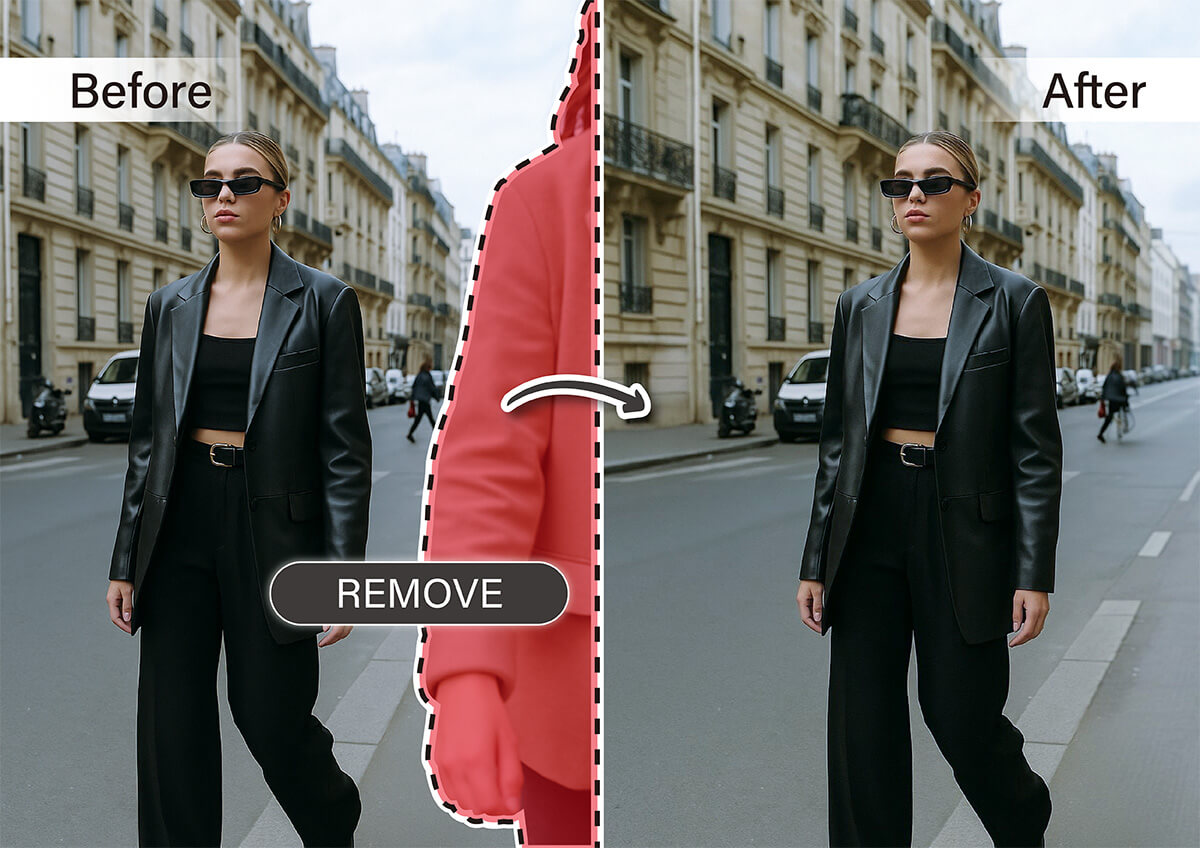
Unwanted people in the background can take attention away from the subject of your photo. Whether you're editing personal memories or preparing images for professional use, Our AI-powered object removal tool makes it easy to clean up your shots by removing distractions—quickly and seamlessly.
Remove Photobombers
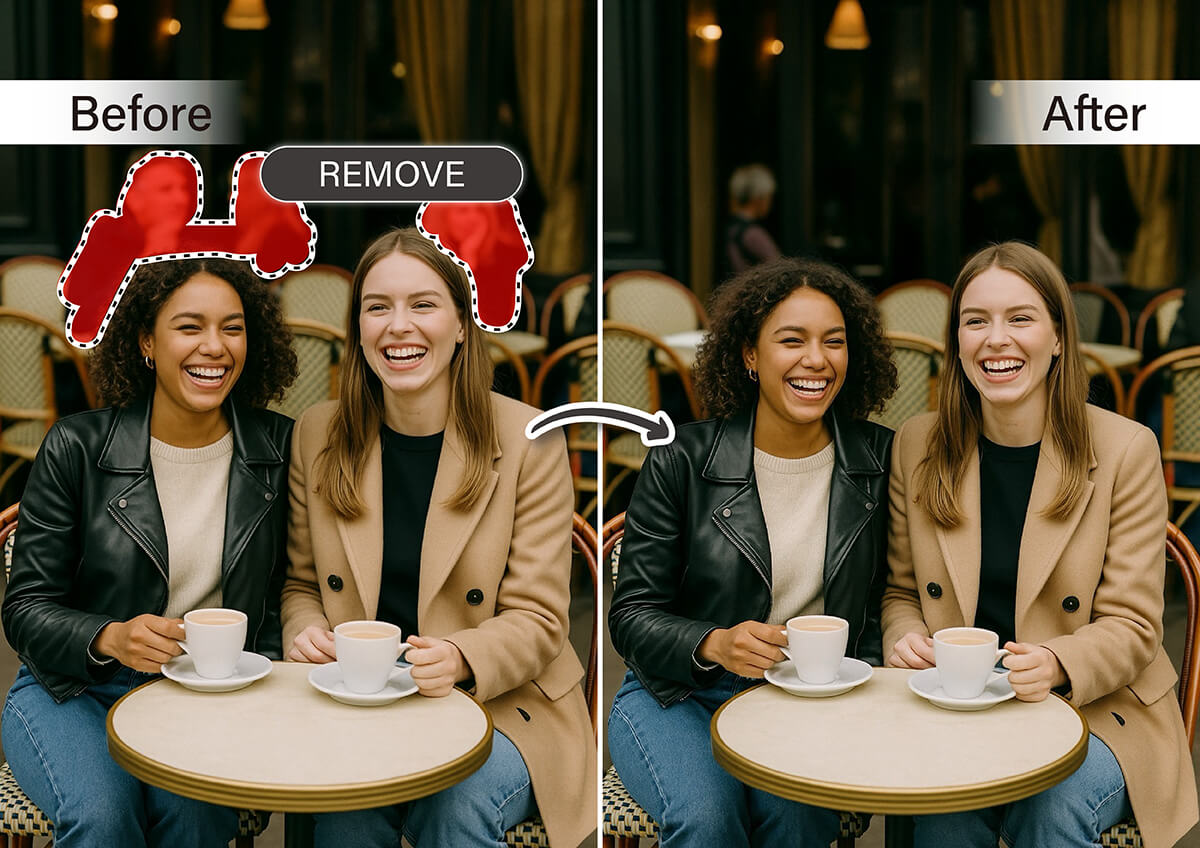
A perfect shot can be ruined in seconds by an uninvited guest in the frame. With our AI-powered tool, you can quickly erase photobombers and keep the focus on what matters—whether it's a candid moment, a special occasion, or a selfie worth sharing.
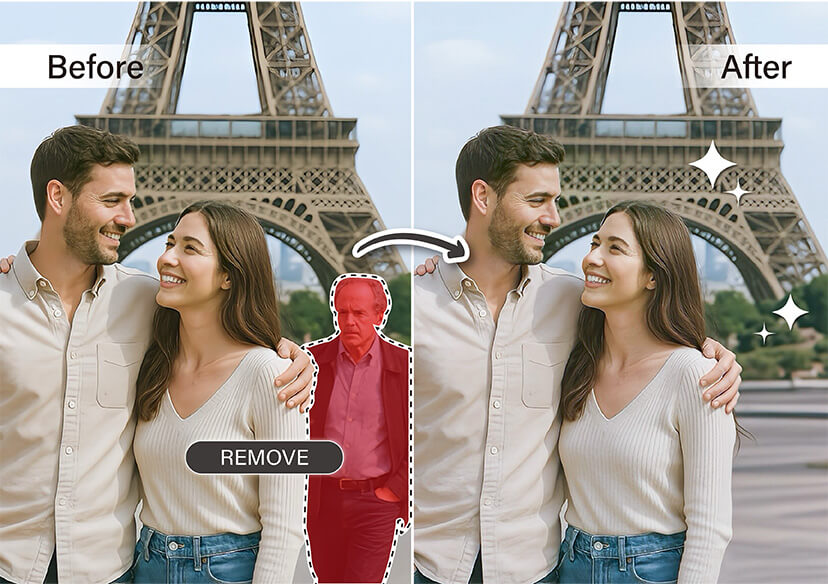
Clean Up Vacation Photos
Crowded tourist spots can make it hard to capture the beauty of your trip. Easily remove people from scenic photos or shots of famous landmarks—without warping the background. Our smart AI keeps your vacation memories clear, focused, and frame-worthy.
Remove People FAQs
How do I remove persons from a photo?
Removing people from a photo is easier than ever with modern tools. You can use online editors that let you highlight the person you want to erase, and the tool fills in the background like magic. The YouCam Online Editor is one of the best for this—it’s free, fast, and doesn't require any downloads. Just upload your image, brush over the person, and let the AI handle the rest.
How do I remove an object in an image?
To remove an object, you don’t need advanced Photoshop skills. Simply use a smart object remover that uses AI to blend the background naturally after you erase something. With tools like the YouCam Online Editor, you just highlight the unwanted object and the editor will cleanly take it out in seconds. It works great for clutter, photobombers, or anything else you’d rather not keep.
Can I remove a person from a photo iPhone?
Yes, you can remove a person from a photo using your iPhone—no app download required. Just go to the YouCam Online Editor in your browser and upload your picture. It’s designed to work smoothly on mobile, letting you tap, swipe, and remove people right from your phone. It’s a simple, powerful tool for quick edits on the go.
How do I remove people from a photo?
You can easily remove people from photos using AI-powered editors that understand the background and fill it in after you erase someone. Tools like the YouCam Online Editor make it seamless—just brush over the person you want gone, and the tool blends everything beautifully. It’s a great way to clean up your shots and keep the focus where you want it.

