
AI Image Expander API
Expand any photo to any aspect ratio in one API call. Our context-aware outpainting engine generates new pixels that match the lighting, texture, and perspective of your original image, no visible seams, no manual masking.
How It Works
Three parameters control the whole expansion — canvas size, source placement, and the AI fills the rest.
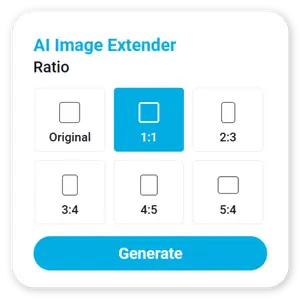
Pass output_width and output_height (up to 4096px each) for the final expanded image size — match any social, print, or ad ratio.
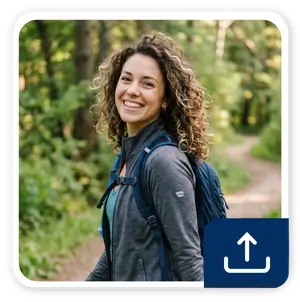
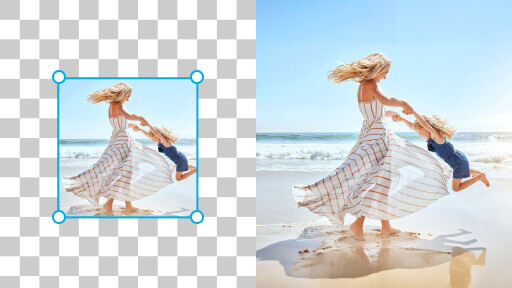
input_x, input_y, input_width, and input_height position your original photo inside the new canvas; leave them out and the API centers it automatically at 1.5x the source size.

The API fills every new pixel around your source photo with context-aware AI outpainting and returns a URL to the finished result.
Expand Any Photo, Preserve Every Detail
Whether you're reformatting a product shot for a new ad placement or turning a portrait into a banner, the AI Image Expander analyzes your source image's lighting, texture, and perspective before generating a single new pixel, so the expanded regions blend in rather than standing out.
- Any aspect ratio, up to 4096x4096px output
- Precise placement control via input_x / input_y / input_width / input_height, or automatic centering
- Optional source cropping (crop_input_x/y/width/height) before expansion
- Accepts a public src_file_url or an uploaded src_file_id
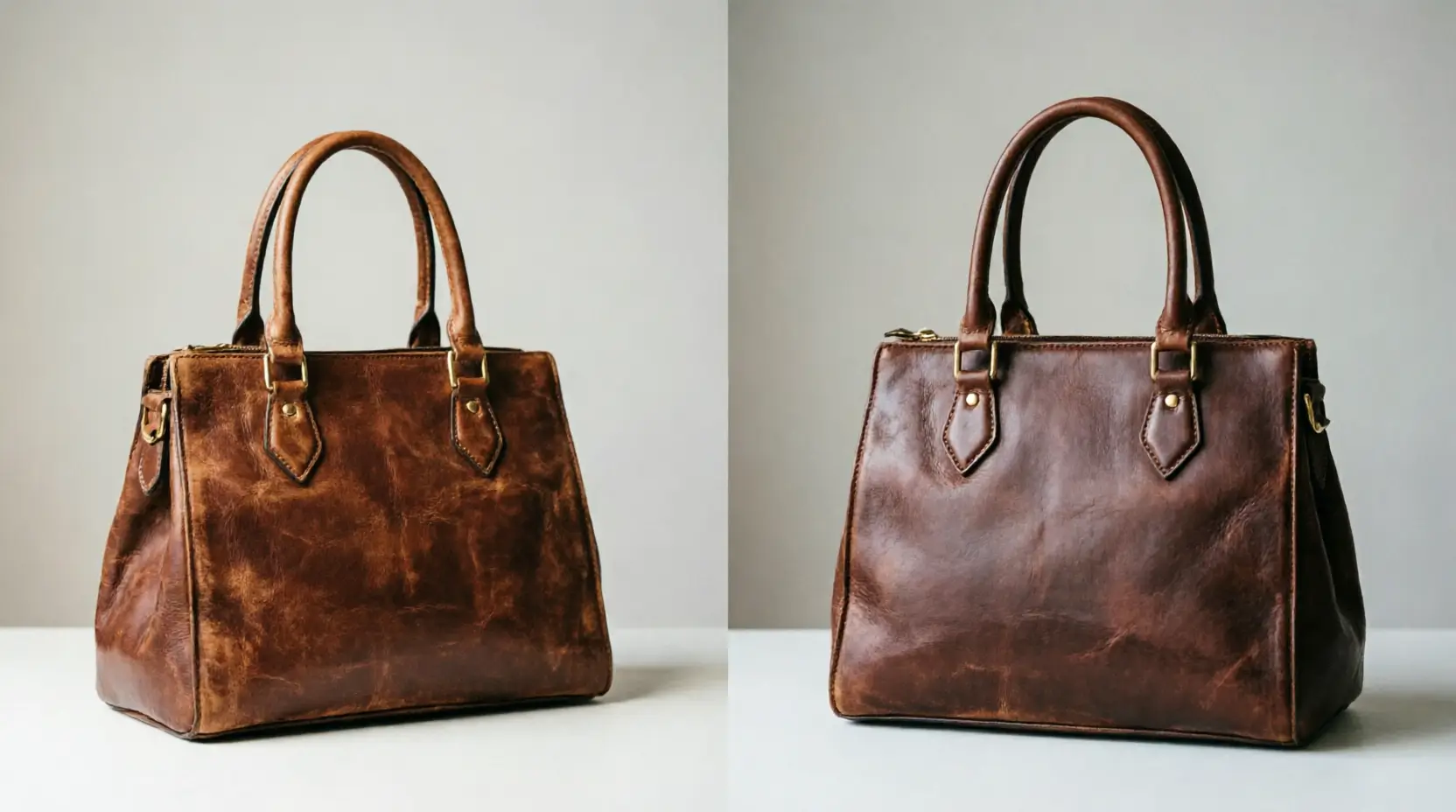
Context-Aware Outpainting, Not Generic Fill
Older 'smart resize' tools stretch or mirror pixels at the edges, creating an obvious blur or repeat pattern. Our generative outpainting model instead understands the scene — depth, light direction, and texture — and synthesizes new content that continues it naturally, whether that's more sky above a skyline or more studio backdrop around a product.
- Scene-aware generation, not pixel stretching or mirroring
- Maintains consistent lighting and color grading across the expanded region
- Works on portraits, products, and full scenes alike
Built for E-Commerce, Ad Creative, and Social Teams
Reformat one hero product shot into every placement your campaign needs, square for feed, vertical for stories, wide for a banner — without re-shooting. REST API architecture with polling-based task status, ready to integrate into any content pipeline.
- E-commerce: adapt one product photo to every marketplace's required ratio
- Advertising: resize hero creative to every placement's dimensions instantly
- Social media tools: let users reframe photos for any platform without cropping out subjects
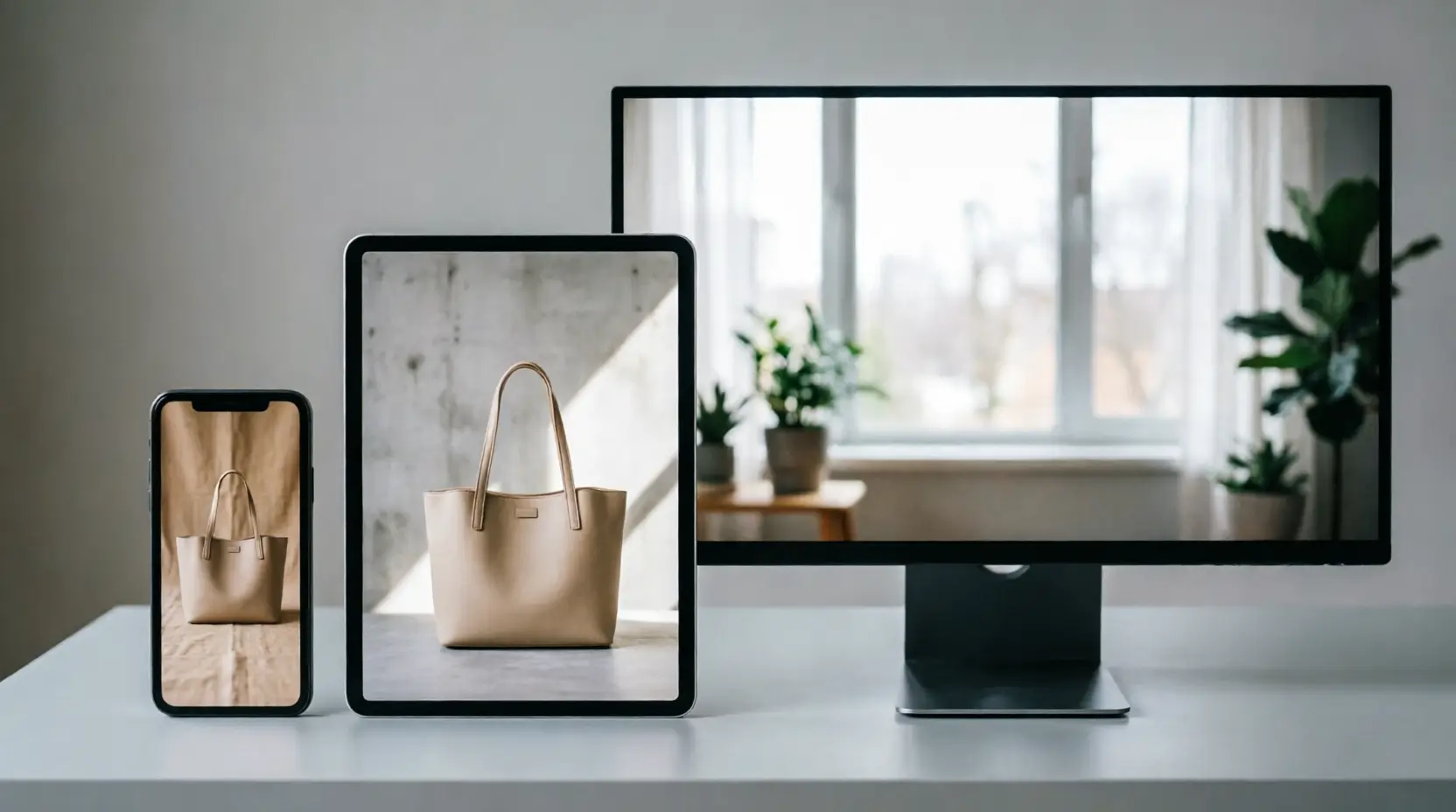
Expand Your Integration: Advanced Image Editing APIs
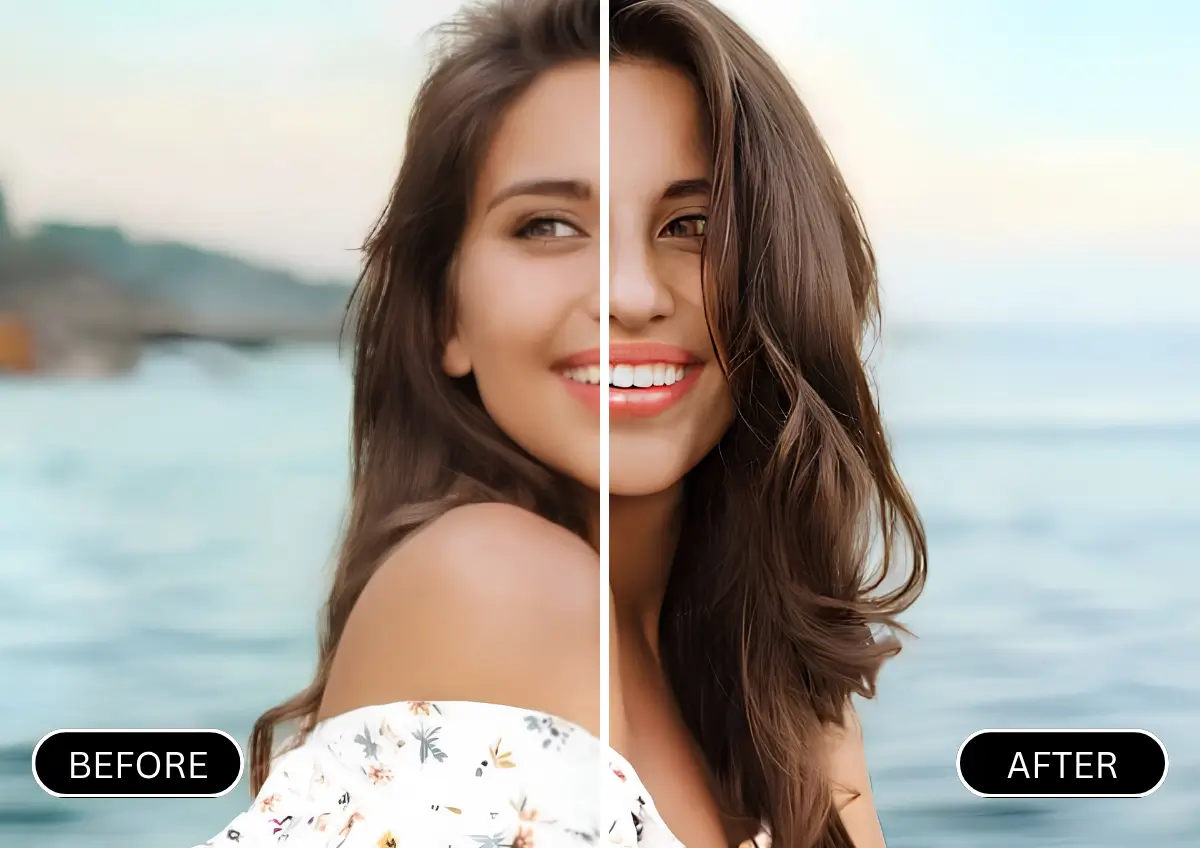
Sharpen detail and boost resolution on the same image before or after expansion.
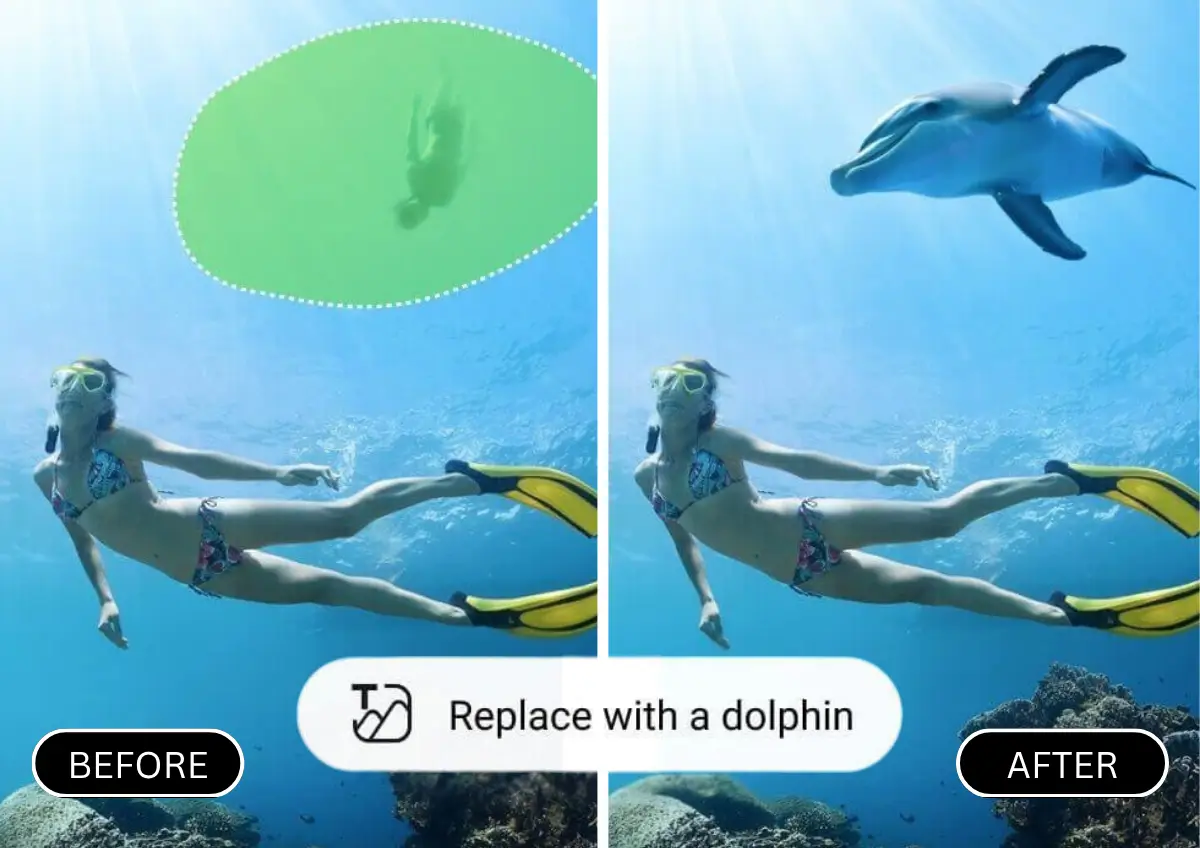
Swap out specific objects or backgrounds within the expanded canvas.
Combine with background replacement for a fully composited final image.