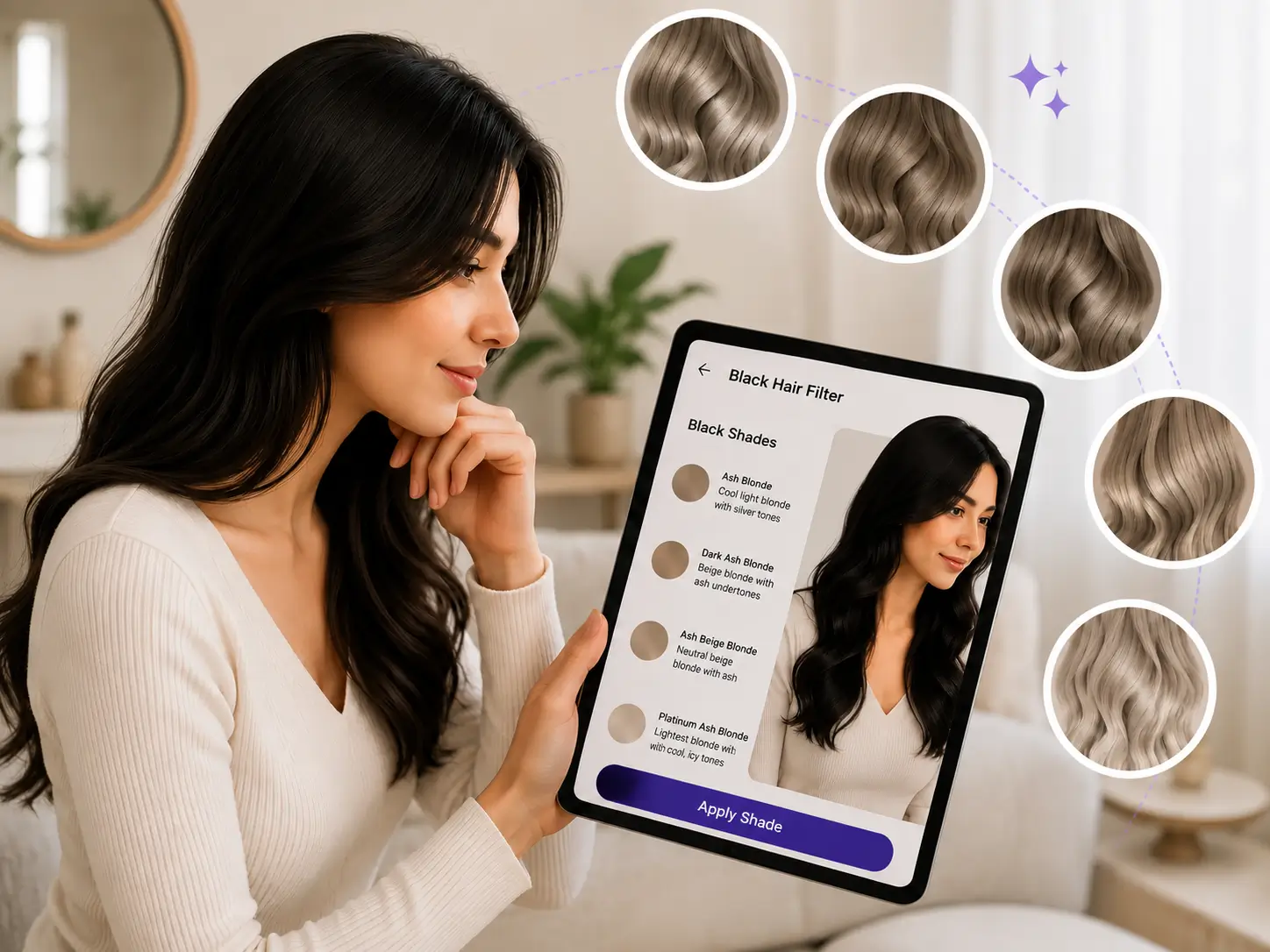
Ash Blonde Hair Color Virtual Try-On
Preview any ash blonde hair color on your own photo in seconds. Powered by Generative AI, our try-on renders cool, silvery blonde shades with true-to-life realism — and developers can bring it to any app or salon service with a single API call.
How to Use the Ash Blonde Hair Color Try-On in 3 Steps
From photo to perfect ash blonde in seconds — no coding required in the Playground.
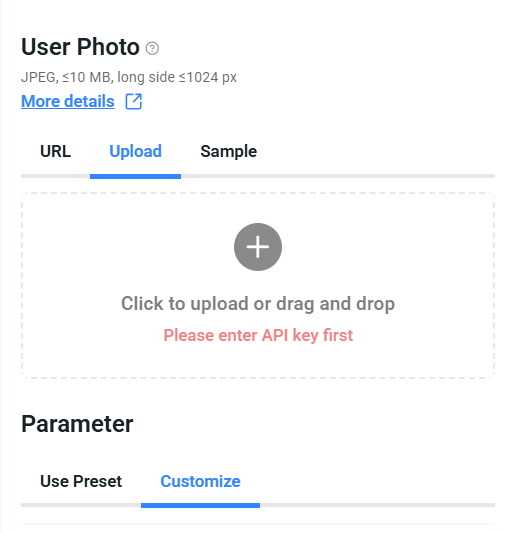
Begin by uploading a clear, high-resolution image to try on.
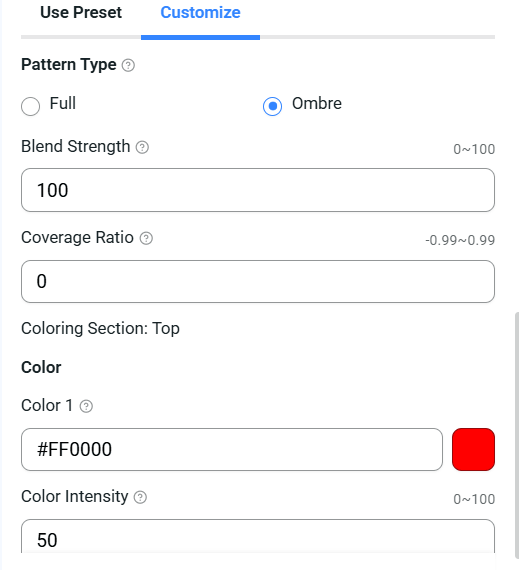
Choose from a wide spectrum of ash blonde hues.
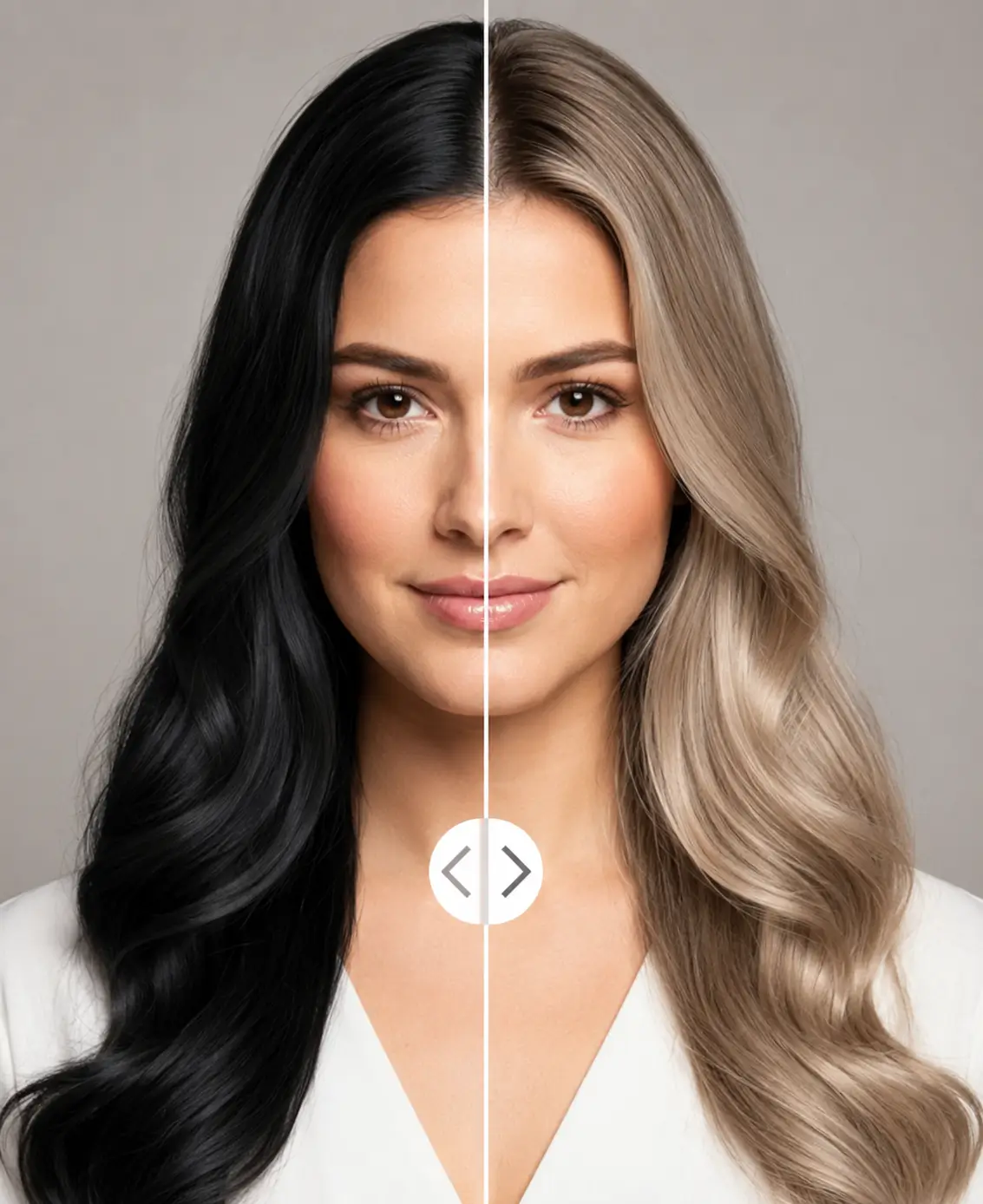
Instantly see the results, compare different looks, and save your favorites.
What Is Ash Blonde Hair Color?
Ash blonde is a cool-toned blonde built on gray, blue, and violet undertones instead of warm gold. It sits between levels 8 and 11 on the hair color chart, giving hair a muted, silvery finish with zero brassiness.
- Cool undertones neutralize yellow and orange for a smoky, modern look
- Ranges from icy platinum ash to deeper mushroom and dark ash blonde
- Flatters cool and neutral skin tones — the silver-jewelry test is a quick guide
- One of the most requested blonde shades in salons worldwide
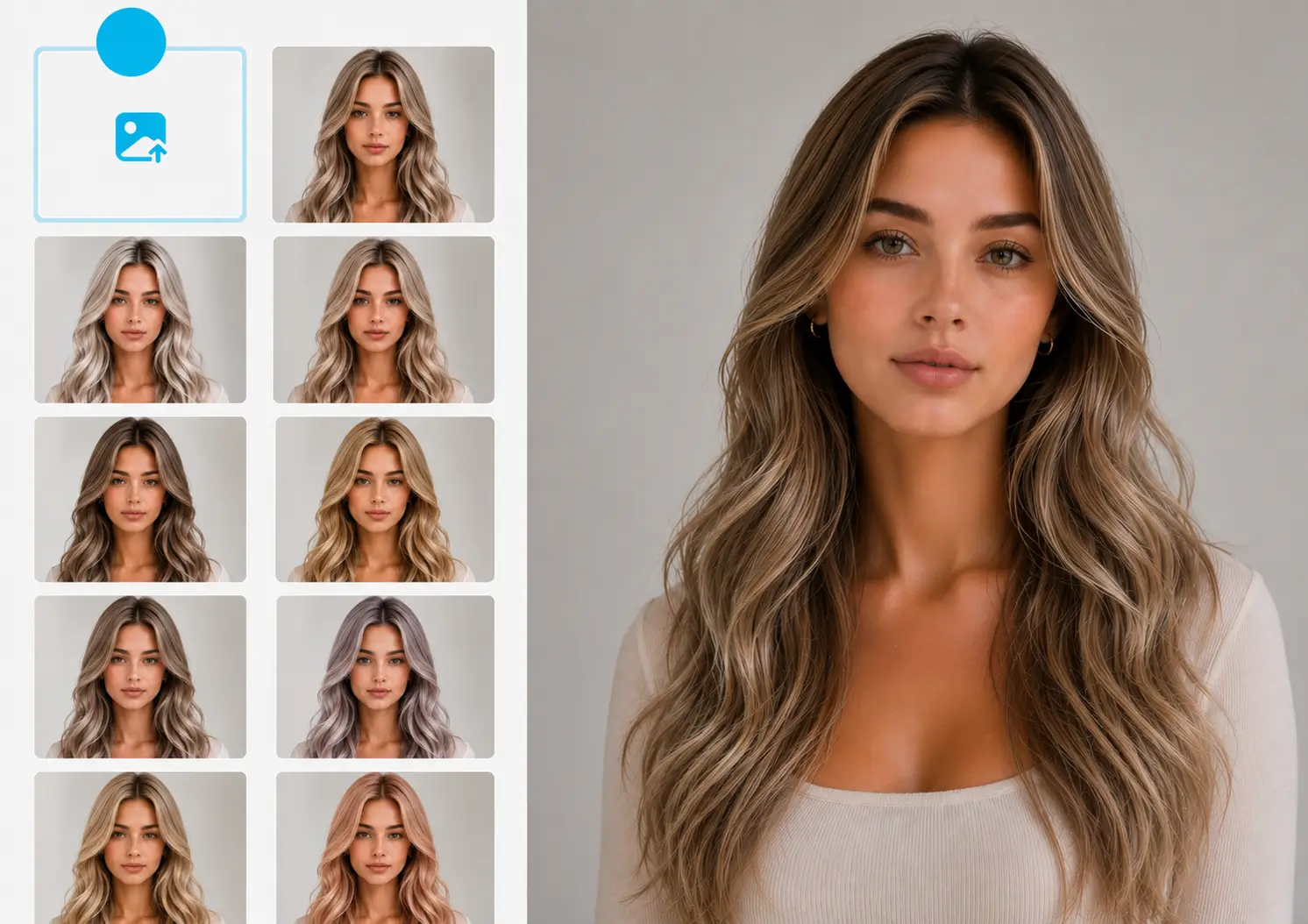
Try Every Ash Blonde Shade with Custom HEX Codes
Ash blonde is never just one color. Beyond up to 20 ready-made preset shades, our API accepts any custom HEX color code — so you can dial in the exact ash tone you're picturing.
- Icy ash, pearl blonde, smoky beige, mushroom blonde, and dark ash — all from one endpoint
- Adjust color intensity for a natural gloss or a bold, fashion-forward finish
- Control shine intensity for realistic light reflection on every strand
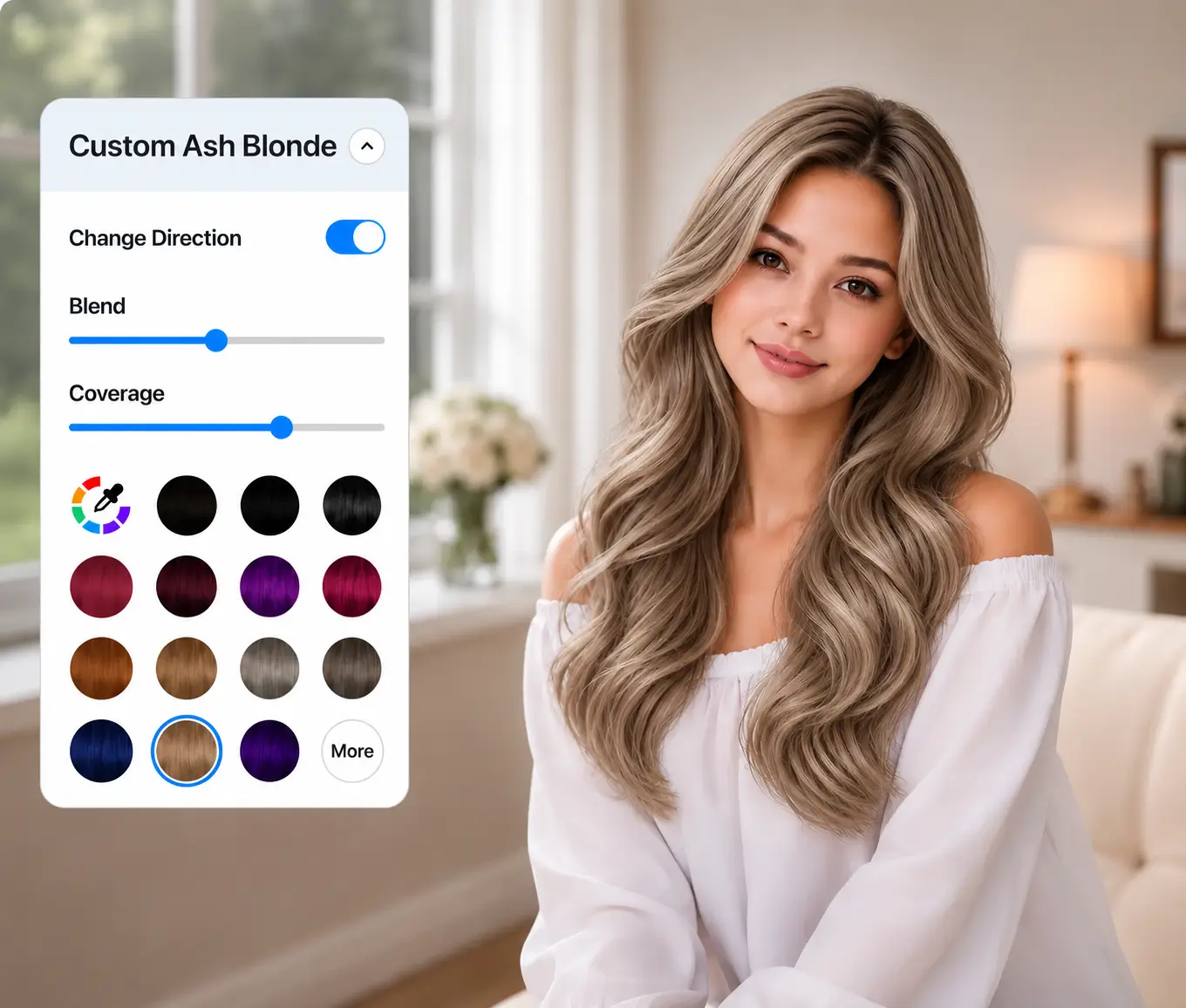
Hyper-Realistic Ash Blonde Rendering with Gen AI
Cool tones are the hardest to fake — flat gray filters look instantly artificial. Leveraging a decade of AI training, our Generative AI renders ash blonde color and lighting with photographic realism, far beyond what standard AR overlays achieve.
- Preserves facial features and hair integrity, down to individual strands and ends
- Color blends seamlessly while the rest of the image stays intact
- Results returned as a high-resolution image in seconds
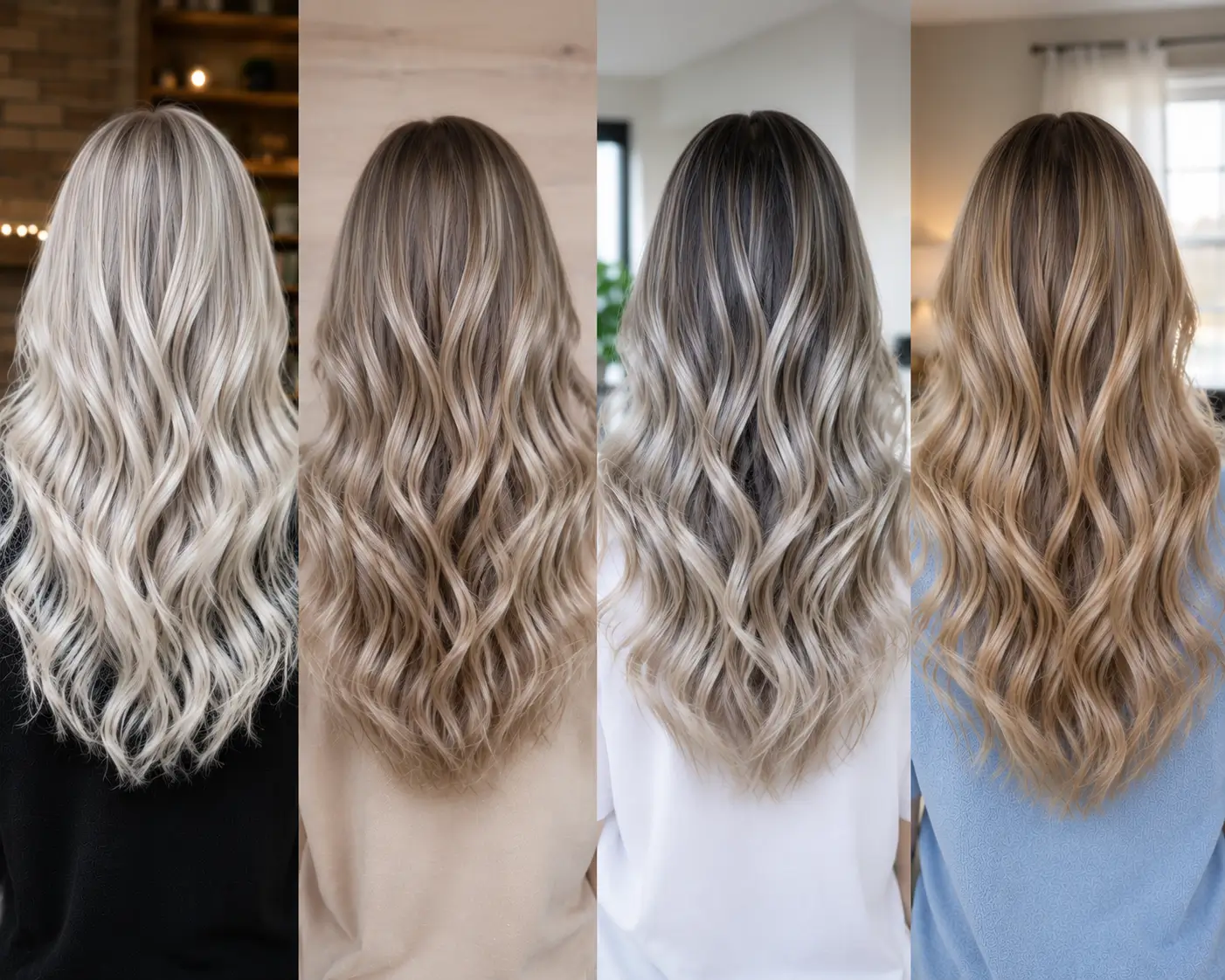
Ash Blonde Ombre and Balayage-Inspired Looks
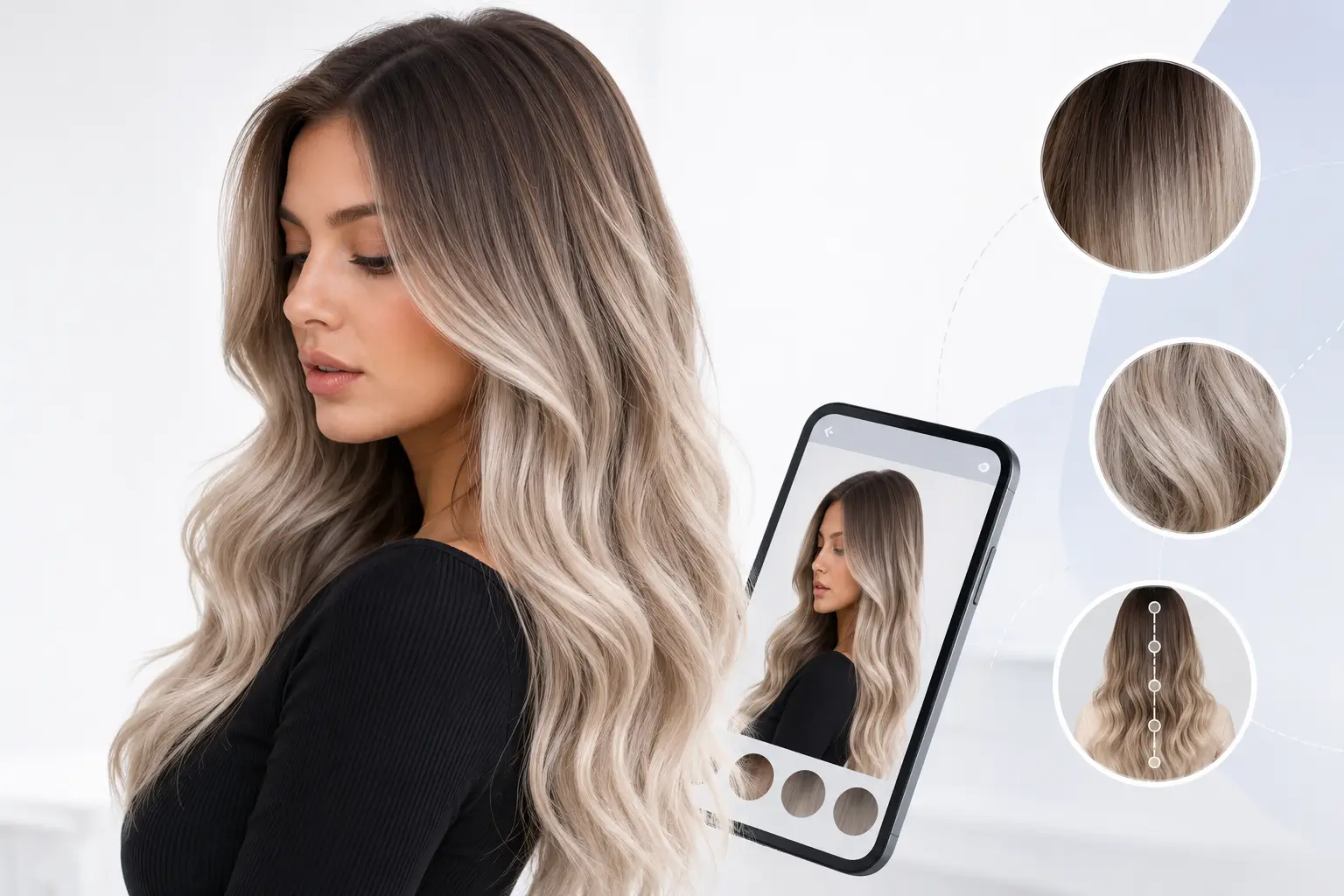
Dimensional ash blonde — dark roots melting into icy lengths — is the look filling salon books. Our Ombre color mode recreates it virtually before a single strand is lightened.
- Apply up to 2 colors in one look, like ash brown roots with light ash blonde ends
- Fine-tune blend strength for seamless, lived-in transitions
- Adjust coverage ratio to control exactly where the color shift begins
How to Embed Hair Color Changer into Your Website
One API call is all you need. Here's the complete integration flow.
Sign up at the YouCam API dashboard. All requests use Bearer auth: Authorization: Bearer YOUR_API_KEY.
POST to /s2s/v2.0/file/hair-color to get a pre-signed URL and file_id, then PUT the image bytes to that URL.
POST to /s2s/v2.0/task/hair-color with your file_id and a preset color or custom palette. You'll receive a task_id.
GET the task status using /s2s/v2.0/task/hair-color/{task_id}. Once success, render the recolored hair image.
Find Your Most Flattering Ash Blonde Before the Salon
Committing to ash blonde often means lifting hair several levels — an expensive change to regret. Trying shades on your own photo first removes the guesswork for you and your colorist.
- Compare light, medium, and dark ash blonde side by side on your face
- Check how cool undertones interact with your skin tone in real photos
- Save and share results to align with your stylist before the appointment