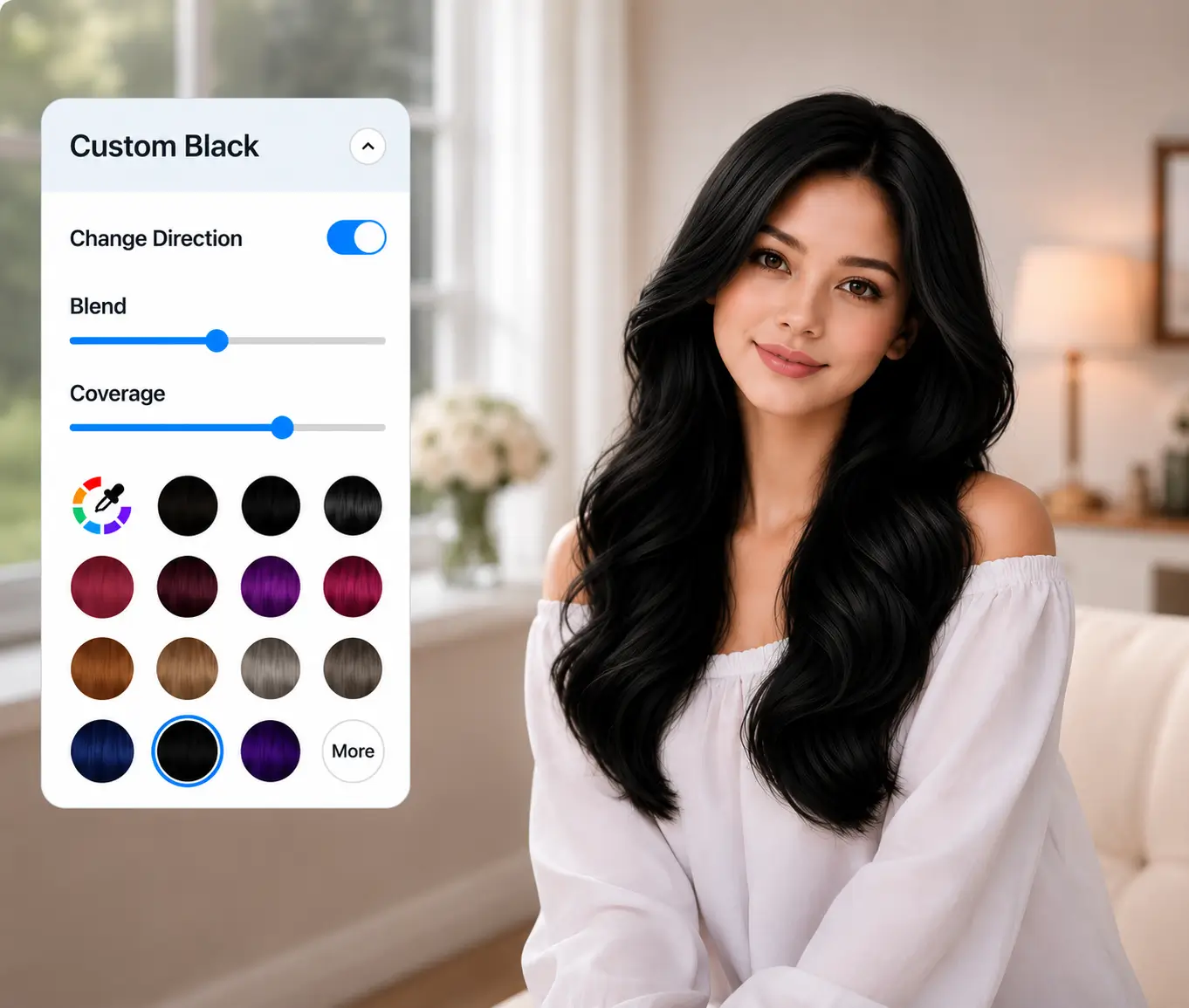
AI Black Hair Filter
Free online black hair filter — no download, no sign-up needed. Try on black hair in real time with Generative AI for seamless, true-to-life results. Need an API? Click Here!
How the Black Hair Try-On Filter Works
Our black hair try-on filter makes it effortless to preview any shade of black hair on your own photo. Use it as a black hair color filter or a black hair dye filter before your salon visit — powered by Generative AI, results are realistic, fast, and free online.
- Upload any clear, front-facing photo
- Choose from preset black shades or enter a custom HEX code
- Get a lifelike, AI-rendered result in seconds
- Save and share — no watermarks
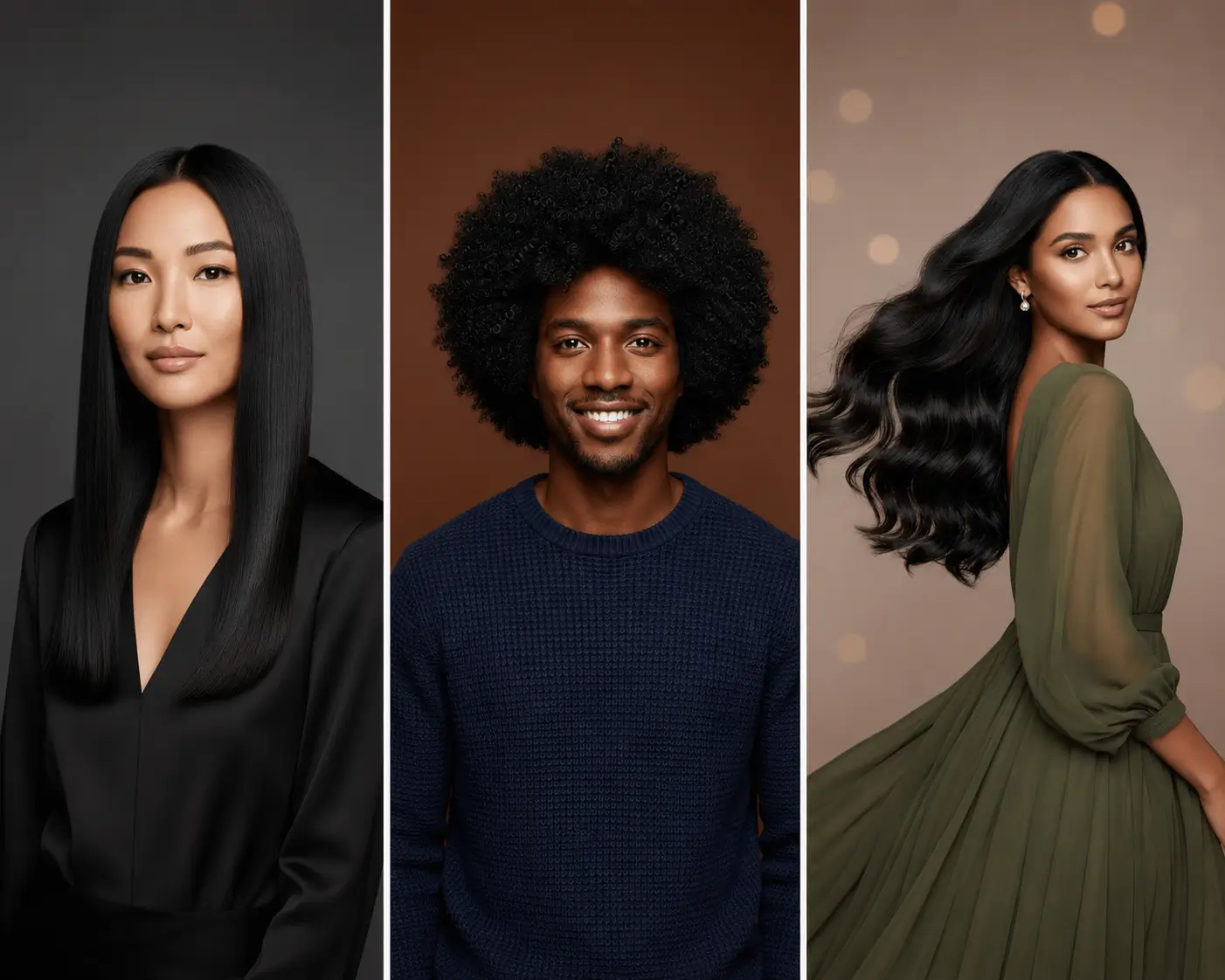
How to Use the Black Hair Filter
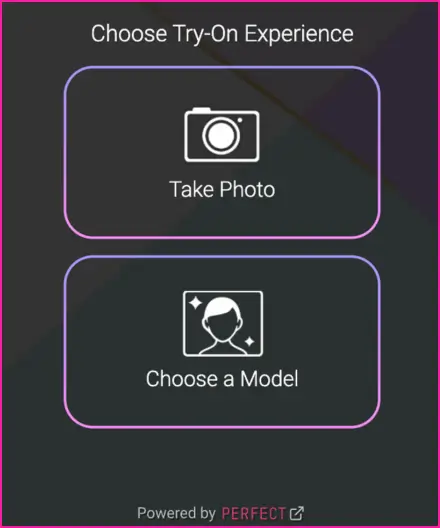
Begin by uploading a clear, high-resolution image to try on.
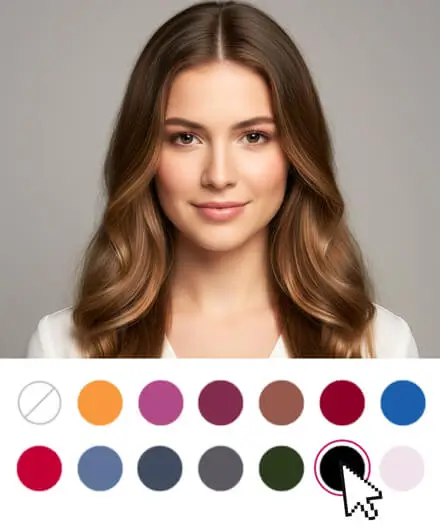
Choose from a wide spectrum of black hues.
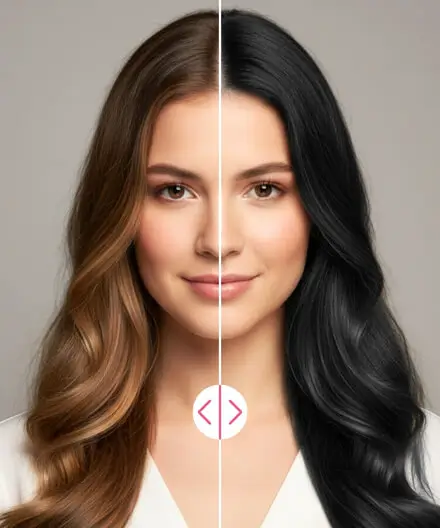
Instantly see the results, compare different looks, and save your favorites.
Explore Every Shade of Black Hair
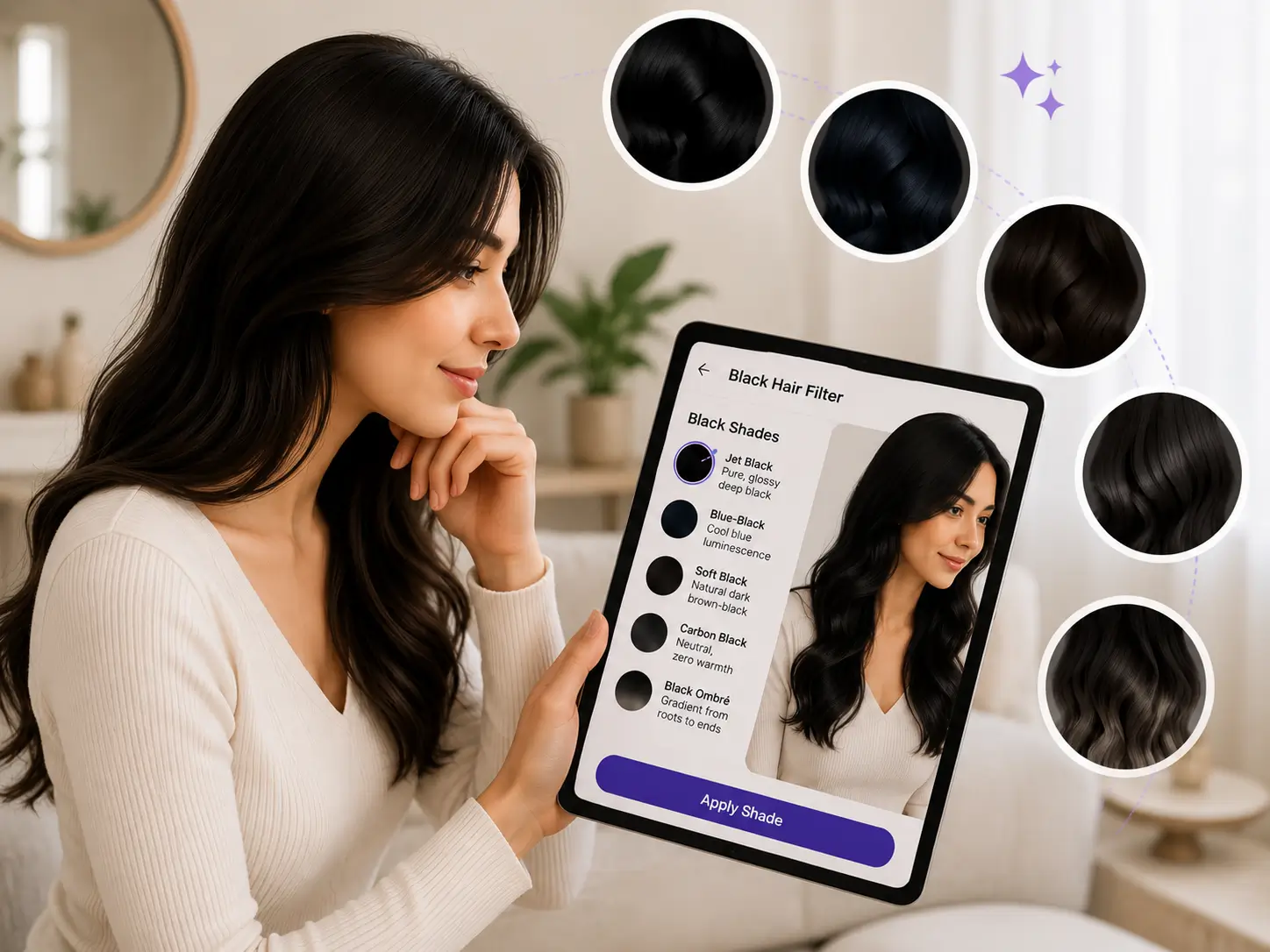
Black is never just one color. Our black hair filter gives you the full spectrum — from the deepest jet black to subtle cool undertones and gradient ombré styles.
- Jet Black Hair Filter — pure, glossy deep black
- Blue-Black — cool blue luminescence
- Soft Black — natural dark brown-black
- Carbon Black — neutral, zero warmth
- Black Ombré — gradient from roots to ends
Virtual Black Hair Try-On That Surpasses Every AI Tool
Leveraging a decade of AI training, our Gen AI preserves facial features and hair integrity — including individual strands and ends — for a natural, lifelike result. The color blends seamlessly while keeping the rest of the image intact.
- Gen AI re-renders hair, not just tints it
- Preserves strand detail, flyaways, and hairlines
- Adapts to lighting conditions automatically
- Works on all hair textures — straight, curly, coily

Custom Black Color Modes: Full & Ombré Style
Go beyond a single flat shade. Our API supports two distinct application modes so users can achieve the exact look they want.
- Full Color — uniform black across all hair
- Ombré — gradient black from roots to ends
- Custom HEX input — any shade of black imaginable
- Adjust intensity from subtle to vivid
- Control shine for natural hair reflection