
Blonde Hair Filter: Try Different Shade Online
Upload a photo, choose an ideal blonde shade from a pre-trained library, or pick any custom blonde color, and get a hyper-realistic result in seconds. Customers can see exactly how they will look as a blonde, without dyeing a single strand.
Going Blonde? See Photorealistic Results Before the Commitment
Bleaching and toning are time-consuming and hard to reverse. The AI blonde hair filter lets customers explore every shade, from sun-kissed golden to icy platinum.
Users can try on any shade from the catalog, with full control to adjust color intensity and customize the level of shine.
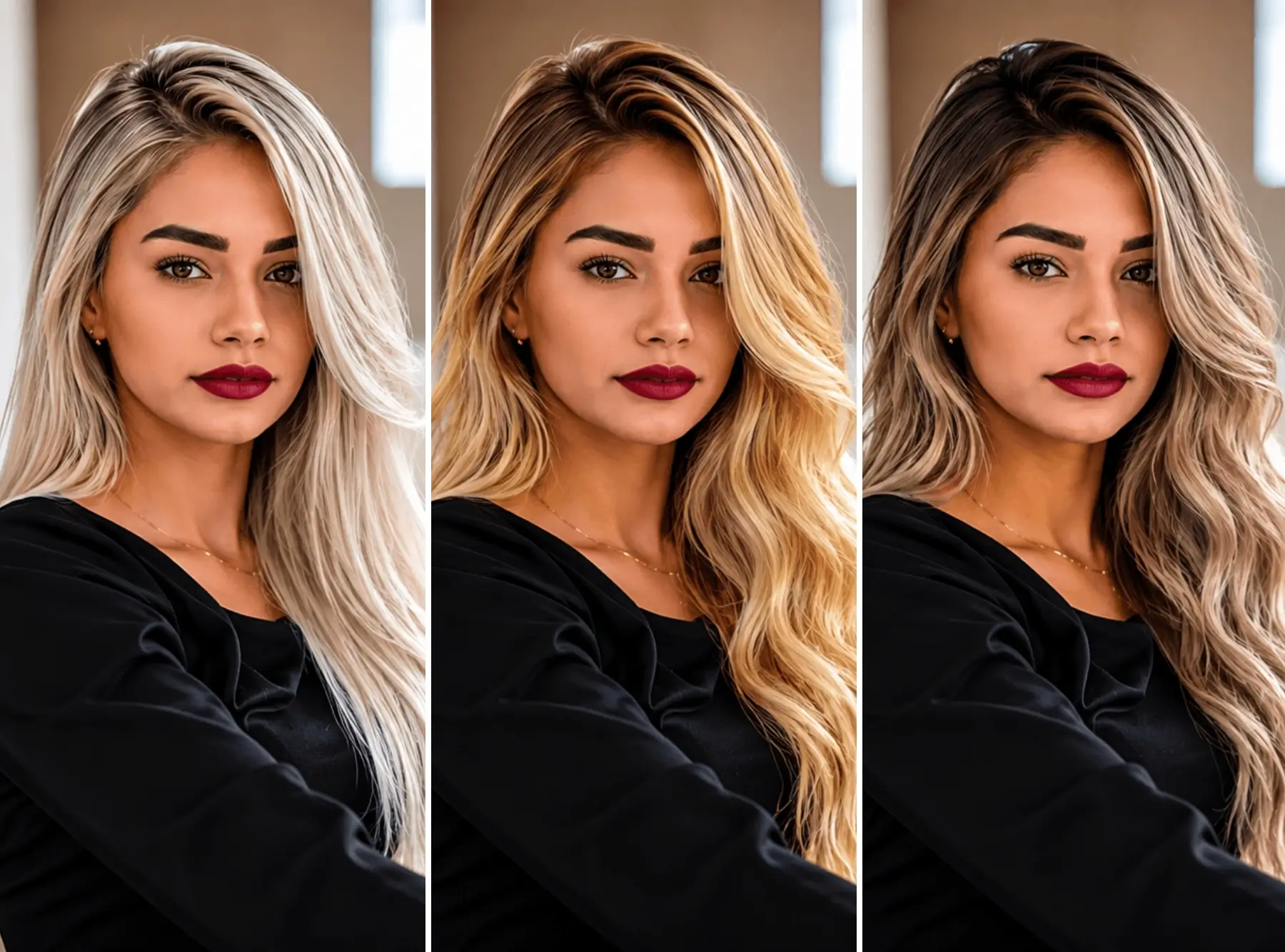
Every Shade of Blonde — From Platinum to Teddy Bear
Not all blondes are the same. Whether you want the brightest platinum or the warmest honey, our AI blonde hair filter covers the full spectrum. Try each shade on your photo before committing.
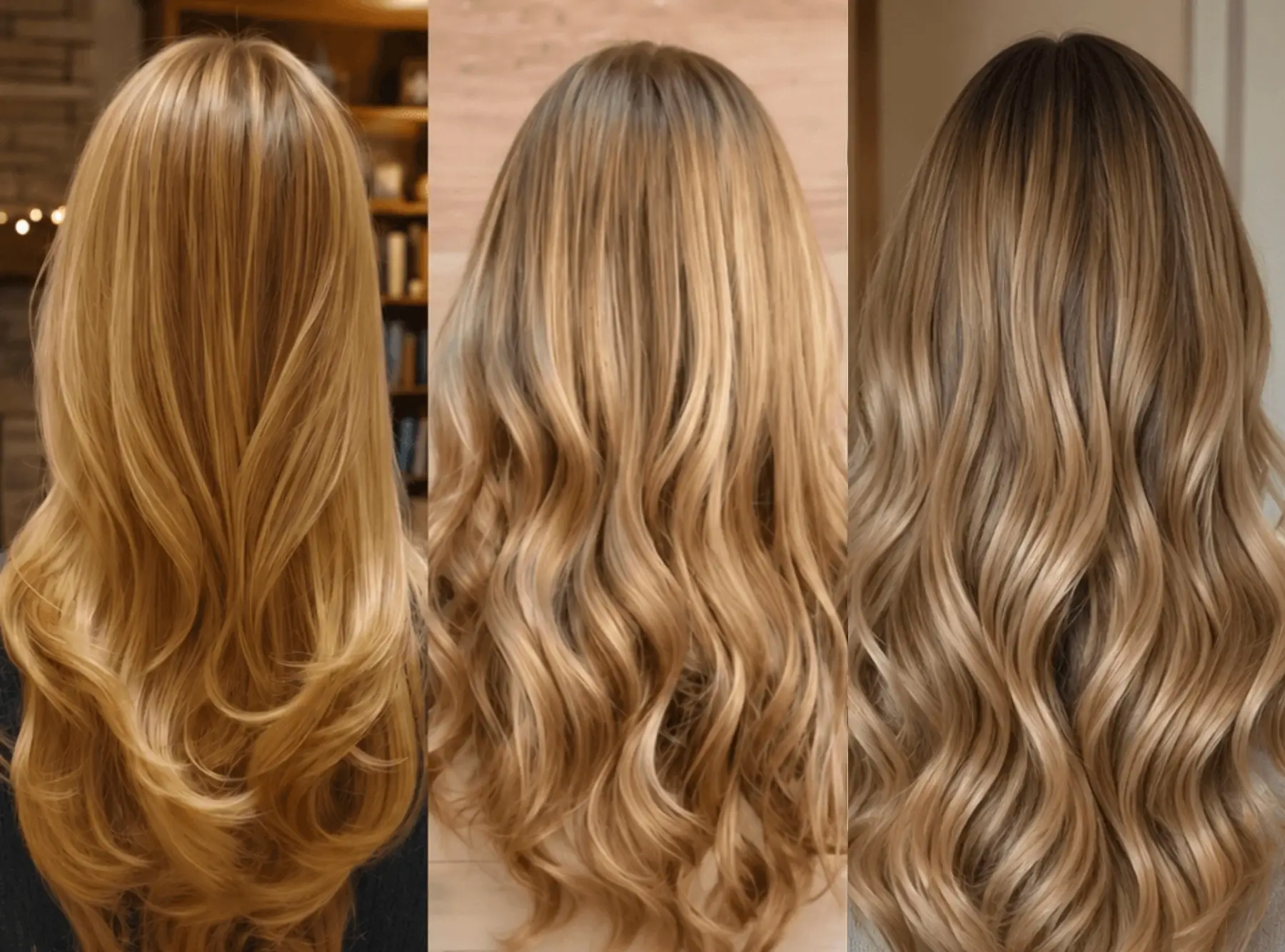
Real Hair, Not a Flat Filter — Powered by Gen AI
Unlike the common blonde hair filters that just paint a flat color over your photo, our Gen AI renders blonde hair color and lighting with true-to-life realism, far beyond what standard AR can achieve.
Leveraging a decade of AI training, it preserves the natural highlights in hair, shadows, including individual strands and ends — so the result looks like you just left the salon.
Try Blonde Ombré and Highlights — Not Just One Color
Going blonde doesn't have to mean all-over color. Our blonde hair filter supports full ombré and highlight effects — apply dark-to-blonde transitions, fine-tune the blend strength for seamless gradients, and adjust coverage for precise color distribution. Try balayage-style blonde highlights or a classic root-to-tip ombré, all before touching a strand of your real hair.
- Blonde ombré — dark roots fading to bright ends
- Two-tone blend with adjustable blend strength
- Coverage ratio control for natural-looking highlights
- Shine intensity for matte to glossy finish
How to Use the Blonde Hair Filter
Submit a POST request to the generation endpoint containing the user image and hair color parameters.
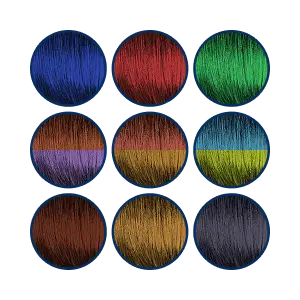
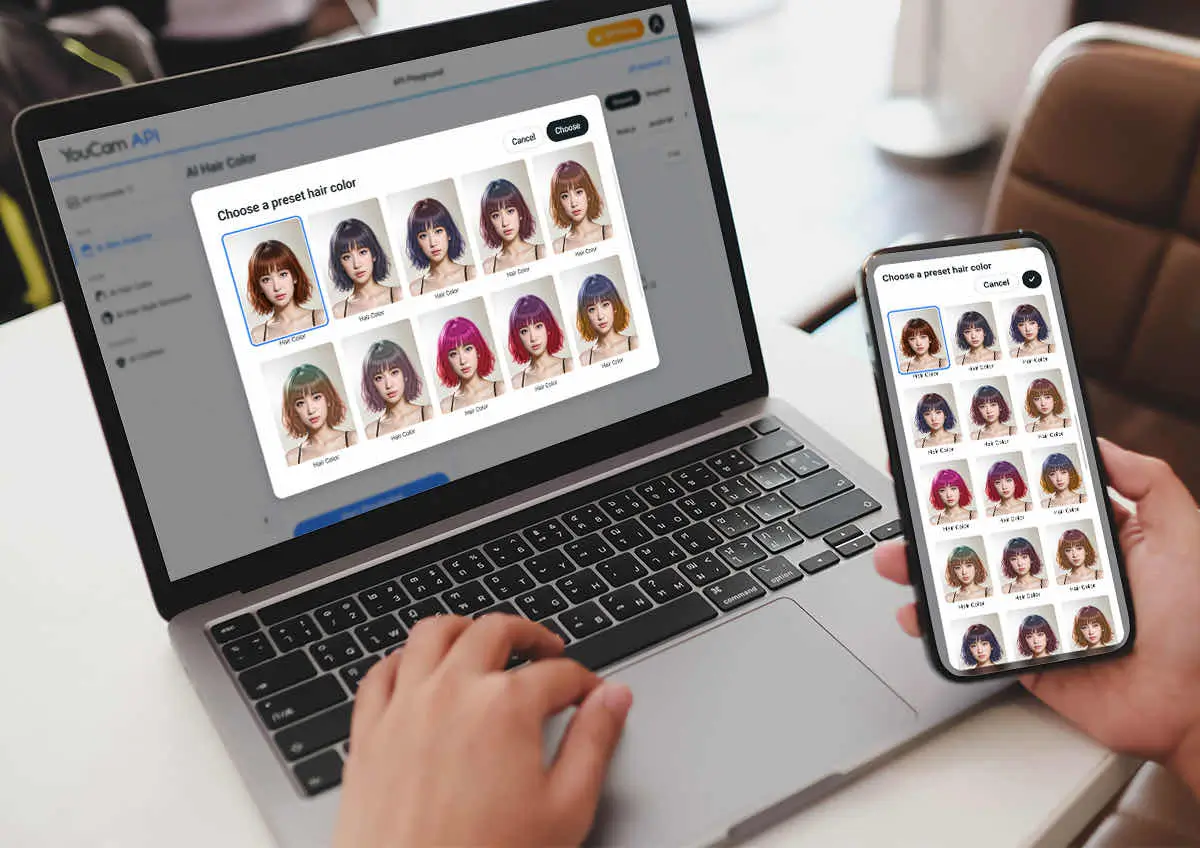
Users can explore preset hair colors or fully customize their look by choosing a color pattern (full or ombre), inputting a custom HEX color code, and fine-tuning color and shine intensity levels.
Users can explore preset hair colors or fully customize their look by choosing a color pattern (full or ombre), inputting a custom HEX color code, and fine-tuning color and shine intensity levels.