How to Use the Ear Piercing Diagram API in 3 Steps
From selfie to photorealistic diagram in seconds, no manual editing required.
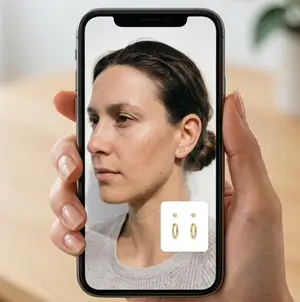
Send a selfie or model photo as the source image, along with one or more earring reference images through a single POST request.
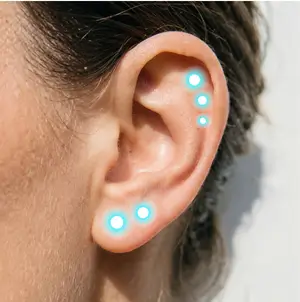
Define anchor points, wearing locations, and scale for each earring, or let the engine auto-detect natural piercing positions.
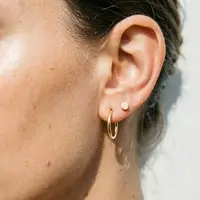
Get back a rendered image with accurate lighting, shadow, and placement, ready to display in your app or product page.
What Is an Ear Piercing Diagram API
An Ear Piercing Diagram API replaces static, flat piercing charts with a live, photorealistic render generated from a real photo. Instead of guessing how a look translates from a diagram to an actual ear, users see their own ear wearing the exact placement combination they are considering.
- Built on Perfect Corp generative AI virtual try-on technology
- No 3D scanning or expensive modelling pipeline required
- Works from a single 2D selfie or uploaded photo
- Returns a clear JSON response ready to render in any app
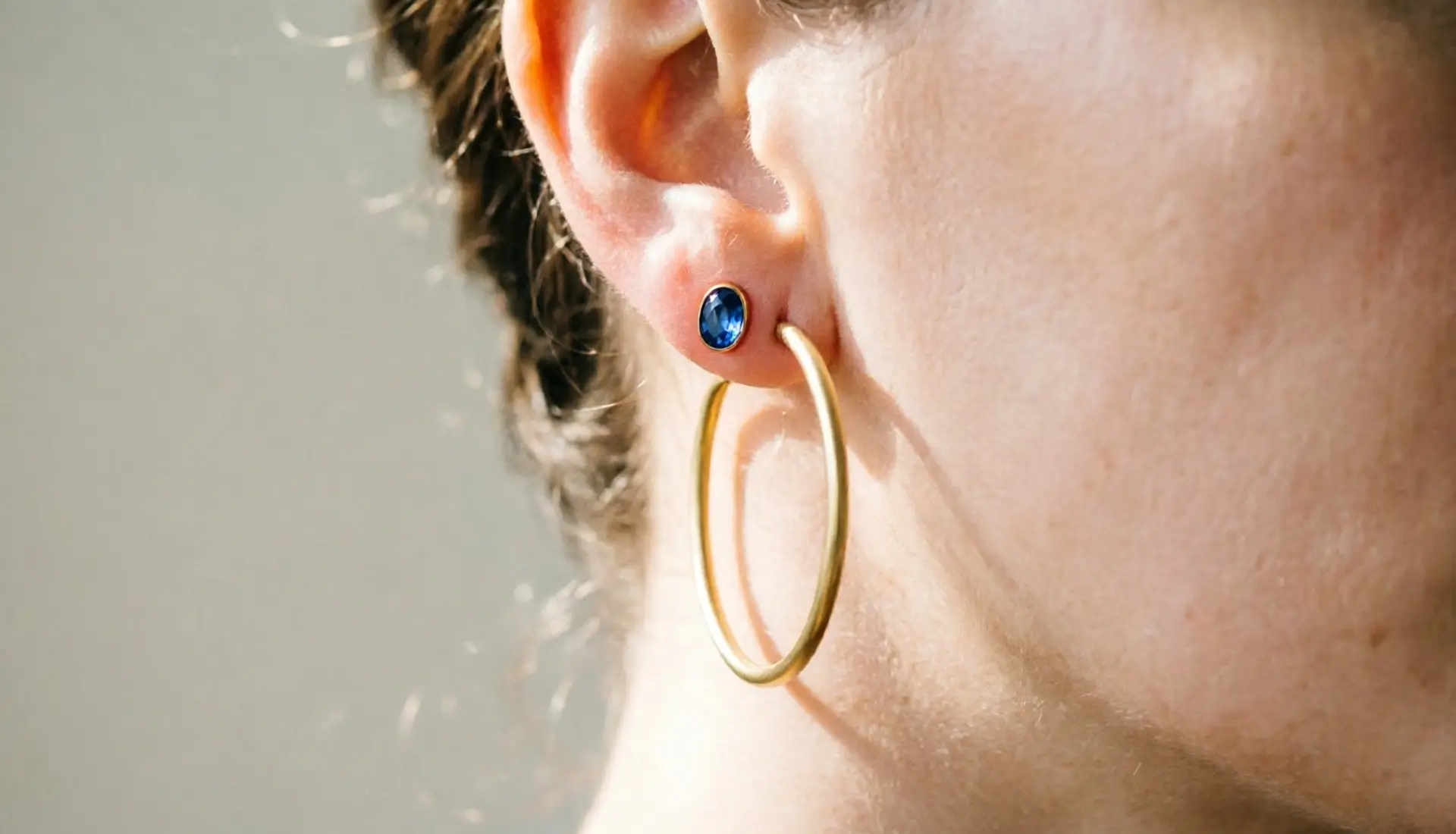
Pixel-Precise Piercing Placement
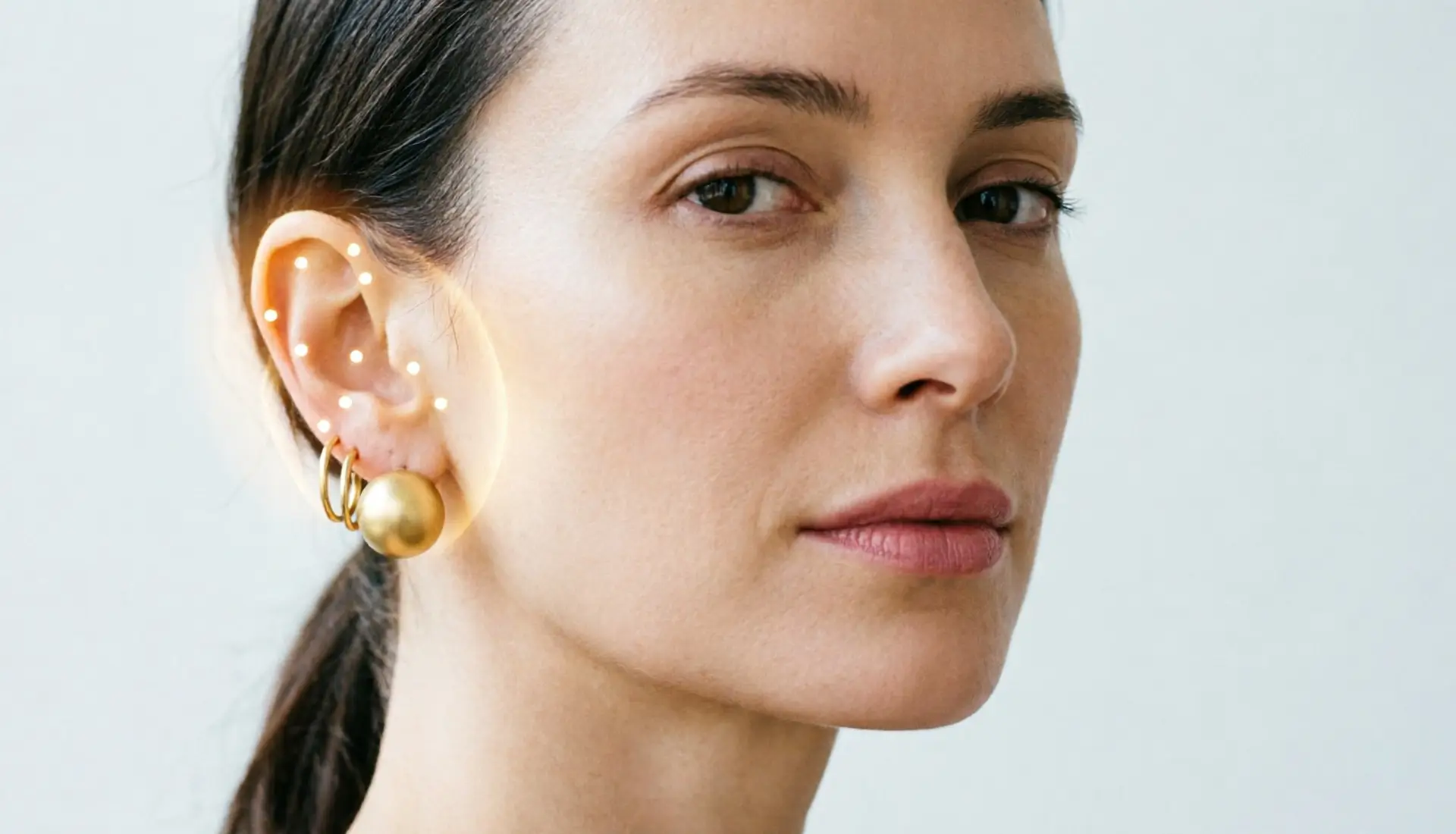
Every piercing point can be positioned with exact pixel coordinates, not an approximate zone. Developers control anchor points and wearing locations directly, so the rendered diagram matches real ear anatomy instead of a generic template.
- Set exact x and y coordinates for each piercing point
- Adjust earring scale in centimeters for true-to-life sizing
- Auto-detect or manually flag occluded piercings
- Supports both left and right ear orientation
Multiple Piercings in One API Call
Ear stacking means multiple piercings and multiple earrings at once. The API accepts an array of reference objects, so an entire curated ear, lobe, helix, and tragus together, can be rendered in a single request instead of stacking API calls one earring at a time.
- Send multiple earring SKUs in one request payload
- Mix studs, hoops, and cuffs across different points
- Ideal for ear stack builders and styling quizzes
- Reduces integration complexity and latency for high-traffic apps
Photorealistic Lighting and Shadow
A diagram only feels trustworthy if it looks real. The rendering engine simulates ambient light, cast shadow, and physically accurate movement on metal and gems, so results look like a photo, not a sticker pasted onto an ear.
- Adjustable ambient light intensity for different scenes
- Realistic shadow casting beneath studs and hoops
- Automatic background removal on reference jewelry images
- Consistent, dependable rendering across skin tones and angles

Built for Jewelry and Piercing Brands
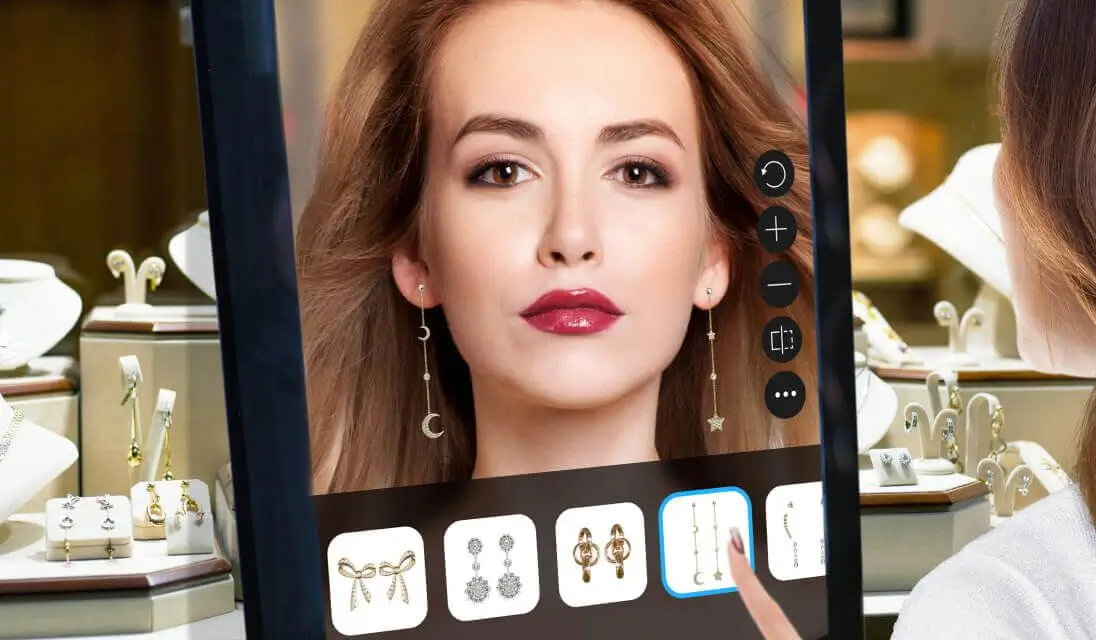
Jewelry retailers, piercing studios, and beauty apps can embed a diagram builder directly into their product pages or booking flow. A standard RESTful architecture and clear JSON response make it straightforward to plug into existing web, app, or kiosk experiences.
- Standard RESTful API with clear JSON responses
- Swagger and OpenAPI documentation for fast onboarding
- Code snippets available in multiple languages
- Fits e-commerce product pages, apps, and in-store kiosks
Enterprise-Grade Scale You Can Trust
Built on a decade of AI development, the same rendering technology already powers virtual try-on for hundreds of beauty and fashion brands worldwide. Auto-scaling infrastructure keeps response times low even during seasonal traffic spikes around gifting holidays and piercing trend cycles.
- Powered by a decade of AI and generative rendering research
- Trusted by 800+ beauty and fashion brands worldwide
- Auto-scaling infrastructure built for high-traffic campaigns
- Works reliably across major devices and browsers
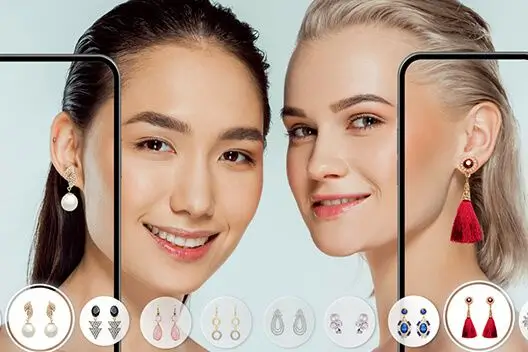
Expand Your Integration: More Jewelry Try-On APIs
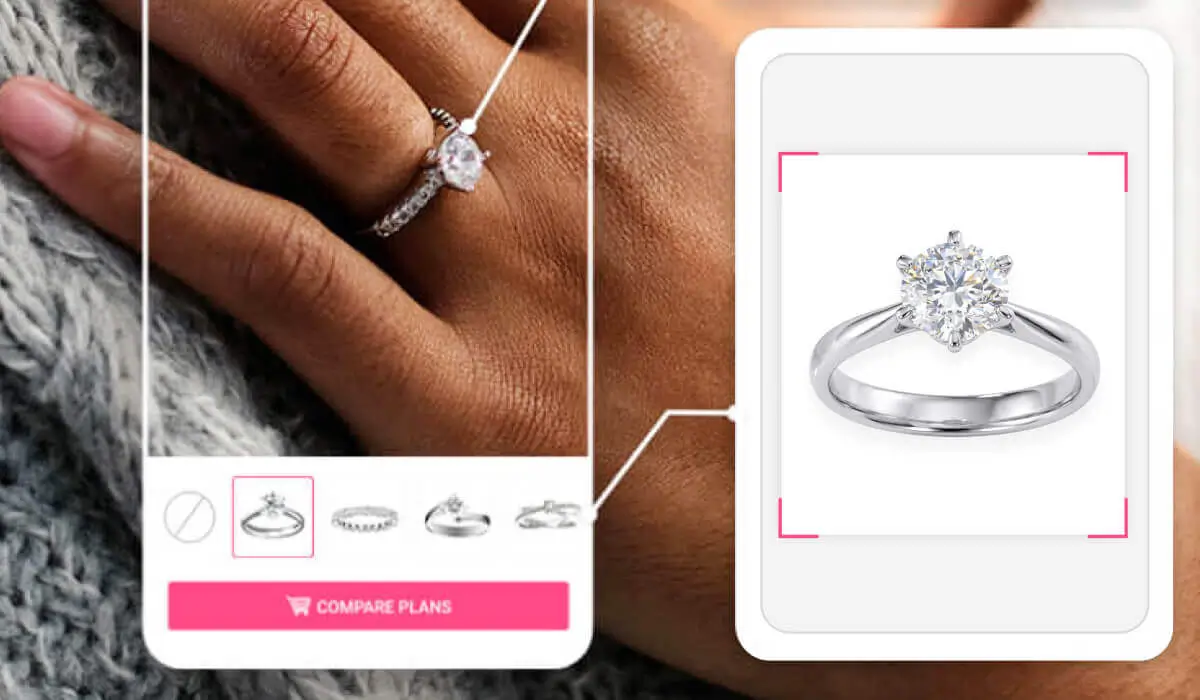
Preview rings on real hands with realistic sizing and reflections, built for jewelry e-commerce and try-on apps.
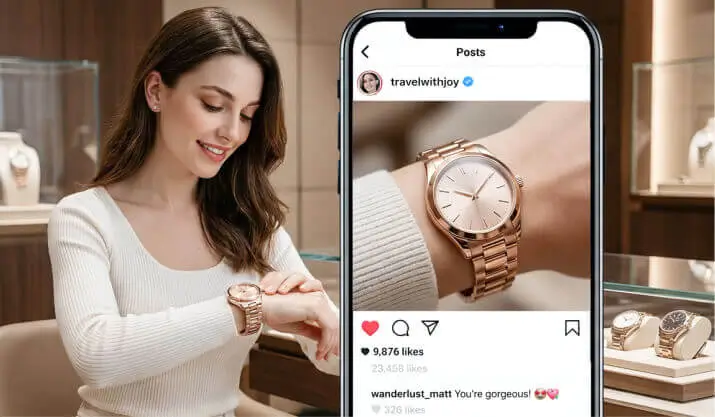
Let shoppers preview watches on the wrist with realistic fit, and lighting before they buy.