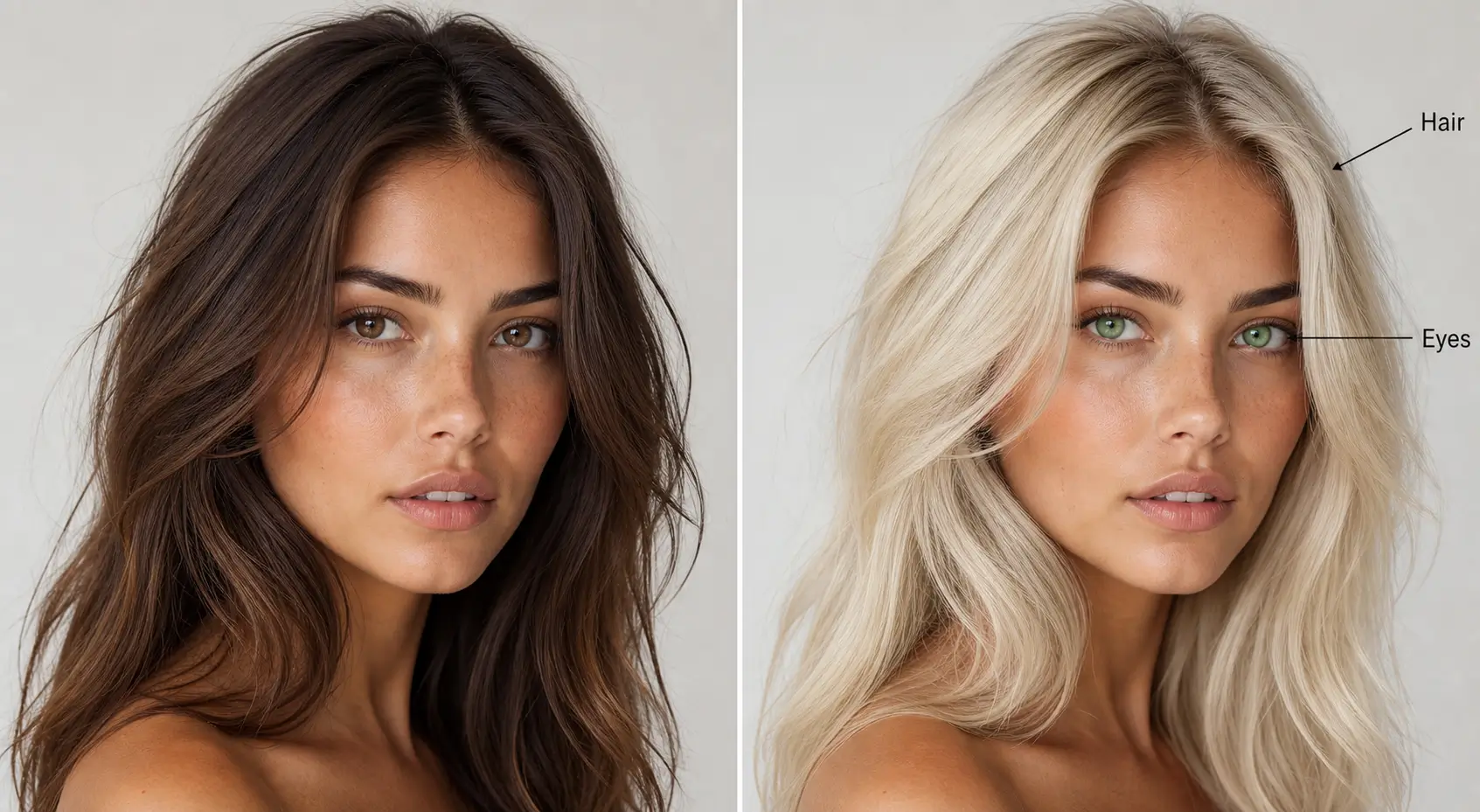
How to Use the Eye Color Editor API in 3 Steps
Add realistic virtual lens try-on to your product in minutes, no computer vision expertise required.
Sign up for a free Perfect Corp developer account and generate an API key from the dashboard to start making requests.
Call the endpoint with a selfie or product photo plus a reference image or preset lens color, and set the intensity level you want.
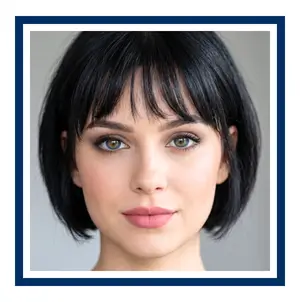
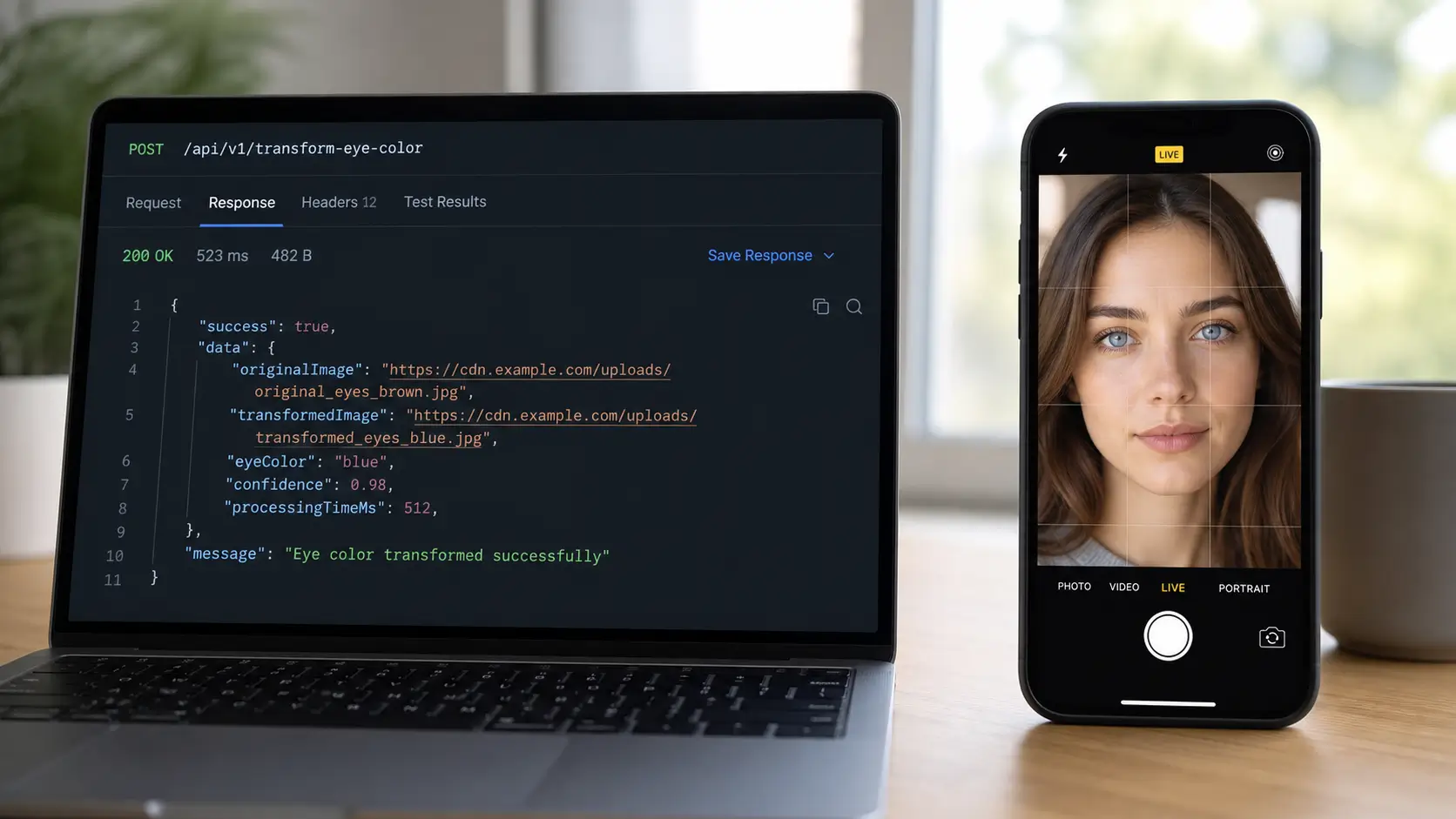
The API returns a realistic eye color result in JSON within seconds, ready to display in your app, website, or kiosk.
What Is an Eye Color Editor API?
The AI Eye Color Editor API detects the iris in any photo and applies a new color while keeping the eye looking real. Instead of a flat color overlay, the API preserves natural light reflection, shading, and eye shape so the result reads like an actual colored contact lens, not a simple filter.
- Precise iris detection across different eye shapes and angles
- Natural catchlight and shadow preservation for realistic depth
- Supports subtle color shifts up to bold, fully saturated lens looks
- Works on light and dark iris colors, including dark brown eyes
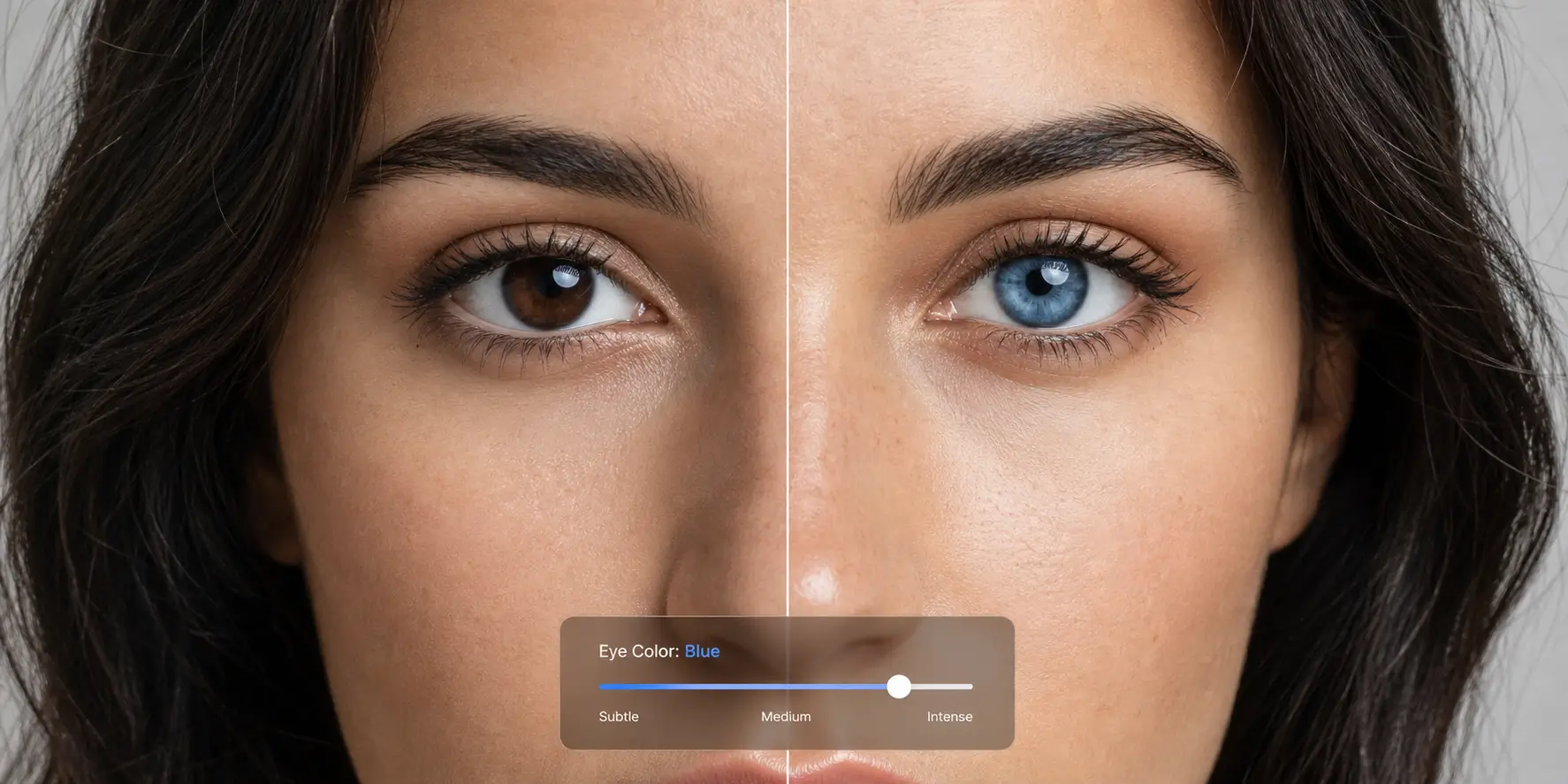
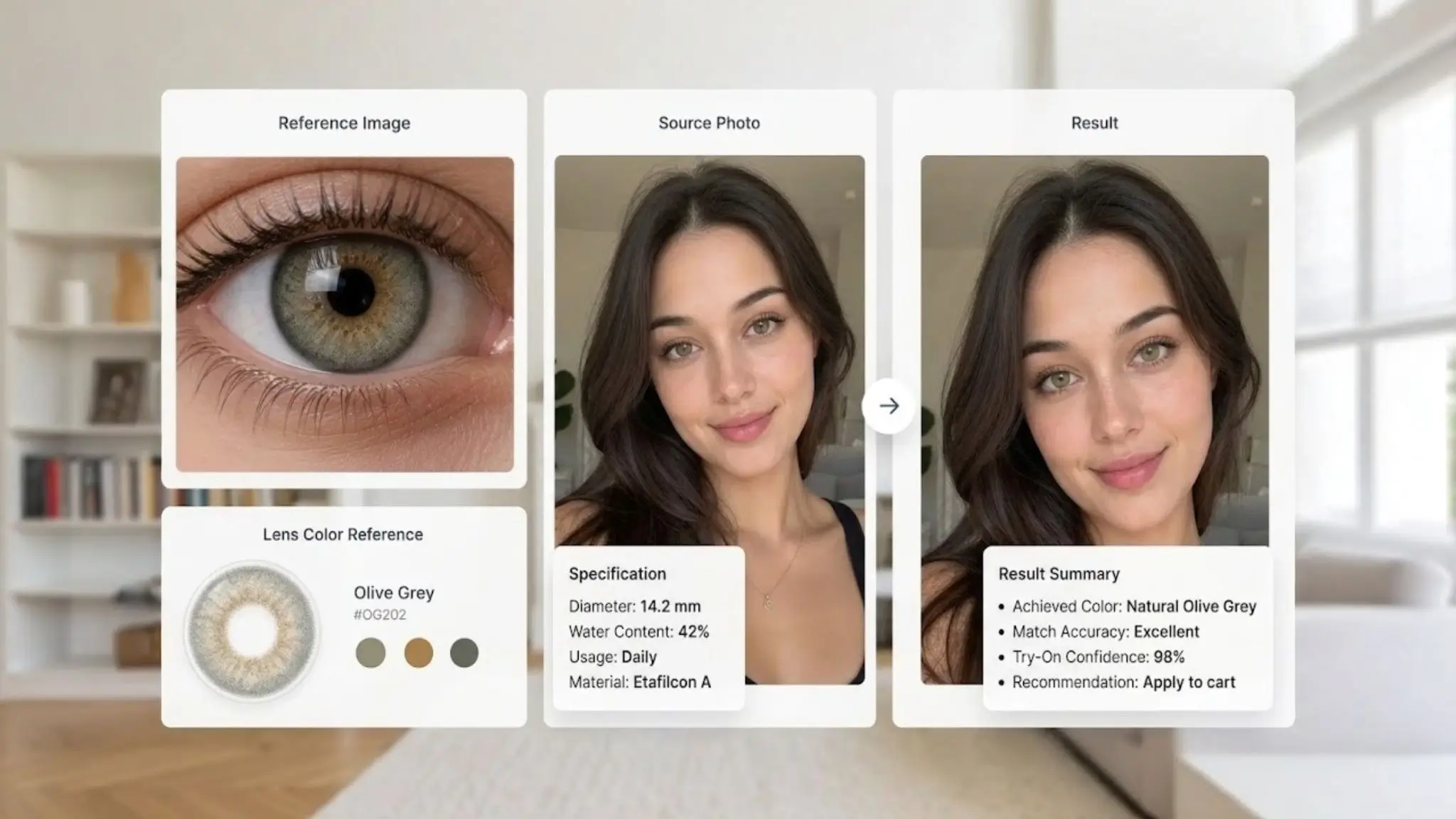
Built On Reference Image Color Matching
Every color change starts from a reference image, so brands can simulate the exact lens shade a customer is browsing instead of a generic color swatch.
- Reference image based color matching for true to product accuracy
- Adjustable intensity parameter for subtle to full strength lens effects
- Optional iris enlargement control for a wider eyed look
- Single REST API call returns a processed image with clear JSON metadata
Realistic Results On Every Eye Color
Most photo filters struggle to layer bright colors over dark irises. The Eye Color Editor API is built to handle that challenge, so brands serving global audiences can offer an accurate try-on experience regardless of a shopper's natural eye color.
- Accurate rendering on dark brown, hazel, green, and blue base eyes
- Smooth blending that avoids the flat painted on look of basic filters
- Consistent results across selfies, studio photos, and app camera captures
- Designed to work well across all ethnicities and lighting conditions
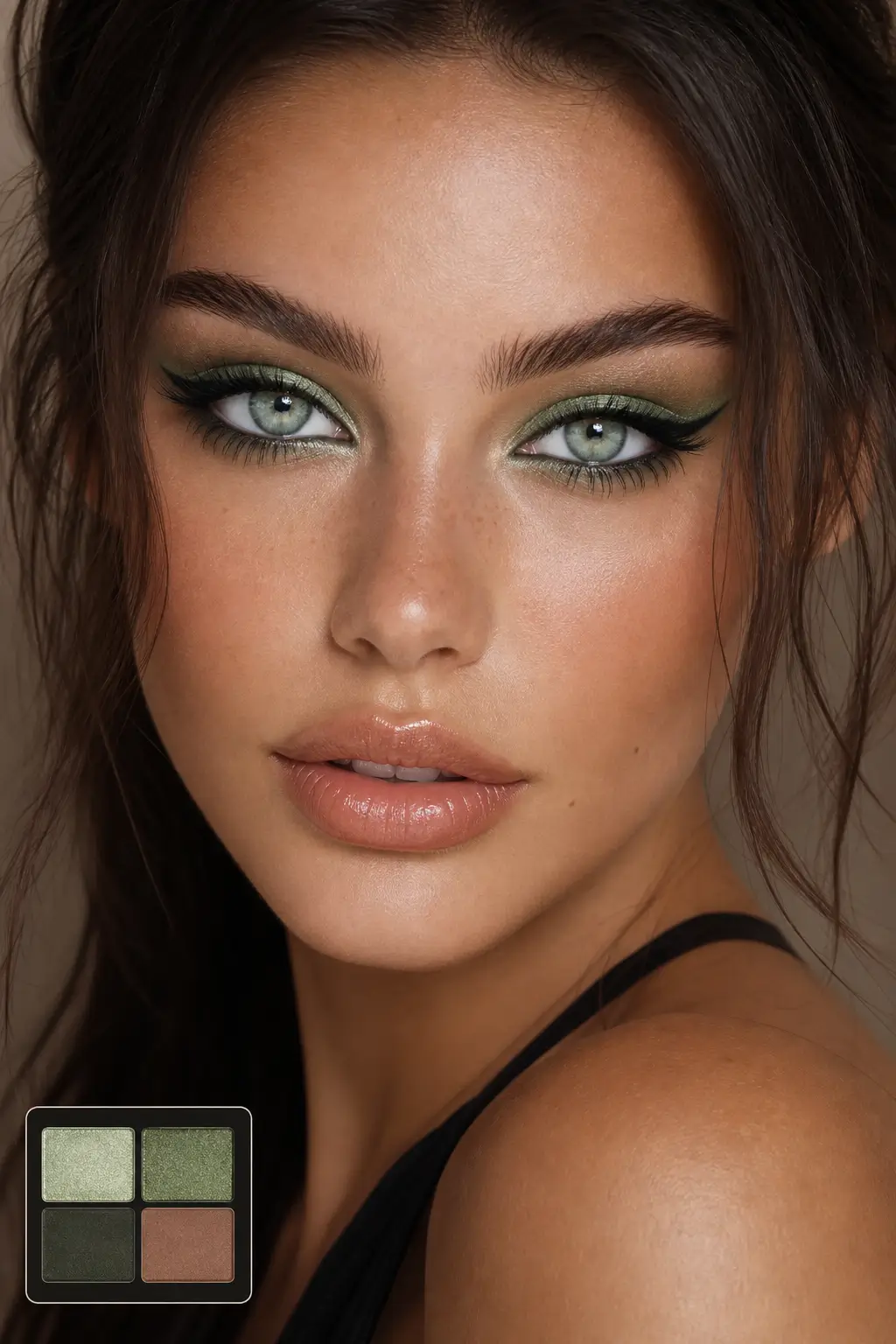
From Subtle Enhancements to Bold Transformations
Whether a brand wants a soft gray tone or a striking blue transformation, the API supports the full color range that colored contact lens brands sell today.
- Supports natural tones like hazel, honey, and soft gray
- Supports vivid, theatrical tones for cosplay and creative content
- Helps shoppers commit to a lens purchase with visual confidence
- Reduces returns driven by color mismatch expectations
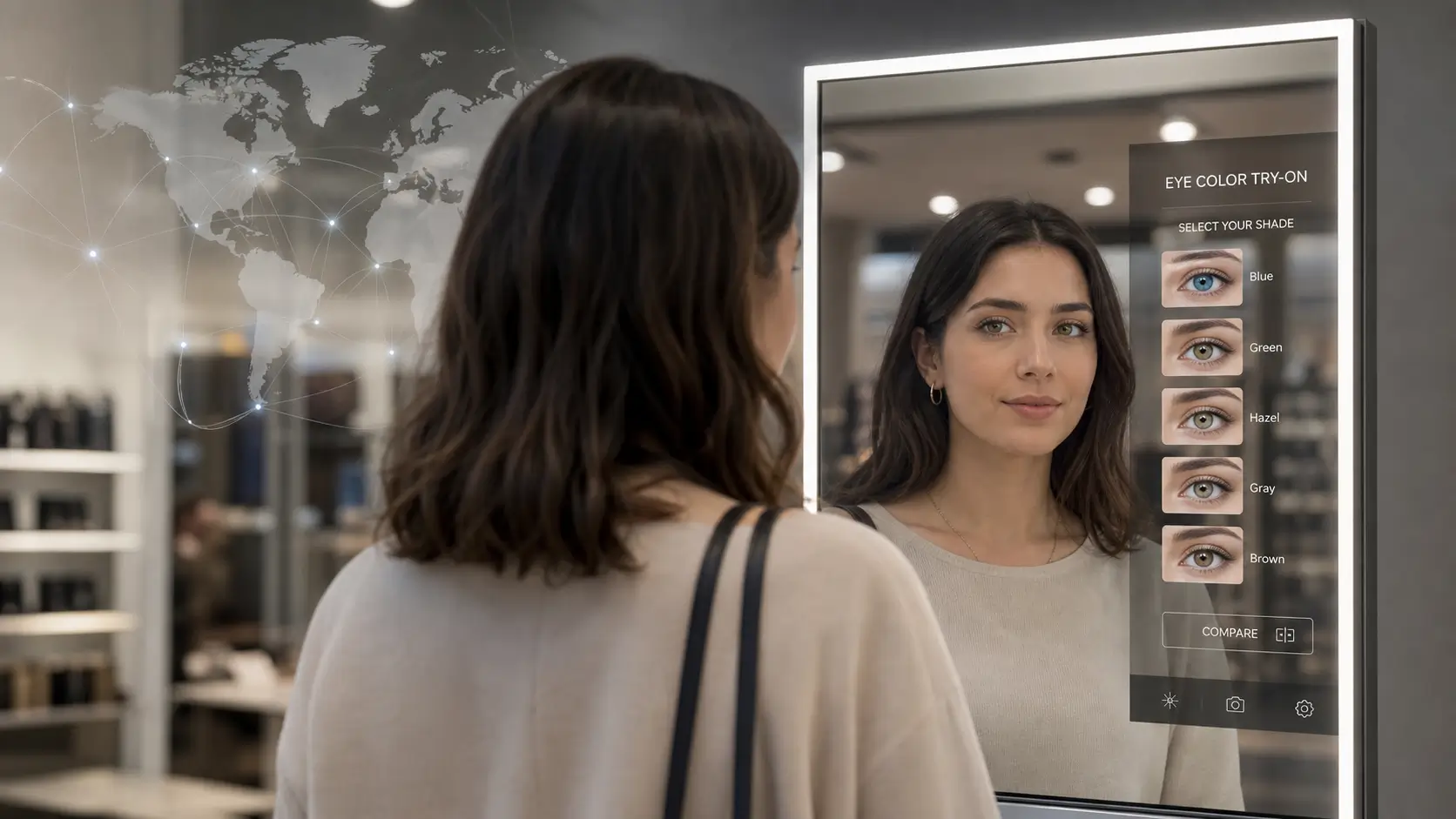
Simple REST Integration for Any Platform
The Eye Color Editor API is a standard RESTful endpoint, so engineering teams can add virtual lens try-on to a website, mobile app, or in-store kiosk without building computer vision from scratch. Submit an image by URL or file ID, set the intensity, and receive a processed result.
- RESTful architecture with clear JSON request and response format
- Accepts image files by URL or by uploaded file ID
- Compatible with web, iOS, Android, and in-store smart mirror deployments
- Swagger and OpenAPI documentation with code snippets in multiple languages
Enterprise Scale, Backed By a Decade of Beauty AI
Perfect Corp has spent over a decade building the AI behind virtual try-on for more than 800 beauty and eyewear brands worldwide. That same detection and rendering technology powers the Eye Color Editor API, so it is ready for enterprise traffic from day one.
- Auto scaling infrastructure built for high traffic campaigns
- Low latency processing suited for real time try-on experiences
- Trusted by contact lens brands, beauty retailers, and eyewear companies
- Enterprise support with dedicated onboarding for large integrations