
AI Image Editor API for Developers
Ship pro-grade photo editing inside your app with one REST API. Remove backgrounds, erase objects, upscale, extend and relight images, with JSON responses and pay-per-success units.
What Is an Image Editor API?
An image editor API lets your app edit photos programmatically, so users get polished results without opening a desktop editor. YouCam API packs a full AI editing toolkit into standard RESTful endpoints you call from any website, mobile app or backend.
- One API key unlocks 50+ AI features across editing, generation and video
- Upload a file or pass a public image URL, then receive a processed image URL
- Chain edits with the returned dst_id, no re-upload needed
- Built for e-commerce, creator apps, marketplaces and content platforms
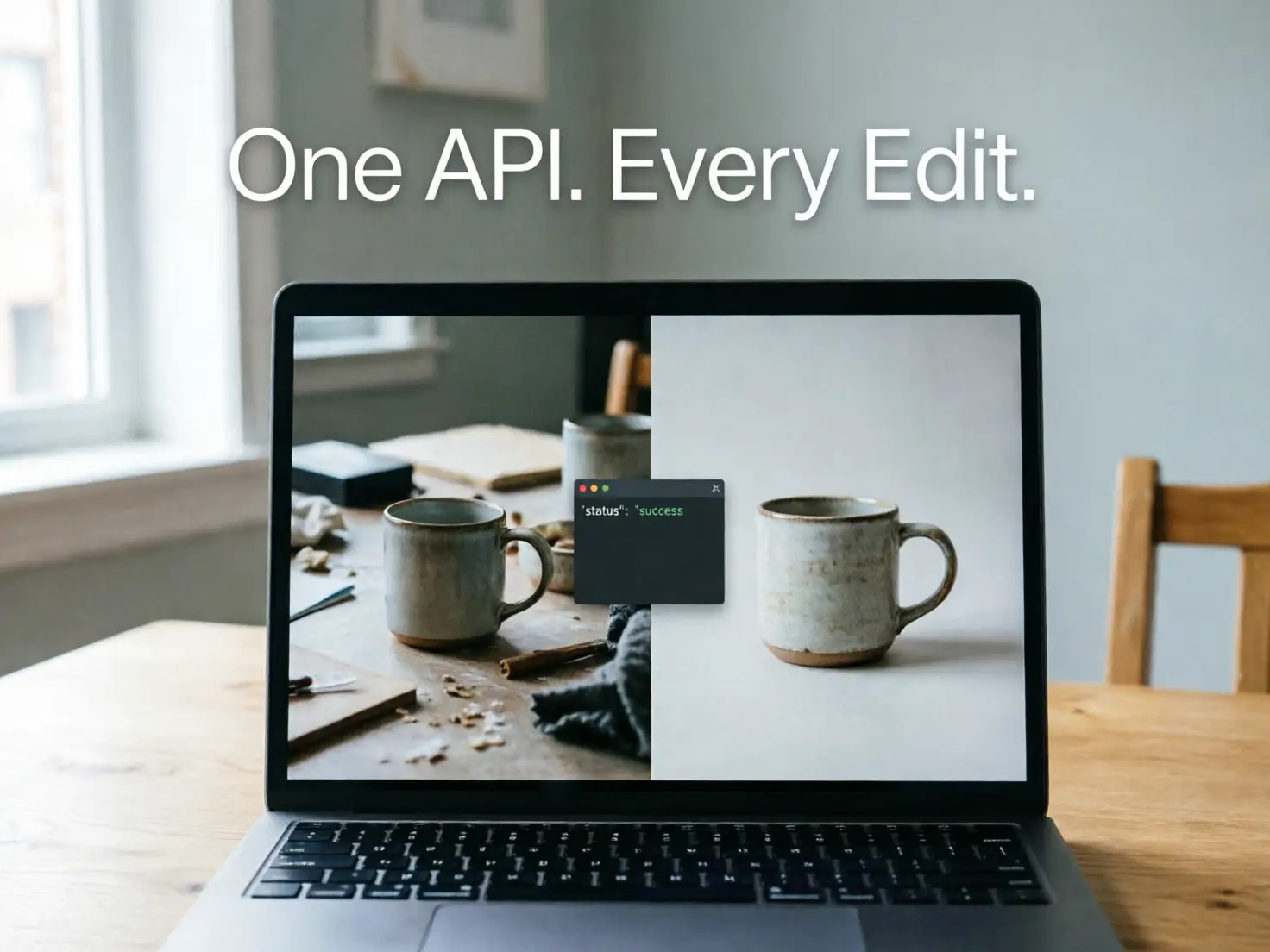
Core Editing Endpoints in One API
Pick the edits your product needs and call them through the same authentication and task flow. Every endpoint below is documented with request examples in the YouCam API reference.
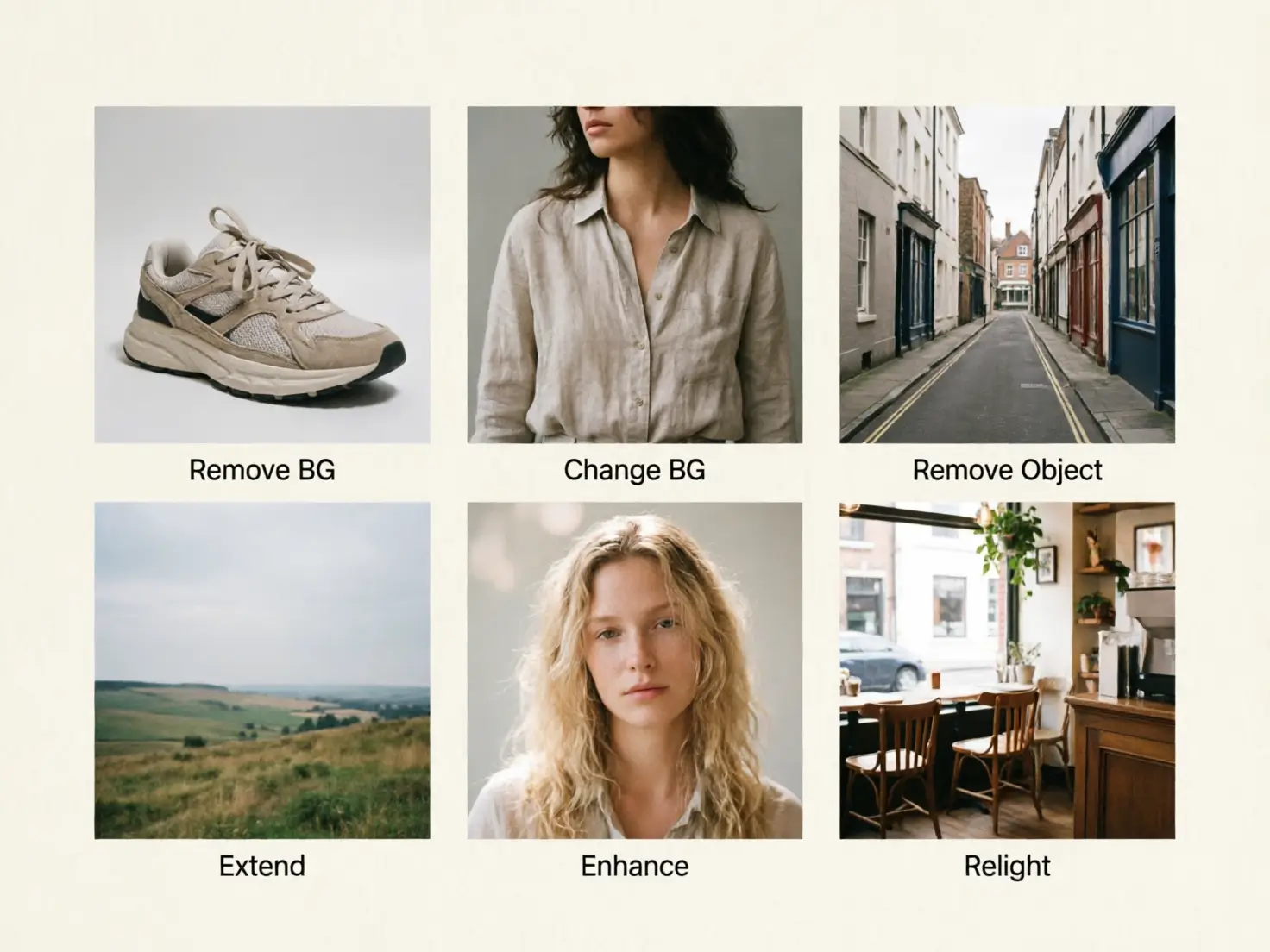
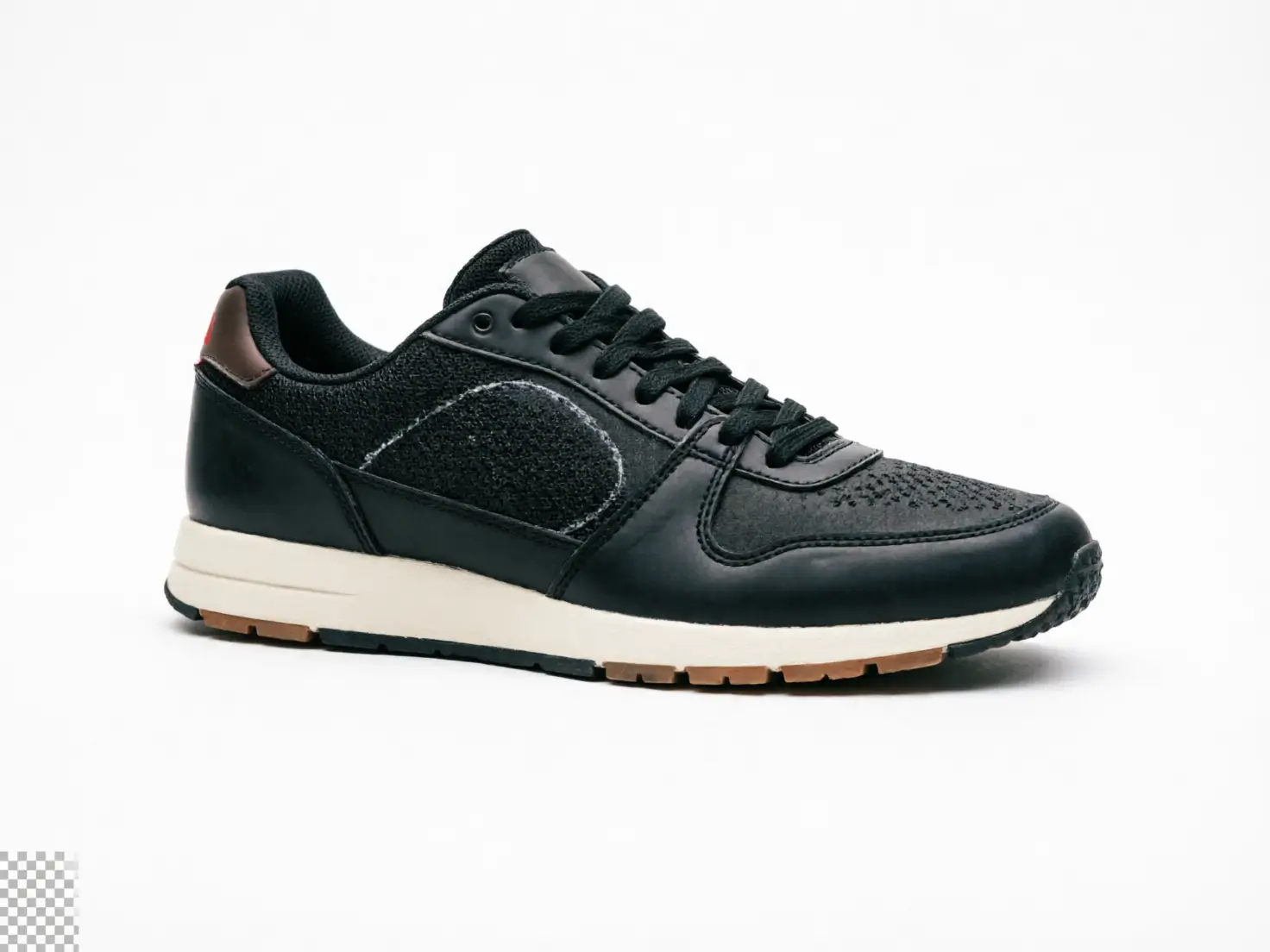
- Background removal for people, products, animals, cars and graphics
- Background change with a custom prompt or a predefined template
- Object removal with a simple grayscale mask, in Standard or Professional mode
- Image extender that expands photos to new sizes and ratios
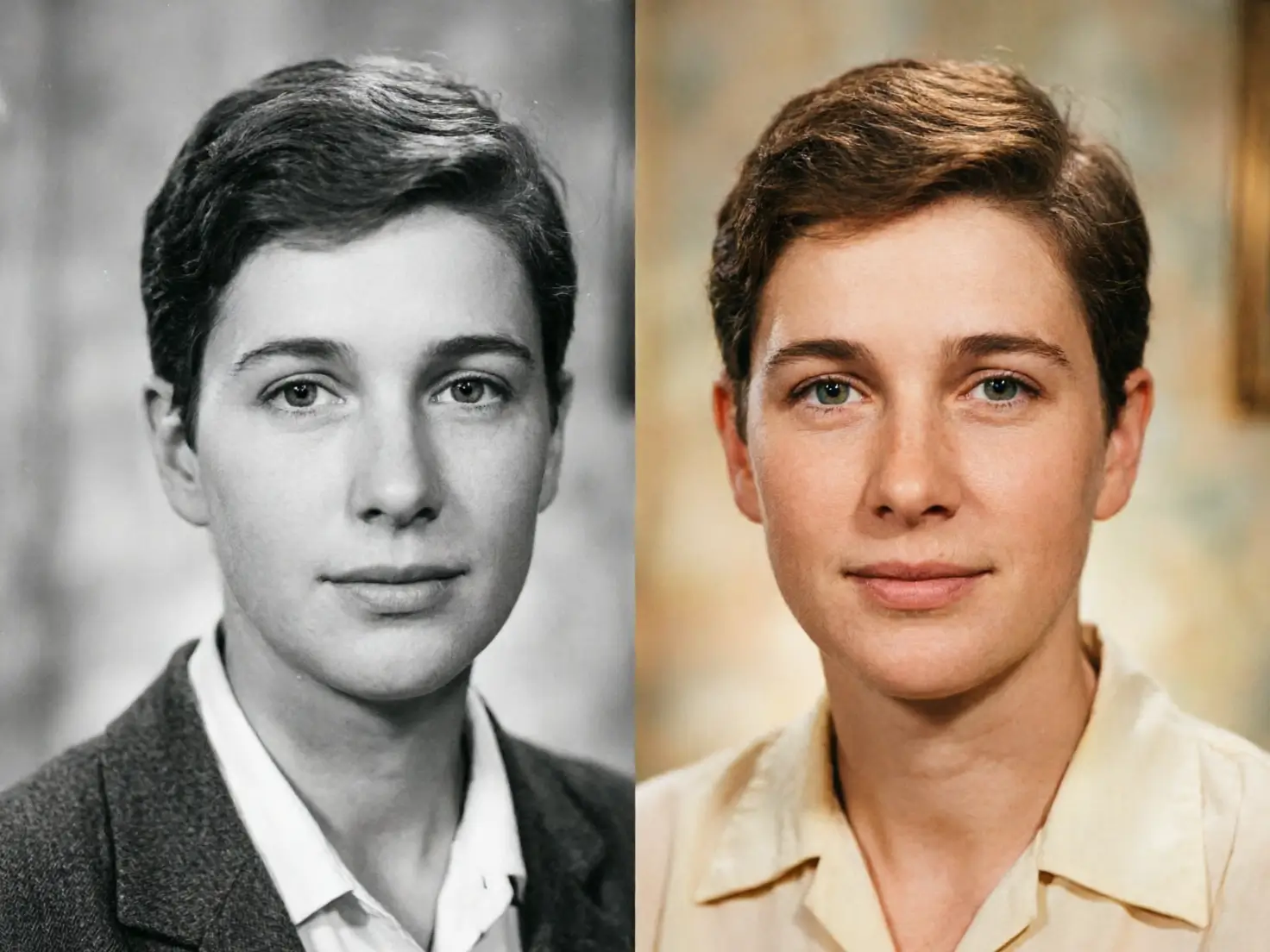
- Photo enhance, colorize and lighting to fix blur, old photos and dark shots
Clean Product Photos at Catalog Scale
Seller uploads are rarely studio quality. Run every new listing through the image editor API before it goes live, so your catalog looks consistent without a retouching team.
- Cut out products and drop them onto clean or on-brand backgrounds
- Extend tight crops to fit banners, marketplace tiles and social ratios
- Brighten dim shots and sharpen blurry uploads automatically
- Update seasonal visuals with prompt-based AI Replace edits

In-App Editing Your Users Will Love
Give your camera, social or creator app a one-tap editor powered by the same AI behind YouCam apps. Users get studio-like results while you skip years of model training.
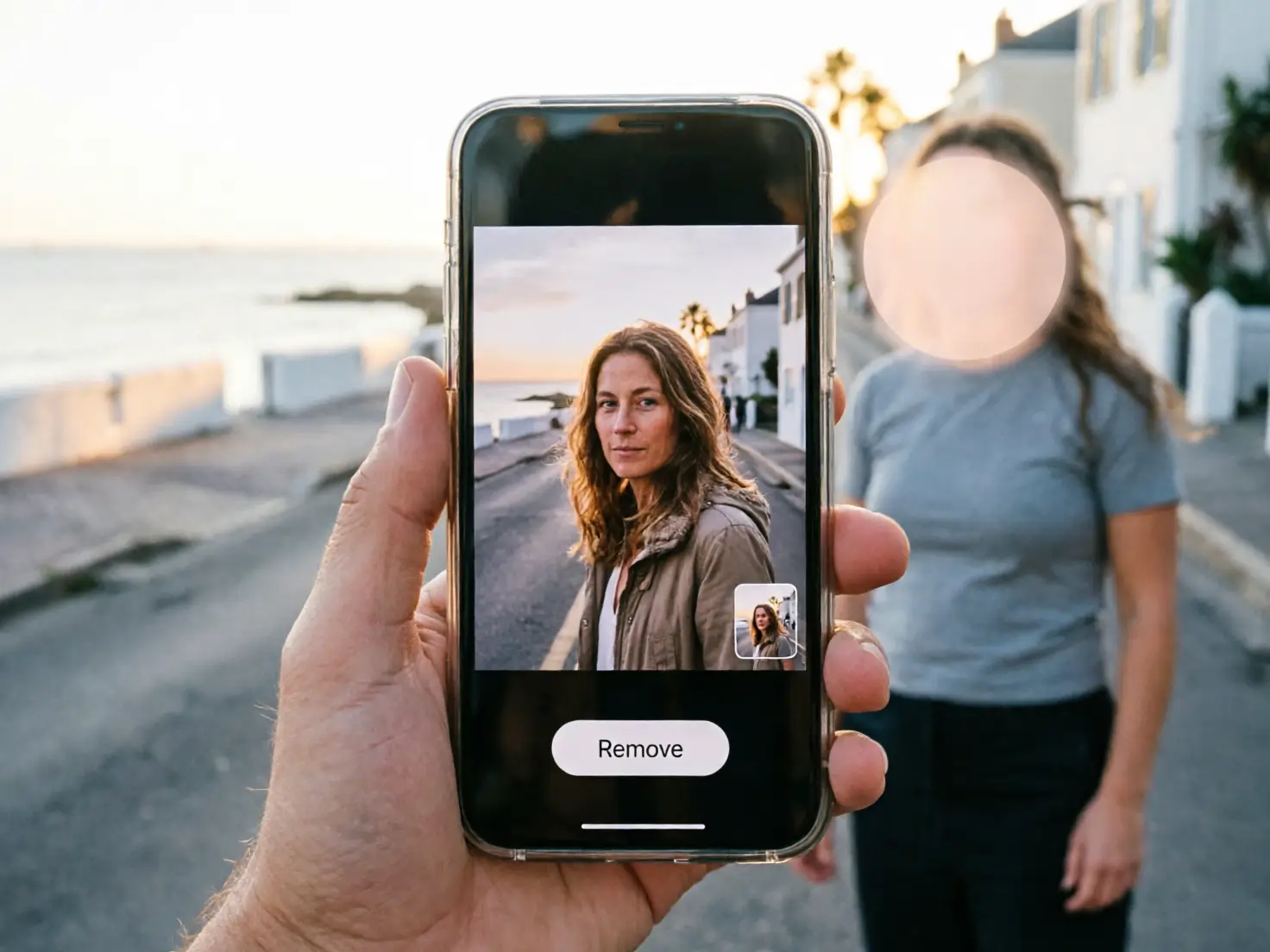
- Erase photobombers, reflections and shadows from a masked area
- Bring black and white photos to life with four colorized versions to choose from
- Rescue low-light photos with AI lighting
- Upscale and denoise images for sharper sharing
Built for Fast, Predictable Integration
Every edit follows the same async pattern, so once you wire up one endpoint the rest feel familiar. Clear docs and multi-language samples keep your sprint short.
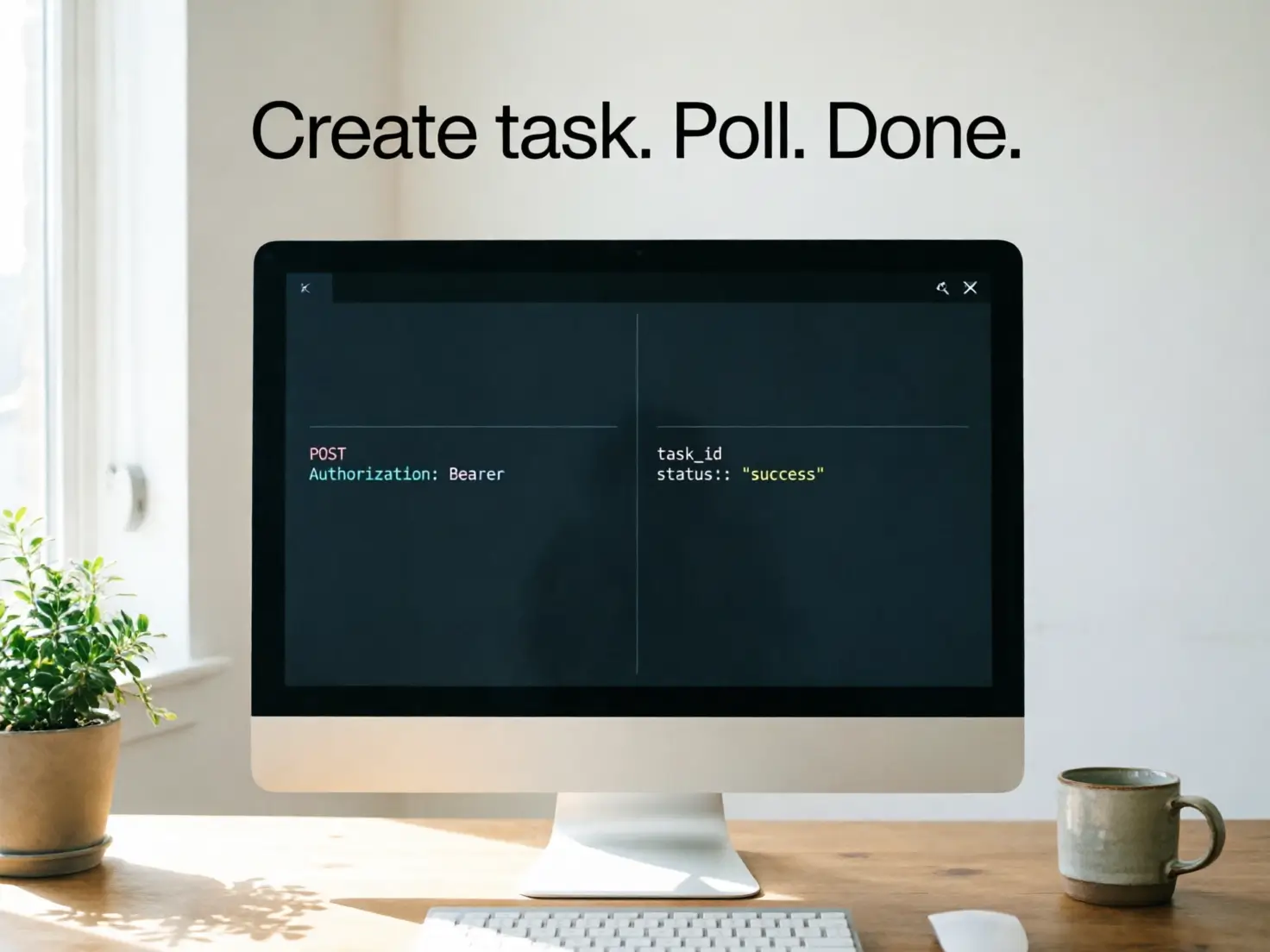
- Bearer token authentication and JSON request bodies
- Create a task, then poll the status endpoint or receive a webhook
- Code examples in JavaScript, Java, Flutter, Python, PHP, Node.js and cURL
- Model Context Protocol (MCP) support for AI agents in tools like Claude and Cursor
Pay Only for Successful Edits
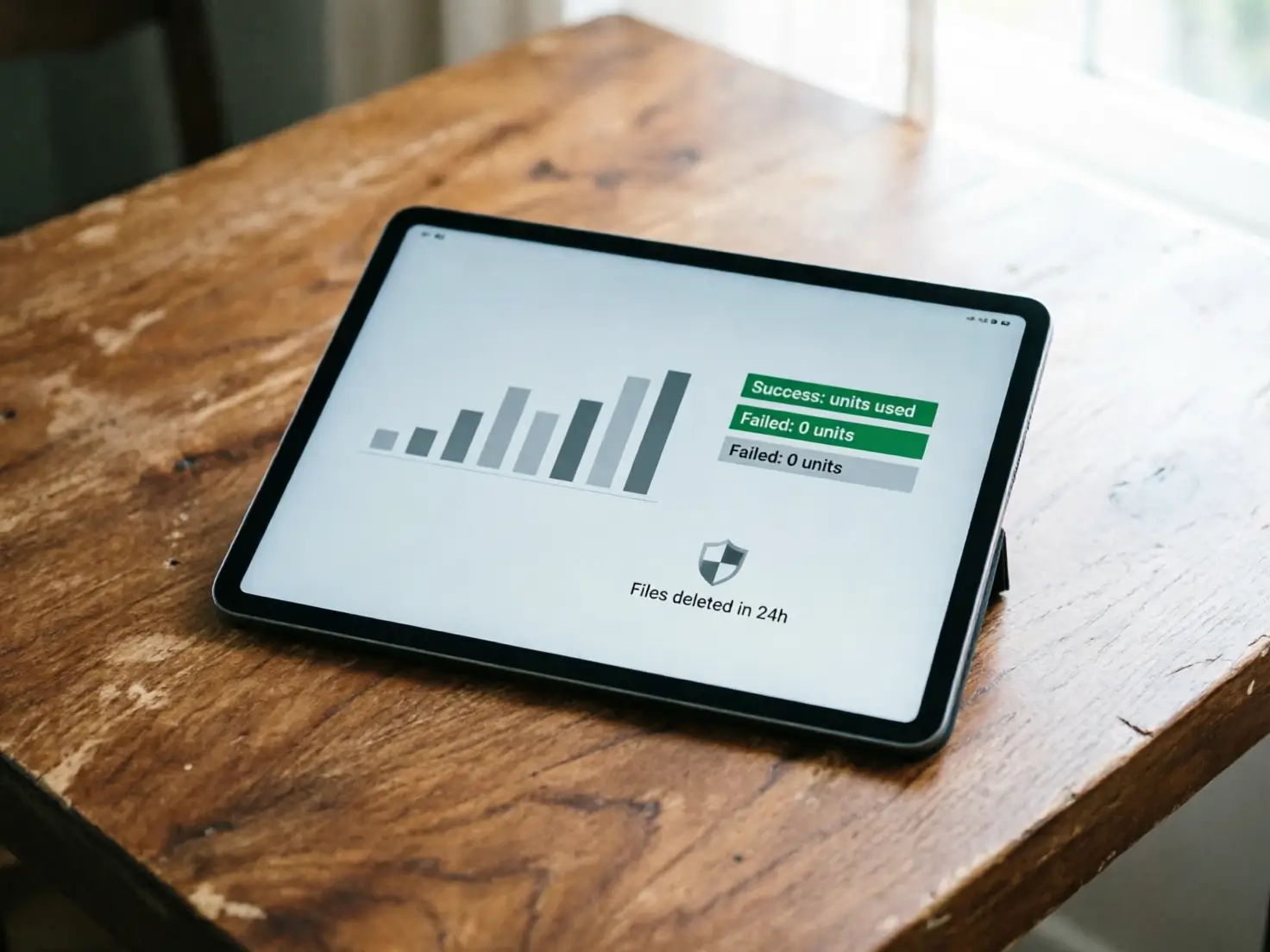
YouCam API uses a unit-based, pay-per-use model, so costs scale with real usage. Units are consumed only when a task succeeds, never while it is running or if it fails.
- Clear per-task unit costs listed for each endpoint in the docs
- Free trial units so you can test before you commit
- Uploaded pictures are deleted within 24 hours
- Auto-scaling infrastructure ready for batch and peak traffic
How to Use the Image Editor API in 3 Steps
Go from API key to your first edited image in minutes, using one consistent flow for every edit.

Call the File API to get an upload URL, then upload your JPG or PNG (under 10MB, long side up to 4096 pixels). You receive a file ID for the next call.
Send a POST request to the edit you need, such as background removal, object removal or image extender, with your file ID and options. The API returns a task ID right away.

Poll the task status or use a webhook. On success you get a URL for the processed image plus a dst_id you can pass into the next edit.
Expand Your Integration: More YouCam Image APIs
Upscale images by up to 4x, reduce noise and pixelation, and sharpen blurry or motion-affected shots. Ideal for user uploads and product pages.
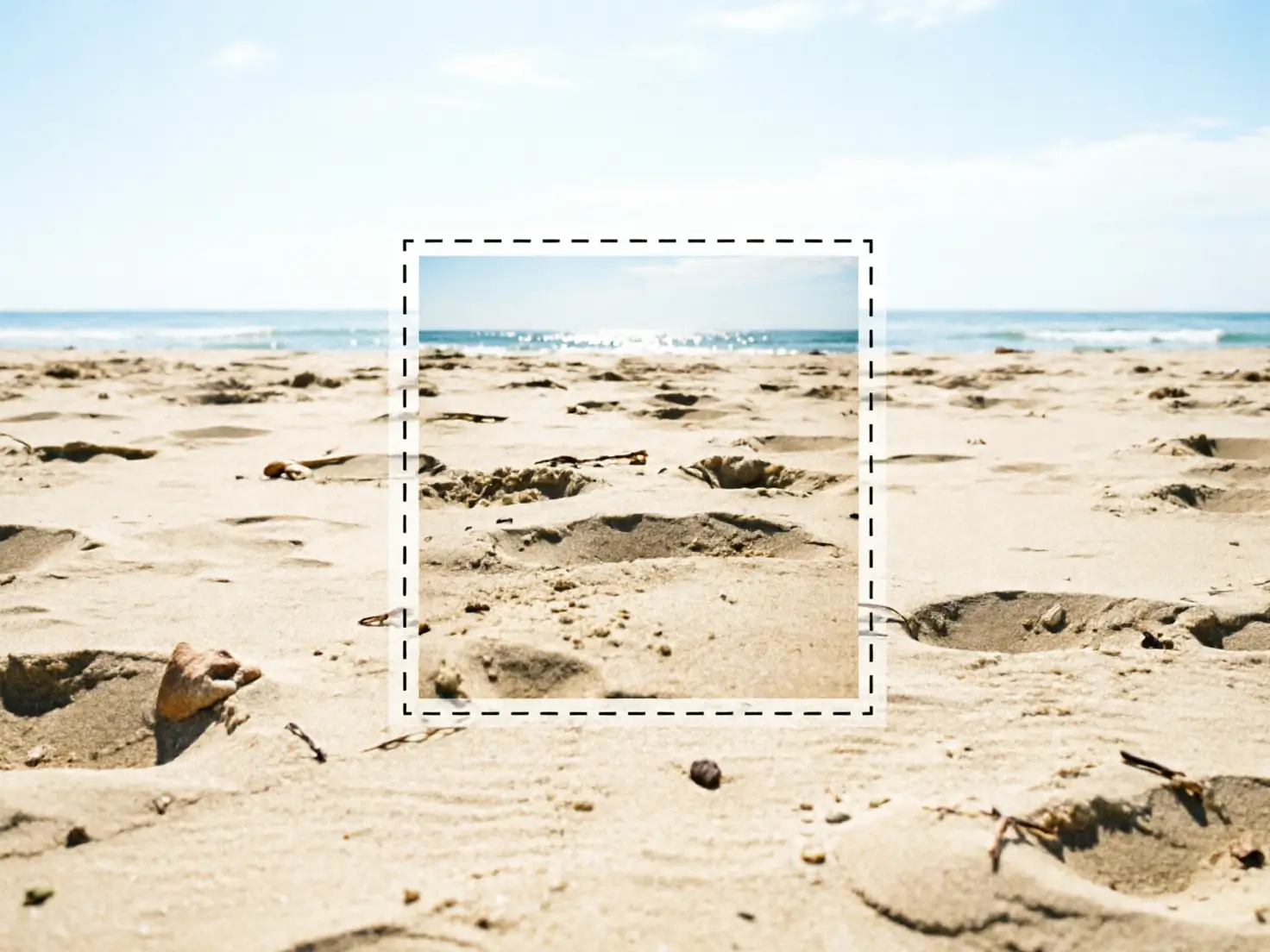
Mask any area and describe the change in a text prompt. Replace objects, people, skies or backgrounds while the fill matches lighting, texture and depth.
Create new visuals with text-to-image and image-to-image generation. Pair it with editing endpoints to produce on-brand campaign assets end to end.