
Perm Filter API: Try On Curly & Wavy Perm Styles with AI
Let users see what they would look like with a perm before the salon chair. The YouCam AI Wavy Hair Virtual Try-On API turns one selfie into realistic curly or wavy perm results with a single REST call, built for beauty apps, salons and hair brands.
What Is a Perm Filter API?
A perm filter shows how a person would look with permed hair, without chemicals or commitment. The YouCam AI Wavy Hair Virtual Try-On API brings that experience into your own product: send a photo and a curl template, and get back a realistic wavy or curly result. Looking for a consumer tool instead?
- Turns straight or slightly wavy hair into soft waves or defined curls
- Template-based, so every output matches a predictable perm style
- Works for both women and men with enough hair length to curl
- Returns a high-resolution image URL through a simple async task
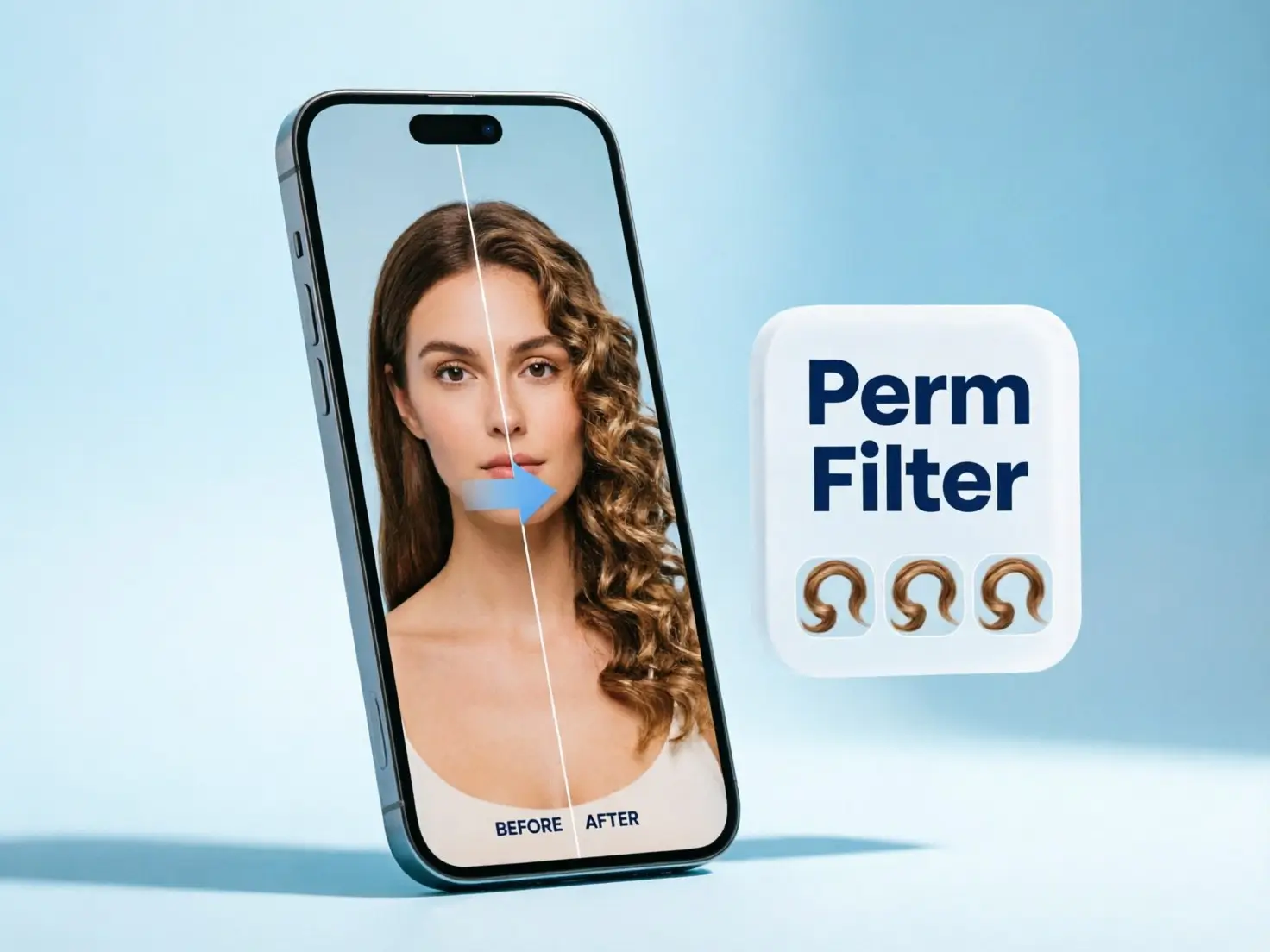
Curly and Wavy Perm Styles on Demand
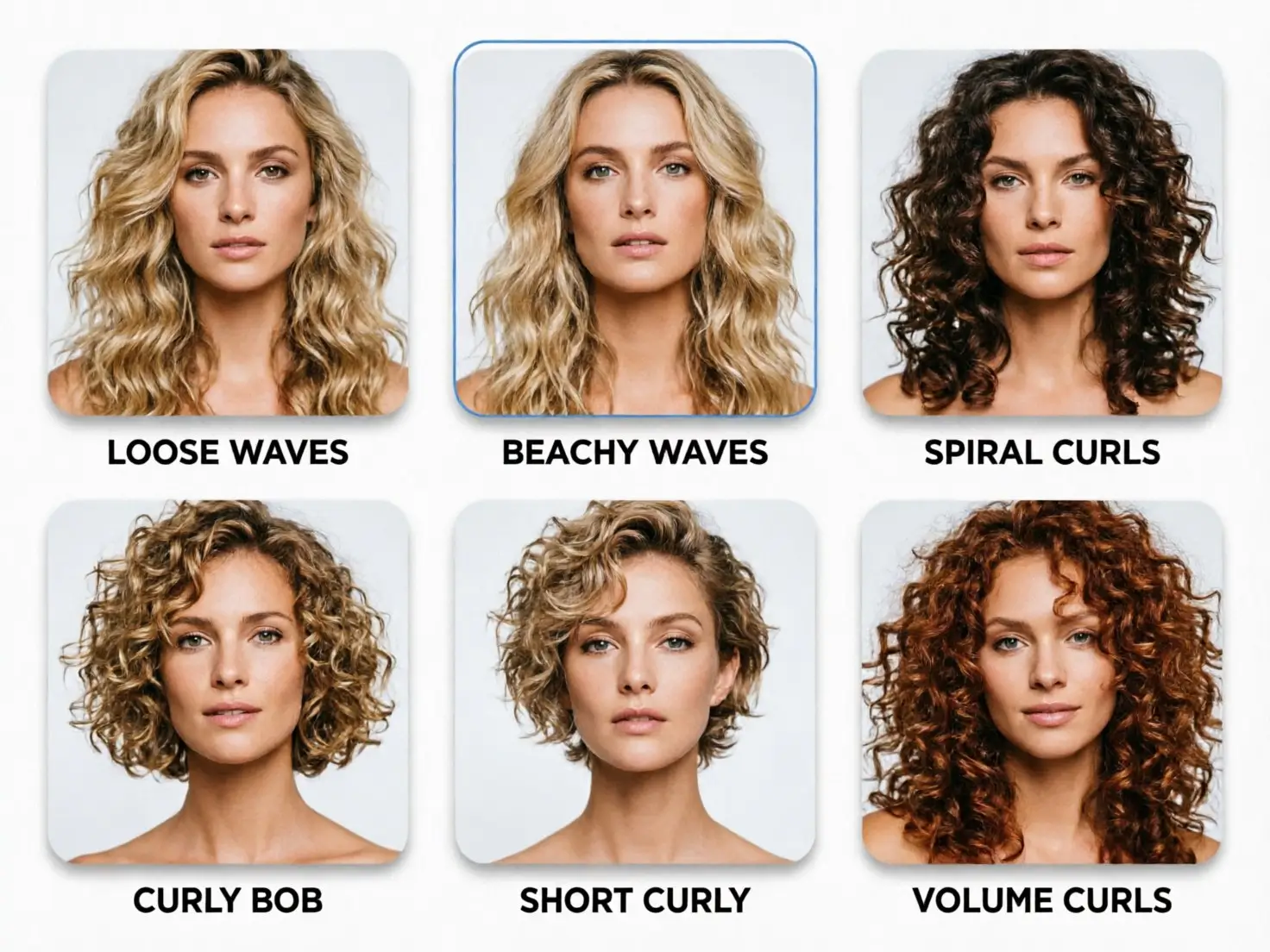
The Wavy Hair API ships with a ready-made template library you can list with one GET request. Alternatively, users can upload reference images of hairstyles they like to virtually try on different looks, with the flexibility to preview the new styles while keeping their original hair color.
- Fetch available curl templates from the template endpoint and show them as a perm menu
- Combine curl templates with hairstyle style IDs for cut plus perm previews
- Cover soft body waves, tighter curls and statement volume in one flow
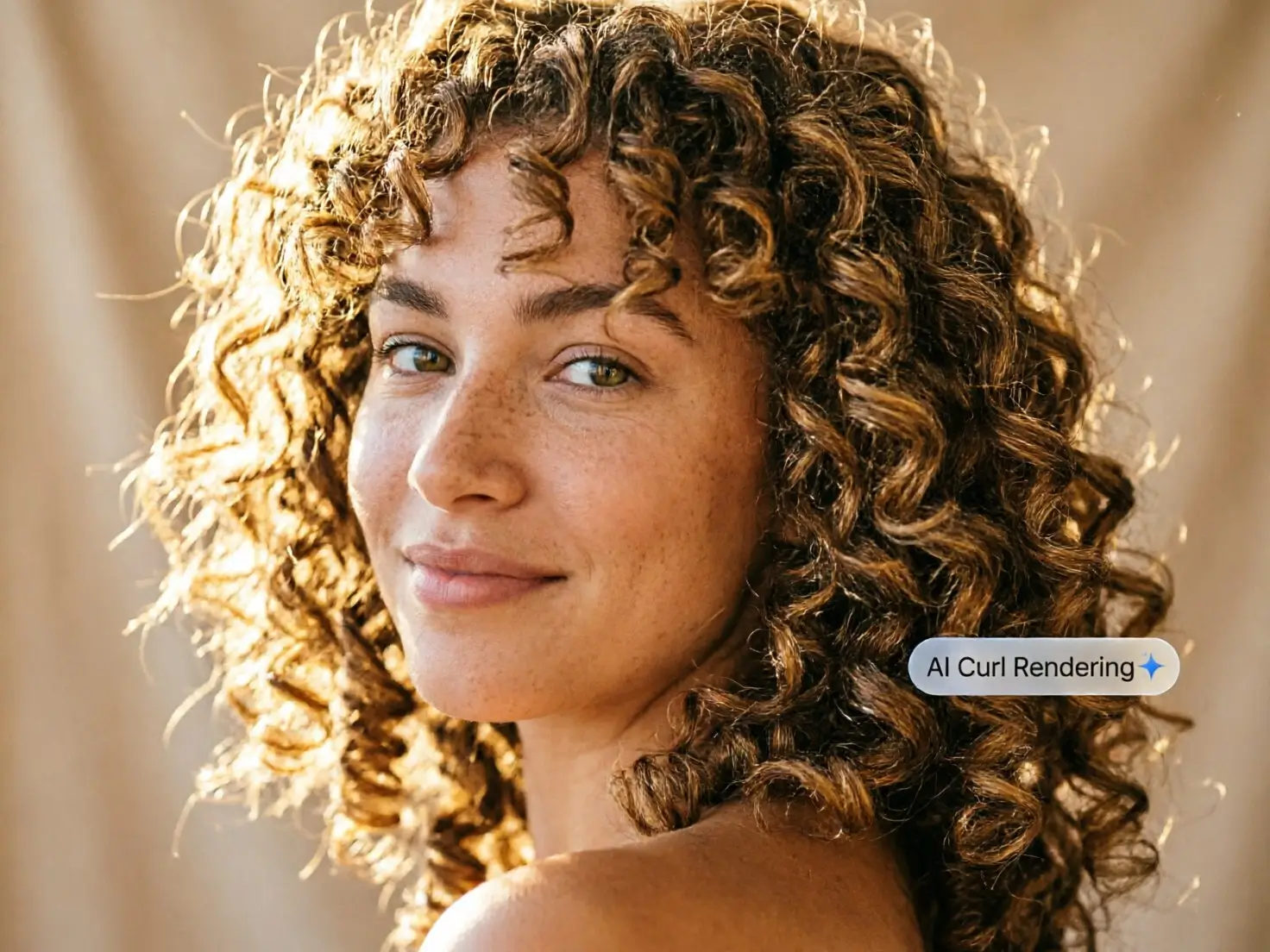
Realistic Curls That Keep the Face Natural
Unlike simple AR overlays, YouCam Gen AI reconstructs hair texture and lighting so the perm looks like it grew from the user's own head. Backed by a decade of AI training, results keep facial features almost unchanged while curls stay defined from root to ends.
- Strand-level curl texture with natural shine and shadow
- Facial features stay true to the original photo
- Consistent, commercial-grade output instead of random generations
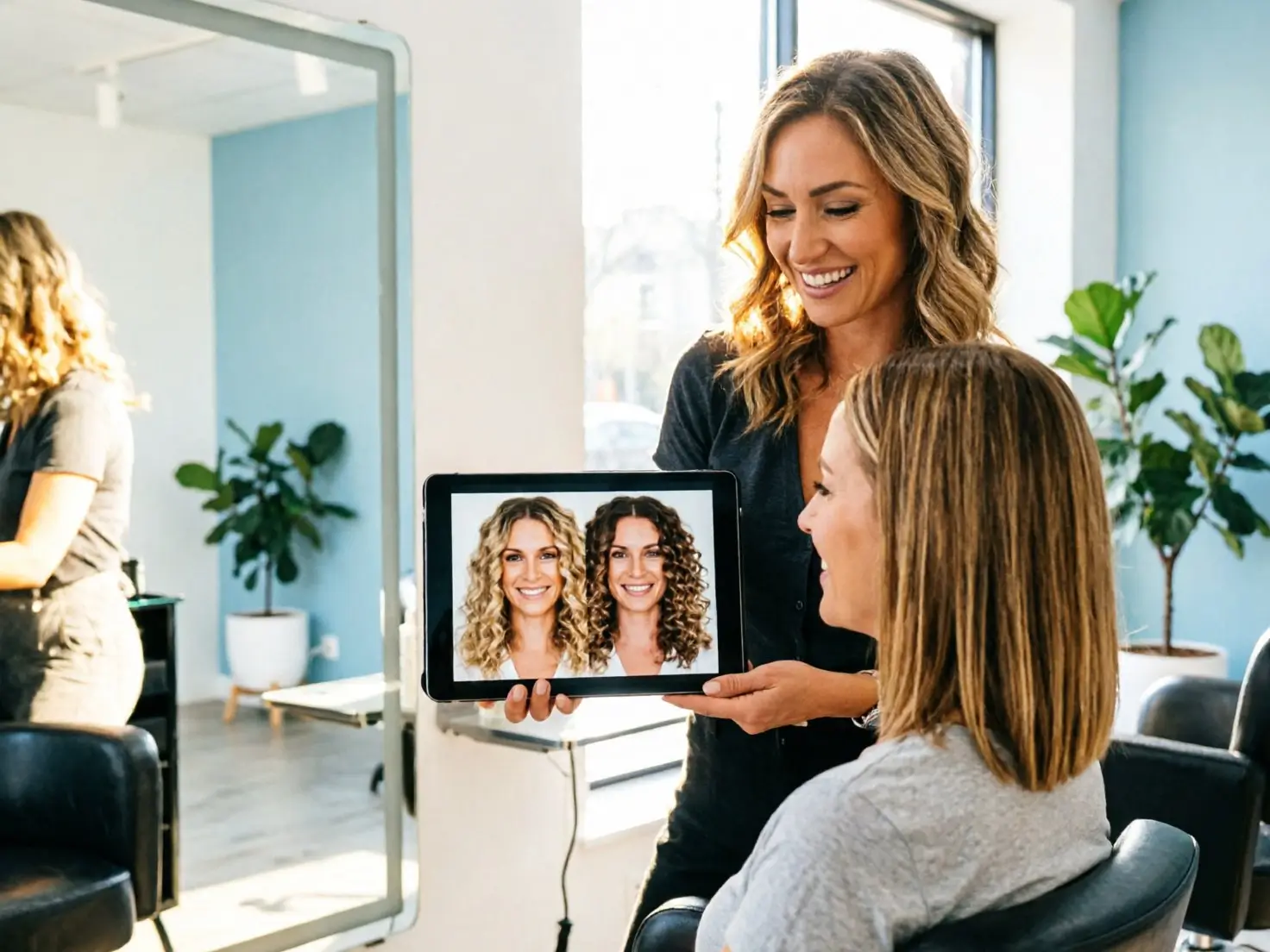
Built for Salons, Perm Consultations and Beauty Apps
A perm is a long commitment, so clients want proof before they book. Embedding a perm filter turns uncertainty into confident appointments and gives hair care brands a natural way to recommend curl products.
- Salon booking apps: preview the perm during consultation and upsell treatments
- Hair care e-commerce: pair curl results with mousse, cream and aftercare products
- Beauty and selfie apps: add a viral perm try-on feature for engagement
- Barbershops: show men's textured perms and short curls before the first wash
Pair Perm Try-On with AI Hair Analysis
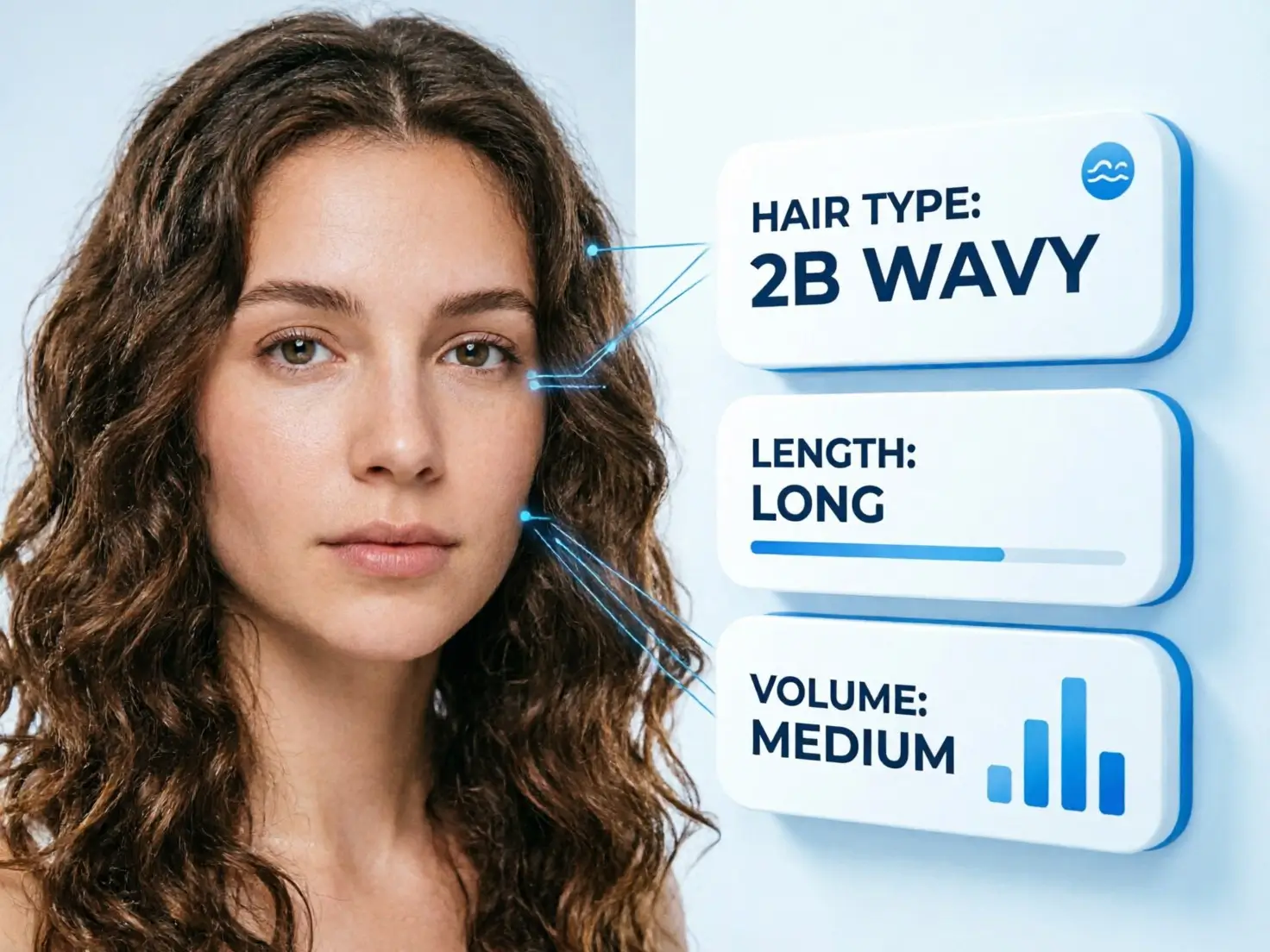
The best perm depends on the hair you start with. Combine the perm filter with YouCam hair analysis APIs to recommend styles that fit each user, not just styles that look good on a model.
- AI Hair Type Detection classifies texture (Straight, Wavy, Curls, Coiled) and types from 1A to 4C
- AI Hair Length Detection checks whether hair is long enough for the chosen curl
- AI Hair Volume Virtual Try-On previews fuller body alongside the perm
Integrate via REST API, MCP and Agent Skills
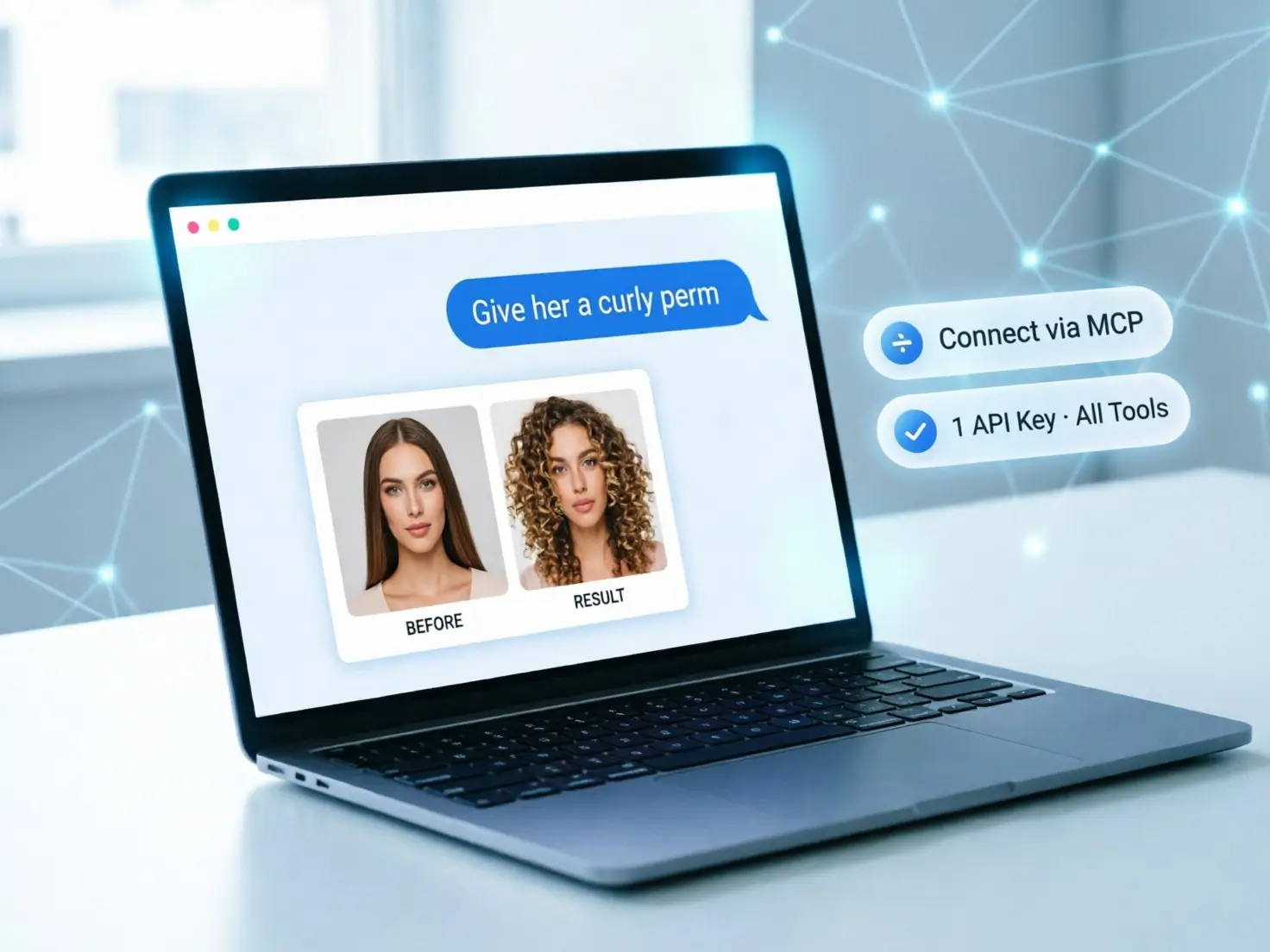
Ship the perm filter your way. Developers can call standard RESTful endpoints with clear JSON responses, while teams building with AI assistants can reach the same hair tools through the YouCam MCP server and ready-made Agent Skills, using one API key.
- Standard Bearer authentication and async task polling
- Swagger/OpenAPI documentation with code snippets in multiple languages
- YouCam MCP and Agent Skills for Claude Desktop, Cursor and other MCP clients
- Auto-scaling infrastructure built for peak traffic
How to Use the Perm Filter API in 3 Steps
Go from a single selfie to a realistic perm preview in seconds, with no model training required.

Upload a JPG or PNG under 10MB showing one full, front-facing face with shoulders visible. Keep the long side at 1024px or less and make sure the hair is long enough to curl.

Select an available curl template or provide a reference image of the desired hairstyle, then send a POST request to the hair curl task endpoint along with the source photo. Authenticate using your API key as a Bearer token.

Poll the task status with the returned task ID. When the task succeeds, you receive a high-resolution image URL ready to display in your app or salon tool.