AI Wedding Veil Virtual Try-On, Explained
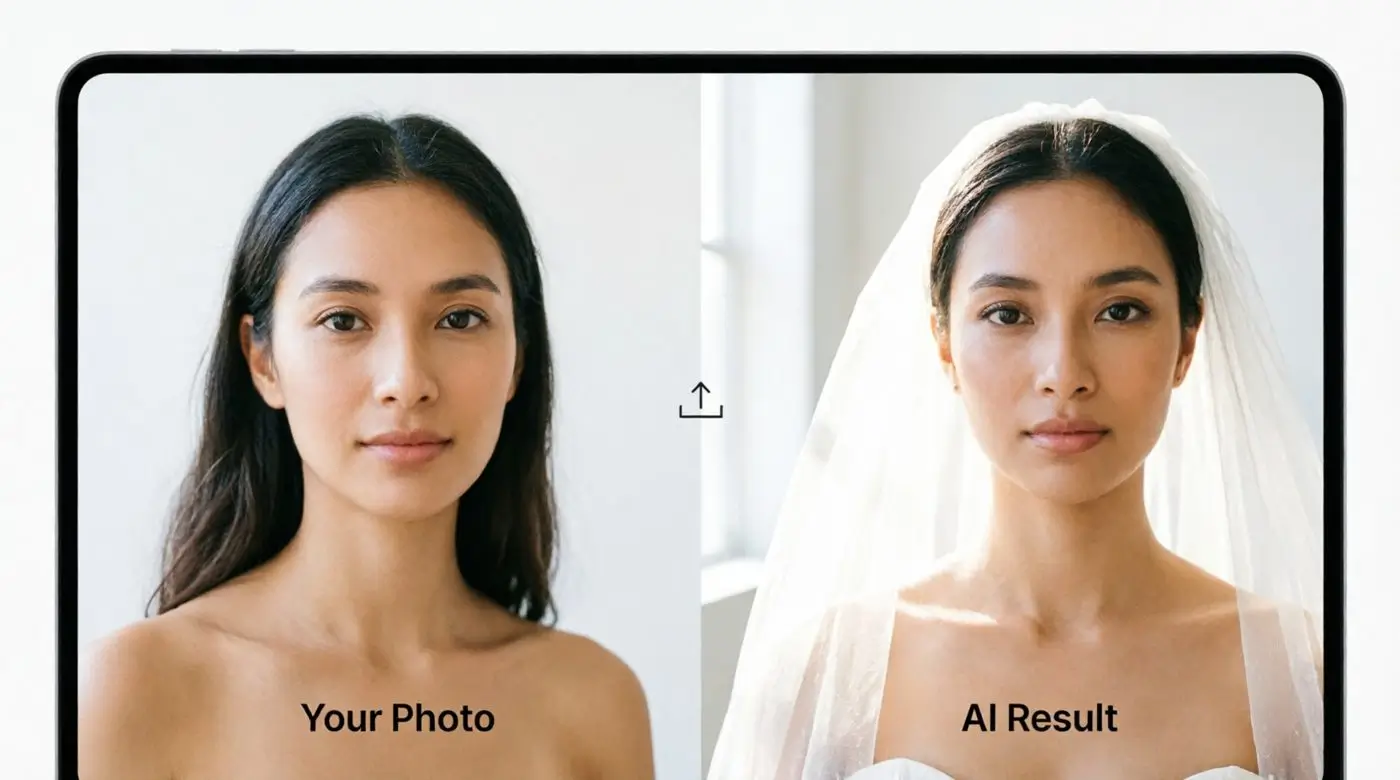
The AI Wedding Veil Try-On API turns a single veil image into a photorealistic bridal portrait of your customer, no photographer, fitting room, or 3D model required.
- Generates a hyper-realistic try-on result
- Supports uploading various veil styles for virtual try-on
- Powered by a decade of AI development and Generative AI rendering
One API, Every Veil Style
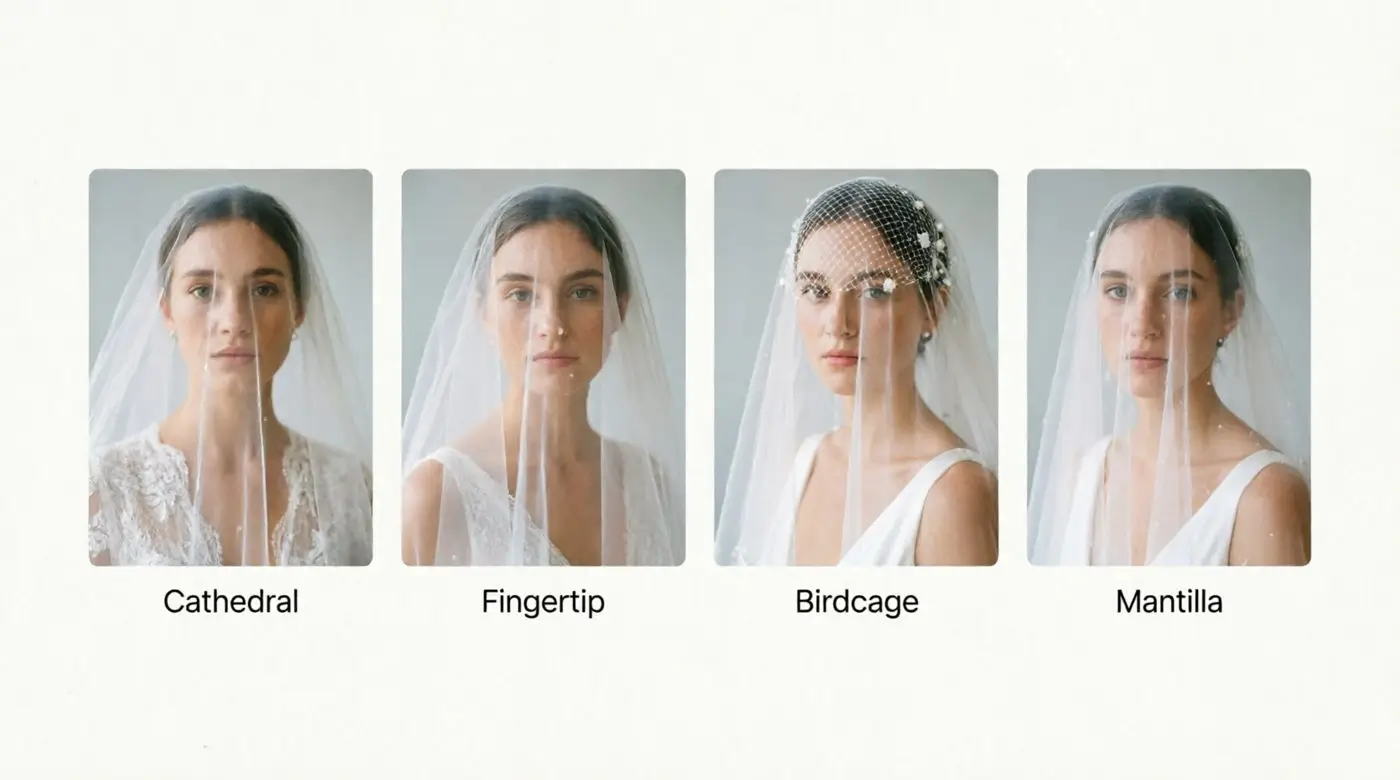
Brides do not shop for one veil style, so the API is not built around one either. Feed it any veil image and it renders a natural, wearable result.
- Works with cathedral, fingertip, birdcage or mantilla, and custom bridal designs
- Accepts clean product photos or on model reference images
- Handles sheer tulle, illusion lace, and structured trims with natural drape
- No 3D modeling or manual masking required
Rendering That Reads Like a Real Portrait
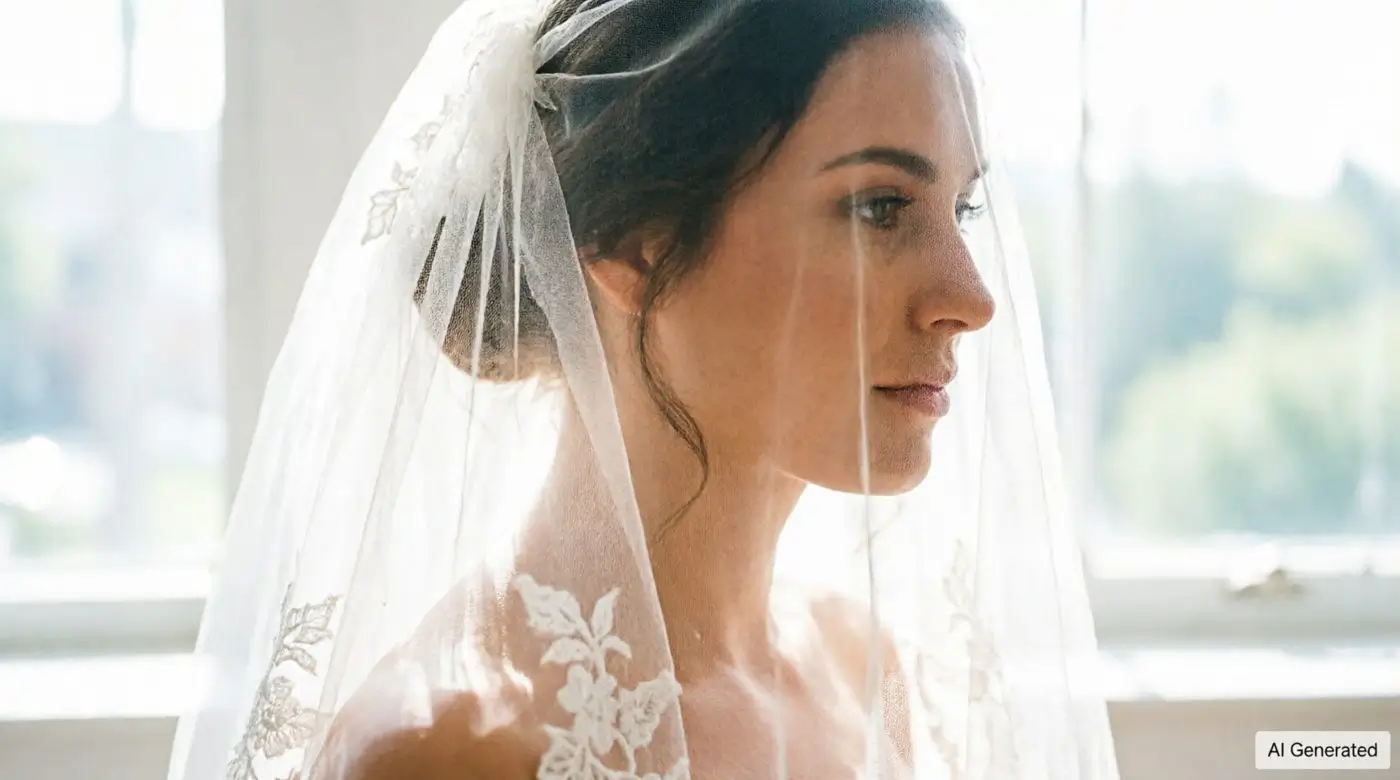
Realism is the whole point of a try-on tool. If the render looks synthetic, it does not help a bride decide.
- Preserves the bride's original facial features and skin tone throughout the render
- Matches lighting, shadow, and fabric translucency to the source photo
- Delivers a high resolution image URL ready for web or app display
From Selfie to Styled Bridal Look
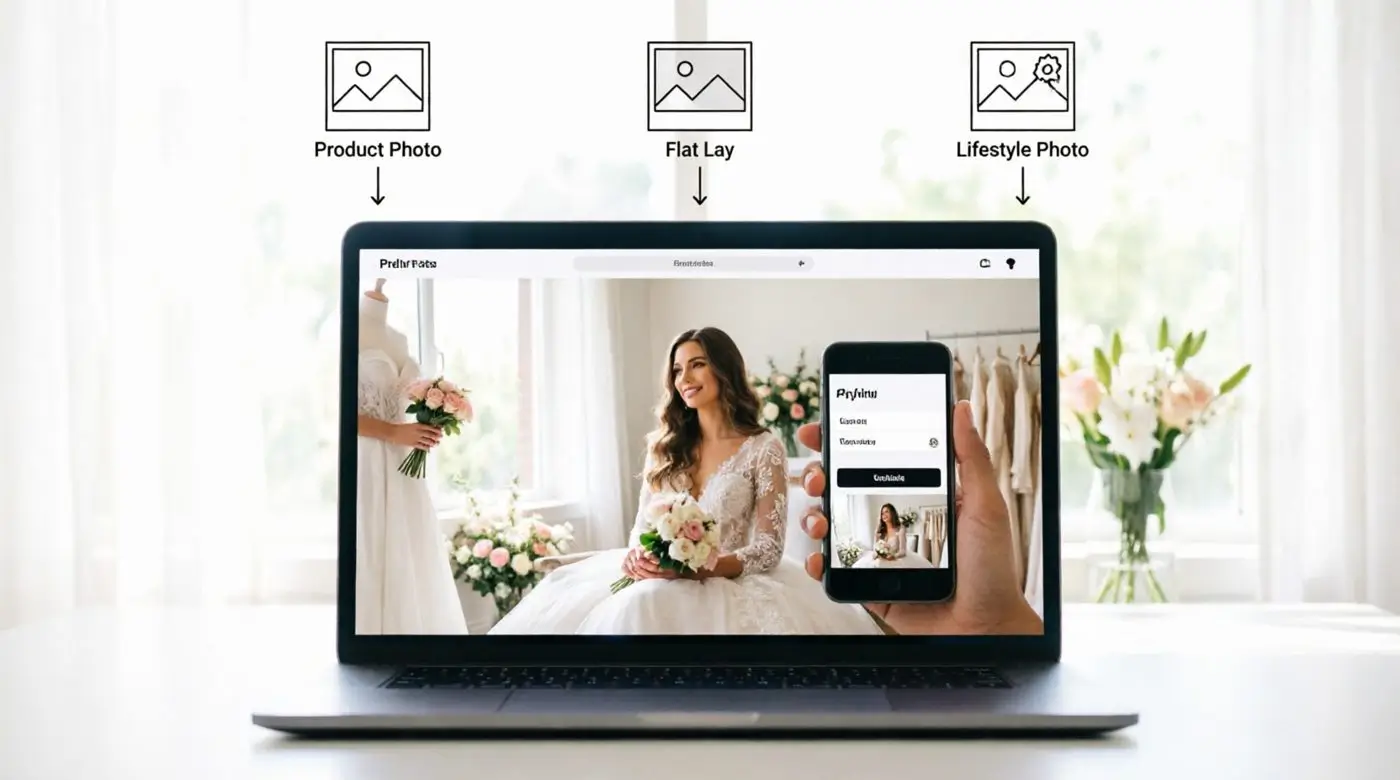
Bridal photo sources are messy in practice: catalog shots, phone selfies, veils laid flat on a table. The API is built to handle all of it.
- Accepts studio product shots, lifestyle photos, and images of a veil laid flat
- Offers predefined background styles or a randomized, scene-aware match
- Produces consistent, natural results across a wide range of input photo types
Built for Fast, Reliable Integration
Bridal platforms move fast during peak wedding season. The API is built to keep up without a heavy integration lift.
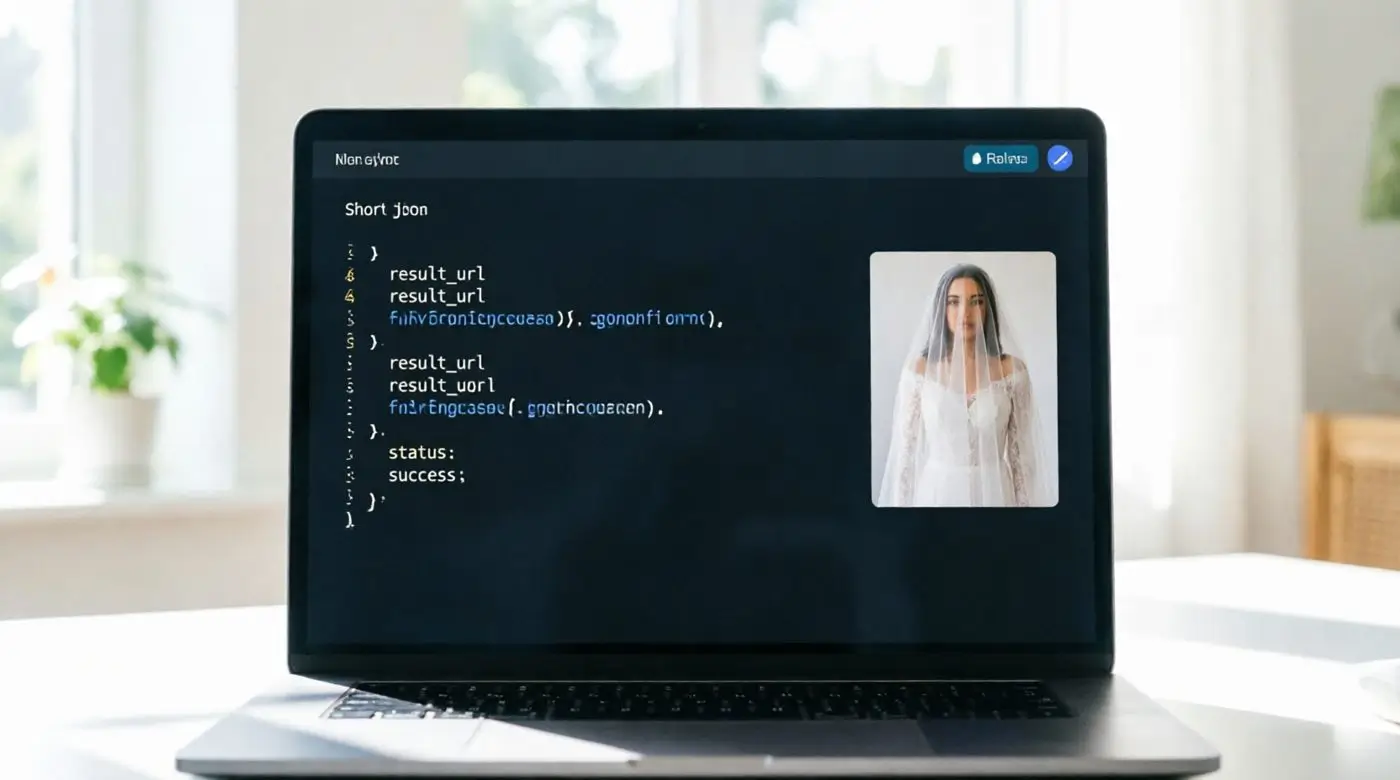
- Standard RESTful architecture with clear JSON responses
- Enterprise grade, auto-scaling infrastructure with low latency
- Swagger and OpenAPI documentation with code snippets in multiple languages
- Works across JavaScript, Java, Flutter, Python, PHP, Node.js, and curl
From Boutique Sites to Wedding Marketplaces
Wedding veil try-on is not just a novelty feature, it changes how brides shop and how confidently they buy.
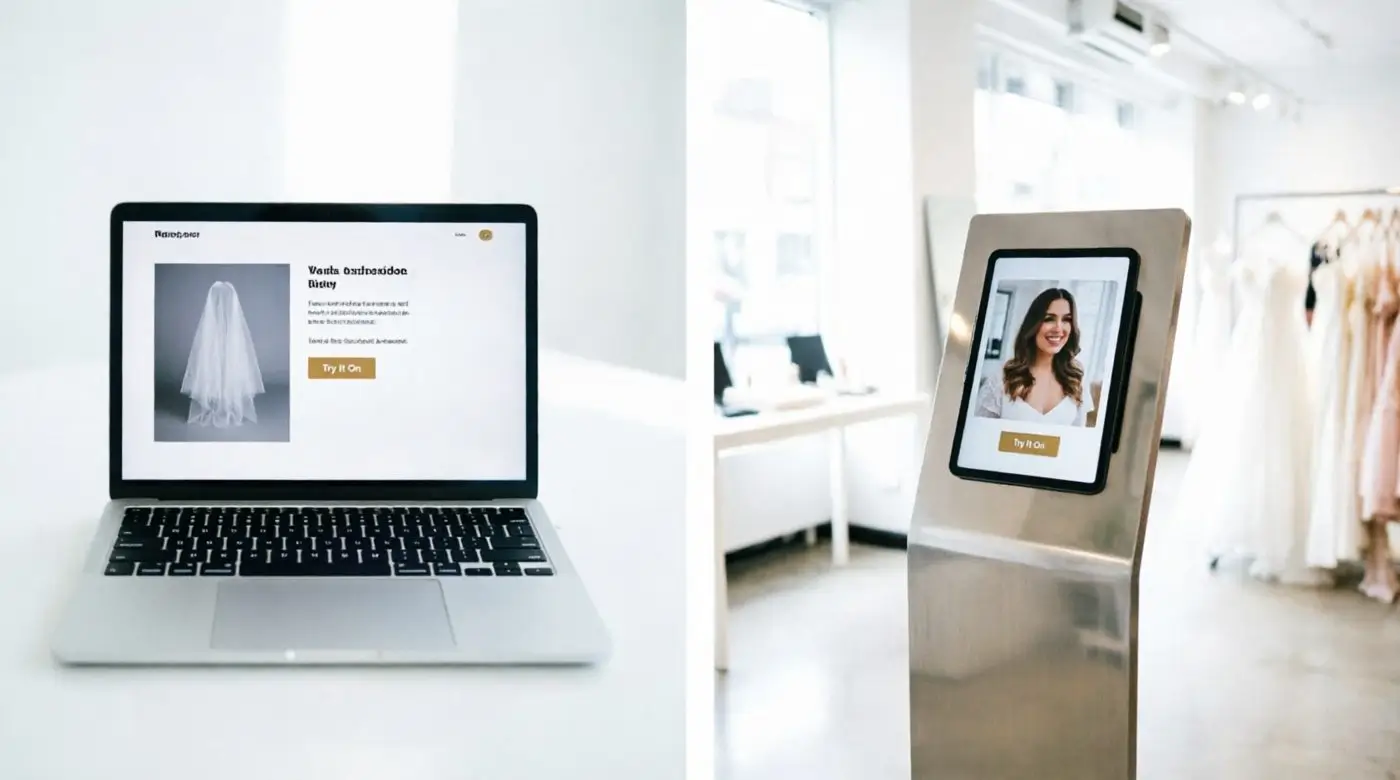
- Let bridal e-commerce sites show veils on the shopper's own photo, not just a model
- Give wedding planning platforms and marketplaces an interactive styling feature
- Power in-store kiosks and virtual mirrors at bridal salons
- Help reduce returns and boost conversion by letting brides commit with confidence
How to Use AI Wedding Veil Try-On in 3 Steps
From upload to bridal portrait in seconds, no manual editing required.
Submit a POST request to the generation endpoint with the bride's photo.
Upload a veil image or choose a preset style, then set background and outfit options for automatic styling.
Receive a high resolution try-on image URL, ready to display in seconds.