



Free Online
Image Cropper
Easily crop images in seconds, cutting them into any size and shape for your social media or any use.

Best Use Cases of Image Cropper
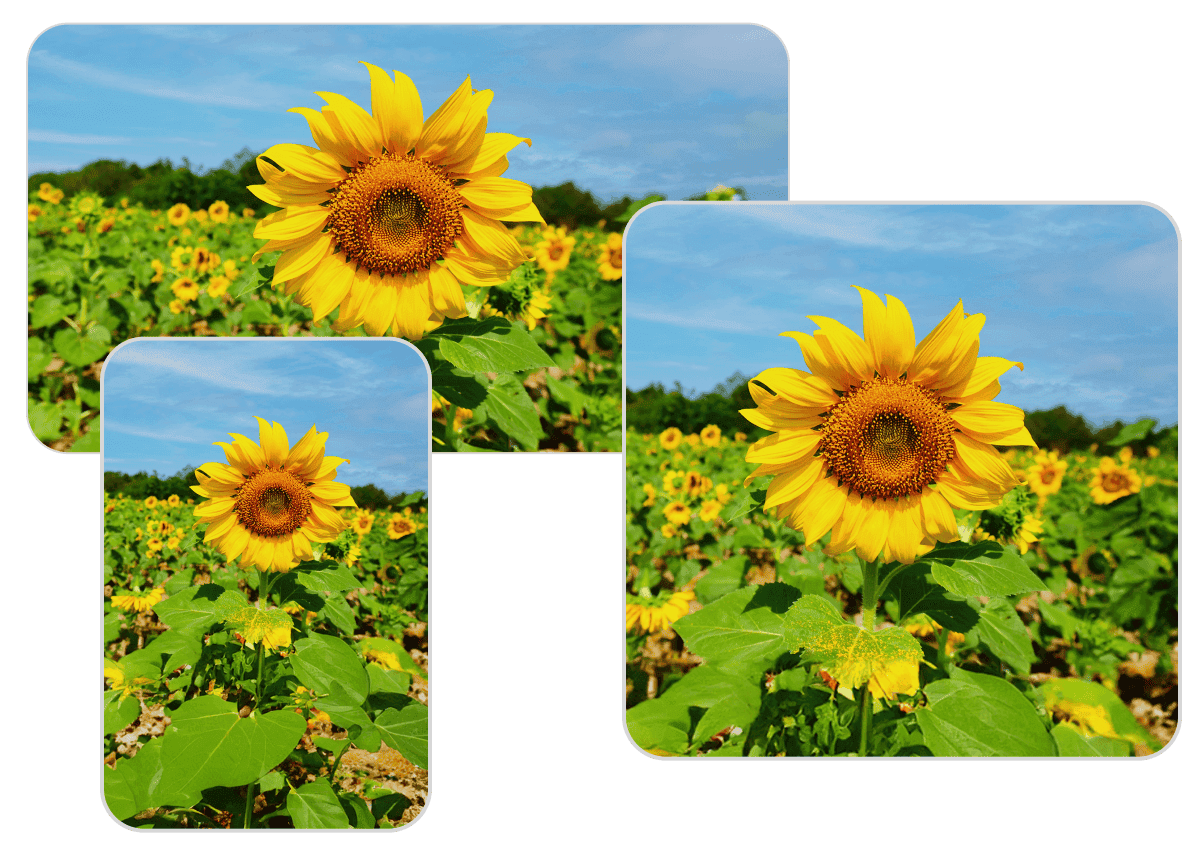
Crop Images to Remove Unwanted Parts from Your Photos
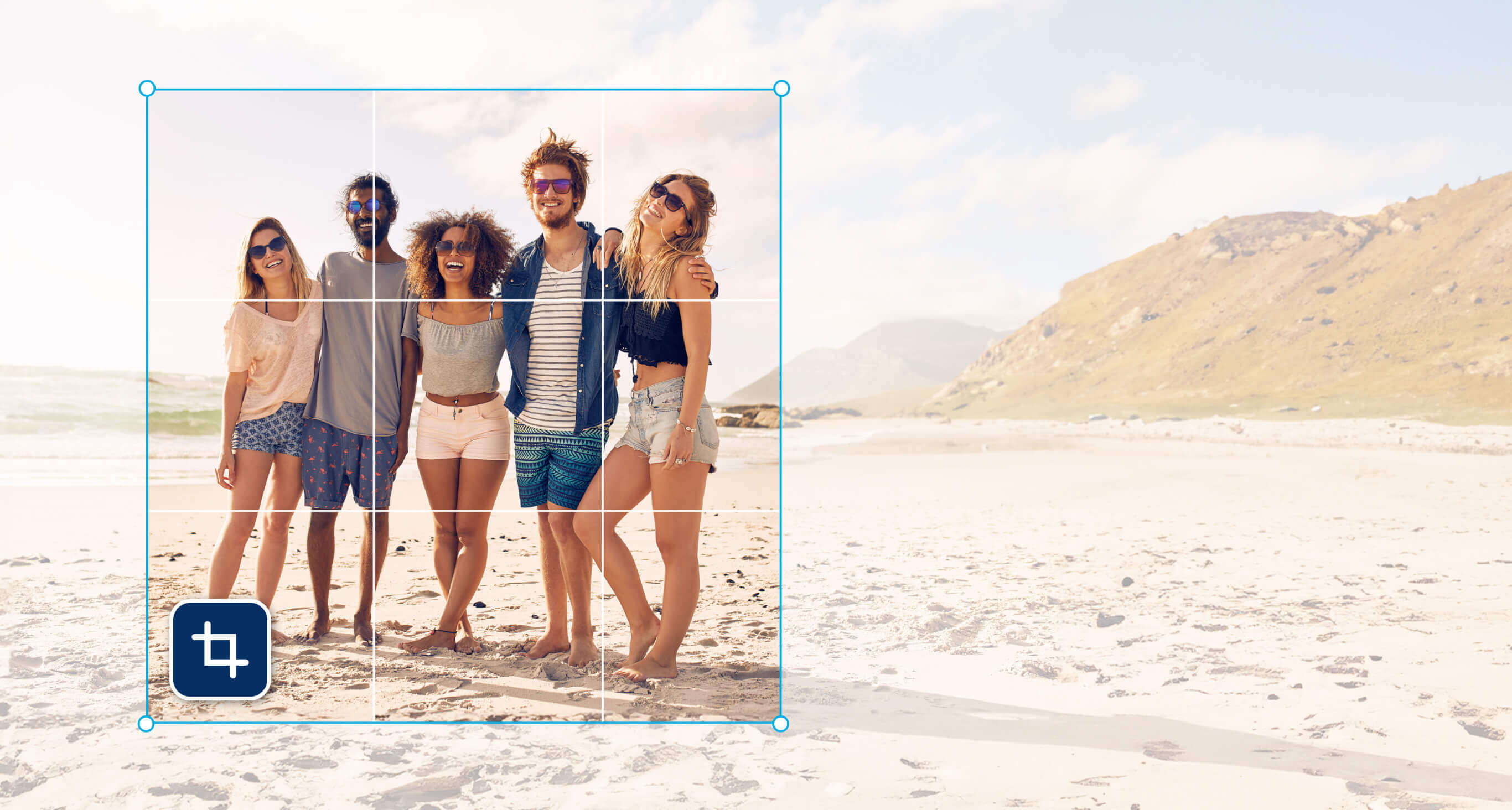
Effortlessly crop pictures with YouCam’s free image cropper. Crop out unwanted parts by choosing either the provided ratio or using the freeform option to find the perfect size for your photos.
Enhance Image Composition through Cropped Images
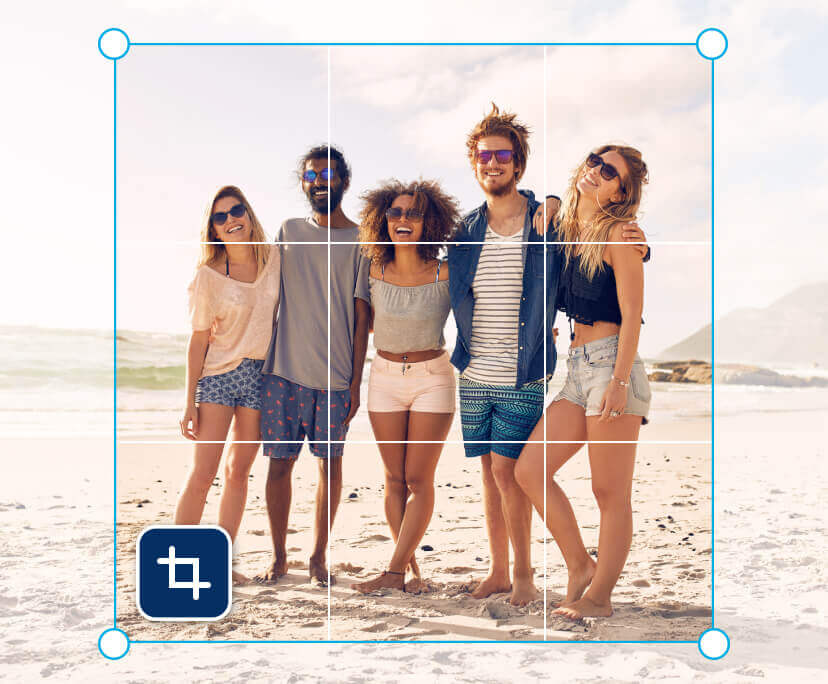
Experience a new level of photo composition with our innovative crop tool. It helps to refine photos for a polished look. Elevate and share your uniquely composed visuals seamlessly with online image cropper.
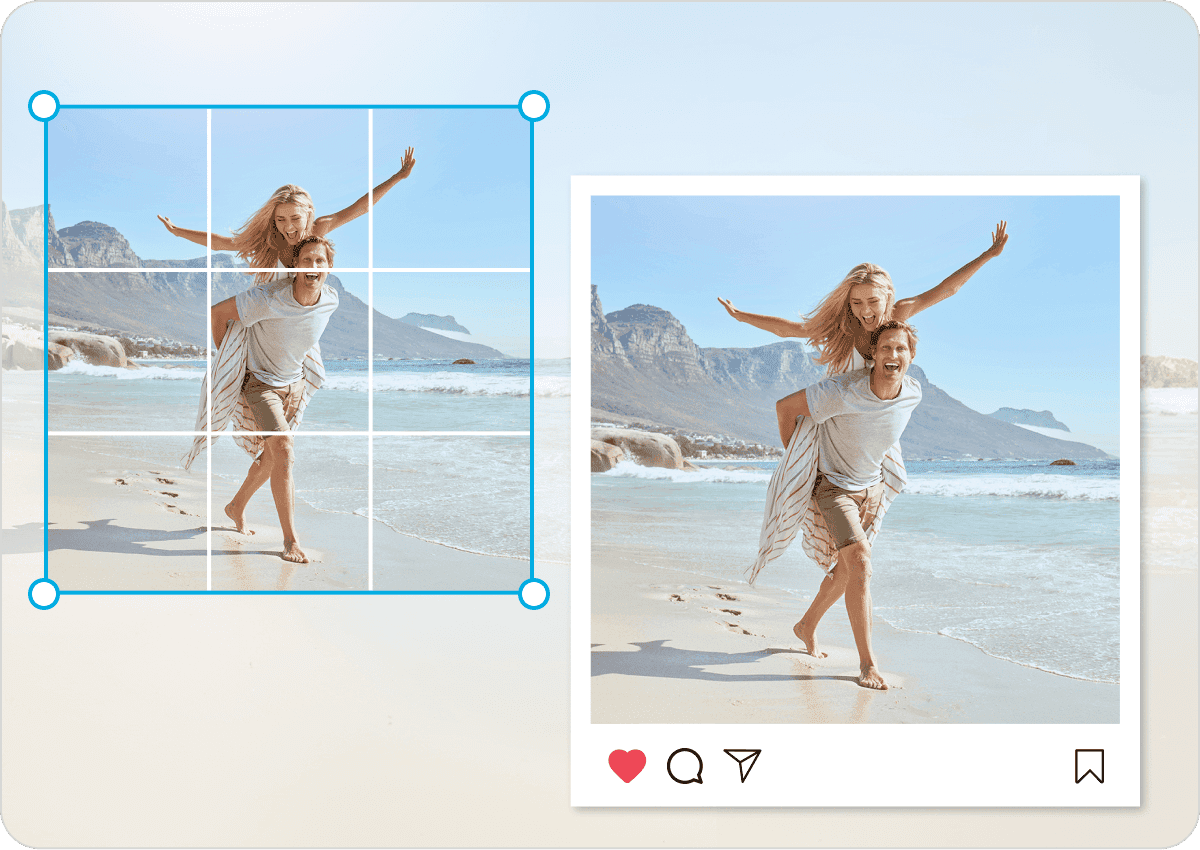
Online Image Cropping for Social Media
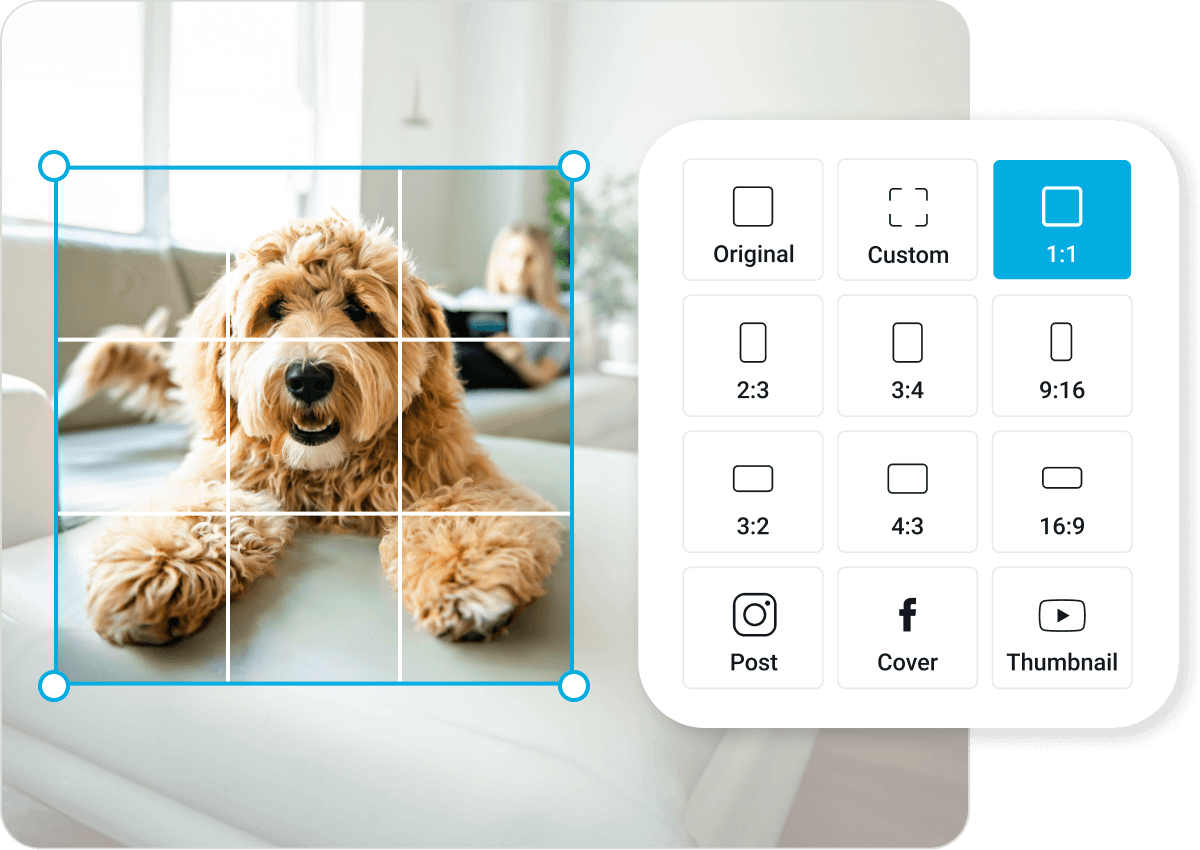
Simplify your social media updates with YouCam. Our ratios are designed for popular platforms like YouTube, Facebook, and X (formerly known as Twitter). Easily crop photos to fit thumbnails, covers, and headers in just a few clicks. Enhance your Pinterest, Instagram or any other social posts easily!
How to Crop an Image

Upload an Image
Select the “upload your image” button or easily drag your images into the section.

Crop Image
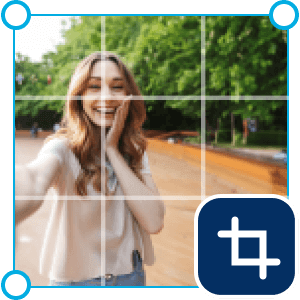
Crop an image by choosing the provided ratio or customize the crop ratio.

Download and Share
Save your cropped photo in high-resolution and share it directly on social media.
FAQs for Crop Image Online Tool
Is the YouCam online photo cropper free?
Yes, YouCam Online Photo Cropper is free for users to crop photos online.
How fast can I crop a picture?
It takes only a few clicks to crop images. Simply upload your photos, choose the size, and download cropped pictures. The YouCam Online Image Cropper can help you complete this swift editing process.
How to crop an image without losing its quality?
You don’t have to worry about losing quality when using YouCam's Online Image Cropper. You will still have high-resolution photos after cropping photos.
How do I cut out unwanted part of a picture?
The fastest way is to use YouCam Online Image Cropper. You don’t have to download any apps; instead, crop your image instantly online. Upload images and choose the size you want. You can easily cut out unwanted part of a photo.
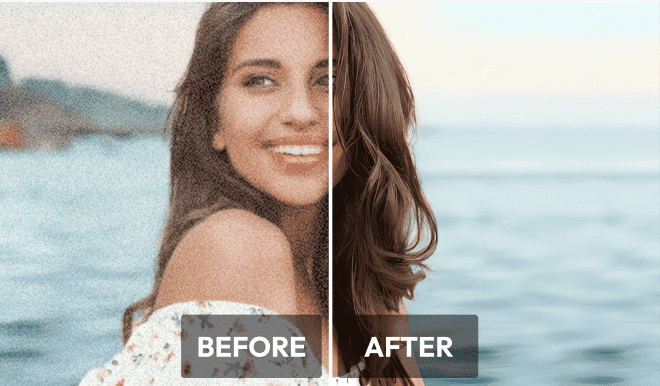
Enhance blurry pictures with AI to improve image clarity and boost resolution, resulting in sharper and more visually appealing images.

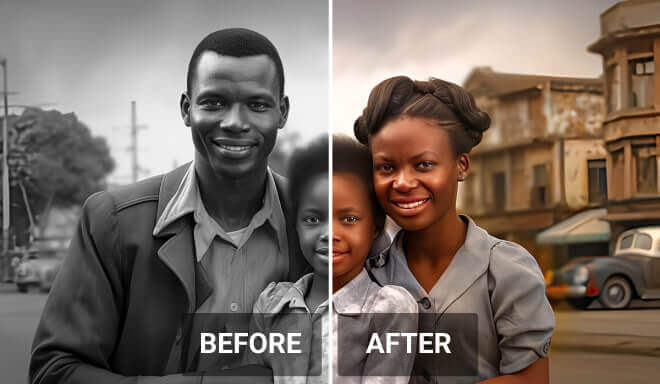
Effortlessly colorize black and white photos online with a simple click, leveraging advanced AI to add natural and vivid colors.
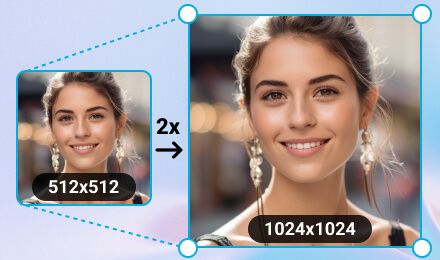
Effortlessly transform your images to the perfect dimensions without losing quality, ensuring your visuals remain stunning and crisp.
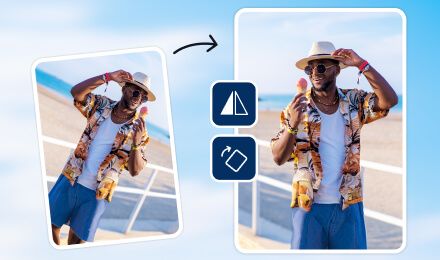
Flip images vertically or horizontally in seconds, creating mirrored images to make your social media stand out.

Edit Images on Your Mobile Phone Whenever and Wherever with YouCam App