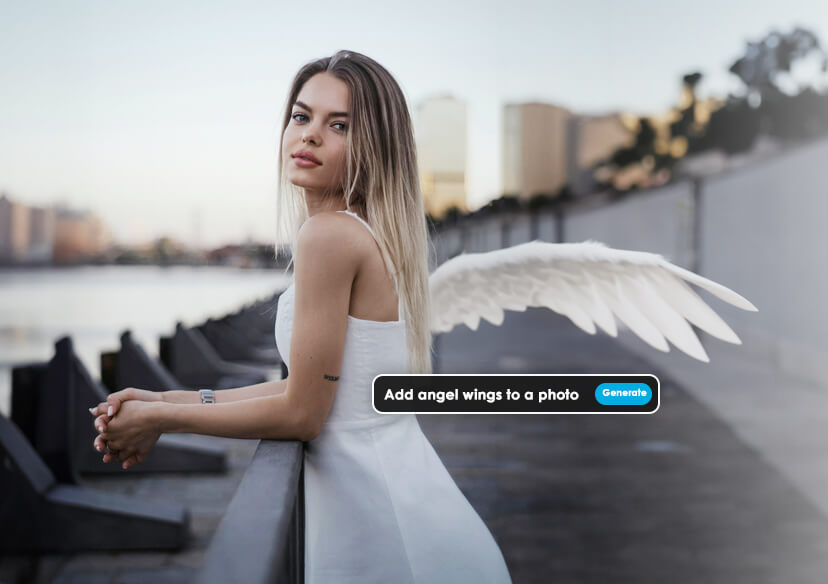



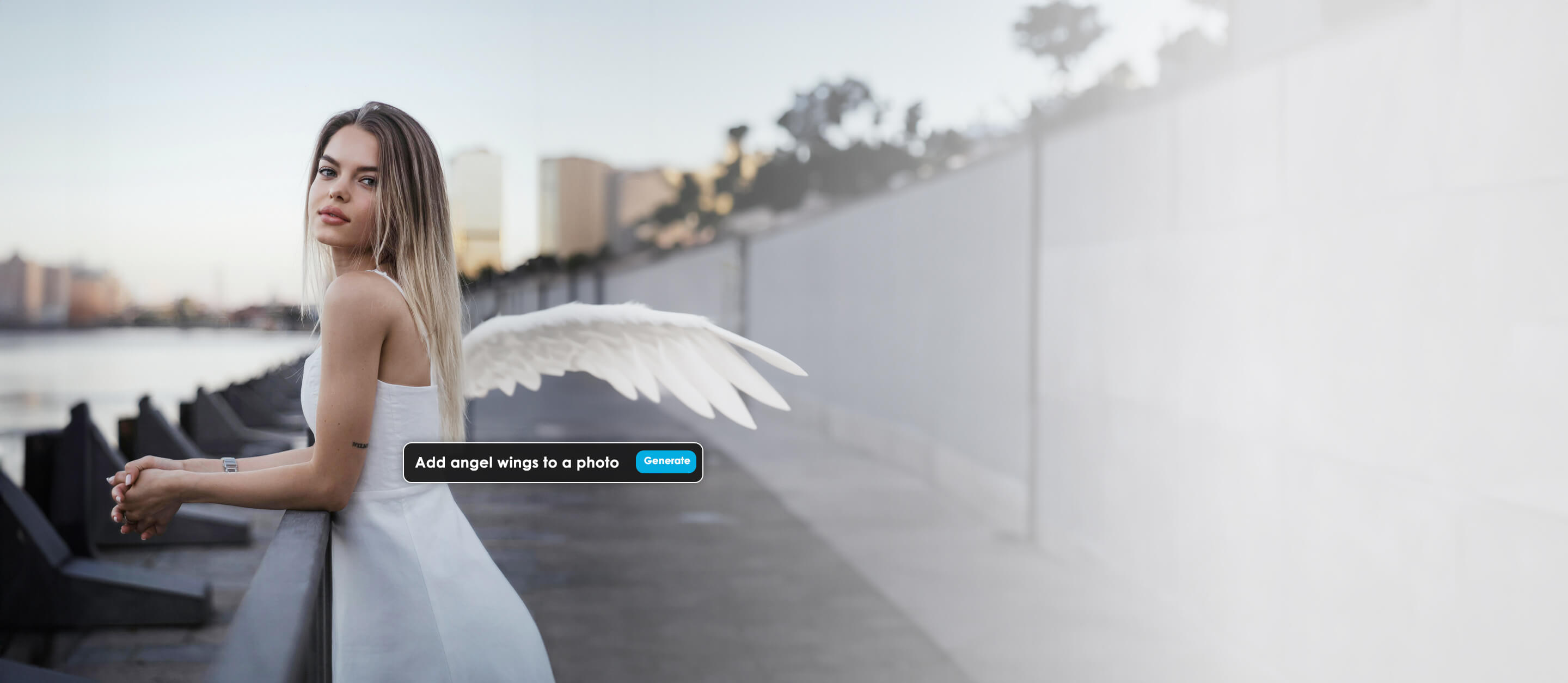
Add Angel Wings to Photos Online for FREE
Transform your photos into ethereal masterpieces with YouCam Online Editor, the ultimate AI-powered photo editor that’s free, intuitive, and packed with creative tools. Whether you’re dreaming of angelic vibes or a celestial glow, YouCam’s online platform makes it effortless to add stunning angel wings to your photos in just a few clicks.





Add Angel Wings with AI Replace
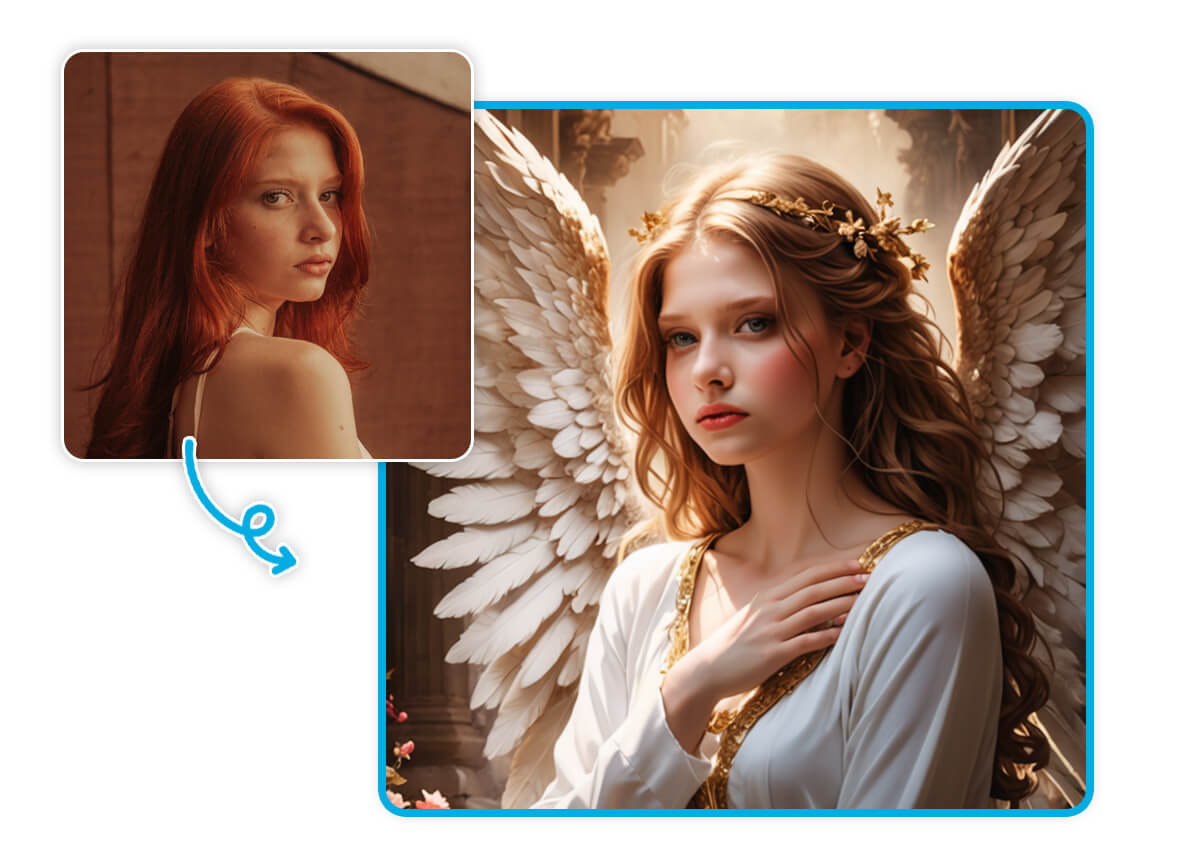
With YouCam’s AI Replace feature, adding angel wings to your photos is a breeze. This cutting-edge tool intelligently detects and enhances your images, seamlessly blending delicate, glowing wings for a heavenly look.
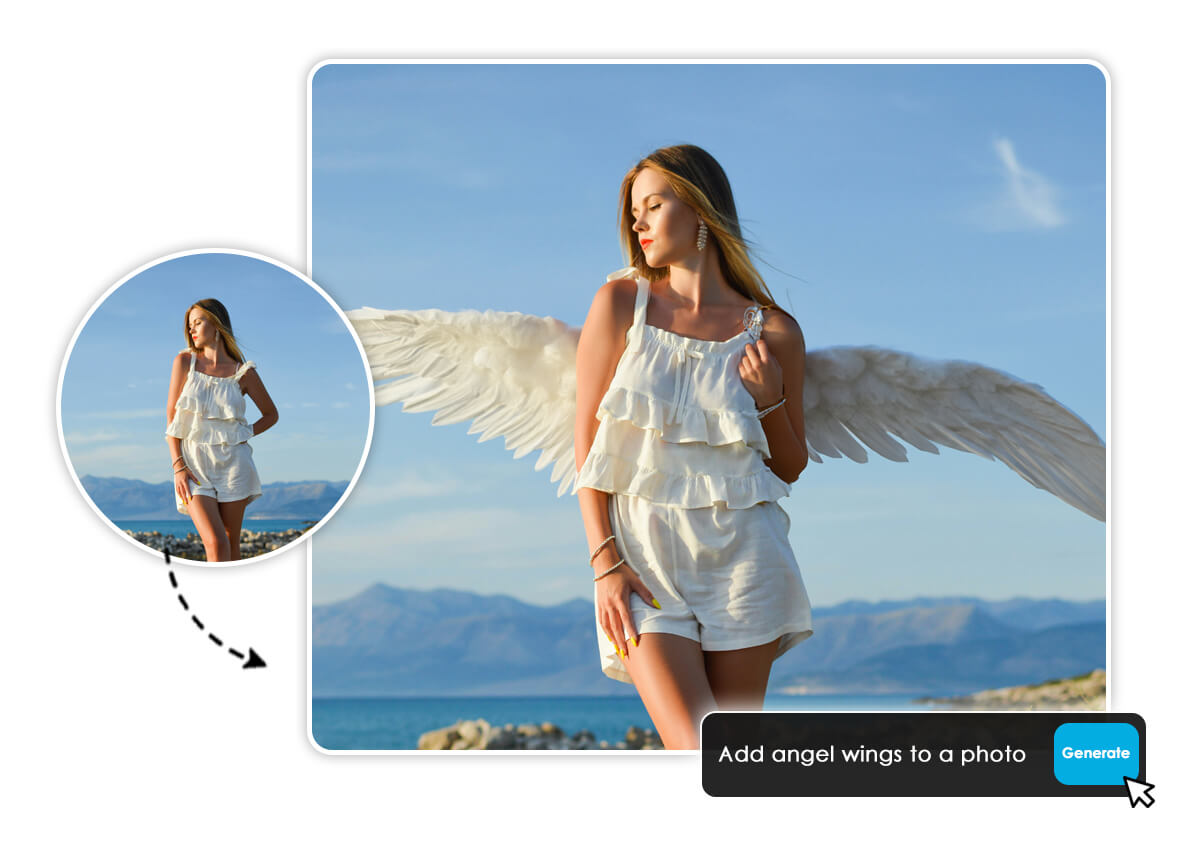
How to Add Angel Wings to a Photo?
Follow these simple steps to create your angelic masterpiece with YouCam AI Pro:
Upload Photo
Start by uploading your favorite photo to the YouCam Online Editor.

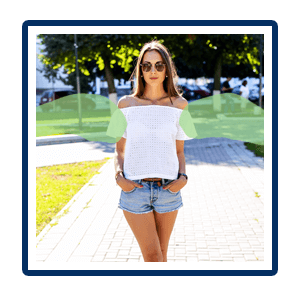
Color the Area
Select the area where you want to add angel wings.
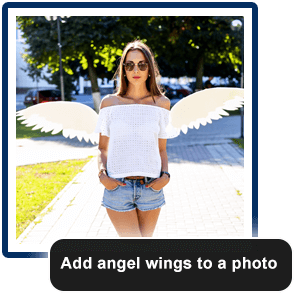
Enter Prompts
Type a prompt like “add angel wings to photo” to guide the AI.
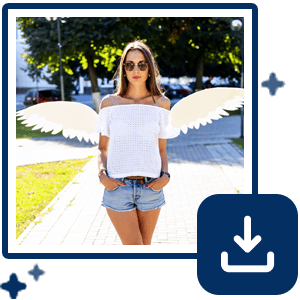
Download Now
Watch the magic happen as YouCam’s AI generates your winged masterpiece. Save your creation in high resolution, ready to share!
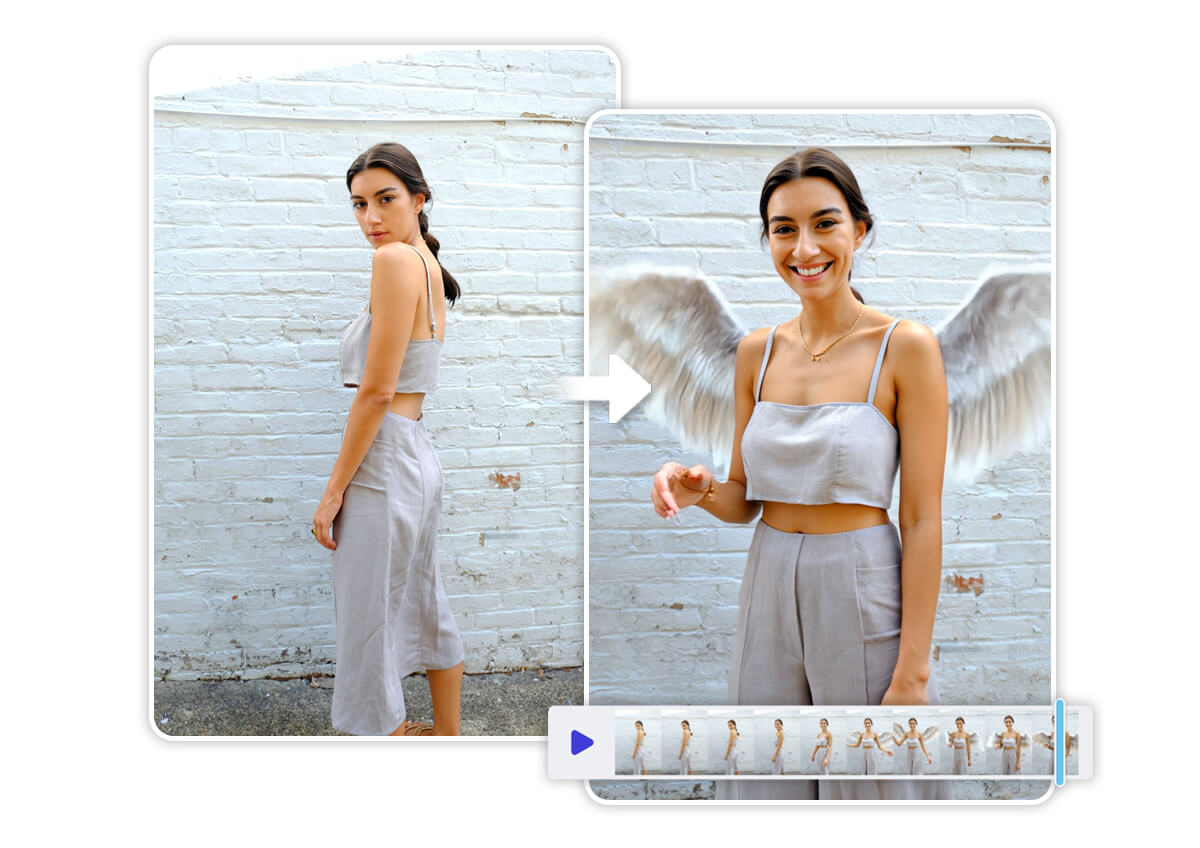
Spread Your Angel Wings with Image to Video
Take your angelic transformation to the next level with YouCam’s Image to Video feature. Turn your winged photo into a mesmerizing animated clip, perfect for captivating your audience on social media. Try Angel template to make your visuals truly divine.
Angelic Transformation with AI Avatar
Want to fully embrace your celestial side? Use YouCam’s AI Avatar feature to create a stylized angelic version of yourself. From radiant halos to shimmering wings, this feature lets you craft a personalized avatar that’s out of this world. Perfect for profile pics or virtual events!
Share Your Angel Wings Photos on Social Media
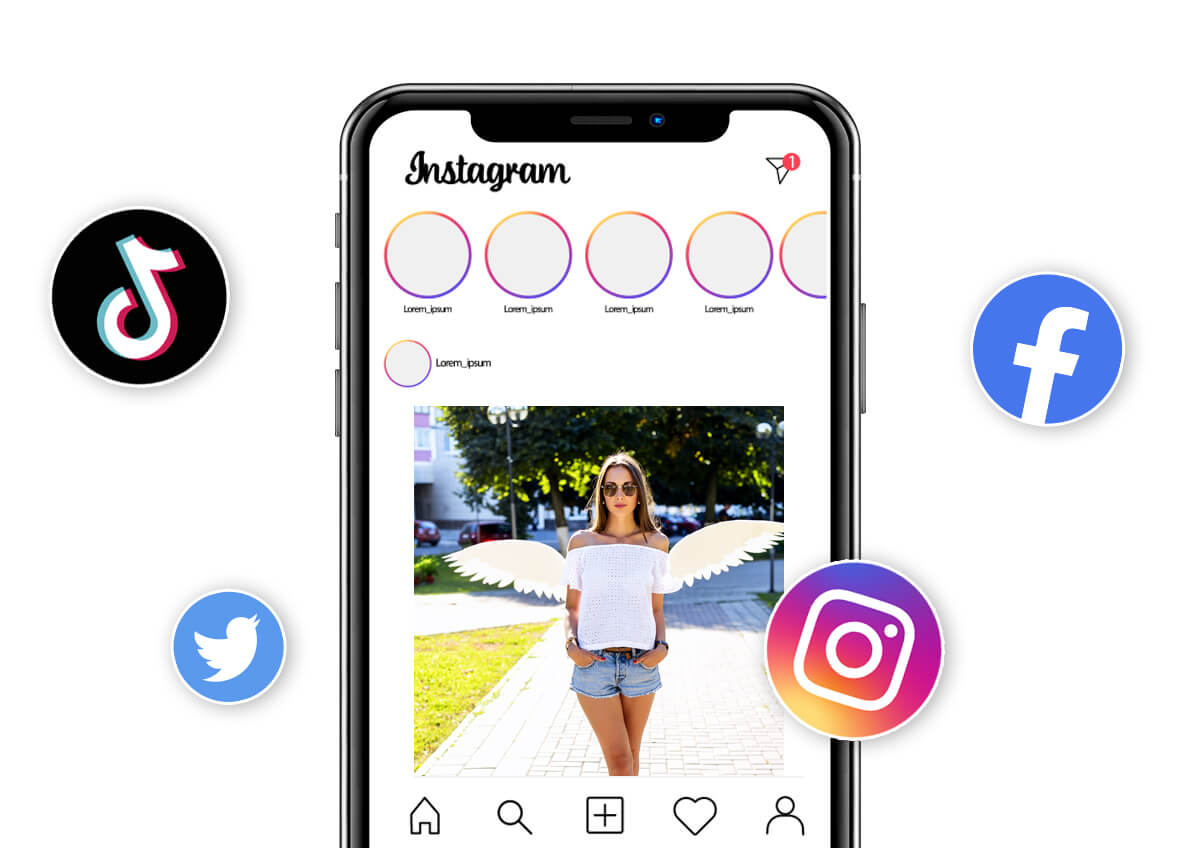
Your angelic creations deserve to shine! Share your winged photos or videos on Instagram, TikTok, or Pinterest to inspire your followers. With YouCam Online Editor, you’ll have eye-catching, shareable content that stands out in every feed.
Add Angel Wings to Photo Online FAQs
How to Put Wings on a Picture on iPhone?
Transform your photos with angelic wings right from your iPhone using YouCam AI Pro! Download the YouCam app from the App Store, upload your photo, and use the AI Replace tool to seamlessly add wings. Simply select the area, input a prompt like “add angel wings,” and watch the AI work its magic. Save and share your heavenly creation in seconds!
How to Make a Wings Photo?
Creating a wings photo is easy with YouCam Online Editor. Start by uploading your image to the platform. Use the intuitive interface to highlight where you want the wings, enter a creative prompt (e.g., “glowing white angel wings”), and let the AI generate a stunning result. Customize colors and styles, then save your masterpiece to share or turn into a video!
How Do You Add Angel Wings to a Photo in AI?
With YouCam Online Editor, adding angel wings is effortless. Upload your photo, select the area for wings, and enter a prompt like “add ethereal angel wings.” The AI Replace feature intelligently blends realistic or stylized wings into your image. Adjust details to match your vision, then download your high-quality photo or create an animated version for extra flair.

