





AI Image Noise Reduction: How to Denoise Image Online for Free
Image noise can be a real frustration for everyone. YouCam’s AI-powered denoiser makes it incredibly easy to transform your images into crisp, professional-quality shots, even if you’re a total beginner. Get HD results in just a few clicks.

How to Denoise Image with AI Online?
With YouCam’s free online editor, denoising images is a breeze. Here’s how it works:

Upload Your Photo
Simply drag and drop your image into the YouCam Online Editor. You can also select up to 50 images for batch enhancement. Format support include: JPG, JPEG, PNG, TIFF, and GIF.


Denoise Photo with AI
Our AI denoiser automatically detects and removes noise in seconds. Select the ‘Best Quality’ option to upscale your logo to 4x resolution.

Save Your HD Image
Download your polished, noise-free photo, ready to share or print.
Instant Image Noise Reduction with AI
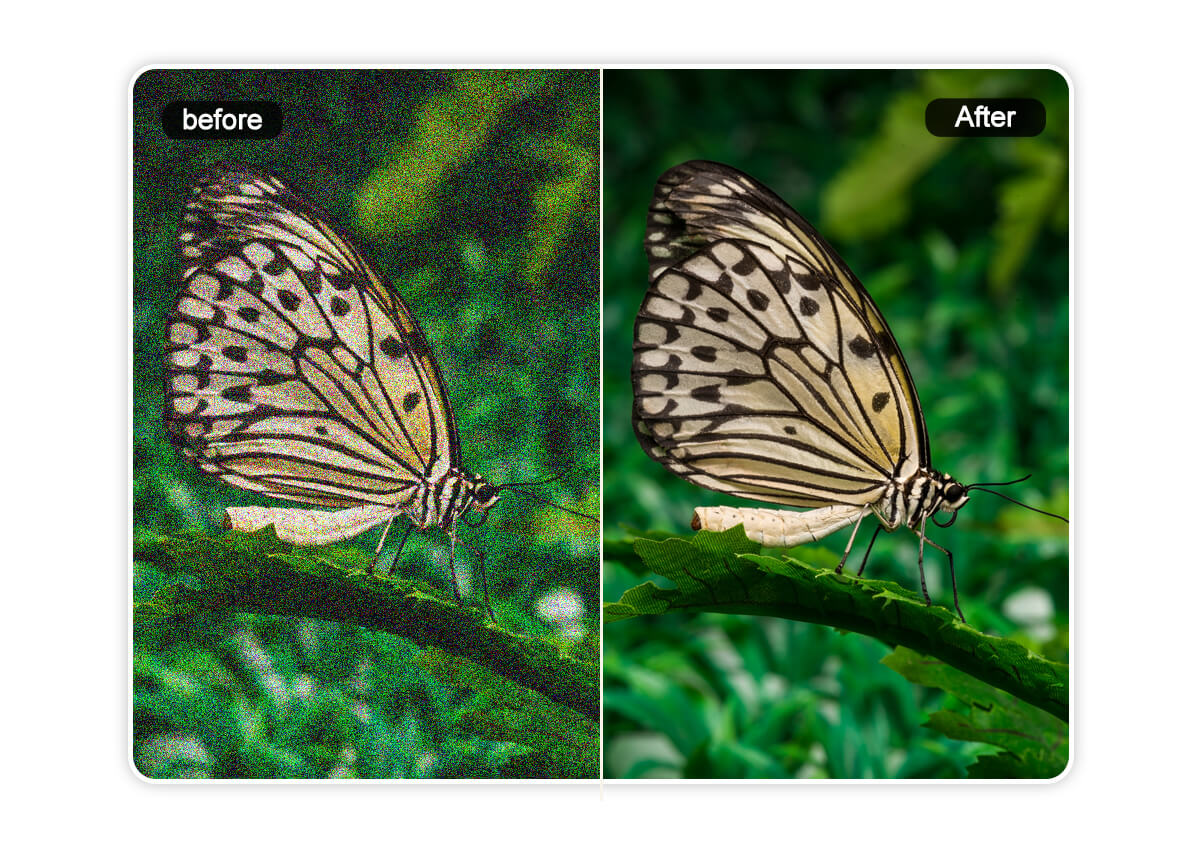
Image noise can dull details and make your images look unpolished. YouCam’s AI denoiser uses cutting-edge technology to intelligently identify and remove noise while preserving the natural details of your photo, like skin textures or intricate backgrounds.
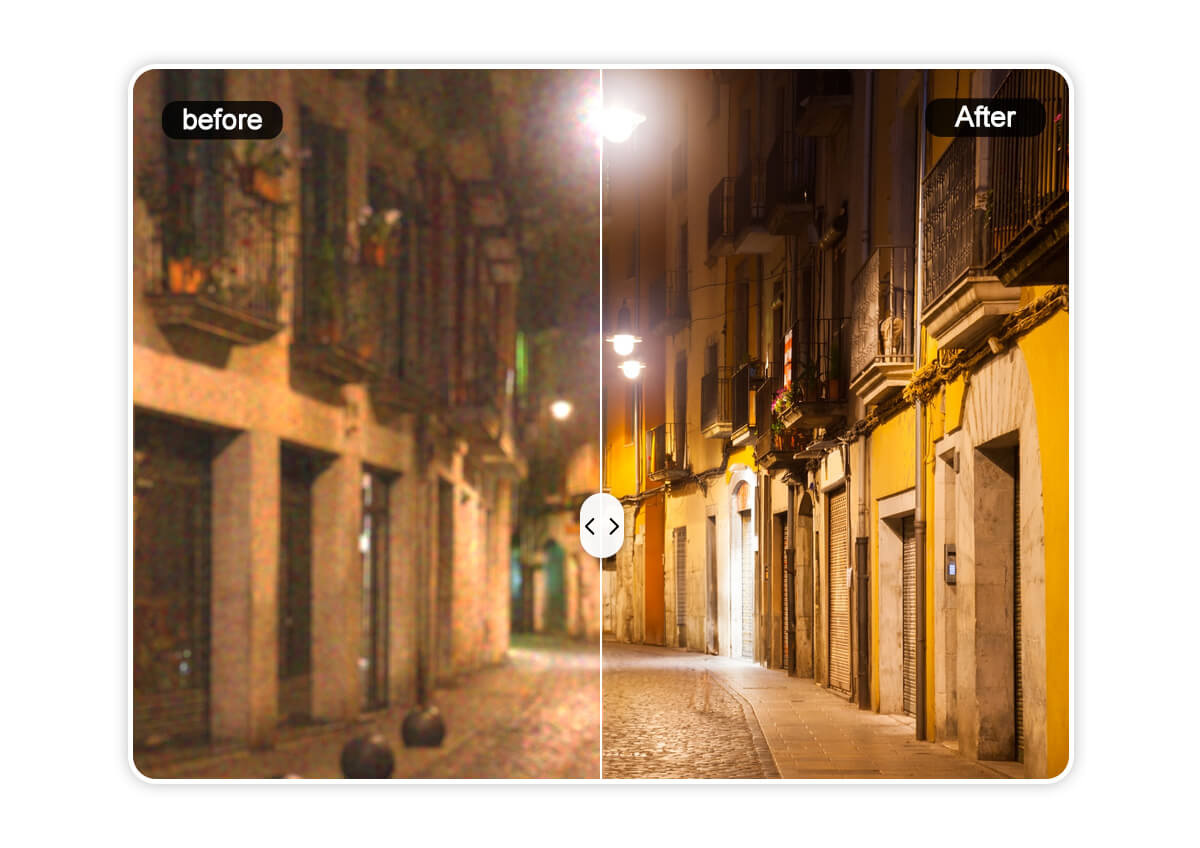
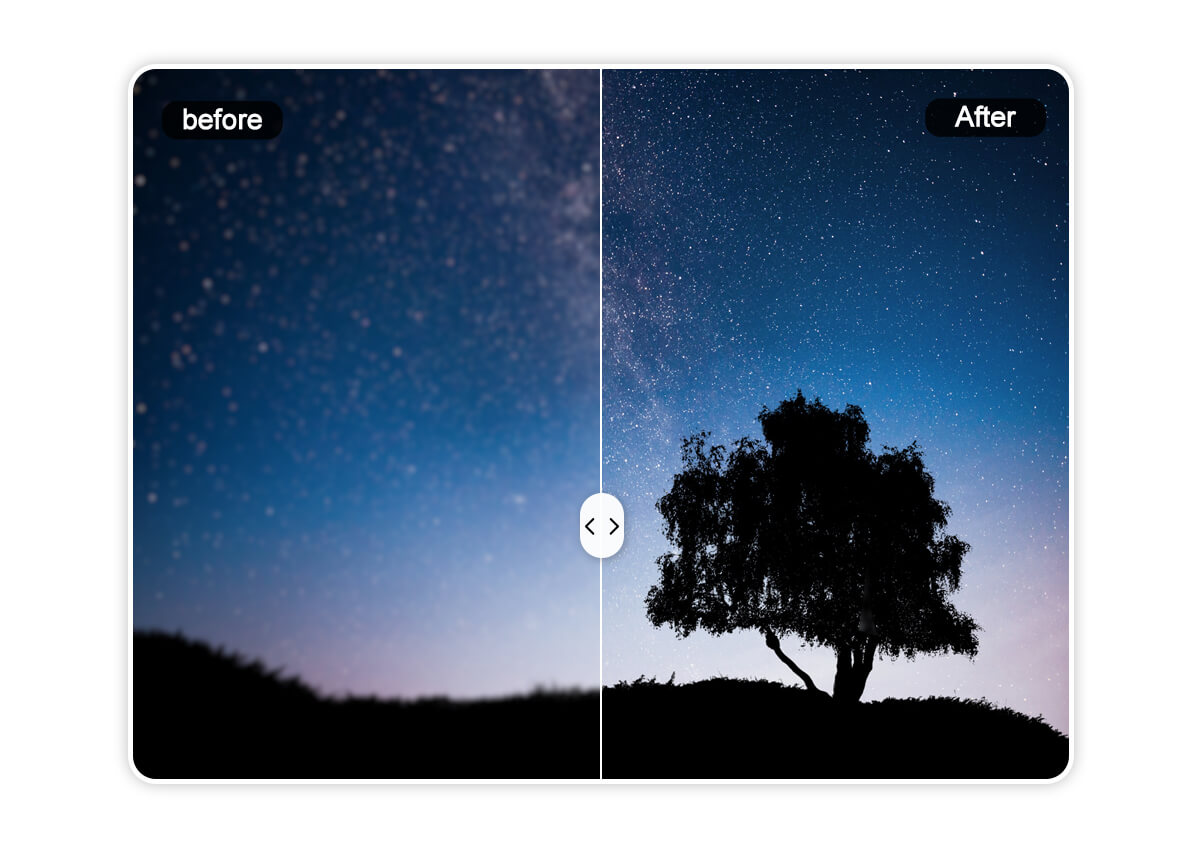
Denoise Image from Night Photography
Night photography is magical, but high ISO settings often leave images grainy. Whether you’re capturing city skylines, starry skies, or cozy candlelit moments, YouCam’s AI noise reduction preserves the depth and ambiance of your shots while eliminating unwanted grain.
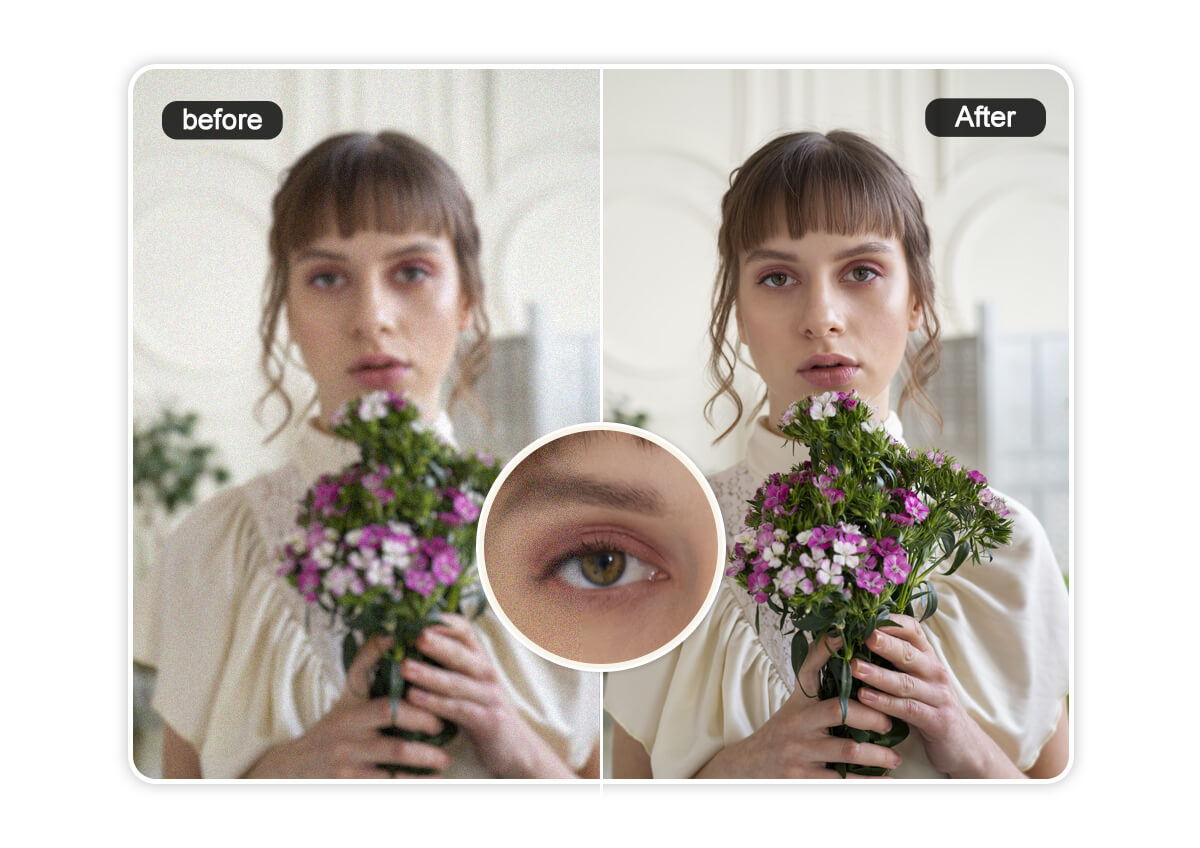
Reduce Image Noise to Improve Selfie Quality
Smartphone cameras are amazing, but low-light selfies can still suffer from noise and compression artifacts. YouCam’s AI denoiser cleans up those grainy selfies, giving you smoother skin tones and sharper details. You’ll get professional-quality results without losing the natural look.
Denoise Photos in Low-Light Conditions
Shooting in dim settings like concerts, indoor events, or evening landscapes often results in grainy images due to high ISO. YouCam’s AI intelligently reduces noise without sacrificing textures like fabric, skin, or intricate patterns, ensuring your photos stay crisp and true to life.
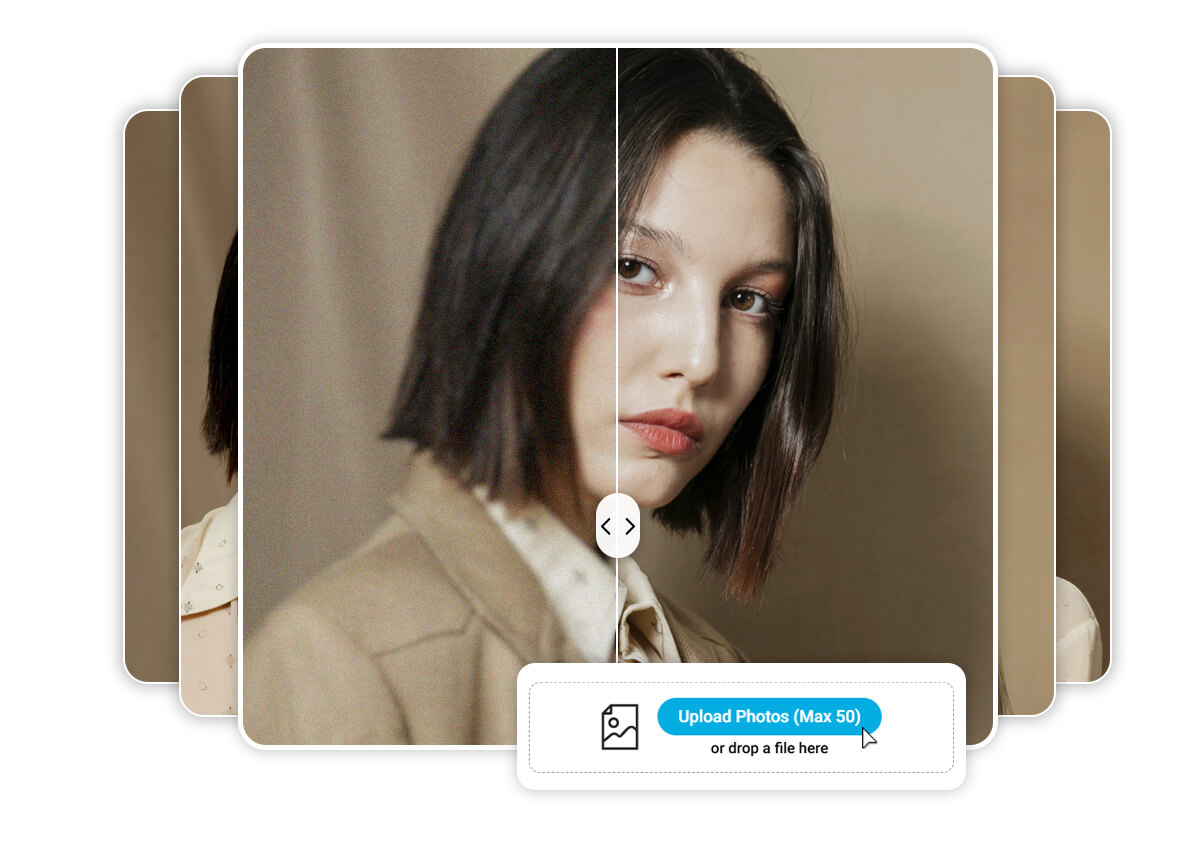
Save Time by Denoising Photos in Batch
Got a large collection of photos that need noise reduction? YouCam’s AI-powered denoiser lets you process up to 50 images at once, saving you hours of manual editing. Upload your photos, let the AI handle the noise, and download your entire set in high quality, ready to shine.
AI Image Noise Reduction FAQs
How Do I Denoise an Image?
With YouCam’s AI-powered denoiser, it’s simple! Upload your photo to the YouCam Online Editor, let the AI remove noise automatically, and download your HD image in seconds. Try YouCam Online Editor now!
How to Denoise a Photo on an iPhone?
Upload your photo to YouCam’s online platform via your iPhone’s browser. The AI handles the rest, giving you noise-free images without needing an app.
How to Reduce Visual Noise?
Visual noise can be reduced using YouCam Online Editor’s AI denoiser, which intelligently removes grain while preserving details. Just upload, process, and save!
What Does Denoise Mean in Photos?
Denoising is the process of removing unwanted grain or speckles from images, resulting in cleaner, sharper photos. YouCam’s AI makes it effortless.
How Do You Reduce the Noise of a Picture?
Use YouCam Online Editor to upload your photo, apply AI noise reduction, and download a polished, high-quality image in moments.

