



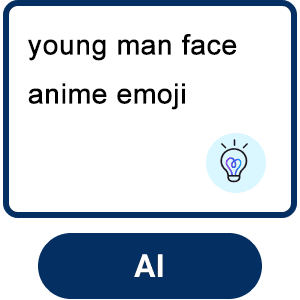
Make Your Own Emojis from Text With AI
Want an emoji that perfectly captures your vibe? With YouCam’s text-to-emoji maker, you can describe your dream emoji in words, and watch YouCam’s AI generate a high-quality, expressive emoji that matches your vision.
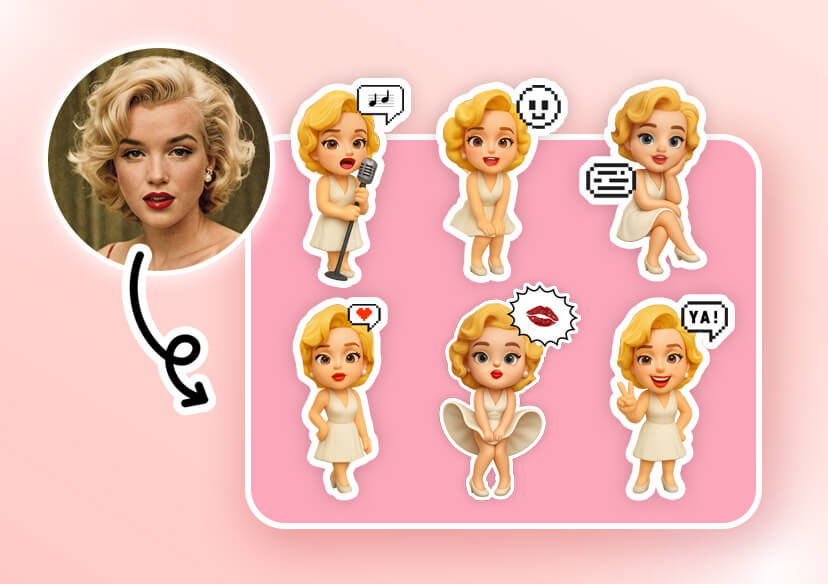
Create Custom Emojis from Photo
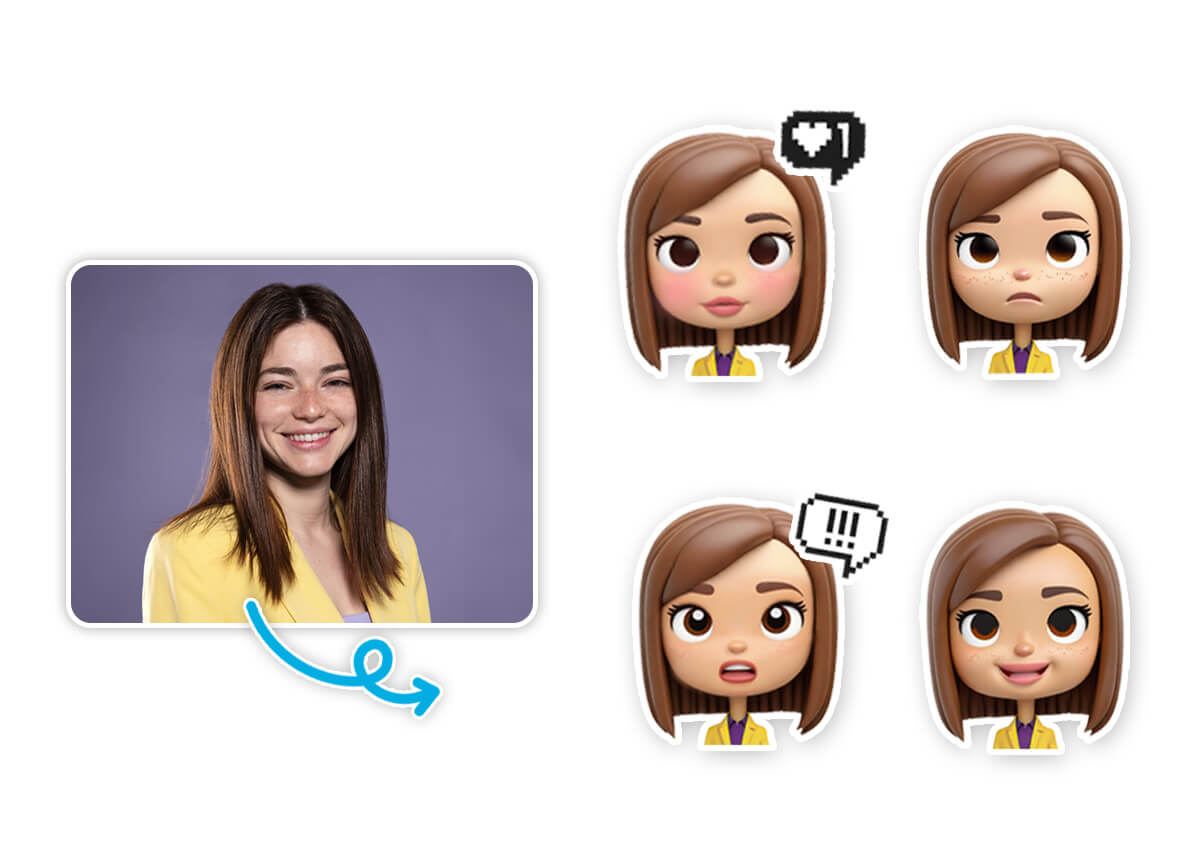
Want to turn yourself into an emoji? With YouCam’s image-to-emoji maker, it’s a snap. Simply upload a photo, and the AI transforms it into a personalized emoji that captures your essence. Add fun filters, tweak expressions, or toss in accessories like hats or glasses to make it pop.
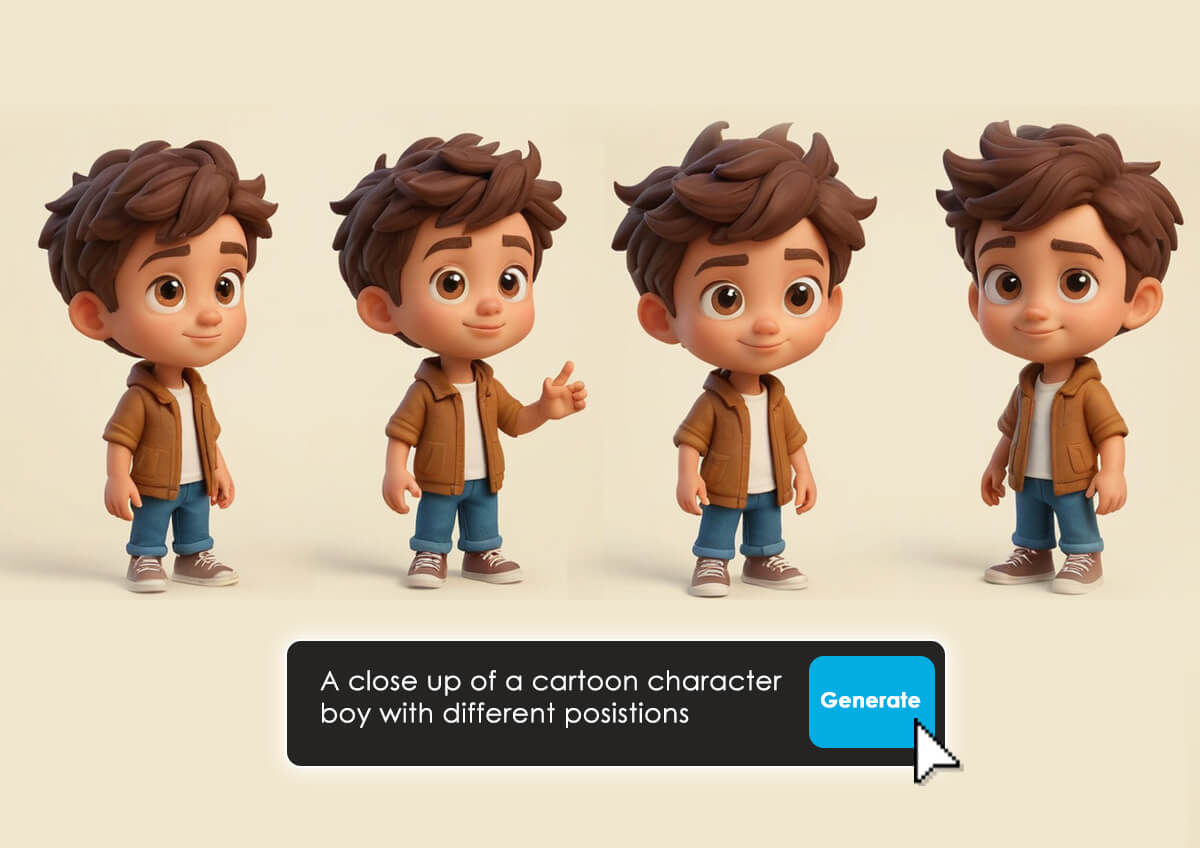
How to Create Custom Emojis with AI Online?
Creating custom emojis with YouCam Online Editor is as easy as 1-2-3. Here’s how:
Enter Your Prompts
Type a description of your desired emoji or upload a photo to start. Be as specific or creative as you like!


Select AI Art Style
Choose from a variety of styles, like 3D cartoon, Vector Art, or Pixel Art, to match your aesthetic.
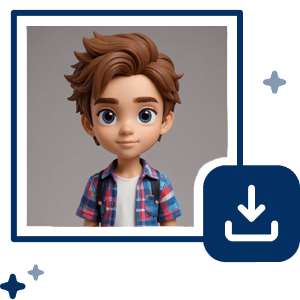
Generate & Save
Hit generate, and in seconds, your custom emoji is ready.
Get inspired with 25 creative prompt ideas for your custom emojis in 2025! From a winking puppy with a bowtie to a dancing taco with maracas, YouCam Online Editor lets you bring any idea to life. Try these prompts in YouCam Online Editor to create emojis that are uniquely yours!
Highlights of the Best AI Emoji Generator: YouCam Online Editor
Viral Emoji Trend: Be the Star of Your Own Emoji
The latest social media craze? Turning yourself into an emoji and adding it back to your original photo for a playful, viral effect. You can create an emoji version of yourself—think cartoonish eyes, a quirky smile, or even a superhero vibe—and layer it onto your photo for a fun, shareable post.

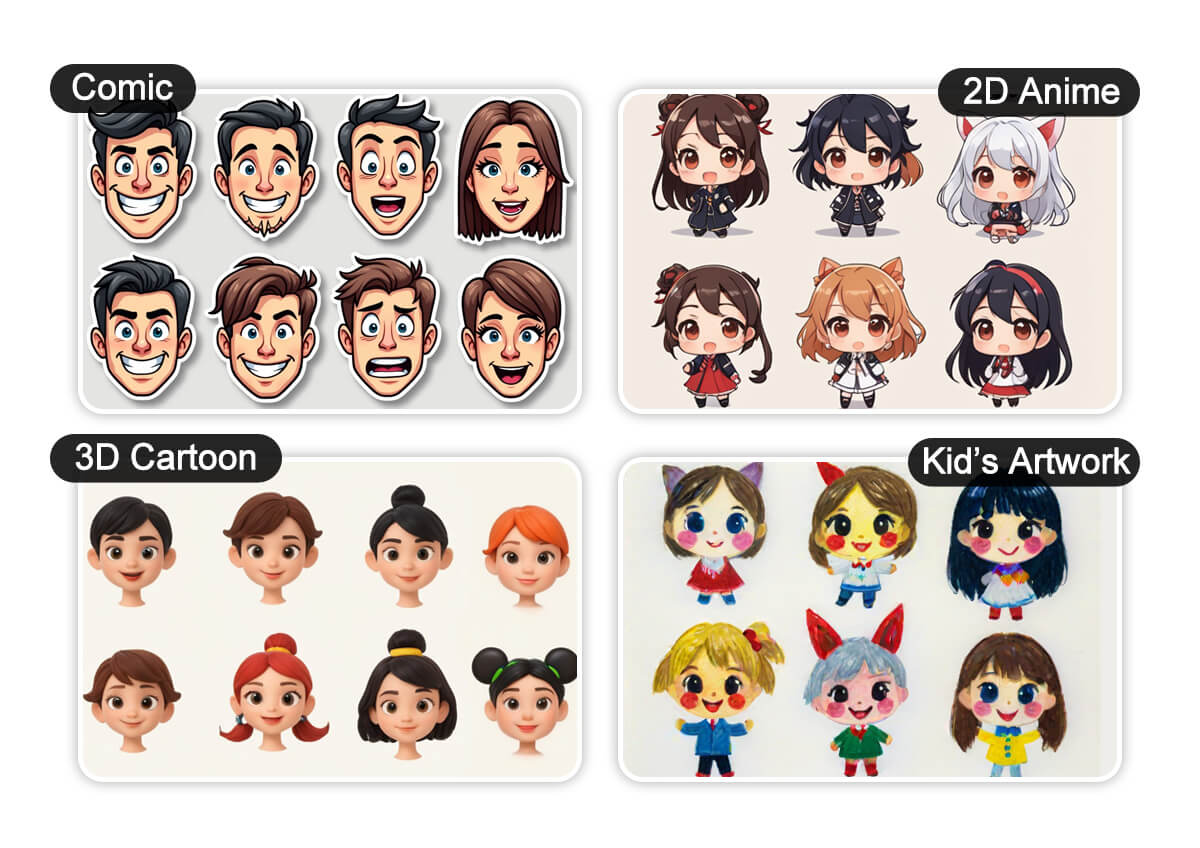
Discover Custom Emojis in Different Styles
Create custom emojis in styles like 3D cartoon, Vector Art, or realistic with YouCam Online Editor. Perfect for Instagram, WhatsApp, or Slack, these AI-crafted emojis match your vibe. Try it now to design unique emojis!
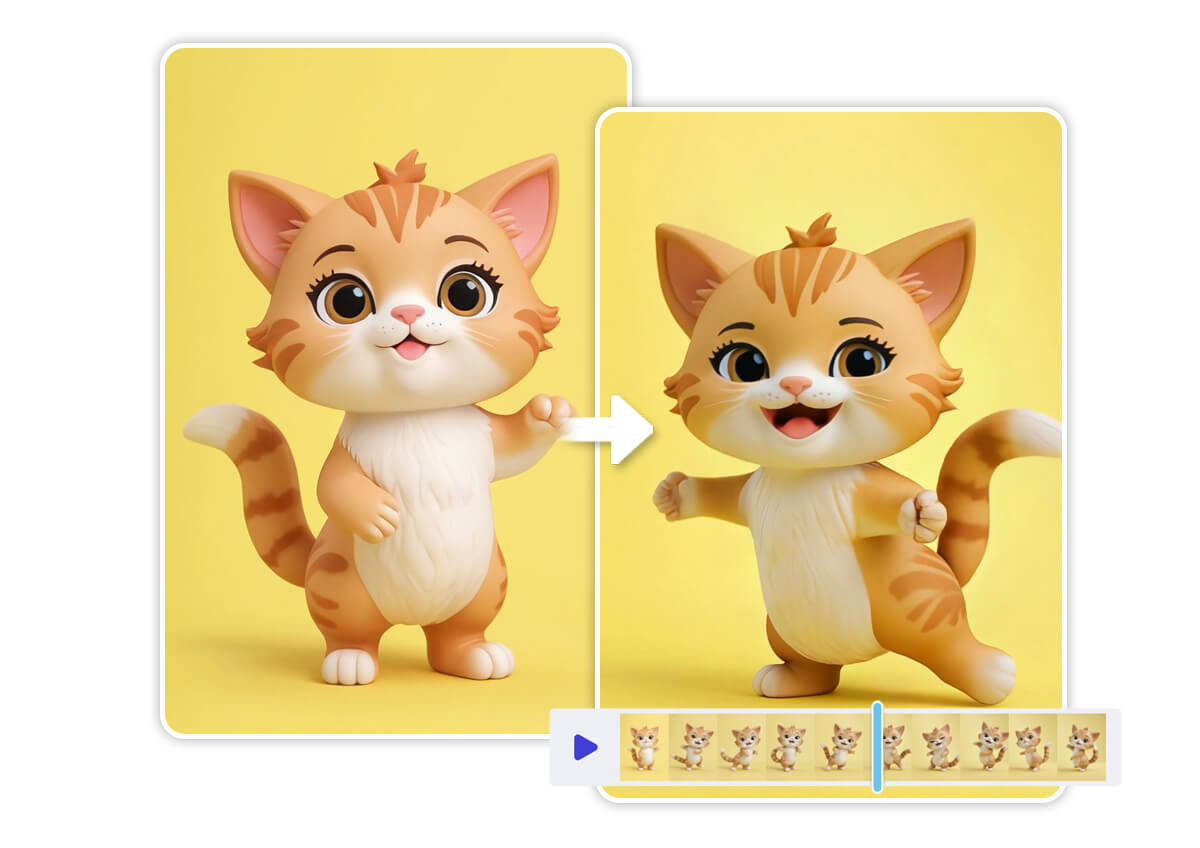
Turn Custom Emojis into Videos
Transform your custom emojis into animated videos with YouCam Online Editor! Add motion to your emojis, like a dancing puppy or bouncing coffee cup, and share them instantly. Try YouCam today to make your emojis pop!
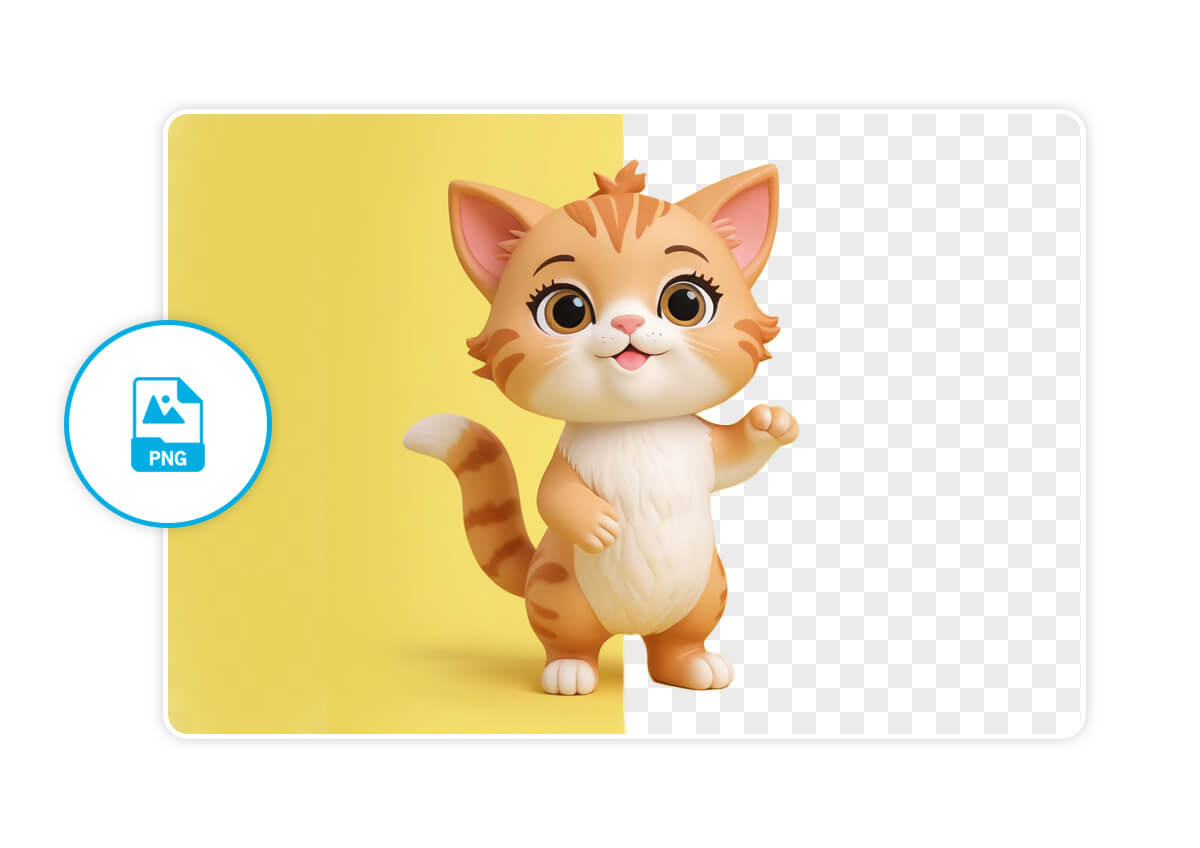
Easily Remove Emoji Backgrounds
Want your emojis to blend seamlessly into any platform? YouCam’s Remove Background feature lets you download your custom emojis with transparent backgrounds. Simply generate your emoji, remove the background with one click, and save it for endless creative possibilities.
AI Emoji Generator FAQs
How do I make AI emojis?
With YouCam Online Editor, making AI emojis is a breeze. Visit the website, enter a text prompt describing your emoji or upload a photo, select a style like cartoon or 3D, and click generate. Your custom emoji is ready to download in seconds for use in chats or social media.
Can I turn a picture into an emoji?
Yes! YouCam’s image-to-emoji maker lets you upload any photo, and the AI converts it into a personalized emoji. Customize it with text to create a unique emoji perfect for social media, branding, or personal chats.
How to create emoji from photo on iPhone?
Creating emojis from photos on your iPhone is simple with YouCam Online Editor. Open the website in your browser, upload a photo, choose an art style, and generate your emoji. Download it to your iPhone and share it on apps like WhatsApp, iMessage, or Instagram.
How do you create your own emoji?
YouCam Online Editor makes it easy to create your own emoji. Either type a description (e.g., “grinning puppy with a crown”) or upload a photo, select a style, and generate. Save your emoji to use across platforms like Slack, Instagram, or messaging apps.

