




Halloween Filter
Get ready for Halloween fun! Use the YouCam Halloween Filter to transform your selfies with spooky costumes inspired by classic Halloween movie characters.Sign up now for 5 free credits.

Instantly Elevate Your Halloween Style
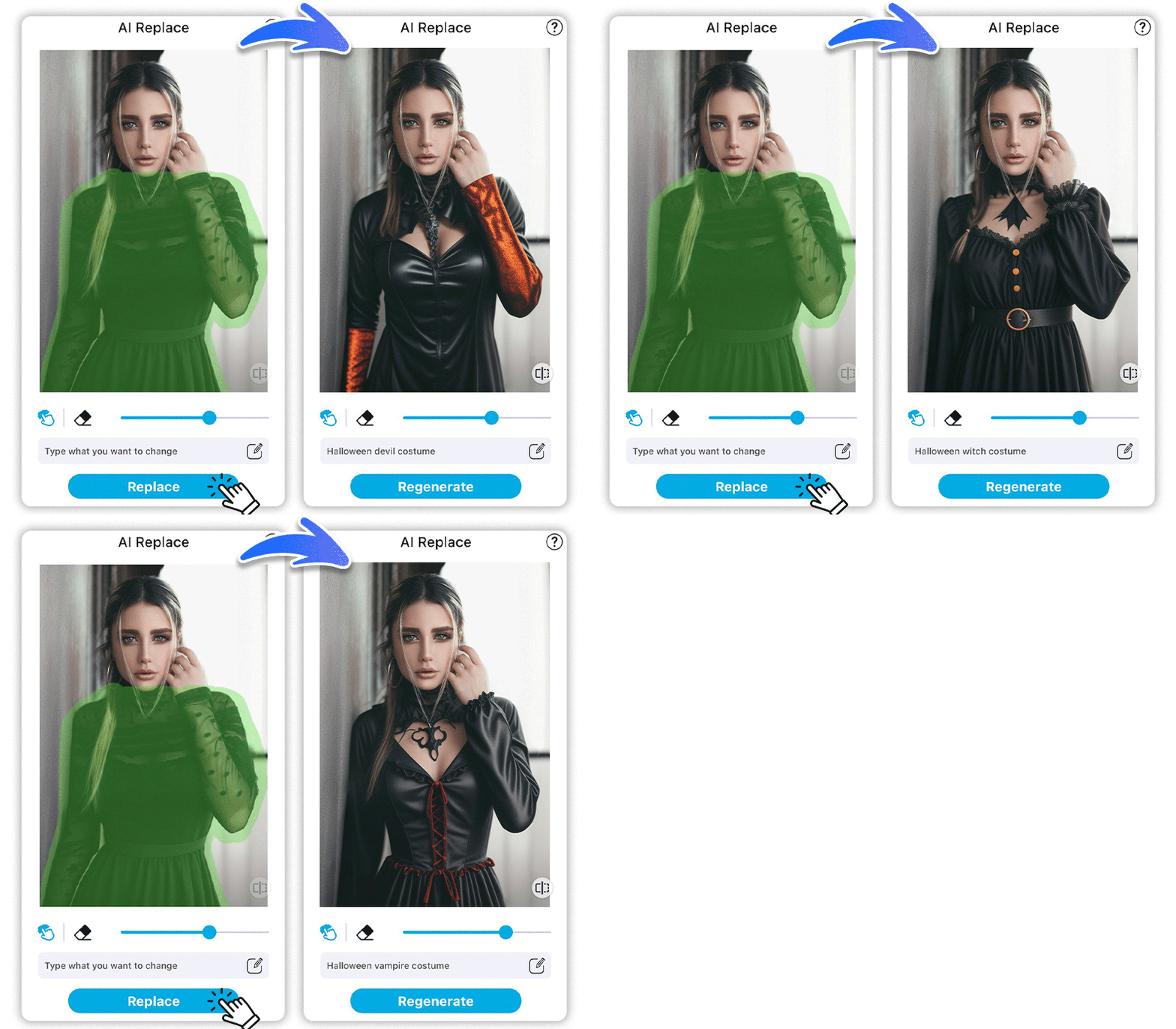
Turn your Halloween vision into reality with YouCam Halloween Filter's AI Replace feature. Just describe your dream costume, and our AI will seamlessly craft a lifelike, custom outfit on your photo. That's why YouCam stands out as the ultimate Halloween photo creator.
YouCam Halloween Filter: 3 Highlights
- Effortless Costume Replacement: Easily replace or remove outfits from photos with a simple text prompt.
- Versatile Use: Perfect for practical edits like removing photobombers and creative tasks like visualizing designs.
- Seamless Precision: Achieve seamless precision and quick edits with just one click.
Explore More Usecases: Halloween Costume Generator, Best AI Scary Filter
How to Use YouCam Halloween Filter?
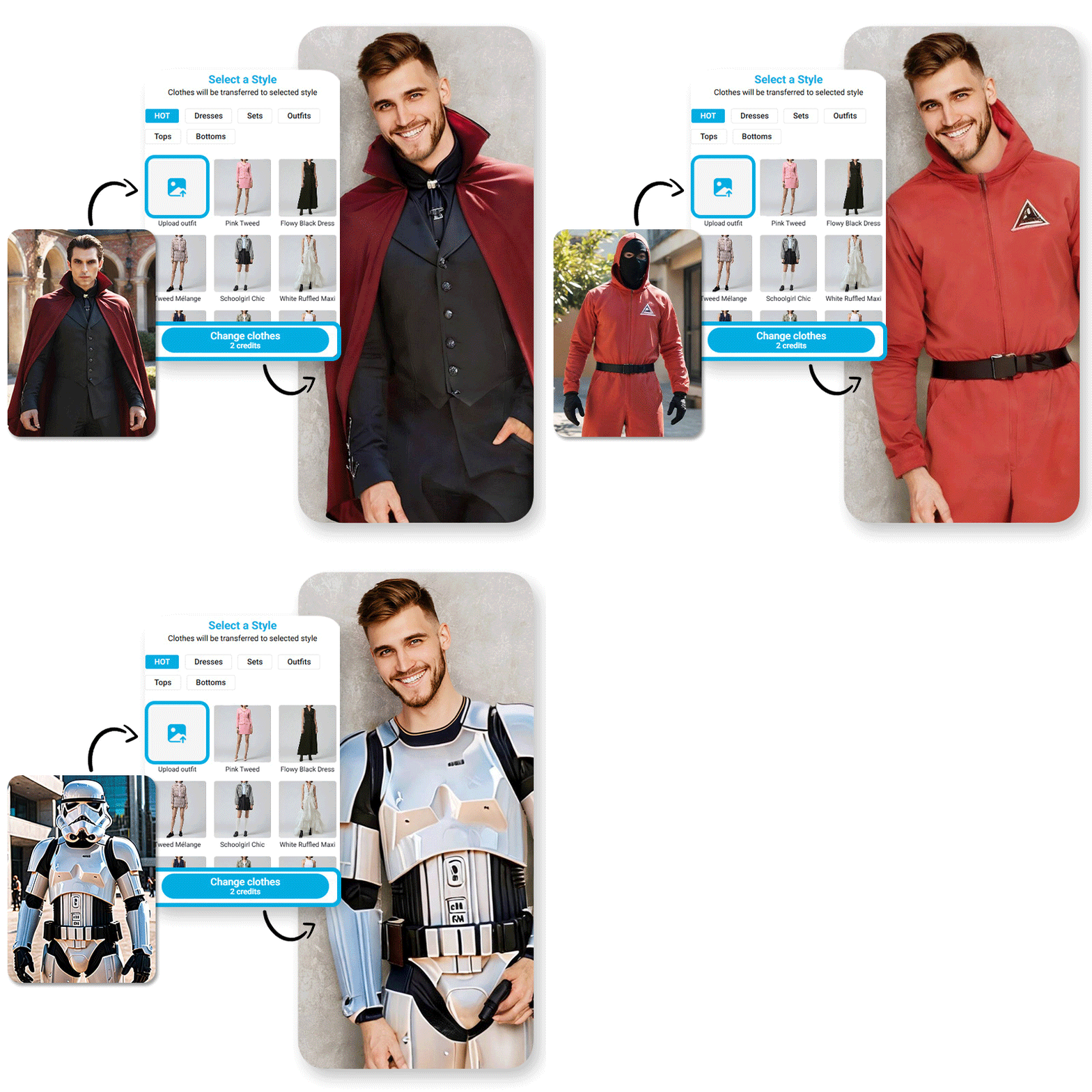
Creating your Halloween Profile with YouCam Online Editor is as easy as 1-2-3-4! Follow these simple steps to get started:

Upload Your Photo
Begin by selecting a clear picture to start designing your Halloween look.


Color the Area
Select the areas of your photo you want to transform, like clothing or accessories.
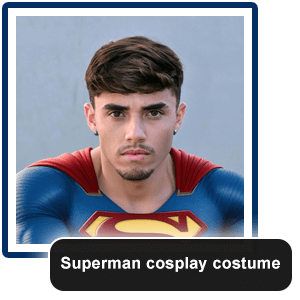
Enter Your Prompts
Type your desired Halloween costume. The AI Replace instantly turns your outfit into a realistic, spooky ensemble—perfect for cosplay and festive edits.
Generate & Save
When you’re happy with your transformation, save your Halloween photo and share your eerie new style across social media platforms.
Fun DIY Dress-Up for Kids and Families
Parents and children use the tool to create fun, safe Halloween costume visuals at home. YouCam Halloween Filter allows families to enjoy festive dress-up moments and capture memories without needing physical costumes or makeup.
Explore More Usecase: Halloween Photo Maker, Best AI Zombie Filter
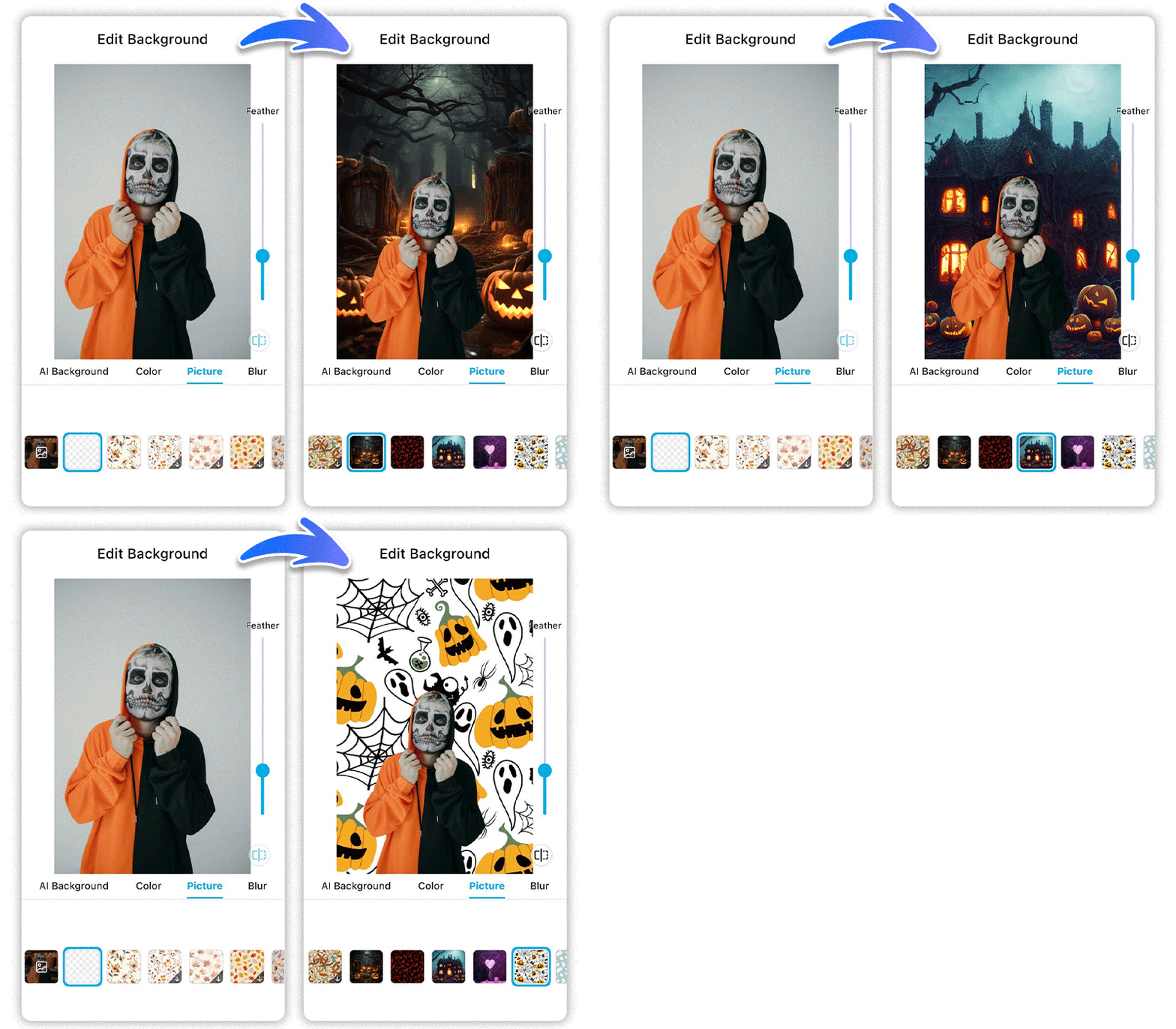
Seasonal Social Sharing
Users craft uniquely spooky Halloween profile pictures with YouCam’s Halloween Filter and share them across their favorite social platforms. The AI-driven filters and effects make it simple to tap into trending Halloween vibes and captivate followers with standout festive visuals.
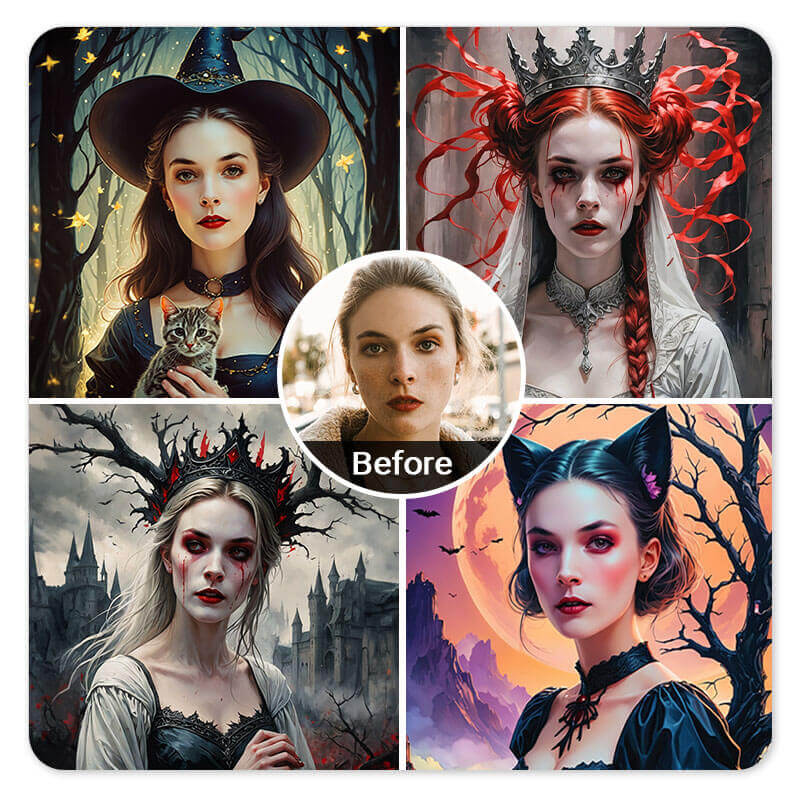
Virtual Costume Try-On for Party Prep
People experiment with different Halloween costume looks virtually before committing to a party outfit. YouCam Halloween Filter’s AI Replace feature allows users to preview costumes on their photos, saving time and enhancing creativity without physical try-ons.
Explore More Usecase: Halloween Photo Maker
Creative Content for Halloween Campaigns
Content creators, influencers, and brands use YouCam Halloween Filter to generate eye-catching costume photos to boost engagement during Halloween marketing campaigns and social promotions.
Halloween Filter’s FAQs
What is a Halloween Filter?
A Halloween Filter is a digital effect that adds spooky, festive elements like costumes, makeup, or backgrounds to photos and videos. YouCam Halloween Filter offers a wide range of AI-powered Halloween frames and costumes to easily create festive edits.
How do I use the YouCam Halloween Filter?
Simply upload your photo into the YouCam app or online editor, then choose from various Halloween-themed filters and effects. The AI-powered YouCam Halloween Filter automatically enhances your picture with costumes for a quick and easy transformation.
Can I customize my look with YouCam Halloween Filter?
Yes! YouCam’s Halloween Filter lets users customize their costume styles with AI features like AI Fashion and AI Selfie. This gives you the flexibility to design personalized, striking Halloween looks that suit your style perfectly.
Is YouCam Halloween Filter free to use?
YouCam offers a variety of free Halloween filters and effects, with some premium features available via subscription. Many users enjoy the accessible, affordable options YouCam provides to create Halloween photos without needing expensive costumes or makeup.
Can I share Halloween photos created with YouCam Halloween Filter on social media?
Absolutely! YouCam Halloween Filter is designed for creating shareable, social media-ready images. Users frequently post their spooky transformations on platforms like Instagram, TikTok, and Facebook to join seasonal trends and engage their followers.

