
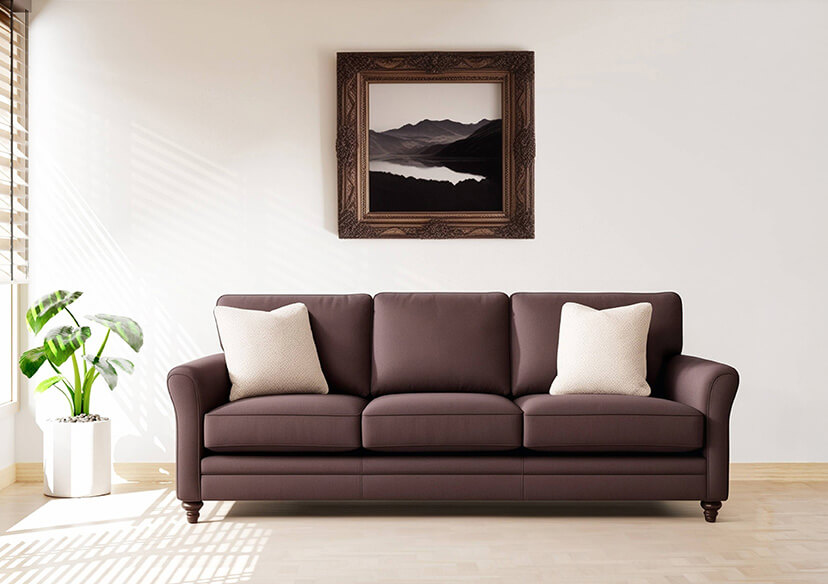





Online AI Interior Design Generator
Transform your space virtually with our free online AI interior design generator. Whether you're redecorating your home or staging a room, our tool helps you visualize changes in real-time.


5 Highlights of the Best AI Interior Design Generator
- Free and simple to use – No design background needed
- Drag-and-drop or photo upload support
- Works with living rooms, bedrooms, kitchens, and more
- Instant AI suggestions and visualizations
- Ideal for home makeovers and renovation planning
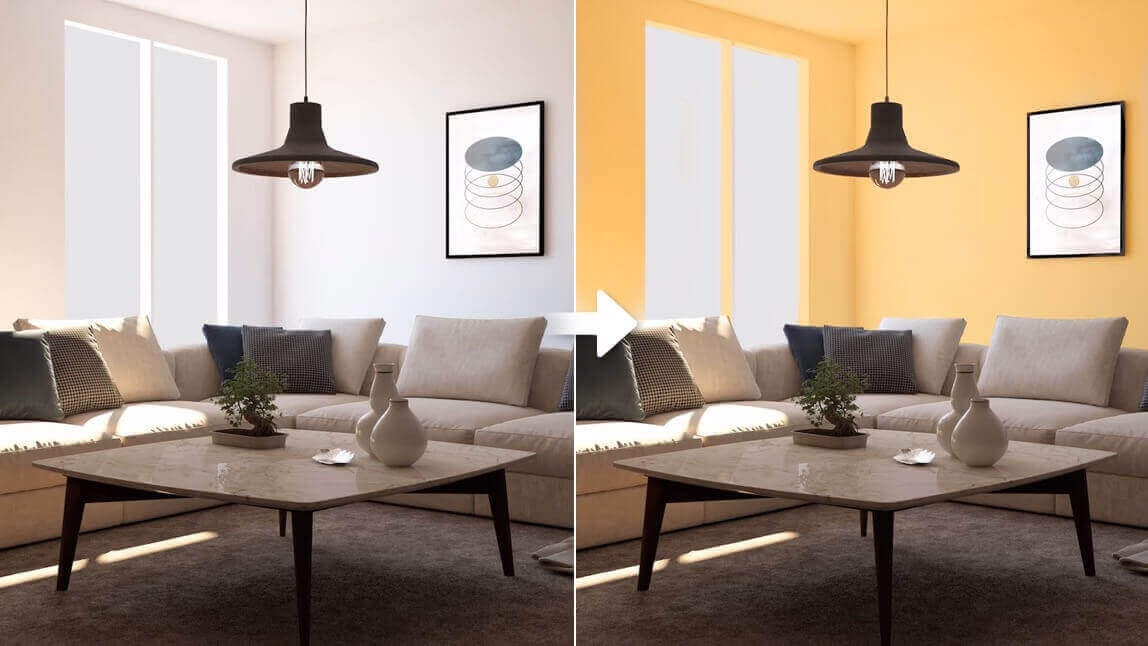
Try Wall Colors Before Painting
Preview different wall paint colors online before making a final decision. Instantly test and compare multiple shades to see how they look in real room settings. Find the perfect match for your living room, bedroom, or office without the mess, time, or cost of buying paint samples. Save effort, reduce mistakes, and design your ideal space with confidence using easy online wall color previews.
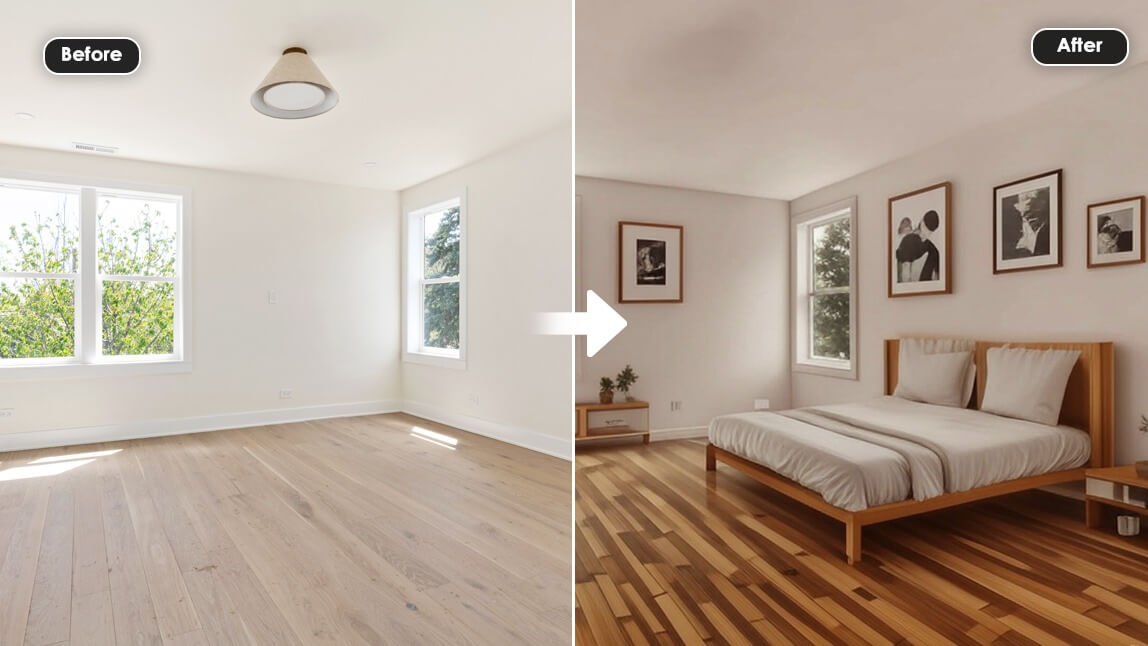
Preview Furniture Settings
Preview furniture settings online and visualize how different pieces will look in your room before buying. Experiment with layouts, colors, and styles to create the perfect arrangement for your living room, bedroom, or office. Save time, avoid costly mistakes, and design a space that truly matches your lifestyle.
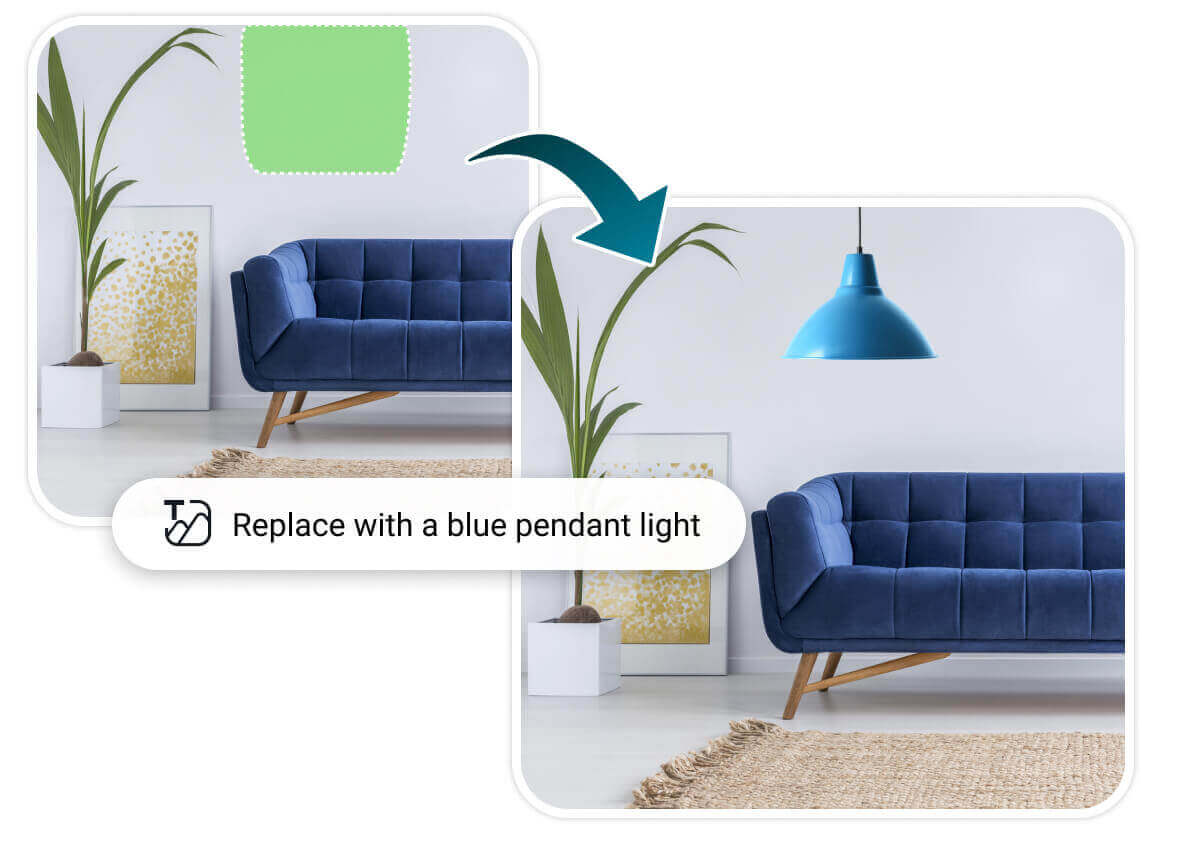
How to Generate AI Interior Design
Use this online AI interior design tool to experiment with styles, furniture, and colors effortlessly.
Upload Photo
Upload a photo of the area you want to redesign. It can be your entire garden, a single flower bed, or your balcony.
Mark the Area & Describe It
Use the brush to paint over the area you want to change (e.g., the empty lawn). Then enter in the text field what you'd like the AI to create there (e.g., ‘fountain’ or ‘a flower bed with red roses').
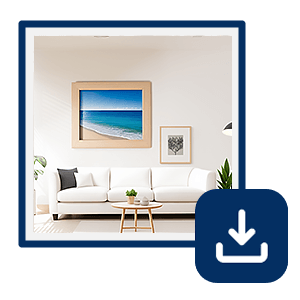
View Result & Refine It
The AI generates a new version of your photo in seconds. Not quite perfect? Just tweak your text description until you get the result you want. Tap ‘Apply’ to save your changes- and don't forget to download the final image!
AI Interior Design FAQs
Is the AI Interior Design Generator free?
Yes, it's 100% free to use with no login required.
What’s the best free AI interior design tool?
Our tool ranks among the best for ease, realism, and speed.
How do I generate interior design ideas with AI?
Just upload a photo or select preferences, and let the AI create visual design suggestions.
Can I use it for multiple rooms?
Absolutely! It supports bedrooms, kitchens, bathrooms, and more.

