



Upscale Logo Quality Online Free
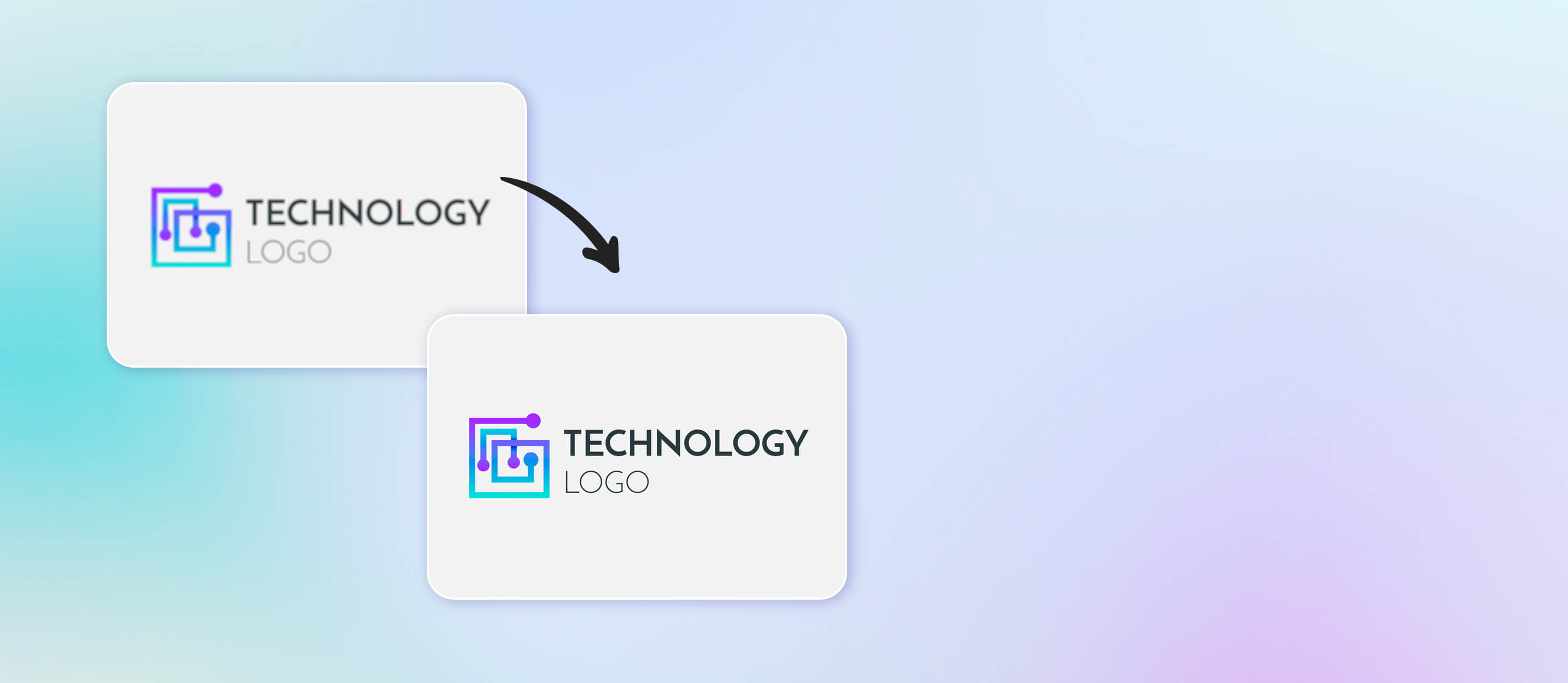
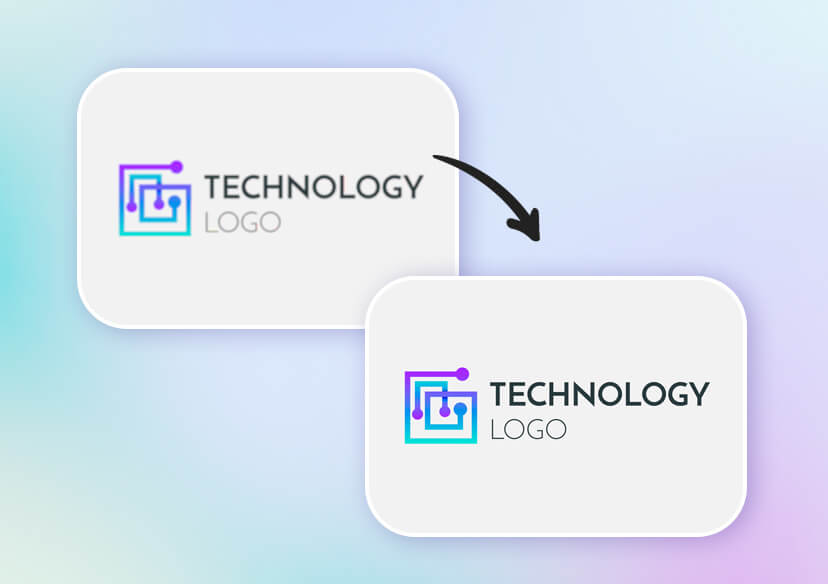
Enhance the quality of your logos with free AI logo upscaler. Improve image or text logo resolution without watermark. Perfect for digital, print, or branding use.

How to Improve Logo Resolution with AI Logo Enhancer?
Upload Your Logo
Upload your logo or drag and drop your file into the area. You can also select up to 50 images for batch enhancement. Format support include: JPG, JPEG, PNG, TIFF, and GIF.

Upscale Logo with AI
Enhance the quality of your logo with one click. The AI will automatically sharpen image detail, denoise, and color correct your image.
Choose Output Quality
Select the ‘Best Quality’ option to upscale your logo to 4x resolution. Then download and choose your output quality and file format.
Download Enhanced Logo
Save your high-res logo to use for digital or print!
Upscale Logo Quality Online with AI Logo Enhancer
Improve Logo Resolution with AI
Make your logos sharp and professional with the YouCam Online Editor AI Logo Upscaler. Enhance resolution, remove pixelation, and keep every detail crisp. Perfect for web, print, and social media—upscale your logo online in seconds.
One-click Ultra Fast Logo Enhancer
With YouCam Online Editor, upscaling your logo is quick and effortless. Just upload your logo, select the resolution, and let AI do the work. In seconds, your logo is sharper, clearer, and ready for any project without having to do any manual editing.
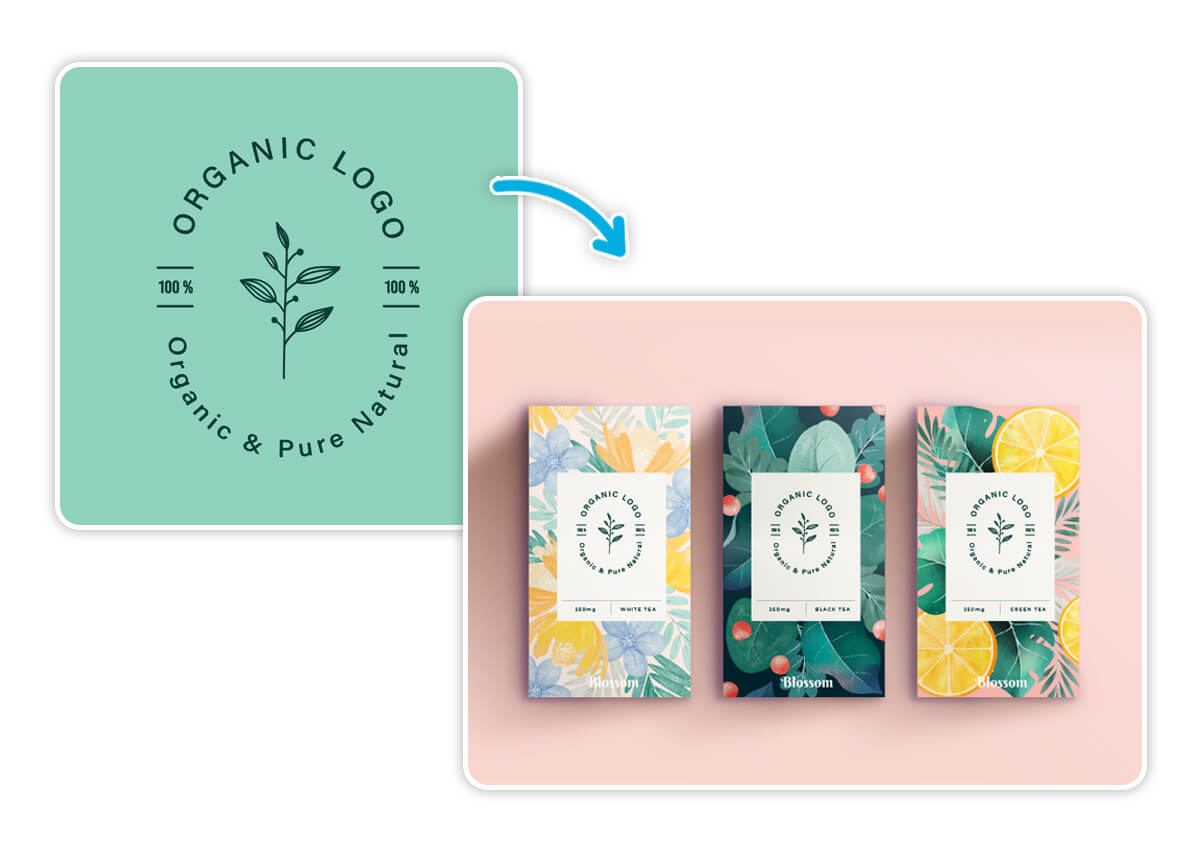
Transform into a High-Res Logo Design
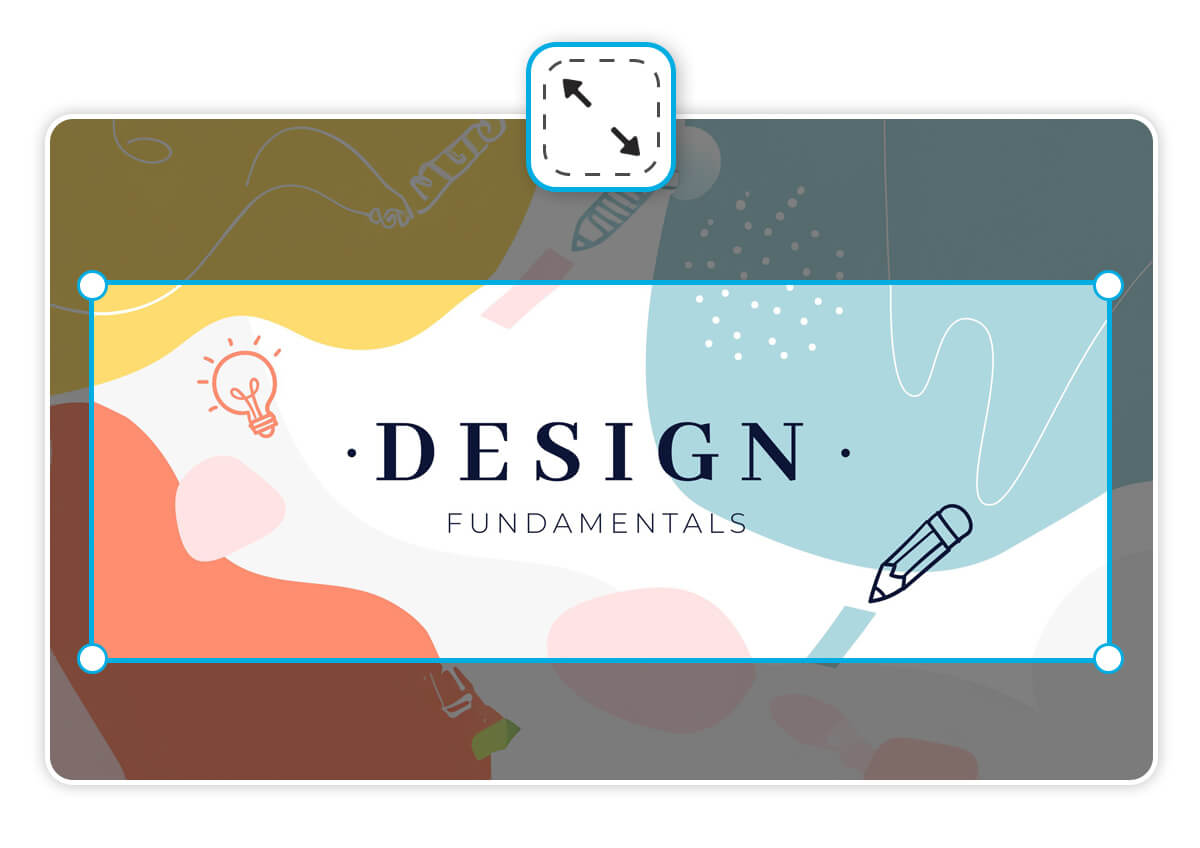
Do more than just upscale logo images and text. With YouCam Online Editor, you can change the background of your logo to fit any design, and instantly resize your image to fit any design, and adjust proportions to fit perfectly on web, print, or social media.
AI Logo Enhancer FAQs
How to enhance the quality of a logo?
You can enhance the quality of a logo by using an AI logo enhancer like YouCam Online Editor. Simply upload your logo, and the AI automatically sharpens edges, improves clarity, and increases resolution without distorting the original design.
Is there a free logo enhancer?
Yes, the YouCam Online Editor offers a free online logo enhancer. It allows you to upscale, remove backgrounds, resize, and extend logos with no downloads required.
How to enhance my logo with AI?
AI tools like the YouCam Online Editor AI Logo Upscaler analyze your logo and intelligently restore details, smooth edges, and boost resolution. This ensures your logo stays sharp whether used on websites, packaging, or print.
How to upscale a logo without losing quality?
To upscale a logo without losing quality, use an AI-powered logo upscaler. Unlike manual resizing, AI enlarges your logo while maintaining clarity and detail, preventing pixelation or blurriness.
How to increase the resolution of a logo?
You can increase your logo’s resolution with the AI Logo Upscaler in YouCam Online Editor. It lets you select your desired resolution and instantly generates a high-res version suitable for professional use.

