





Free AI Video Upscaler: Upscale Video to 4K
Upscale video quality with YouCam Free AI Video Upscaler. Easily upscale low-quality clips to 4K resolution, fix blur, and adjust brightness, contrast, and more — Sign up now to get 5 free credits.

Transfotm Your Footage : YouCam AI Video Upscaler
- One-Click AI Upscale: Instantly transform low-resolution videos into stunning 4K masterpieces with a single click.
- Broad Format Compatibility: Enhance nearly any file with seamless support for popular video formats like MP4, MOV, and M4V.
- Cross-Device Accessibility: Use our AI upscaler on your computer with the YouCam Online Editor or on the go with the YouCam Enhance mobile app.
- Detailed Motion and Color Control: Fine-tune every aspect of your video with advanced controls for motion, color, and brightness.
Explore more use cases: AI Video Enhancer, AI Video Upscaler, AI Video Generator
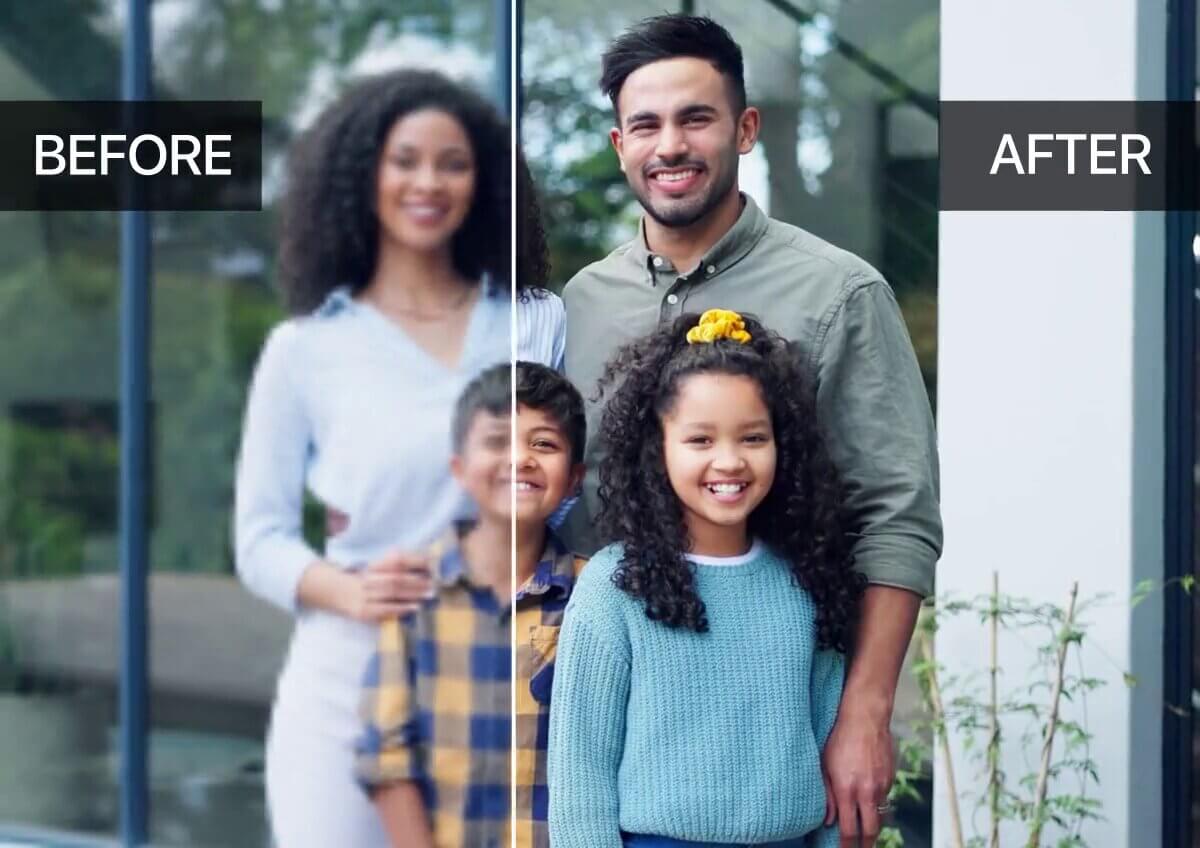
How to upscale video quality Using YouCam AI Video Upscaler?
Elevate your video quality upscaler in an instant with the YouCam AI Video Upscaler. One click transforms low-resolution footage into stunning 4K, fixing blur and correcting color on both web and mobile.

Upload Your Blurry Videos
To get started, open the YouCam Online Editor, navigate to the AI Video Upscaler, and click the "Choose a Video" button. Our tool supports MP4, MOV, and M4V formats.


Review the Preview
Our system automatically generates a video preview, allowing you to confirm the results before downloading the final file.

Start AI Video Upscaling
Click the "Download" button. The powerful AI will begin enhancing your entire video by doubling the resolution, denoising, color correcting, and restoring facial details.

Download Your Upscaled Video
Download your enhanced, high-quality video in your preferred format, and get ready to share it on social media.

Why Choose YouCam AI Upscaler?
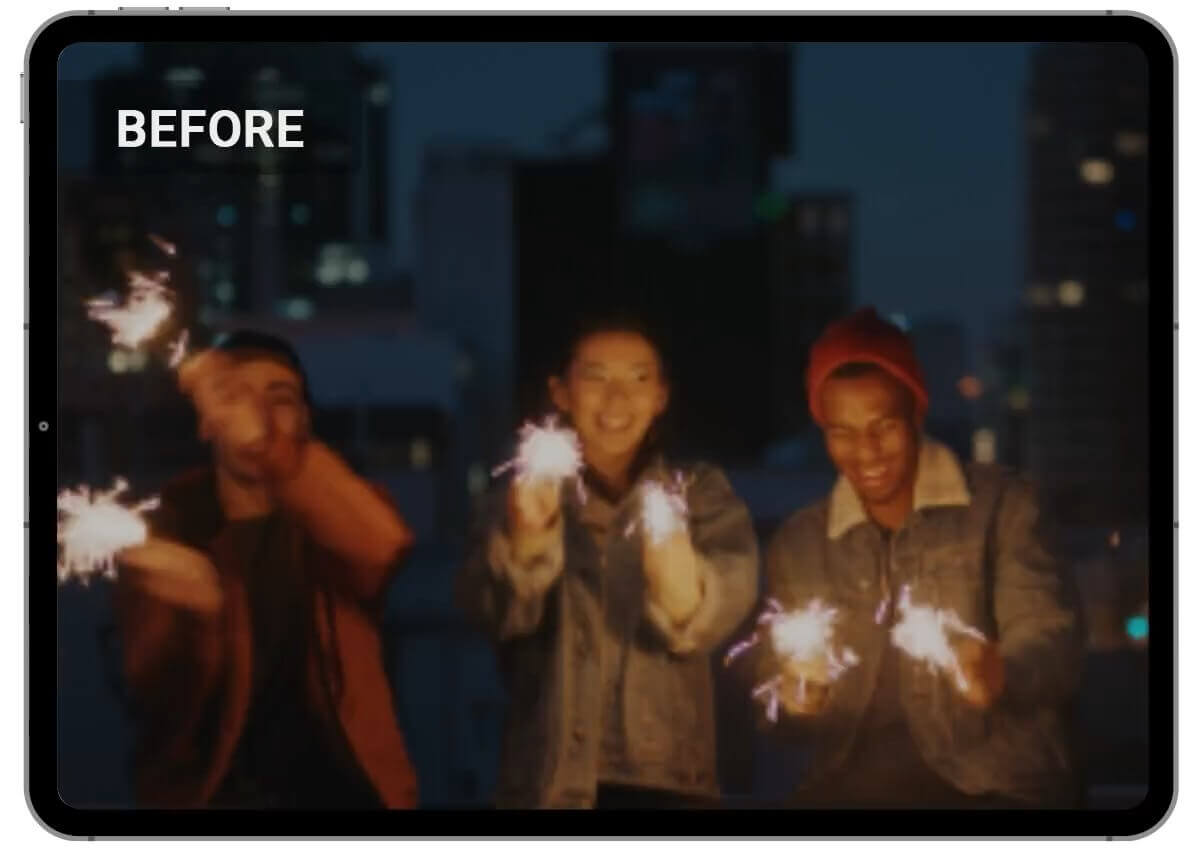
Enhanced Night Videos for Unmatched Clarity
Don't let low light ruin your footage. For scenes like night views or fireworks displays, our AI video upscaler removes blur and grain, and can upscale a video from 240p, 360p, or 480p up to stunning 4K. This technology enhances clarity and sharpens details, transforming dark, muddled clips into vibrant, clear videos that capture the moment as you remember it.
Restore True Colors for Vlogs and Mukbangs
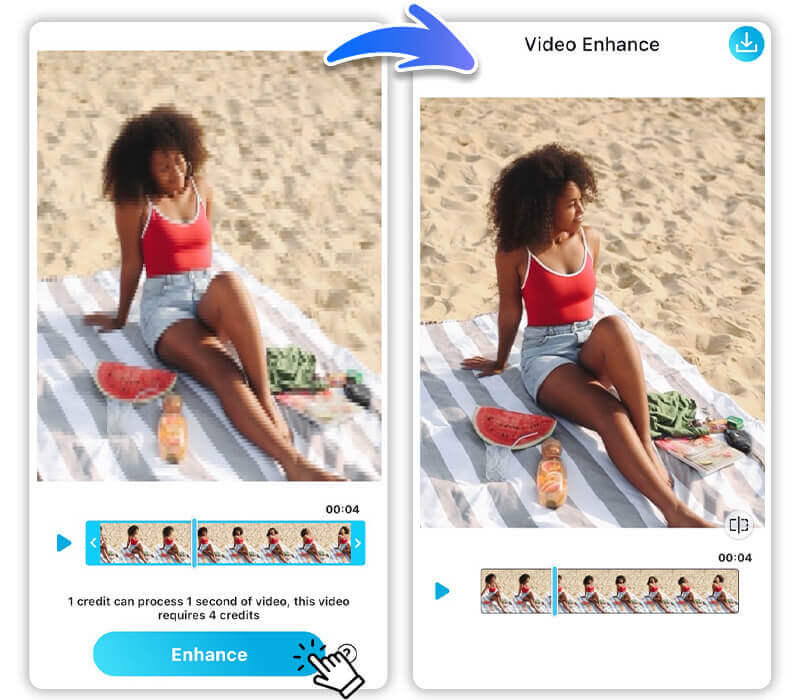
Colors are key to making content pop. In travel vlogs or food videos, our video quality upscaler restores and brightens the true colors of landscapes and dishes. It can upscale videos to 2x their original resolution while preventing blur, ensuring that food looks as delicious on screen as it does in person, creating an engaging and authentic visual experience for your audience.
Clarity for Dance and Performance Videos
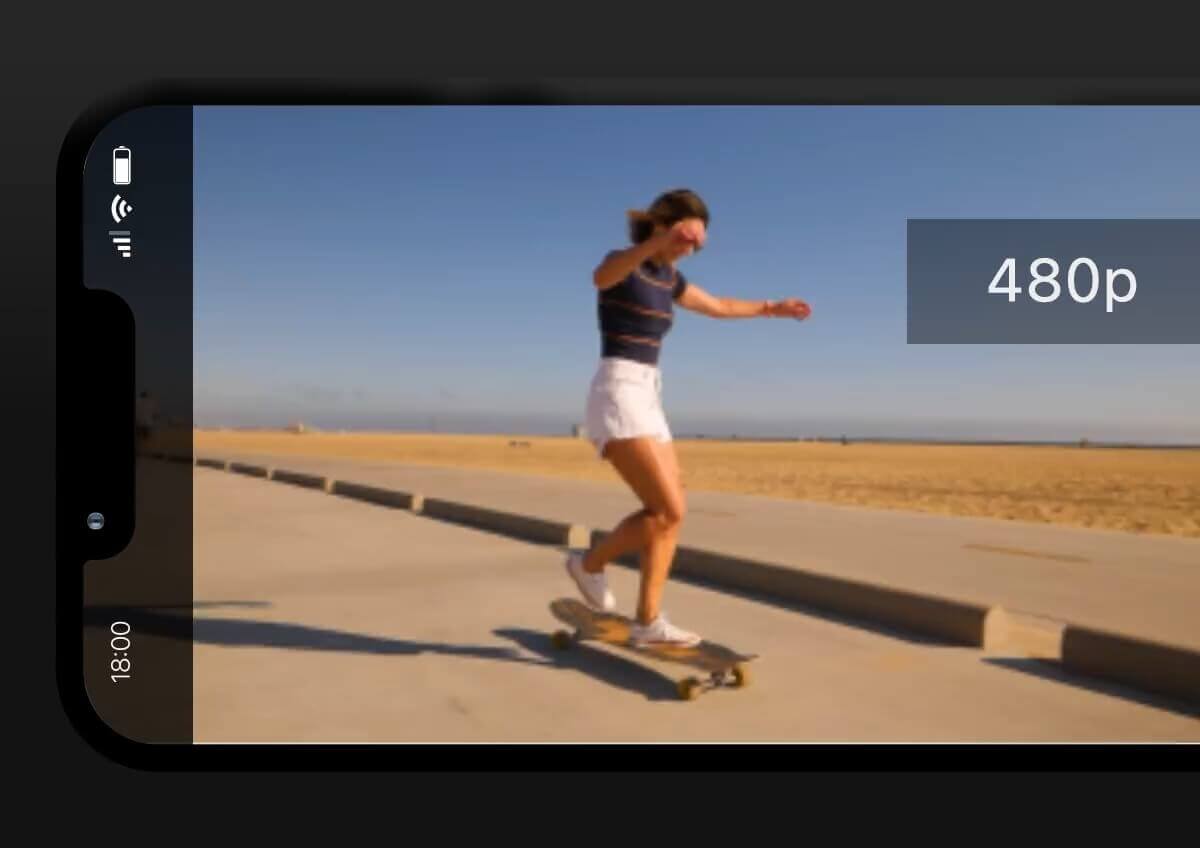
Capture every move with perfect clarity. For dance challenges or any performance-based video, our video upscaler reduces blur and keeps every action sharp. With the ability to upscale video from lower resolutions to a high-quality 4K output, this feature ensures that fast-paced movements are crisp and defined, highlighting every detail of the choreography with professional precision.

Showcase Product Details in Marketing Videos
Clarity is essential for sales. When creating promotional videos, our AI video upscaler sharpens product details and textures. By increasing the resolution by up to 2x and enhancing details, the technology can make a product's material, design, and features stand out. This level of clarity and detail is critical for marketing, creating a more professional and persuasive presentation for potential customers.
YouCam AI Video Upscaler FAQs
Why should I use an AI video upscaler instead of traditional methods?
Traditional upscaling simply stretches pixels, which often leads to blurry or pixelated results. An AI video upscaler, like the YouCam AI Upscaler, uses deep learning to intelligently analyze and predict missing details on a frame-by-frame basis. This generates new, realistic pixels, effectively restoring lost quality, correcting colors, and removing noise to produce a truly high-resolution, sharp, and clear video.
How do I upscale a video using an AI tool?
The process is designed to be simple. For a tool like the YouCam AI Upscaler, you typically: 1) Upload your video file, 2) Select your desired output resolution (e.g., 4K), and 3) Start the enhancement process. The AI takes care of the complex work, and you can then download your finished, high-quality video.
Why is AI upscaling videos better for old or low-quality videos?
AI upscaling videos is especially effective for old or low-quality videos because it can fix issues that traditional methods cannot. The AI model is trained on millions of video frames, allowing it to recognize and restore details that have been lost to compression, blur, or digital noise. It's an ideal solution for revitalizing old home movies, archival footage, or any video with a low starting resolution.
Can an AI video upscaler fix shaky footage or motion blur?
Yes, a professional AI video upscaler with advanced features can address motion issues. In addition to increasing resolution, many AI upscalers are equipped with intelligent algorithms to reduce motion blur and even stabilize shaky camera movements. The YouCam AI Upscaler includes detailed motion control features to ensure that fast-paced action and quick movements are rendered smoothly and with high clarity.
How long does it take to upscale video resolution with AI?
The time it takes to upscale video resolution depends on several factors, including the video's original length and resolution, the desired output resolution, and the processing power of the system being used. Online tools like the YouCam AI Upscaler often leverage powerful cloud computing to accelerate the process, but enhancing a longer video to 4K will naturally take more time than a shorter clip.

