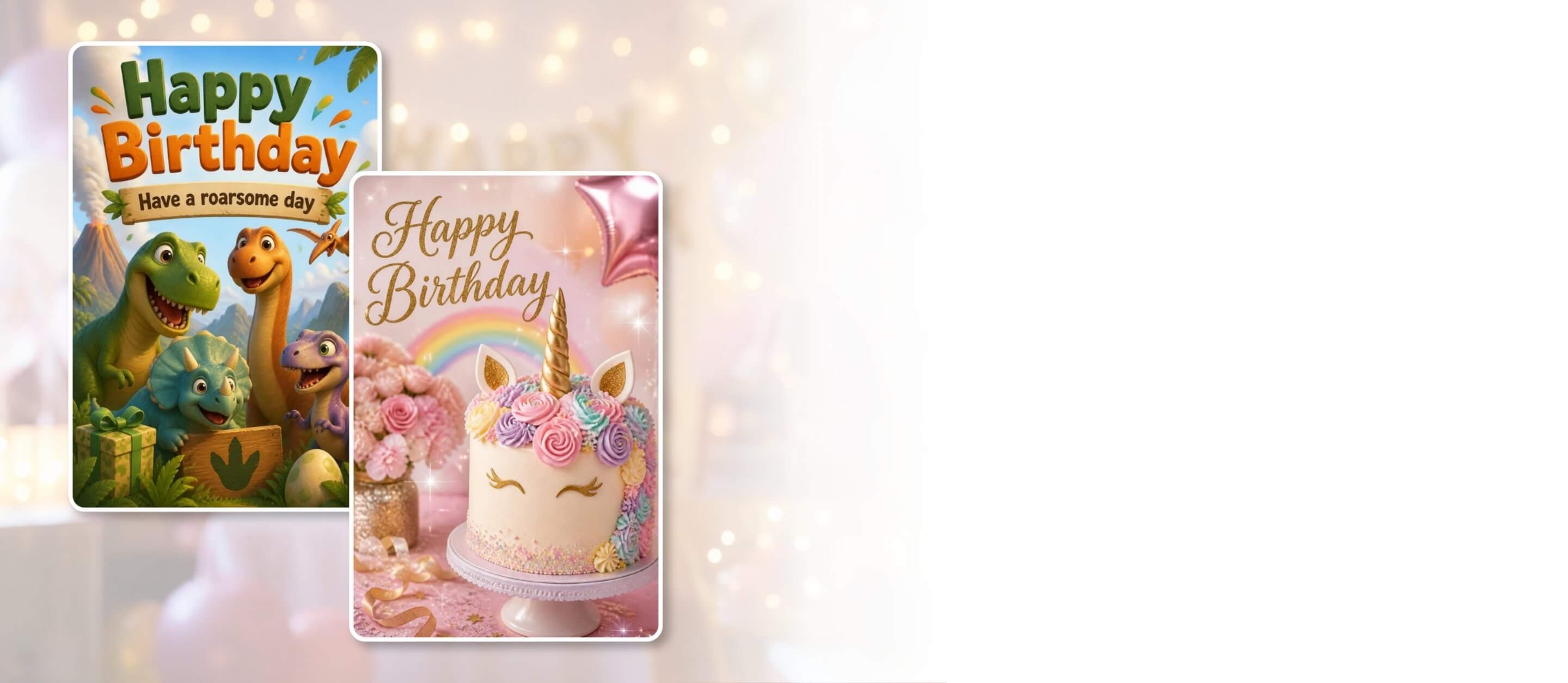
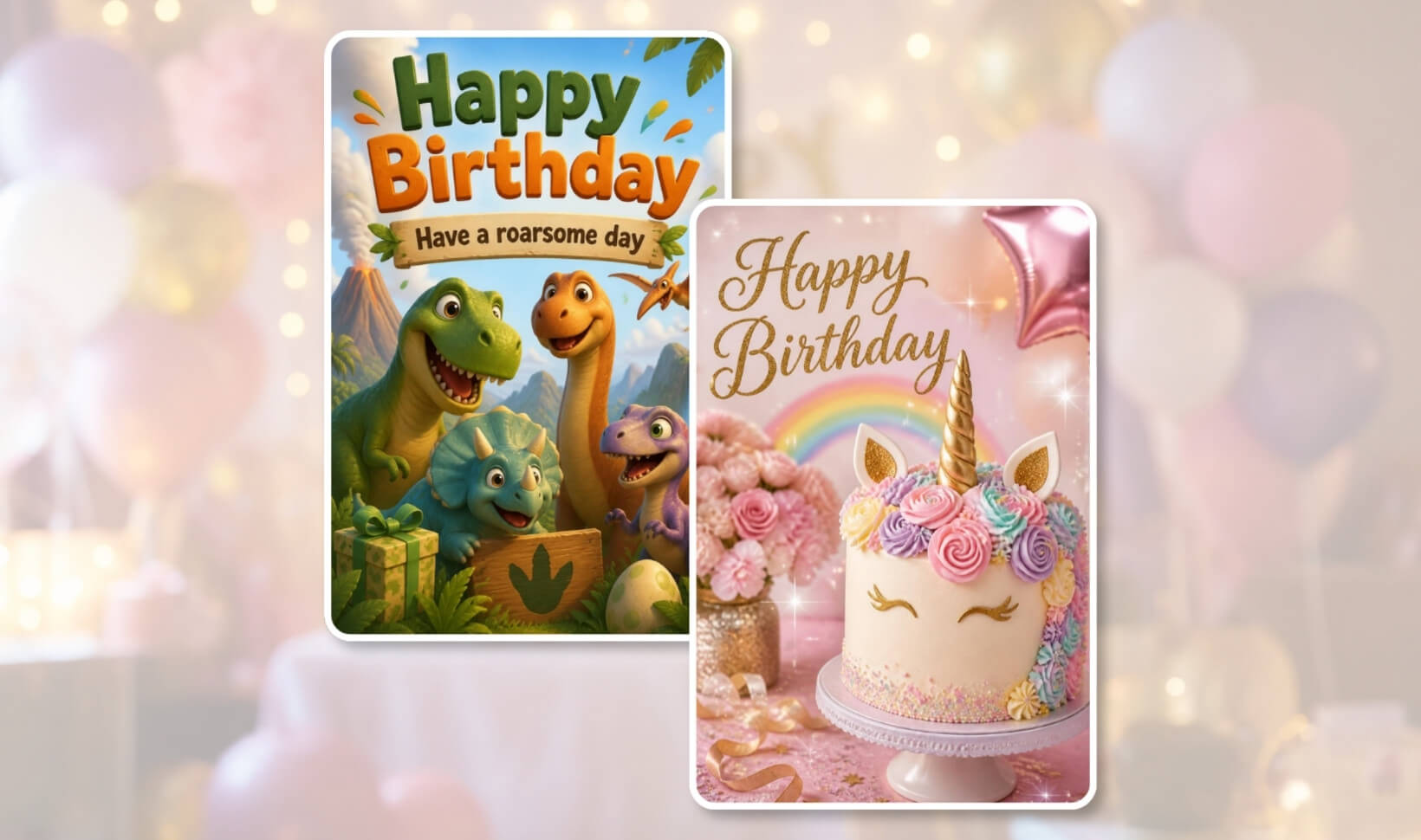




Make a Birthday Card That Feels Like Them
Forget the boring templates. Make a one-of-a-kind birthday card for them with YouCam AI Image Generator. Tell AI your idea and turn it into a truly unique birthday greeting.
Design Your Cards NowPersonalize Birthday Cards with AI
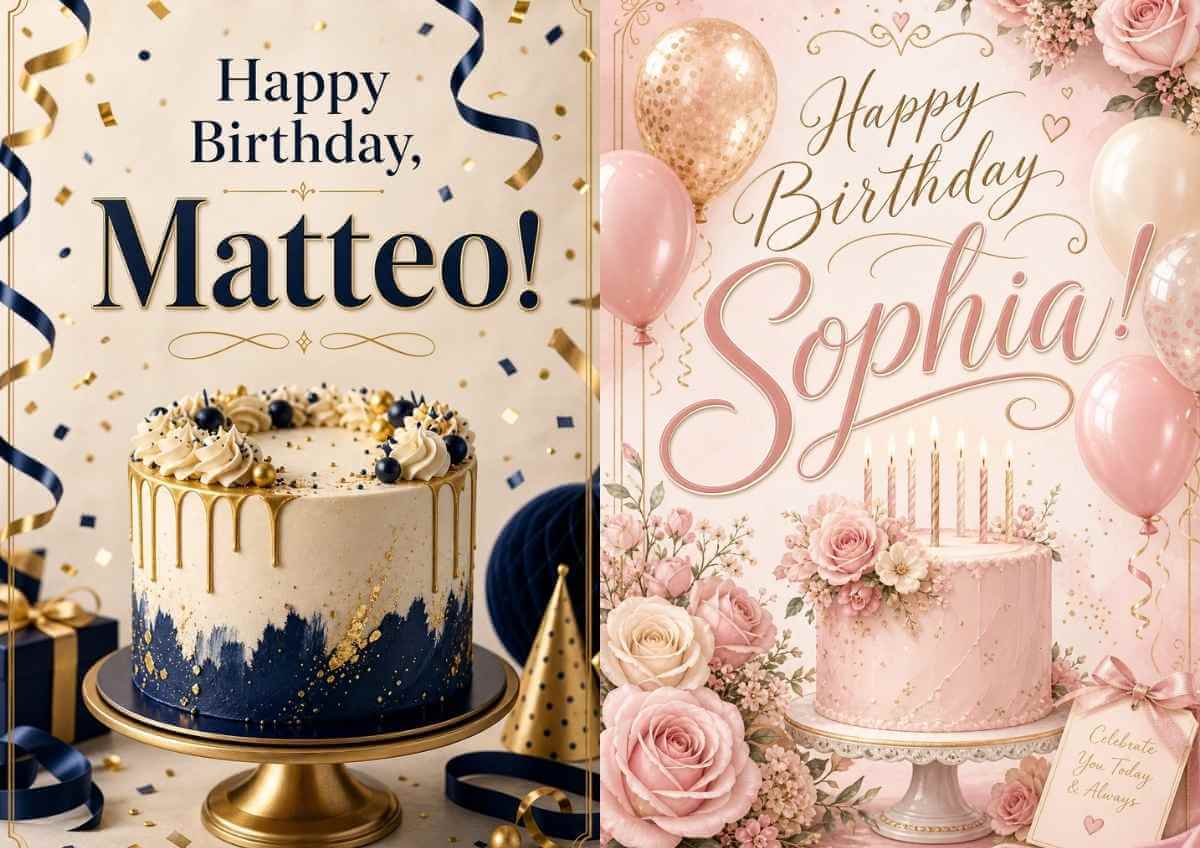
Birthday Cards for Every Name
Are you looking for a birthday card with a name but can’t find one anywhere? Just create it yourself! Personalize your greeting card with the recipient’s name.
No Templates, Just Your Creativity!
Say goodbye to boring templates that limits your customization. With the image generator, you can have full control over your designs. Define the subject, style, and personal message to make your birthday card truly one of a kind!
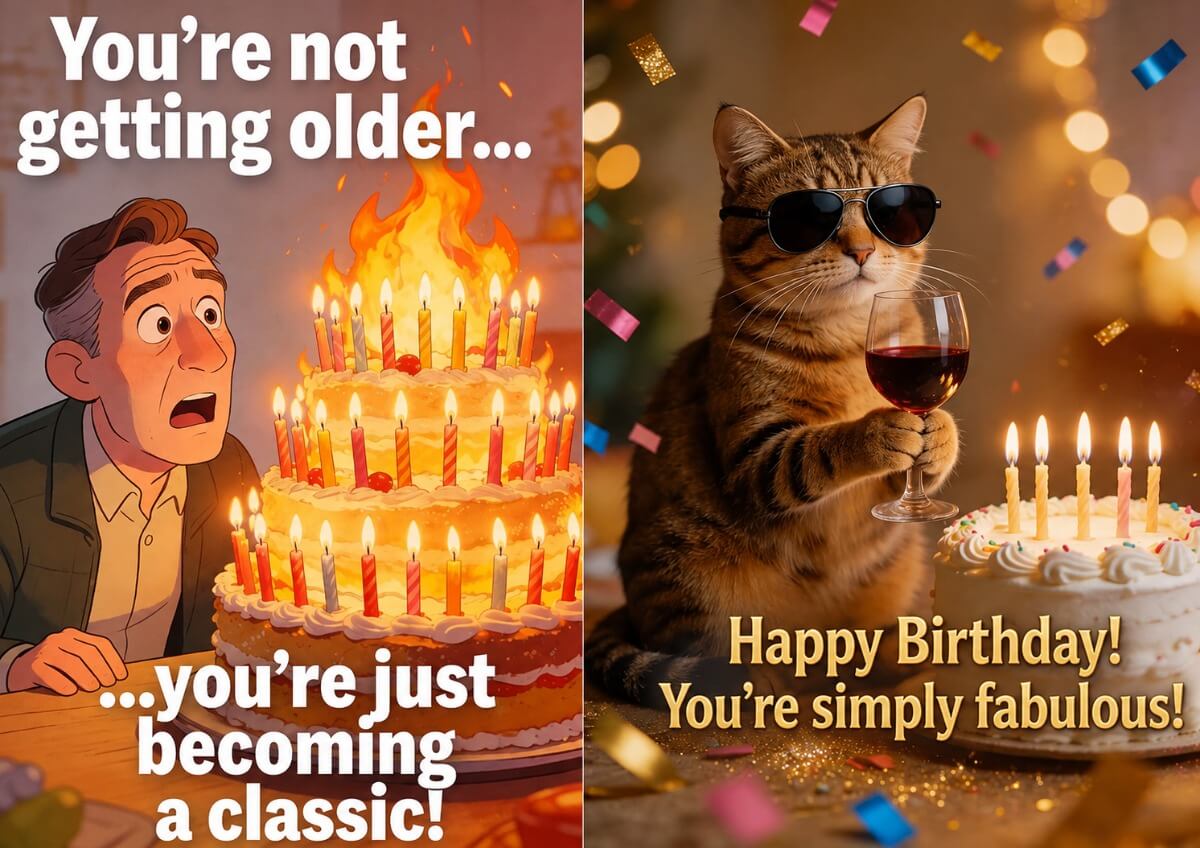
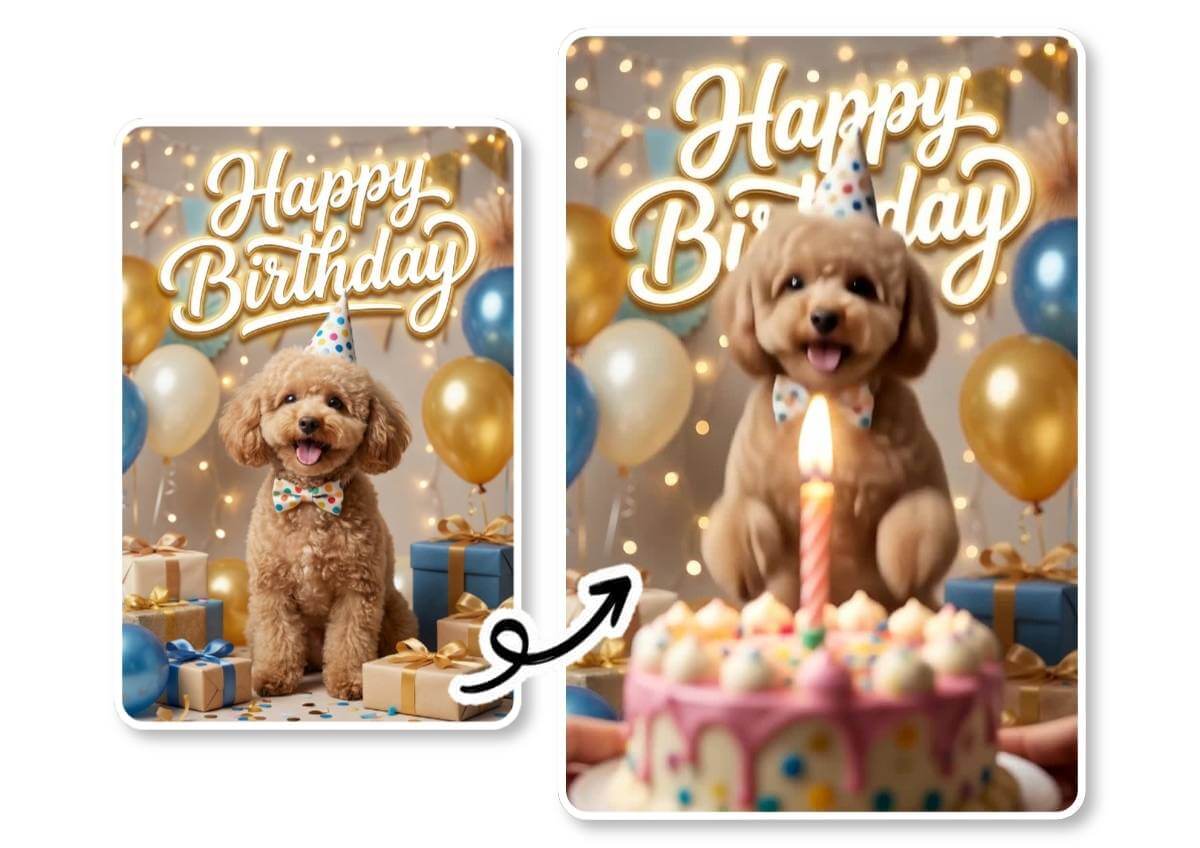
Animate Birthday Cards
Make your birthday card even more unique! Animate your greeting card with the integrated video generator that brings your images to life in no time. Simply give your “instructions” and describe how the elements in your image should move. The AI then turns it into personalized short videos.
Guide: How to Create Your Birthday Card
Start the Image Generator
Open the Image Generator and choose your AI model. Recommended: Nano Banana Pro or GPT-Image-2.0 for flawless text on birthday cards.
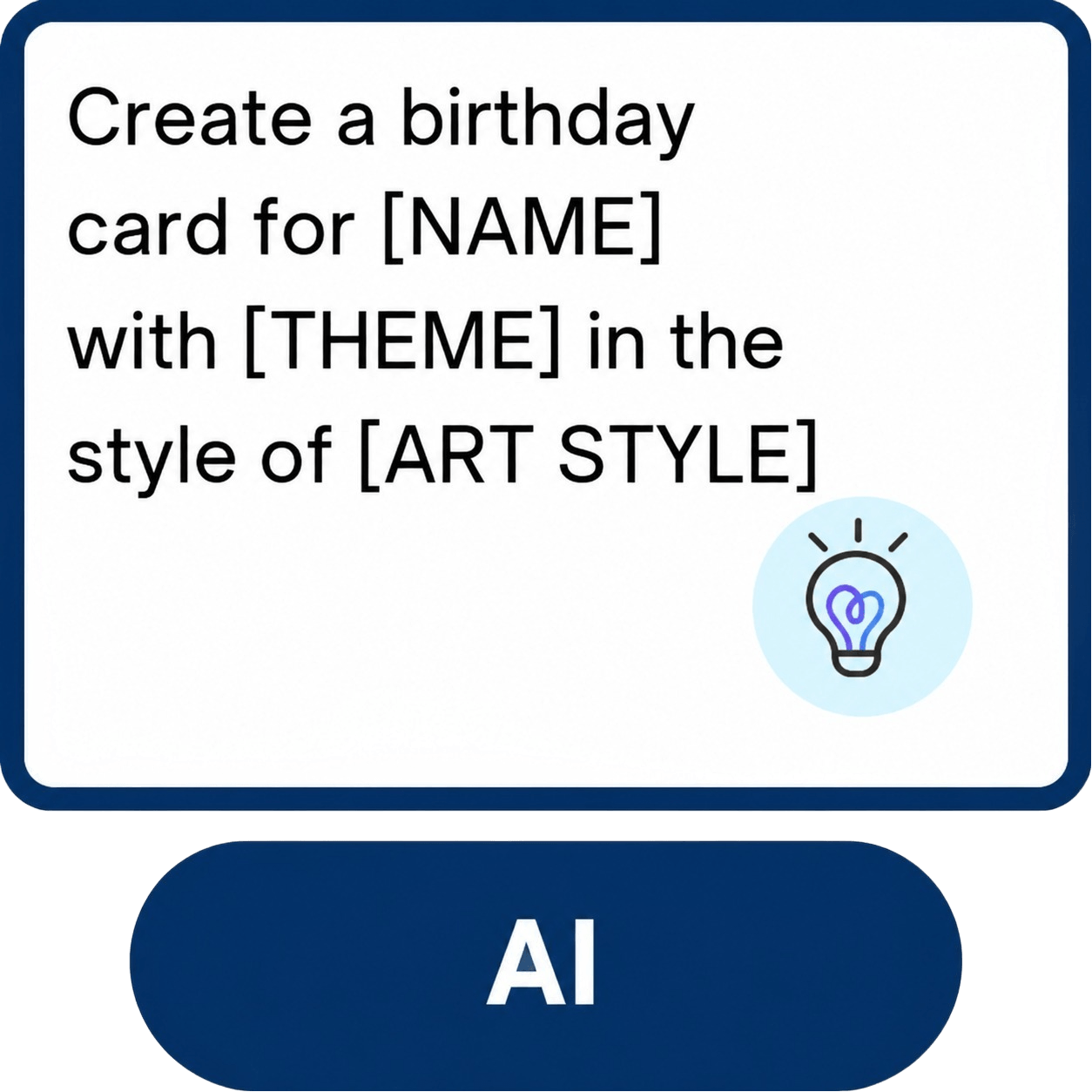
Design Your Birthday Card
No photo editing skills required. Describe in a prompt how your birthday card should look and what exactly it should say.
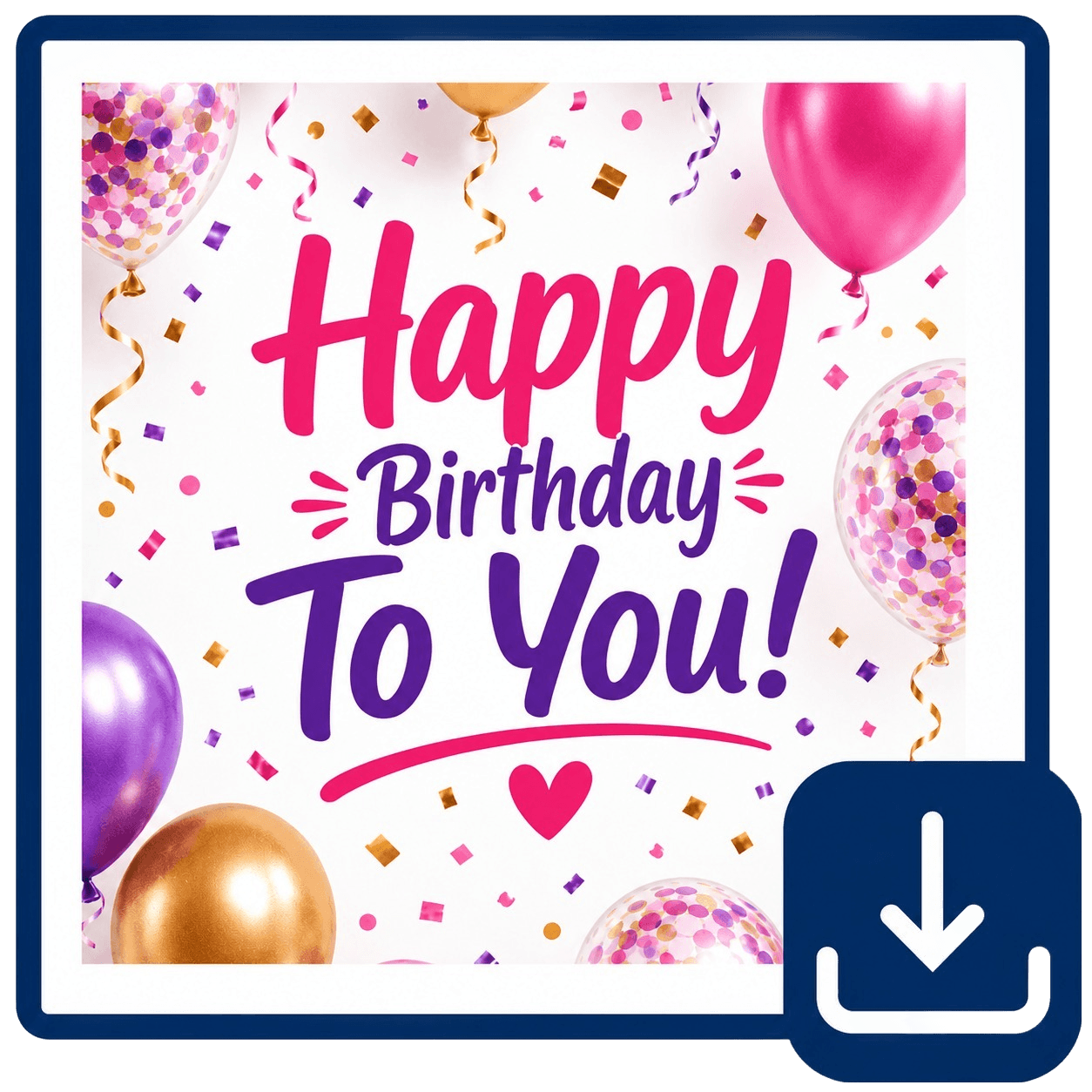
Save & Share
Once your birthday card is ready, you can download and share it online via WhatsApp, Facebook, and more.
Frequently asked questions
Can I generate birthday cards with AI?
Yes, with the AI Image Generator in the YouCam Online Editor, you can create personalized birthday cards in no time. Type in your creative prompt to customize the text on your card and even add the birthday person’s name—no photo editing skills required.
How do I create birthday cards for free?
When you register, you receive 5 free credits to try our model. You may use them to design your own birthday card. Sign up, go to the Image Generator, and describe your birthday greeting design.
Can I animate birthday cards as well?
Yes, with the YouCam Online Editor you can animate your birthday cards to send GIFs or short videos to your loved ones. First create your card with the Image Generator and then click “Animate” to enter your animation prompt. Alternatively, you can create your birthday video directly with the Video Generator.
How do I create digital birthday cards?
With the Image Generator in the YouCam Online Editor, you can create digital birthday greetings by describing how your card should look. Once your image is ready, you can download and send it to the birthday person via messenger or email.
Is there an app I can use to create birthday cards?
Yes, with the YouCam AI Pro app, you can design custom birthday cards in no time. Enter a prompt that describes your desired design and the integrated image generator will do the rest.

