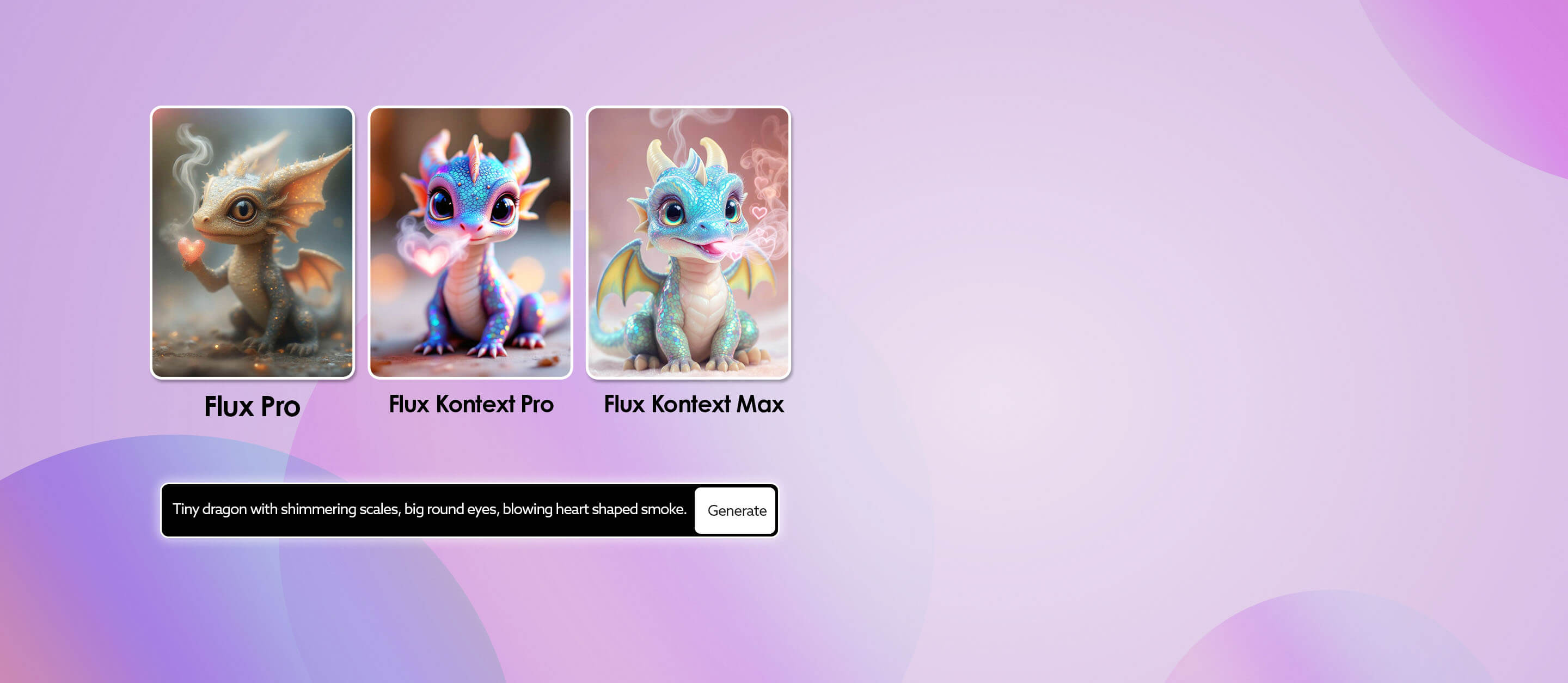
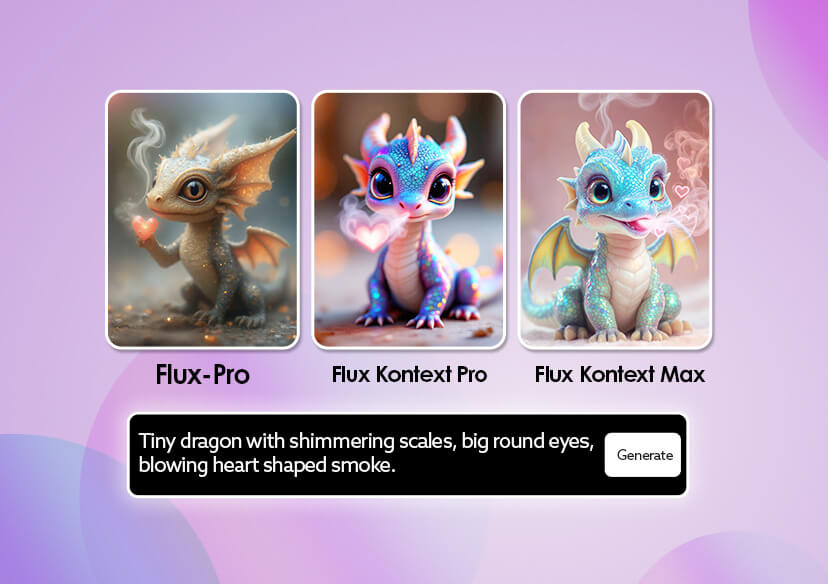



Powerful Image Generation Model
Transforms simple text prompts into stunning, high-resolution visuals with remarkable detail. Beyond creation, it lets you refine or enhance existing images with surgical precision.
Ultra-Fast Results
Powered by a high-performance engine that delivers professional-grade output in record time, ensuring creators can move from idea to finished result almost instantly while keeping both quality and efficiency at the highest level.
Edit Text in Images
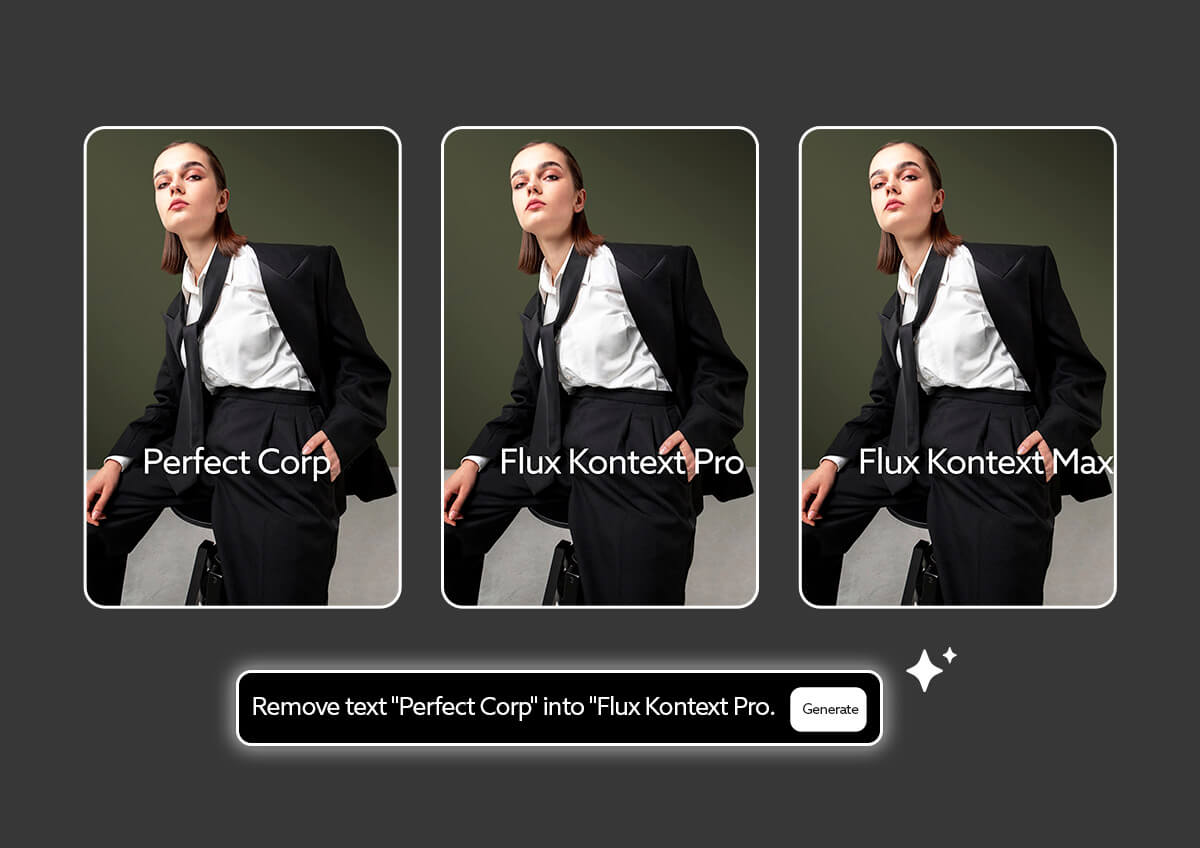
Easily change or replace text inside any image while keeping the design natural and consistent. From shop signboards to product packaging, labels, or embedded typography, every word is rendered with clean lines, accurate fonts, and smooth blending, so the final result looks authentic and visually seamless.
How to Generate AI Images: Step-by-Step Tutorial
Discover how to effortlessly create stunning AI-generated images from text or existing images with YouCam Online AI Art Generator by following this easy step-by-step tutorial.
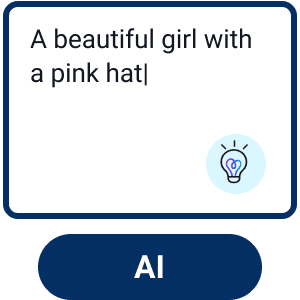
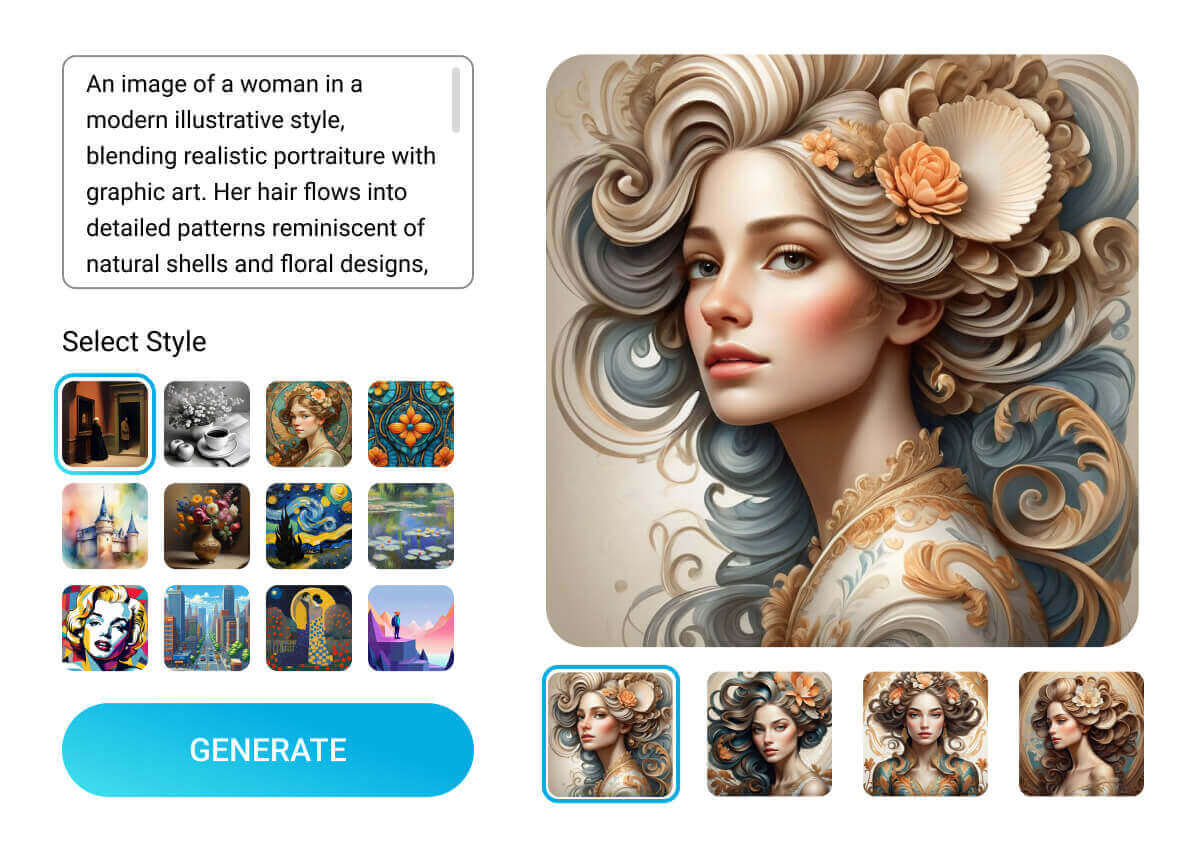
Enter Text or Image Prompt
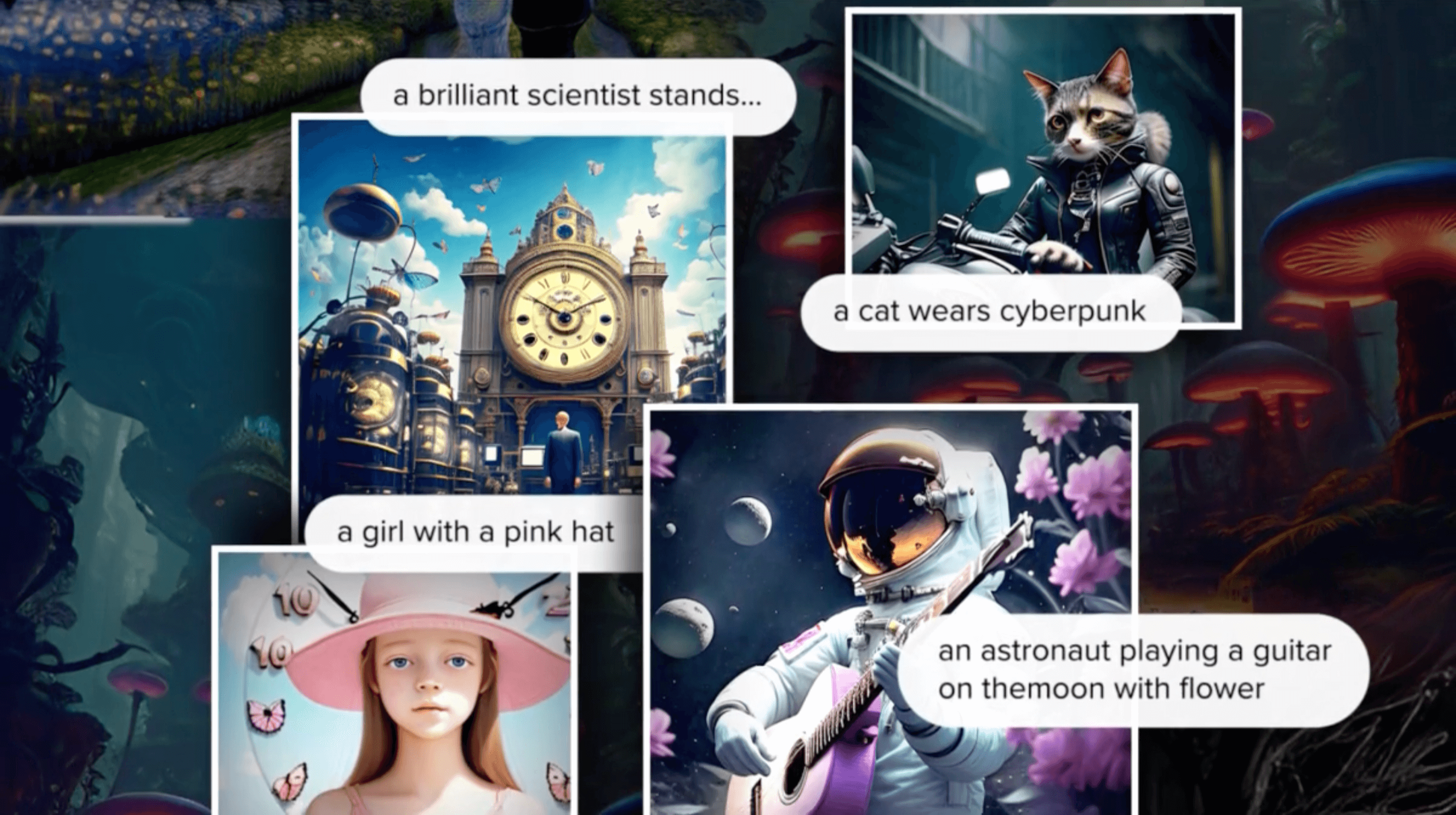
Enter the text description of your image idea. Upload a reference image for the AI to better understand your vision.


Choose a Style
Select a style from the 70+ options available to match your preference.
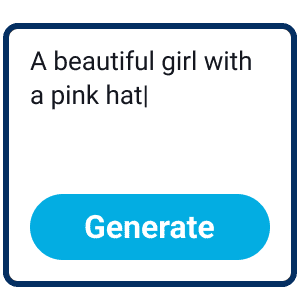
Customize Your Image
Further adjust the Aspect Ratio, Negative Prompt, CFG Scale, Step, and Output Numbers to fine-tune your image.
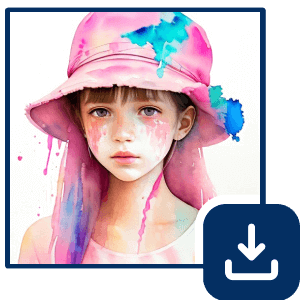
Generate & Save
Click the "Generate" button to begin the AI image creation process.
FAQs
Is FLUX.1 Kontext Max available now?
Yes. It is part of the FLUX.1 Kontext model lineup.
What’s the difference between Max and Pro?
Max emphasizes maximum prompt adherence, typography support, and consistency, while retaining high speed. Pro focuses on balanced efficiency, editing flexibility, and strong general performance.
Can it do partial edits without affecting the rest of the image?
Yes. One of the core strengths is local editing, modifying only specified areas while preserving the rest.
Can I use it for commercial work?
Yes, when licensed properly via BFL or its API partners. The output rights are typically granted to users under terms.

