


Craft Art Work with Text to Image
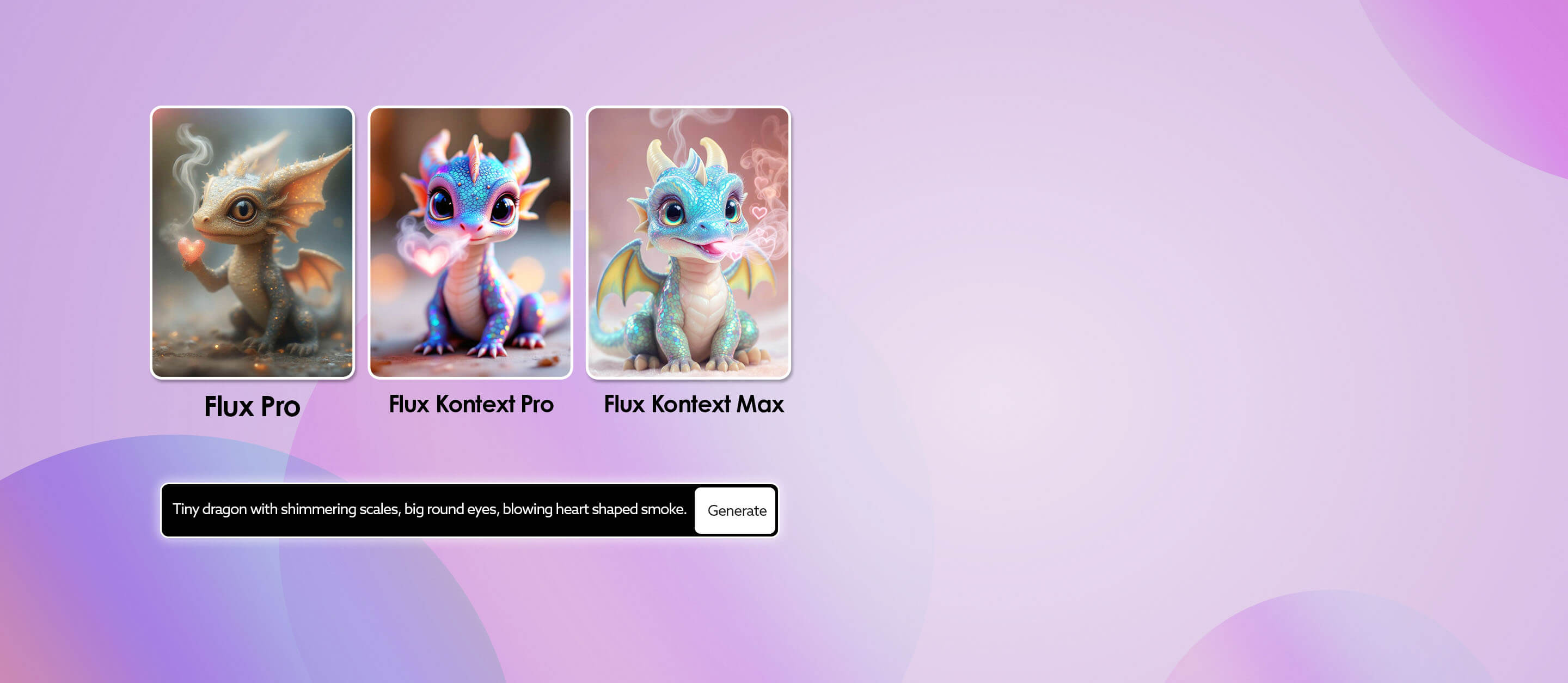
Transform your words into visual wonders seamlessly with YouCam's Al-powered art generator. Just type in a descriptive text prompt and marvel as YouCam's technology weaves your words into breathtaking art instantly. Let your creativity soar and ask Al to craft art for you.
Character & Style Consistency
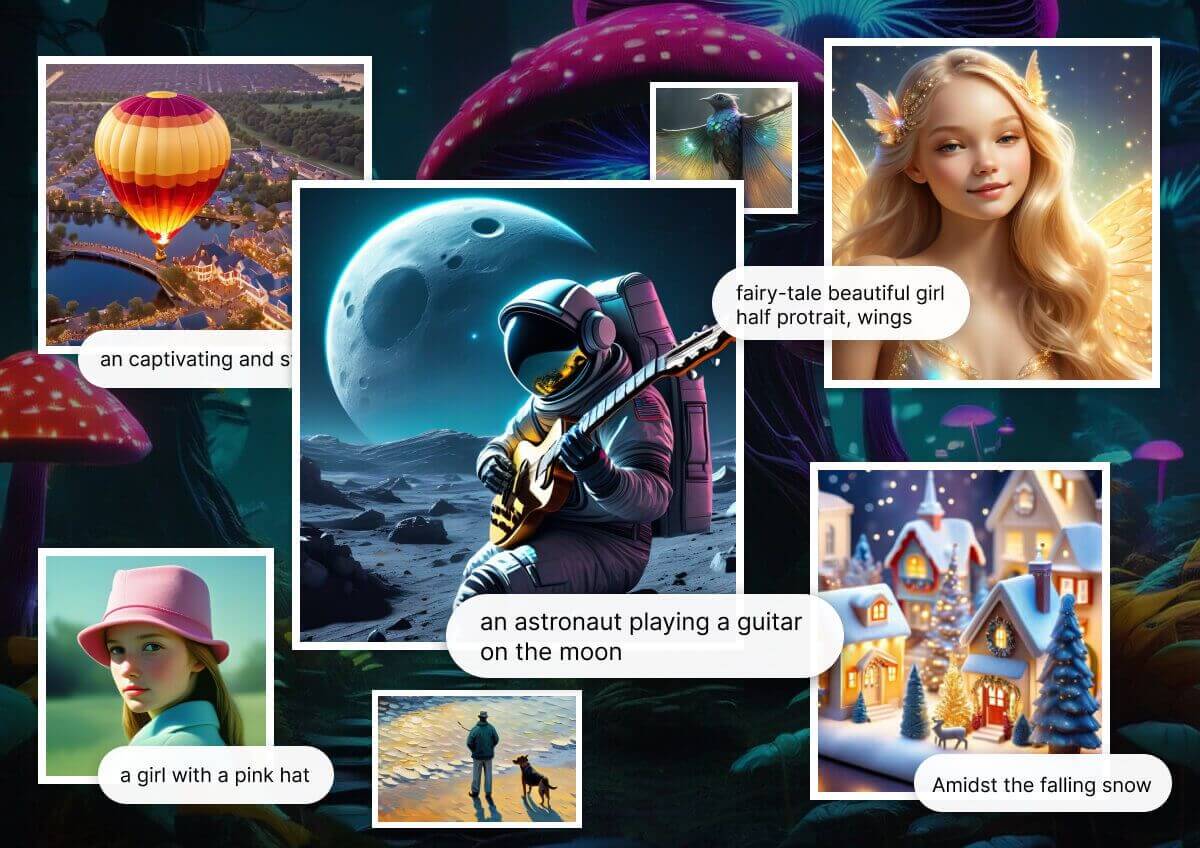
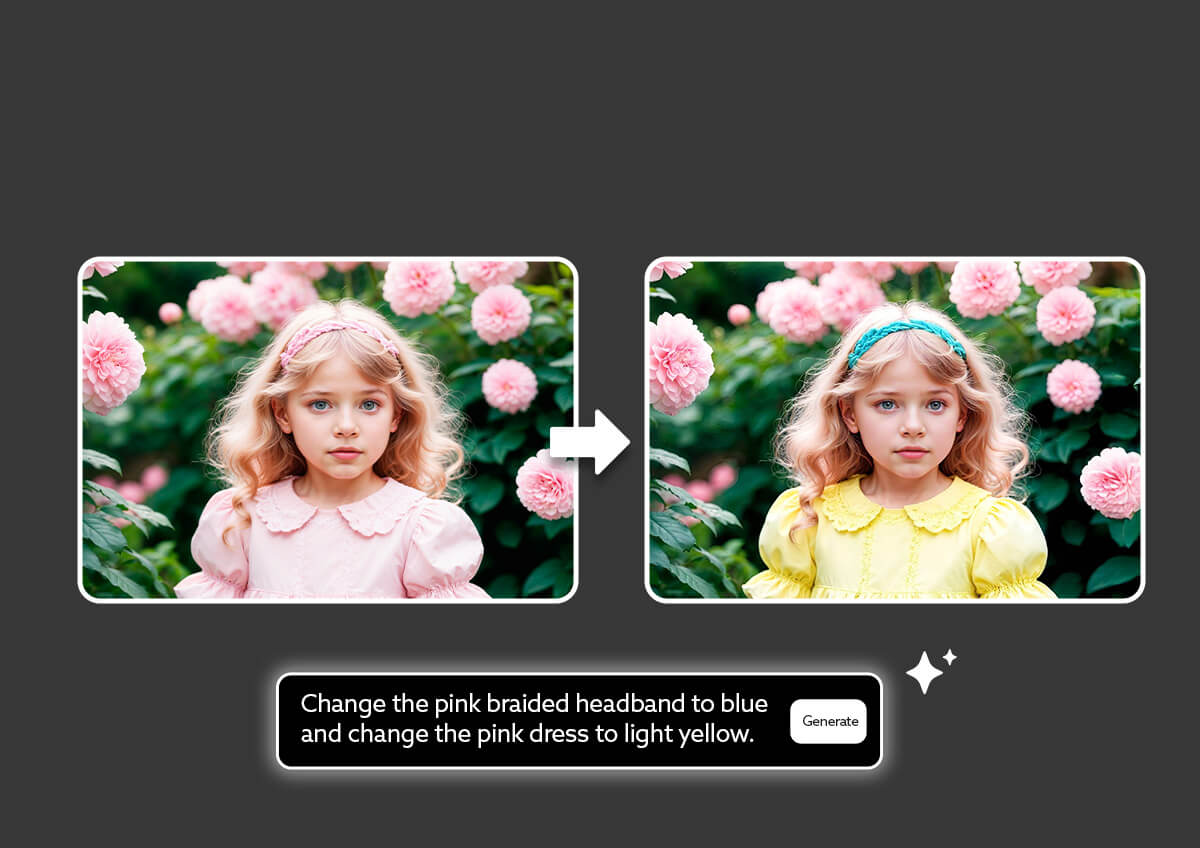
Maintains a seamless sense of identity and design integrity throughout the entire image. No matter how much you refine or replace specific regions, the model preserves essential details such as facial identity, artistic style, body proportions, and overall visual harmony.
Precision Editing with Visual Consistency
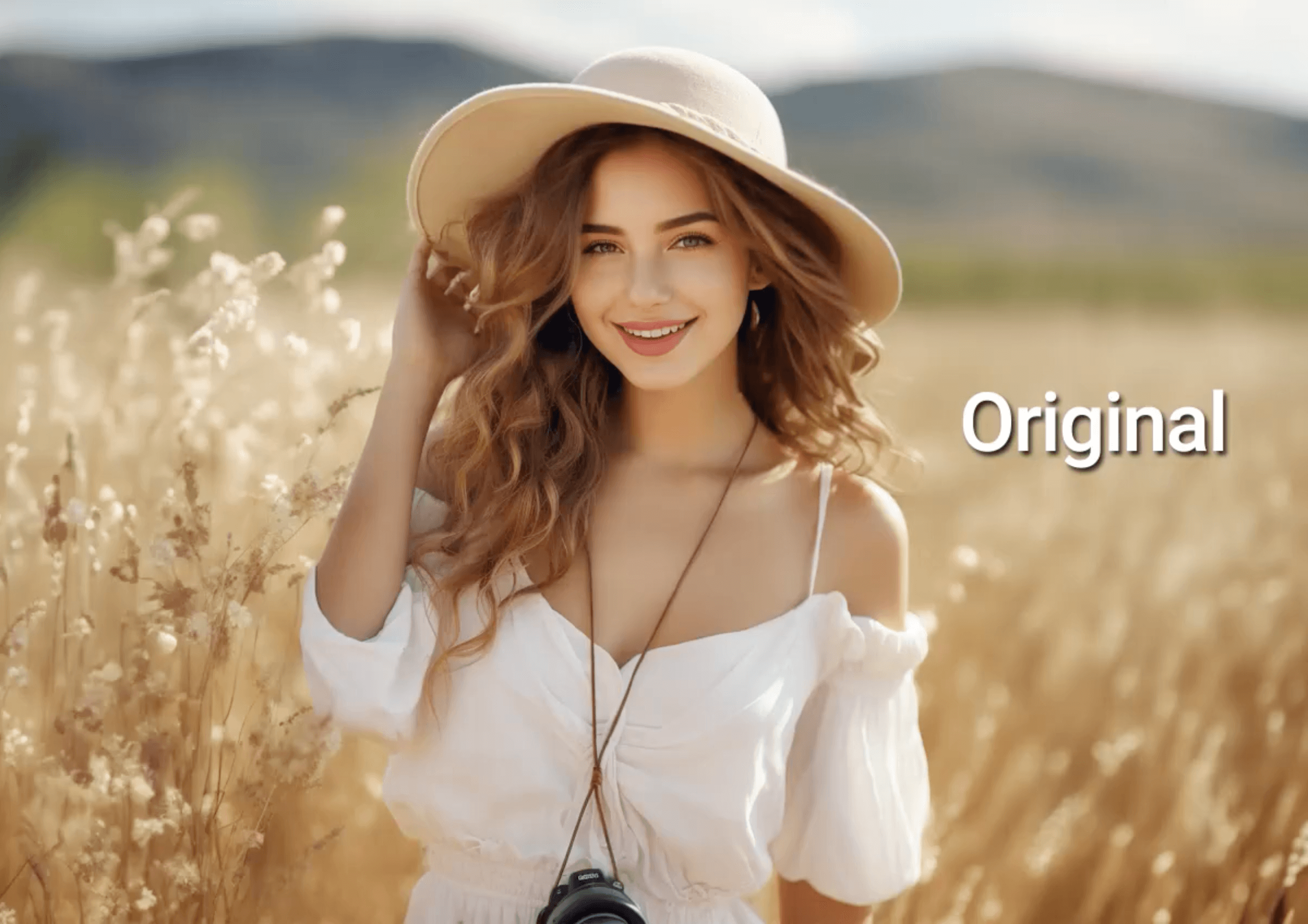
FLUX.1 Kontext empowers you to make highly targeted changes within an image while preserving everything else, from composition to lighting to identity. Whether you're adjusting a small accessory, changing hair color, or editing embedded text, the model understands what to modify and what to keep intact.
How to Generate AI Images: Step-by-Step Tutorial
Discover how to effortlessly create stunning AI-generated images from text or existing images with YouCam Online AI Art Generator by following this easy step-by-step tutorial.
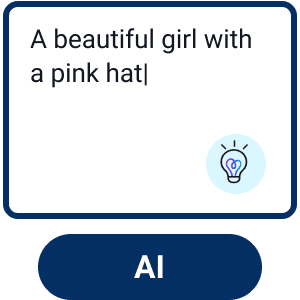
Enter Text or Image Prompt
Enter the text description of your image idea. Upload a reference image for the AI to better understand your vision.


Choose a Style
Select a style from the 70+ options available to match your preference.
Customize Your Image
Further adjust the Aspect Ratio, Negative Prompt, CFG Scale, Step, and Output Numbers to fine-tune your image.

Generate & Save
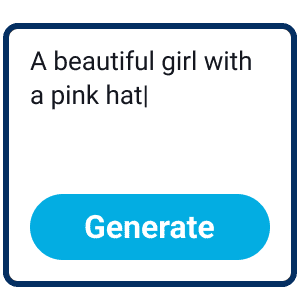
Click the "Generate" button to begin the AI image creation process.
FAQs
Is Flux.1 Kontext Pro free?
Flux offers usage via partner platforms and API access (commercial licensing may apply). It’s not fully open-weight in the Pro tier.
Can I do partial edits without altering the whole image?
Yes. One of the core strengths is local editing, modifying only specified regions while preserving the rest.
Does it maintain consistency across multiple edits?
Yes. The model is built for in-context iteration, preserving character, style, and structure across successive edits.
How does it compare to Flux.1 Pro or Max?
- Pro: prioritizes balanced performance + editing capabilities.
- Max: emphasizes higher performance, improved prompt adherence and typography.
- Dev: open-weight/ non‑commercial version for research and experimentation.

