


AI Hair Color Changer App
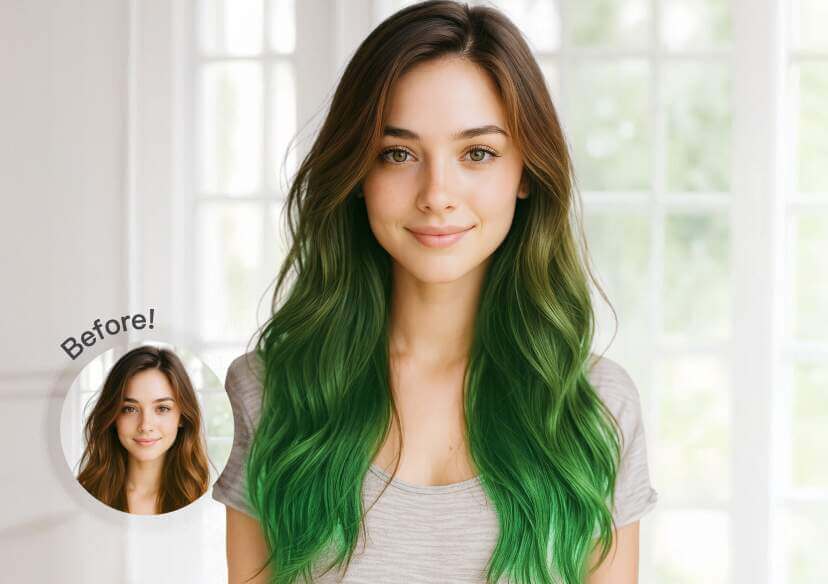
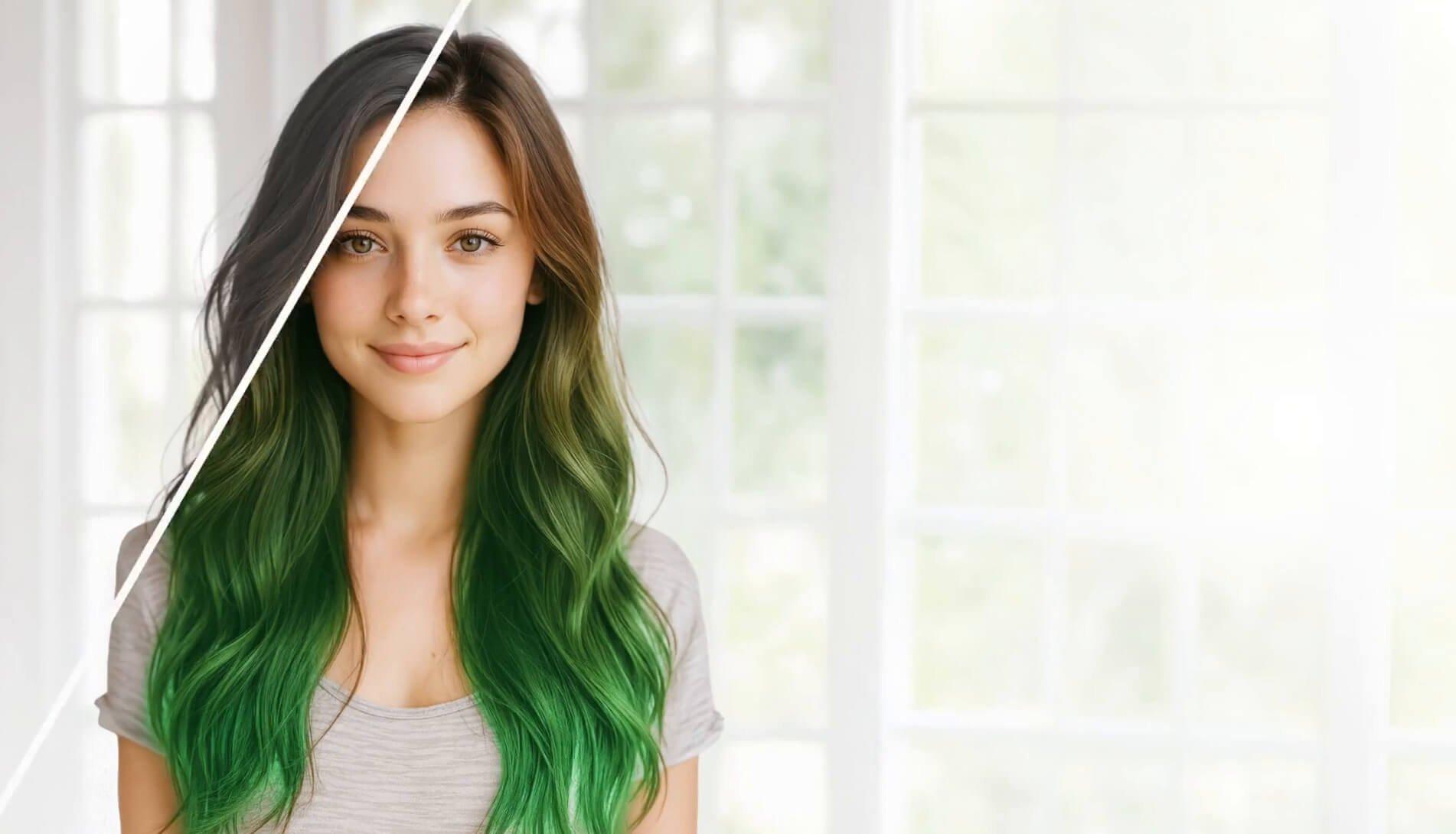
Transform your look instantly with YouCam Makeup's AI hair color changer! Experiment with unlimited colors and change hair color in photos effortlessly.
Download App for FreeTry It OnlineHow to Change Hair Color in Photos with Hair Color Changer App
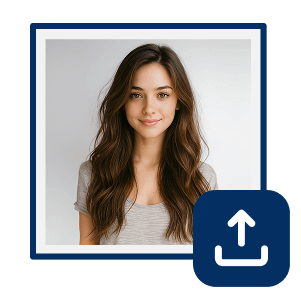
Import Your Image
Open the YouCam Makeup app and import the photo you want to change hair color for. You can also try on live camera directly.

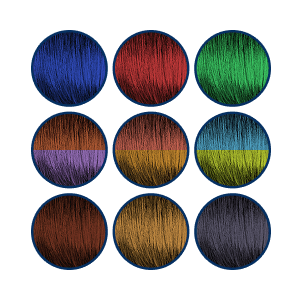
Try Different Hair Colors
Tap on Hair Color in the menu and change hair color on your photo. Select different hair color or use the color picker to customize from a reference.
Choose Styles & Colors
Choose from multi-color or ombre hair color styles to change up your style. Fine tune by adjusting the coverage and blend for unlimited possibilities!
Change Hair Color in Photos With AI
Why settle for one hair color when you can try them all?
Our AI hair color changer lets you explore everything from one color, multi-color to ombre hair. With virtual hair color try-on, changing your hair color in photos is as easy as a tap!
Experiment With Hair Color Try-On Before You Dye
Not sure if that new hair color is right for you?
Use our hair color changer to test hair colors in your photos or videos and find your perfect color match.
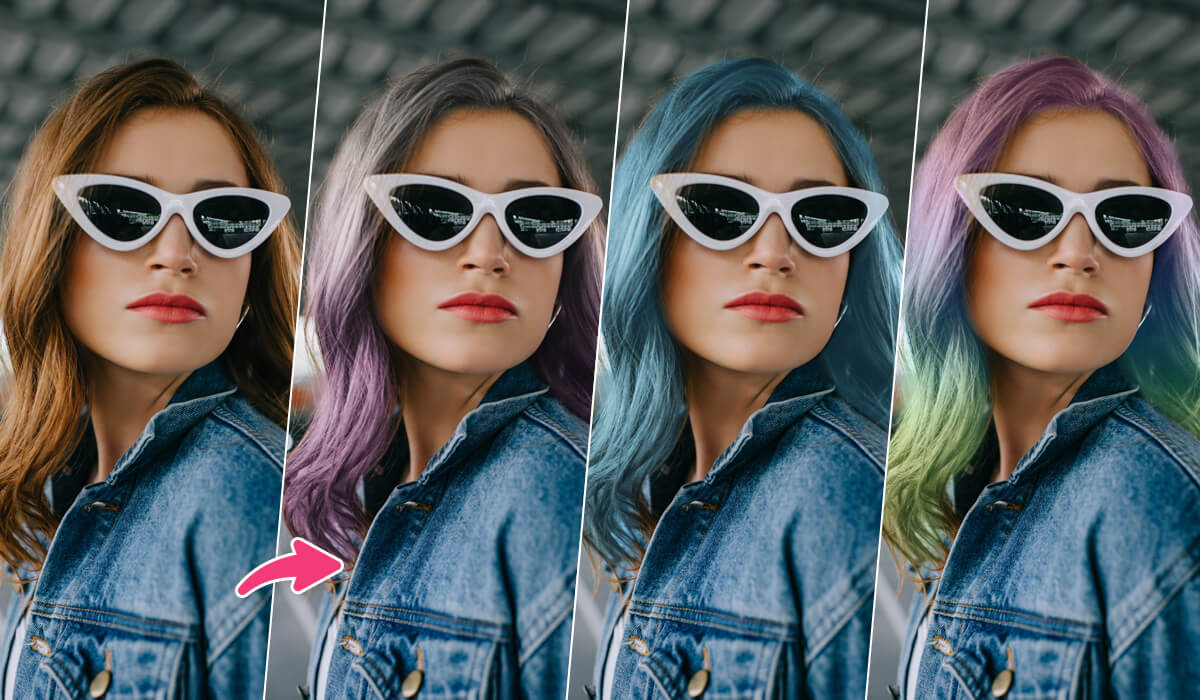
Hair Color Changer With Unlimited Colors & Shades
Explore a wide range of hair colors with our hair color changer!
Try the hair color you've always dreamed of and experiment with new shades you’ve never tried before.
Virtual Hair Color Try-On FAQs
What is the app that lets you try different hair colors?
The YouCam Makeup app is a top-rated hair color changer app that lets you try different hair colors on your photos. With its easy-to-use features, you can experiment with various shades to find your perfect look!
How can I change the color of my hair?
You can change your hair color with a hair color try-on app like YouCam Makeup. Simply upload your photo, select a color, and instantly see how different shades look on you.
Can I change the hair color in a photo?
Yes! You can easily change your hair color in a photo using a hair color changer app like YouCam Makeup. Experiment with different shades and find the perfect color for your next look!
Is there an app to see what I would look like with different hair color?
Yes, the YouCam Makeup app lets you see what you would look like with different hair colors. It’s the perfect way to test out new shades before making any changes!
Is there a free photo editor that changes hair color?
Yes! YouCam Makeup offers a free photo editor that allows you to change your hair color. You can try various hair colors and make adjustments to find the best look for you.
What is the best photo editing app for hair?
The best photo editing app for hair is YouCam Makeup. It includes a powerful hair color try-on feature that allows you to experiment with different virtual hair colors and adjust them to your liking.
How do you edit your hair in a photo?
You can edit your hair in a photo using a hair color changer app like YouCam Makeup. Simply upload your photo, select the hair color option, and try different colors until you find the perfect one.

