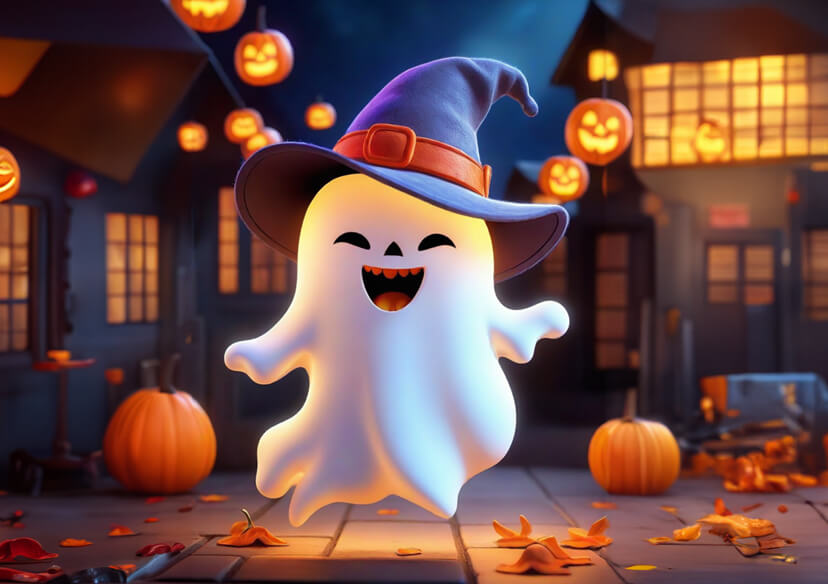



Get ready to give your screens a spooky seasonal makeover with the best Halloween wallpapers and backgrounds of 2025. From eerie haunted houses and glowing jack-o’-lanterns to chic aesthetic Halloween backgrounds, there’s something for every vibe.
Transform Your Screen for Spooky Season
Halloween only comes once a year, so why not give your devices a festive refresh? With YouCam Online Editor, you can create personalized Halloween wallpapers that match your vibe, whether you prefer creepy haunted mansions or cute pastel pumpkins. A customized background instantly sets the mood every time you open your phone or laptop.
Unique Halloween Backgrounds Only For You
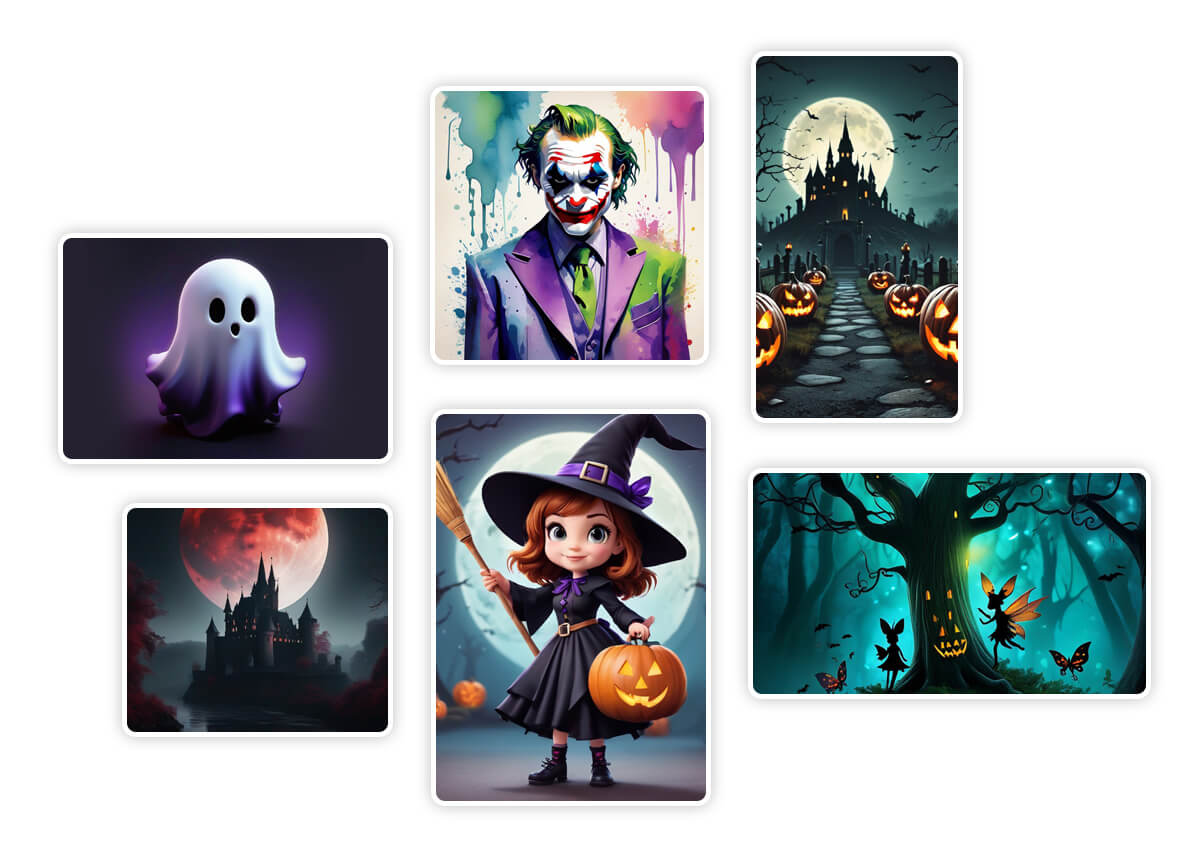
Planning your Halloween content for Instagram, TikTok, or Pinterest? Use YouCam Online Editor to generate unique Halloween backgrounds for your posts, stories, or profile headers. No need to scroll endlessly for free stock images. Your designs are 100% original and generated for you, by you.
How to Make a Halloween Wallpaper
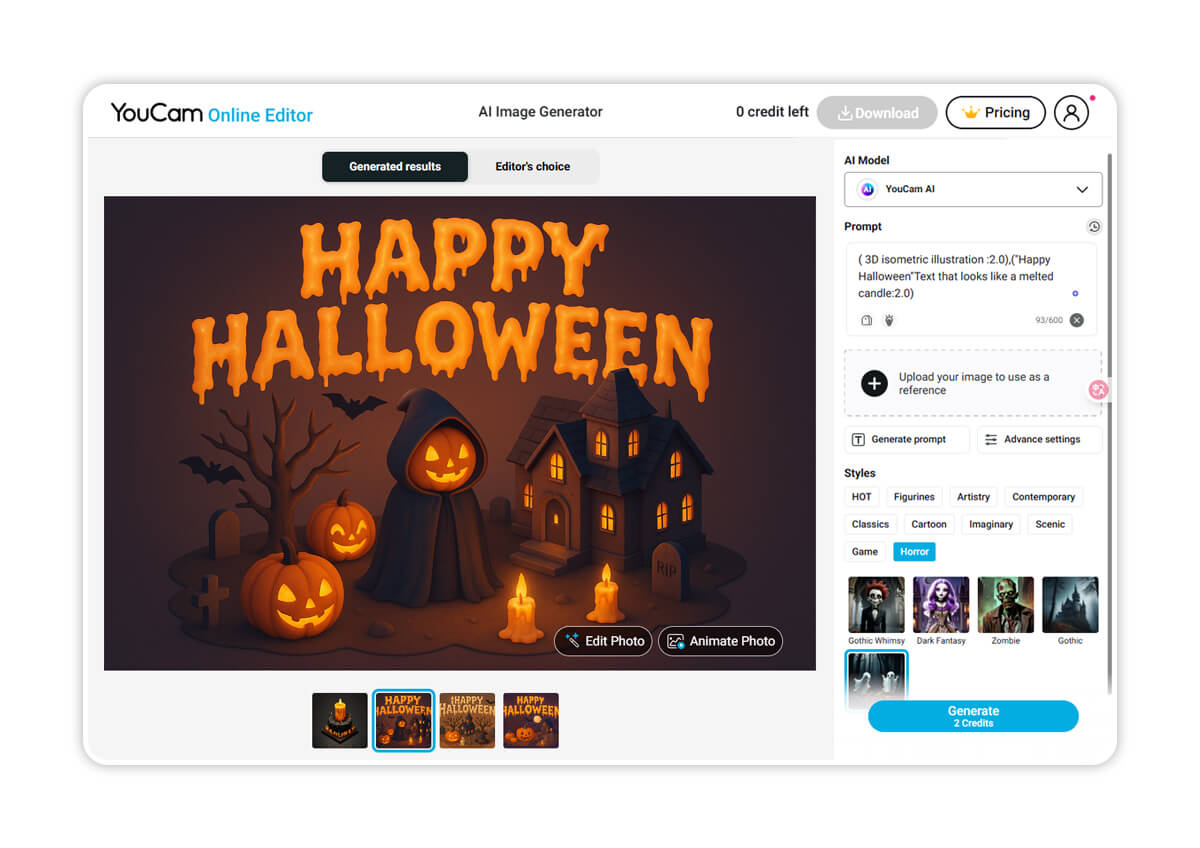
Type Your Prompt
Use text to describe how you want your Halloween wallpaper to look like.

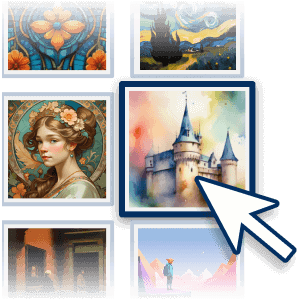
Choose a Style
Select a style for your background or wallpaper and click ‘Generate’
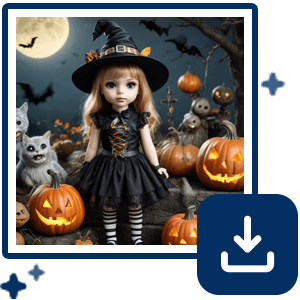
Generate Halloween Background
Watch as the AI generates your unique Halloween wallpaper according to your prompt and selected style!
Halloween Wallpapers and Backgrounds FAQs
Where can I get free Halloween wallpapers?
You can create your own for free with YouCam Online Editor. Choose from spooky AI-generated designs or upload your own photo and turn it into a Halloween wallpaper in seconds.
How do I make a Halloween wallpaper for my phone?
Simply open YouCam Online Editor, select a spooky background or generate one with AI, adjust the size to fit your phone screen, and download it as a wallpaper.
Can I create Halloween background images for social media?
Yes! YouCam Online Editor lets you design Halloween-themed backgrounds in any size, perfect for Instagram stories, TikTok backgrounds, YouTube banners, and more.
What is the easiest way to get spooky wallpaper for my computer?
With YouCam Online Editor, you can create high-resolution desktop Halloween wallpapers with one click. Just type a prompt like “haunted mansion under a full moon” and let AI do the rest.
Can I customize Halloween backgrounds with text or stickers?
Absolutely. After generating your Halloween background, you can add text, spooky stickers, or filters to make it completely unique. If you want more filters and stickers, check out YouCam Makeup Halloween photo editor.
Are Halloween wallpapers free to download?
Yes, you can download your AI-generated or customized Halloween wallpaper for free when using YouCam Online Editor.

