
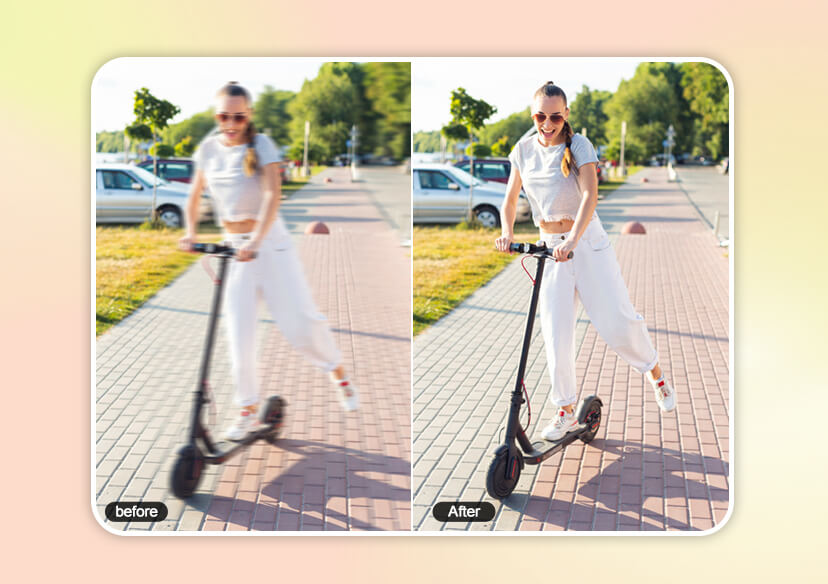




How to Fix Blurry Photos Online & Photography Tips to Avoid
Unblur and fix blurry images online using YouCam Online Editor’s free AI-powered photo enhancer. Upload your image for crispy, clear results instantly.

Why Your Photos Aren’t Sharp?
Blurry images happen more often than you think. Common causes include:
- Camera shake from hand movement
- Low light conditions
- Slow shutter speed
- Incorrect focus
- Motion from people or objects
- Older cameras or compressed images
Understanding the cause helps—but AI can fix the result, even if the photo was taken years ago.

Fix Blurry Photos Fast & Completely Free with AI
Looking to fix blurry images instantly? YouCam lets you unblur photos online 100% free—no credit card required. Just upload your image and AI sharpens it in seconds.
Perfect for:
- Personal photos
- Social media content
- Marketing visuals
- Professional images
Get started today with the most reliable online photo quality enhancer.
How to Fix Blurry Photos Online (Step-by-Step)
Transform your photos from blurry to brilliant in seconds. Our AI makes enhancing images effortless, online and on your mobile device. Just follow these three simple steps:

Upload Your Photos
Choose any blurry image from your device—portraits, old photos, or everyday snapshots.You can select up to 50 photos at once for batch enhancement. (Supported formats: JPG, JPEG, PNG, TIFF, and GIF)


Let AI Improve Photo Quality
The AI automatically detects blur, restores edges, and sharpens lost details. No manual editing is required.

Save Your HD Image
Download your enhanced, crystal-clear photo in high resolution—ready to share or print. That’s it. No manual editing required.
Sharpen and Restore Lost Details Instantly
Don’t let blurry photos erase your memories.
With YouCam’s AI photo enhancer, you can:
- Fix motion blur
- Restore old and faded photos
- Sharpen portraits and faces
- Enhance low-resolution images
The AI intelligently rebuilds details lost to time, poor lighting, or camera limitations—making photos look natural, not over-edited.
📸 Perfect for portraits, vintage photos, and everyday images that deserve a second chance.
Photography Tips to Avoid Blurry Photos
Want sharper photos from the start? Follow these pro-approved tips:
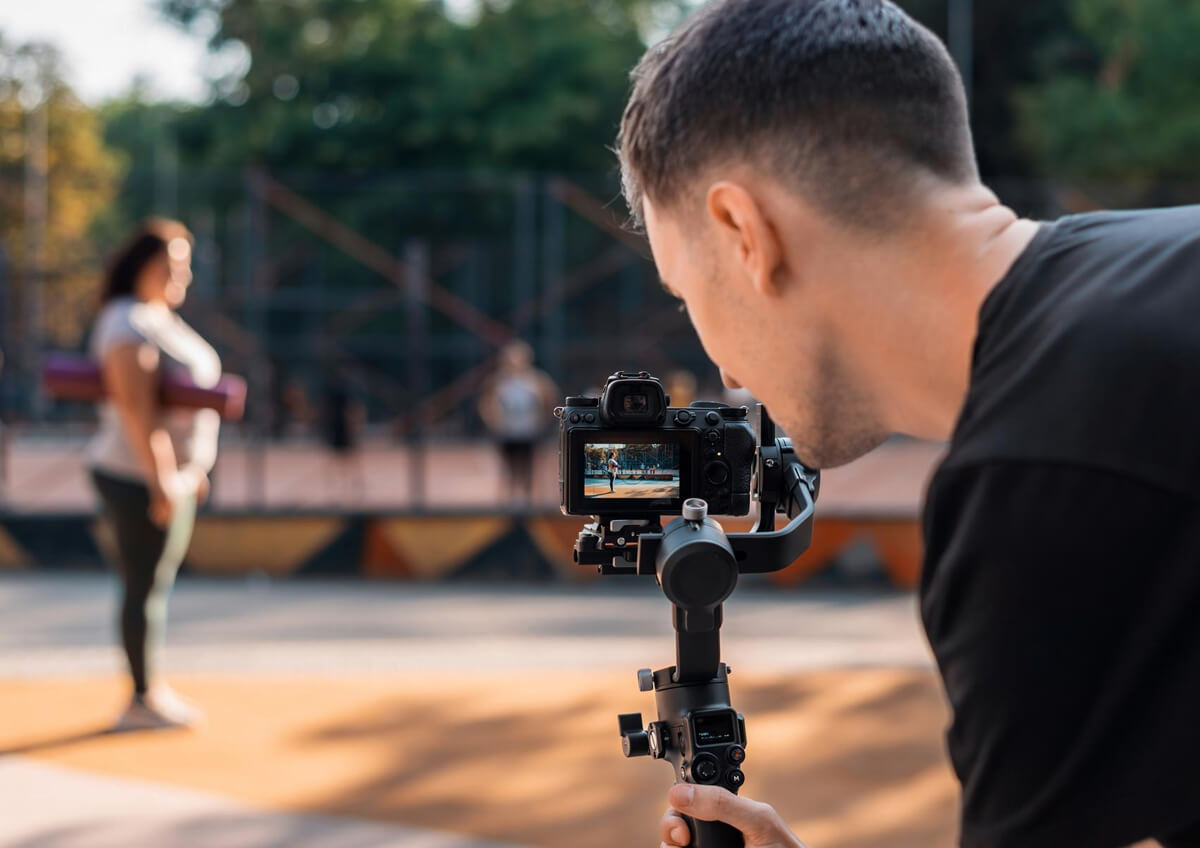
- Increase Shutter Speed: Use 1/500s or faster for moving subjects
- Use a Tripod: Prevent camera shake in low light
- Keep Lenses Clean: Smudges cause softness
- Optimize Focus: Use single-point or eye autofocus
- Control Aperture: Avoid extremely shallow depth of field
- Use a Timer: Reduce shake when pressing the shutter
Pair smart shooting with AI enhancement—and you’ll never worry about blur again.
How to Fix Blurry Photos Online FAQs
What helps to avoid blurry images?
Faster shutter speeds, stable support, proper focus, and clean lenses significantly reduce blur.
How to improve blurry photo quality?
Use AI photo enhancers to sharpen details, restore textures, and improve clarity automatically.
How to make a blurry picture clear online?
Upload your image to an AI tool like YouCam Online Editor and let AI fix it instantly.
What is the best free online photo enhancer?
YouCam Online Editor offers powerful AI sharpening, restoration, and clarity enhancement—no downloads required.

