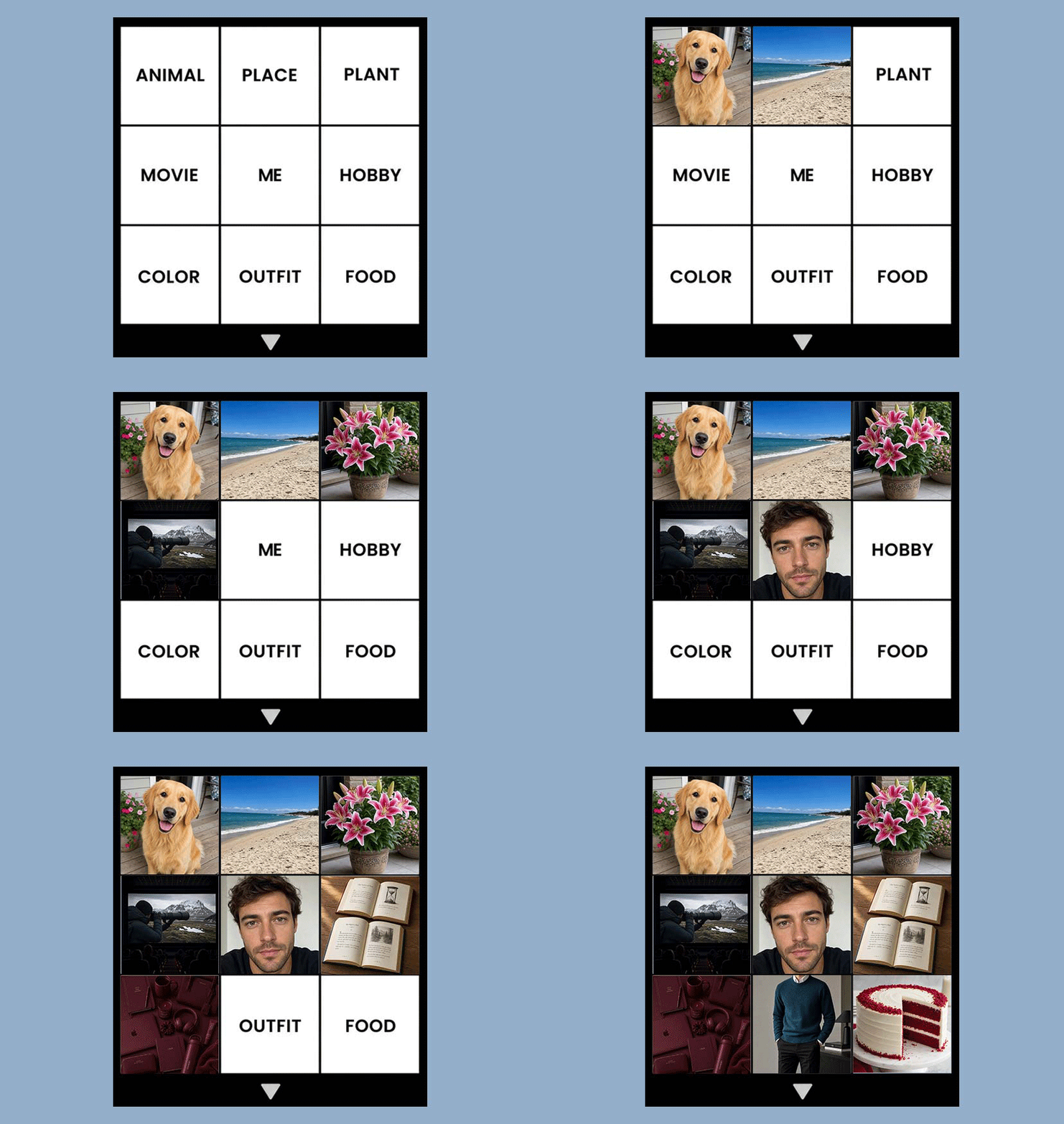



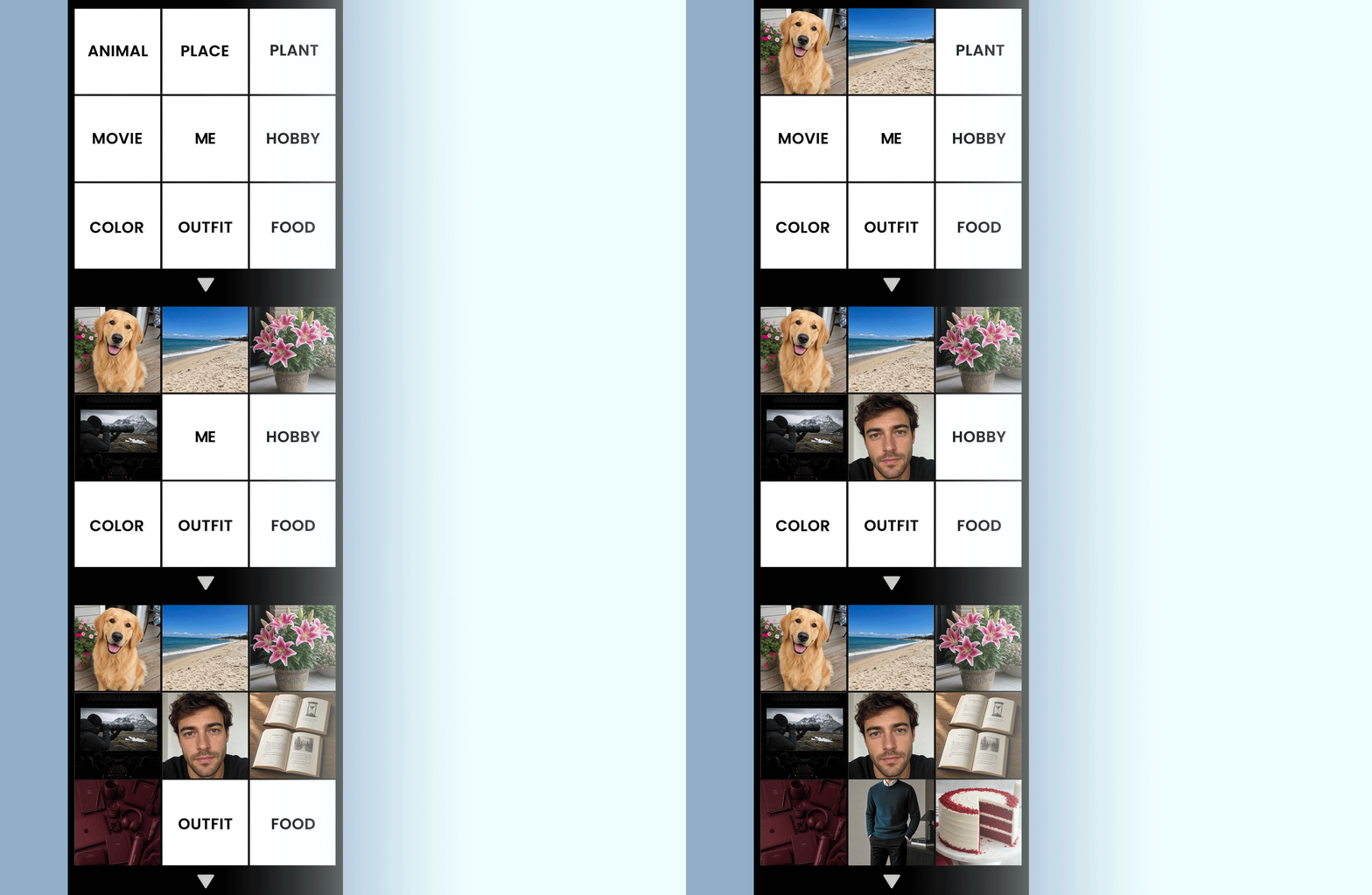
Create Your "How We See Each Other" Grid With AI
Upload a photo of you, describe each category to our AI Agent, and get your own "How We See Each Other" grid. Save hours by generating your images instead of browsing for the right pictures.
What is the How We See Each Other Trend?
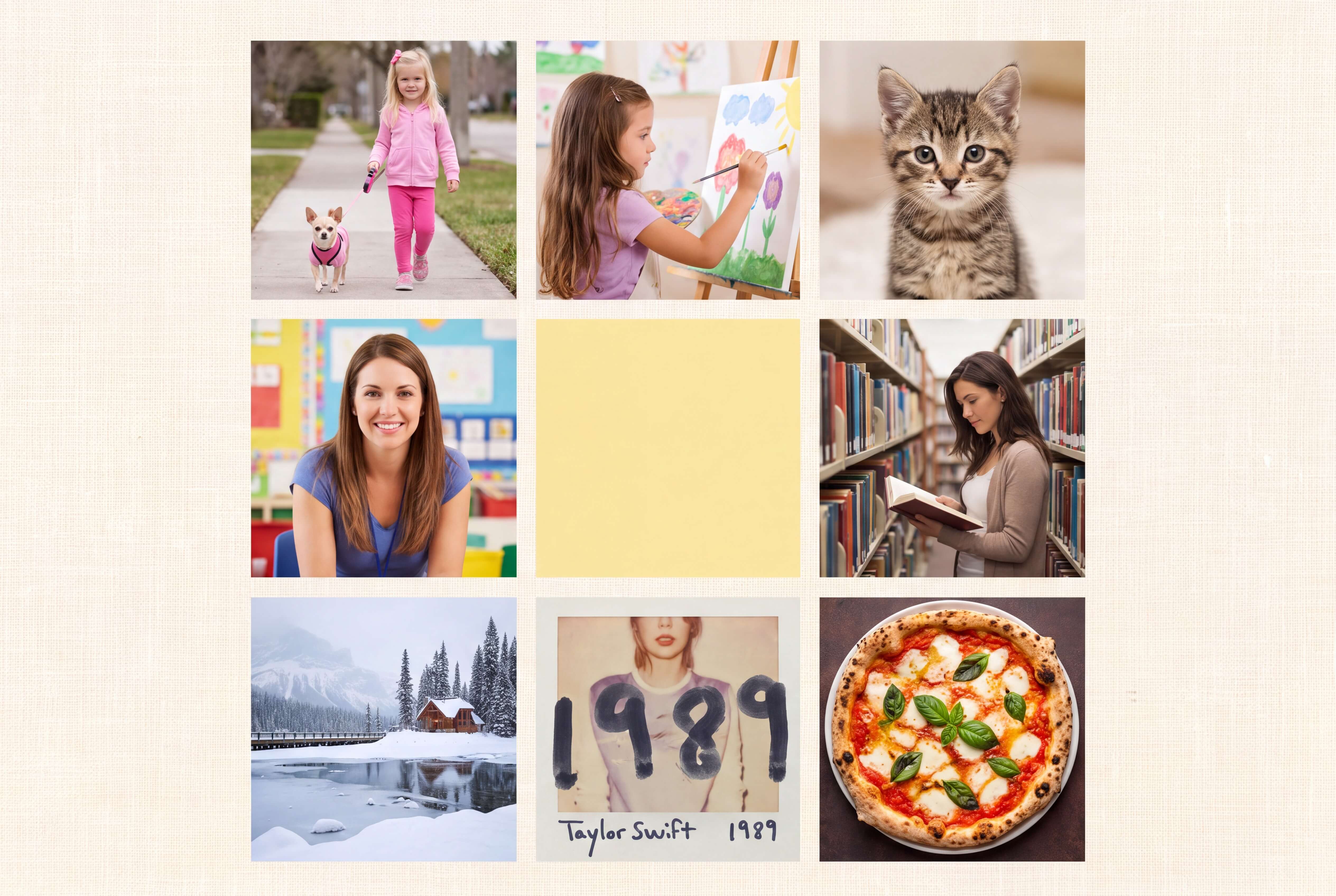
The "How We See Each Other" trend has gone viral on social media, featuring a 3×3 collage that represents how one person sees the other. Each square represents a different theme—such as an animal, food, color, or place. The catch? You have to search for nine images that best capture the other person!
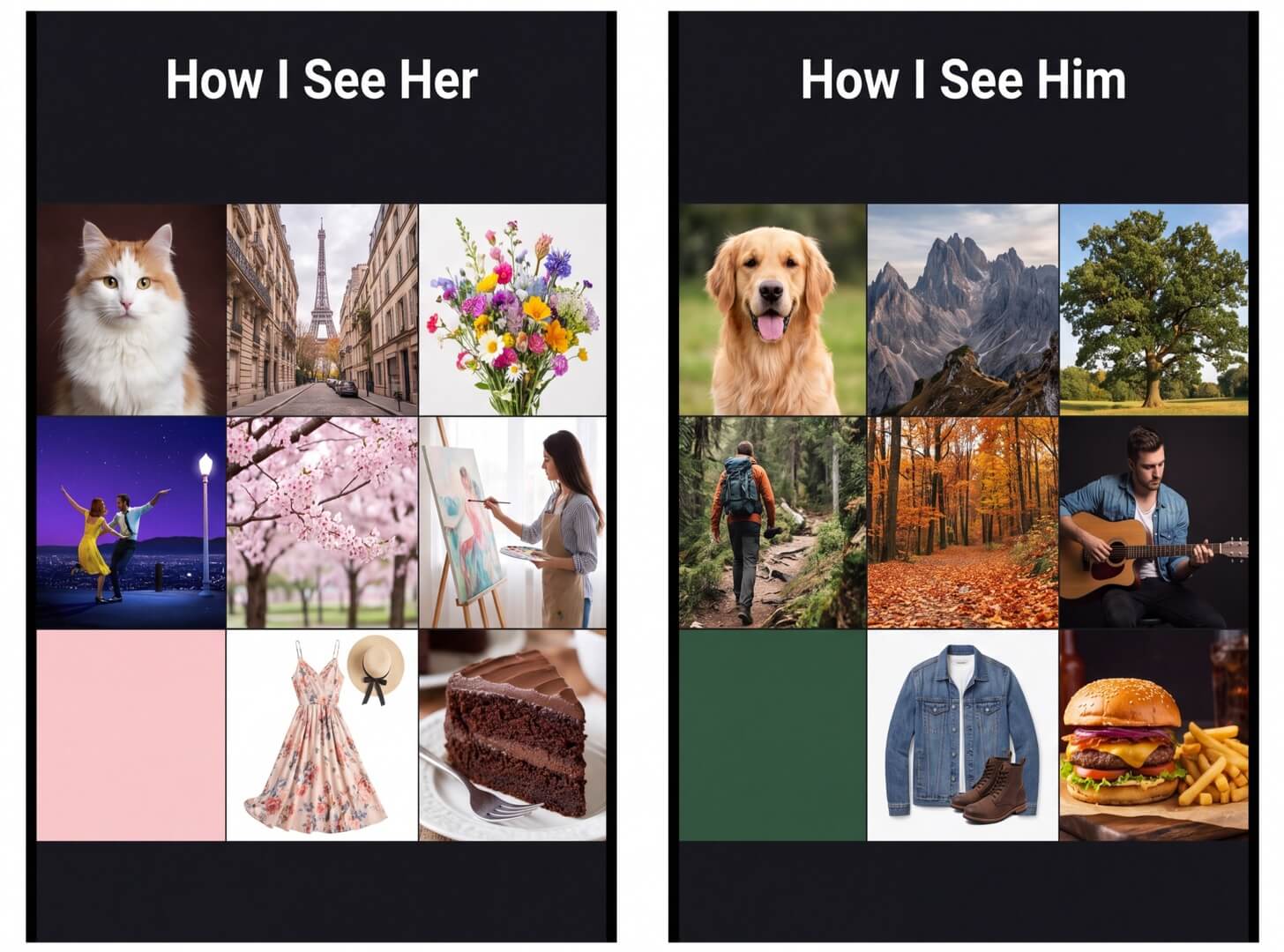
Skip the Search. Let AI Build Your Grid.
Creating a similar grid usually means searching for nine images, saving them, and arranging them into a collage. With AI Agent, you can skip the search. Simply describe your nine categories in one prompt, and let AI build your grid for you.
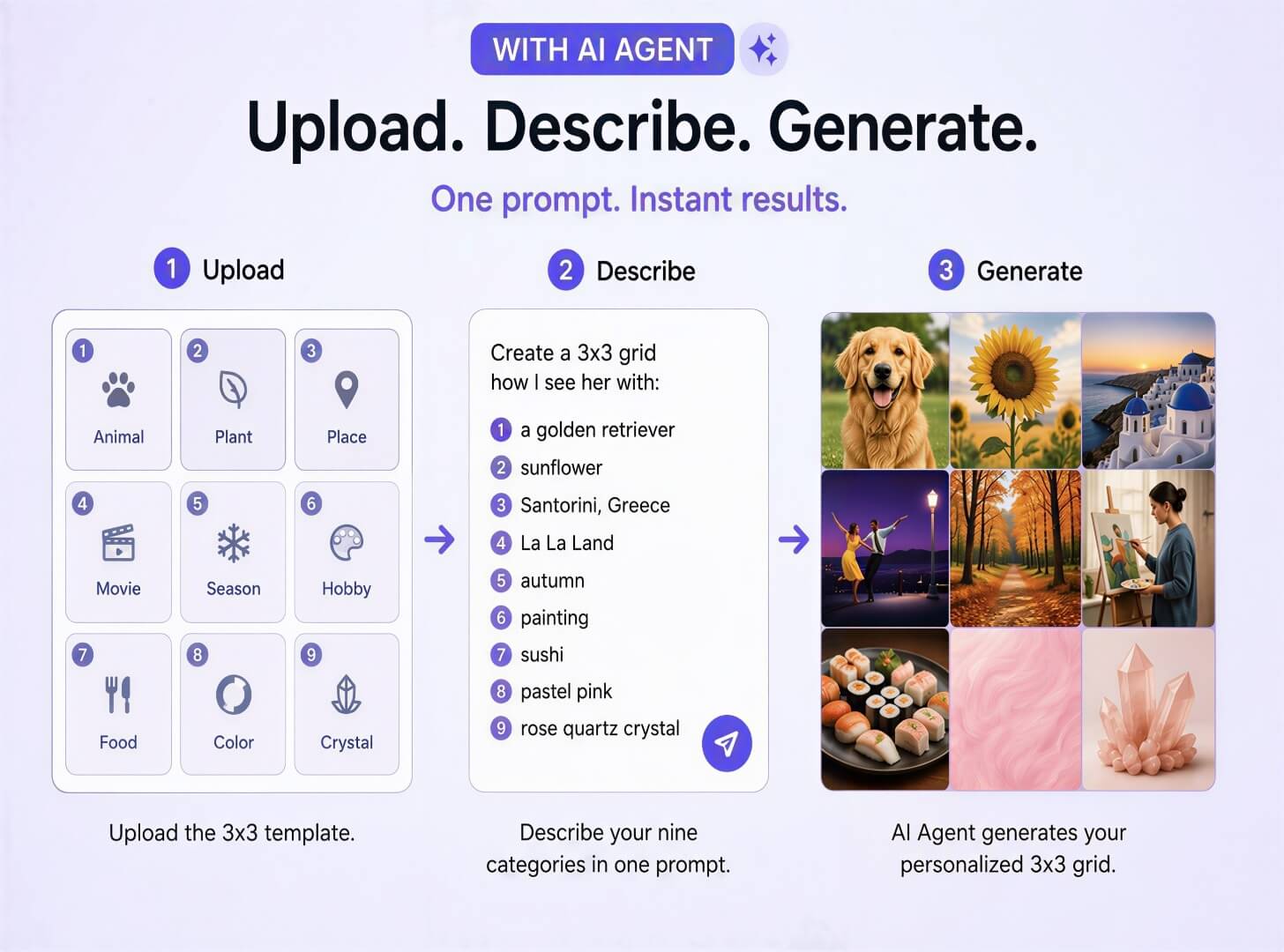
Make Your "How We See Each Other" Grid in 3 Steps
Create the full 3x3 grid in one descriptive prompt, no template pack or collage app required.
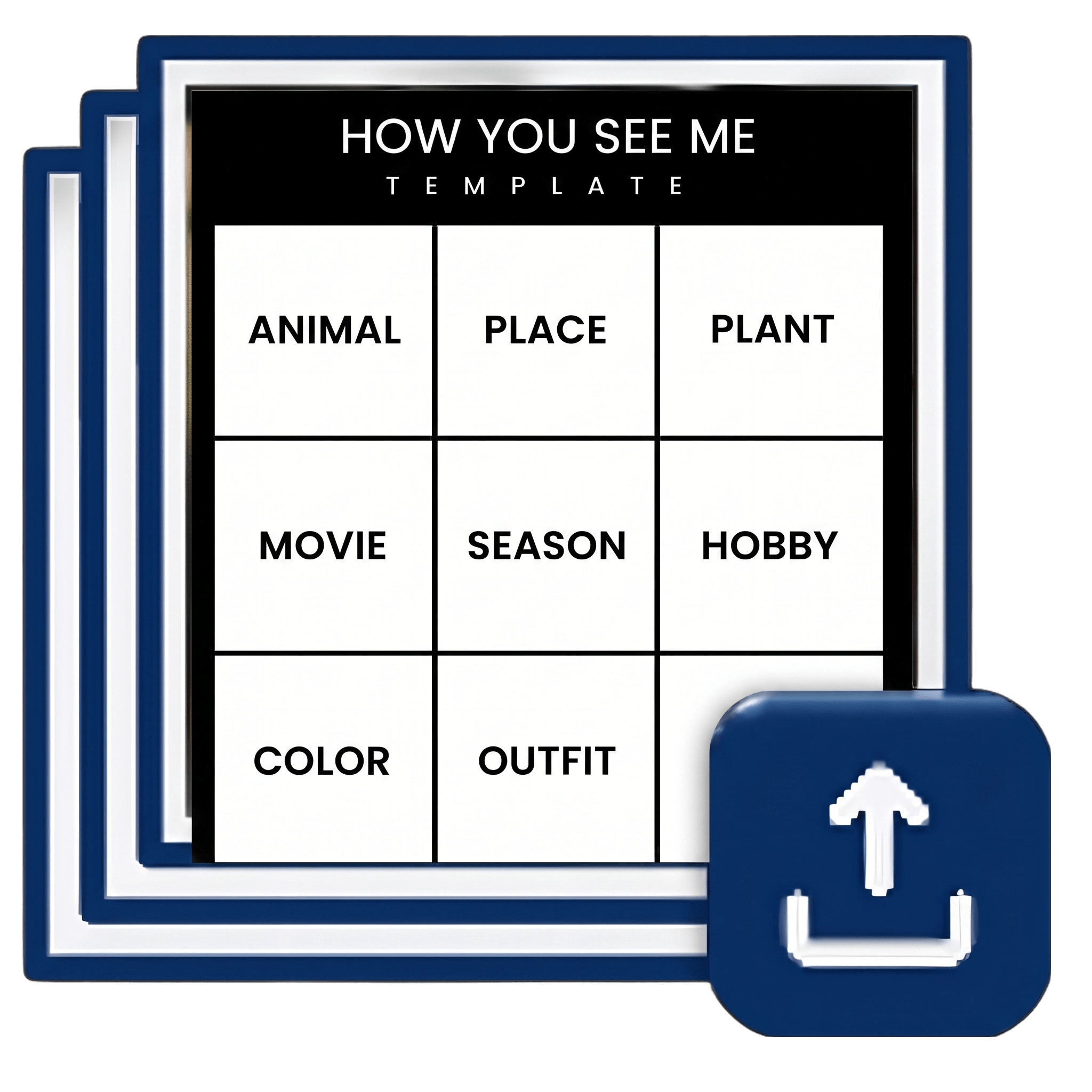
Upload a Template
Go to YouCam Online AI Agent and upload a template including each theme for the model to follow.
Note: This is for the AI to generate the best results. It can also work without a template.

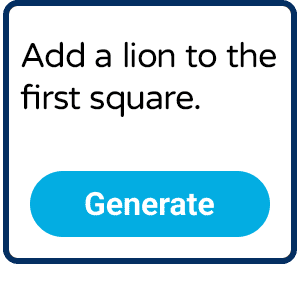
Describe the Nine Squares
Type in the scenario to let the AI understand the context, for example: “This is a 3x3 grid for the How we see each other trend. Each square should include an image." Add descriptive prompts for each square to get the most ideal result.
Note: Try to write as specific as possible. Avoid ambiguous and subjective terms.
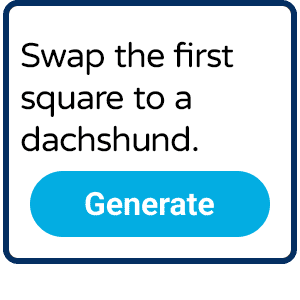
Generate and Review
Generate a first edition of the grid. Review the result to make sure every image meets your expectations. Ask for changes if needed.
Note: Target on revising one square at a time to make sure the AI clearly follows every instruction.
Bring Your Grid to Life
Turn your static "How We See Each Other" grid into an animated video with AI. Simply ask: “Animate all 9 images in the grid.” Let AI add motion to your grid, then share your creation on TikTok, Reels, or Stories.
How We See Each Other Template FAQ
What is the "How We See Each Other" trend?
It's a 3x3 photo grid trend from TikTok and Instagram where each of the nine squares represents a different category, commonly an animal, plant, season, place, hobby, character, food, color, and crystal or song, used to show how you see a partner, friend, or family member.
How do I make a "How We See Each Other" template without downloading an app?
Go to YouCam's AI Agent in your browser, upload a photo, and describe your nine categories in one message. AI Agent generates the full grid for you, no collage app, template pack, or installation required.
What are the 9 categories in the "How We See Each Other" grid?
The most common set is animal, plant, season, place, hobby, character or movie, food, color, and crystal or song, though people swap in their own categories all the time. A closely related variant, "How You See Me," swaps in personality-style categories like vibe, song, place, movie, and quote instead. AI Agent works with whichever set you describe.
Is the "How We See Each Other" template free to make?
Yes. Creating your grid through YouCam's AI Agent online doesn't require buying a template pack or a premium collage app subscription. For new sign ups, we offer two free chats with the AI Agent. After the two uses, you may subscribe to our plans for up to 15 free chats per day.
How is this different from making the grid manually in Canva or CapCut?
The manual method requires you to gather all 9 images on your own to complete the grid. You may spend hours searching for one perfect image and still have to worry about copyright issues. AI Agent simplifies this process. Ask the AI to generate the images you are thinking of and place them directly onto your grid. You don't need any photo editing skills to create a How We See Each Other grid with our AI Agent.
Can I edit or redo just one square of my grid?
Yes. Tell AI Agent which square to change and what you want instead, like "make the season square winter, not fall," and it can update that part without regenerating the whole image. The AI Agent remembers your chat so that you can easily make changes to previous actions.
Can I turn my finished template into a video for TikTok or Reels?
Yes. Once your grid is done, stay in the same tool and ask the AI Agent to animate your grid. The model is trained to turn images into videos! You may also use Image to Video to animate it into a short clip, which tends to get more engagement on TikTok and Reels than a static post.

