



Online AI Image to Video Generator
Create stunning videos from images using our AI-powered image-to-video generator. Just upload your photos and let AI generate a video. Perfect for TikTok, Instagram Reels, and YouTube Shorts. No editing skills needed—fast, easy, and professional results every time.
Create Videos from Images in Seconds with AI
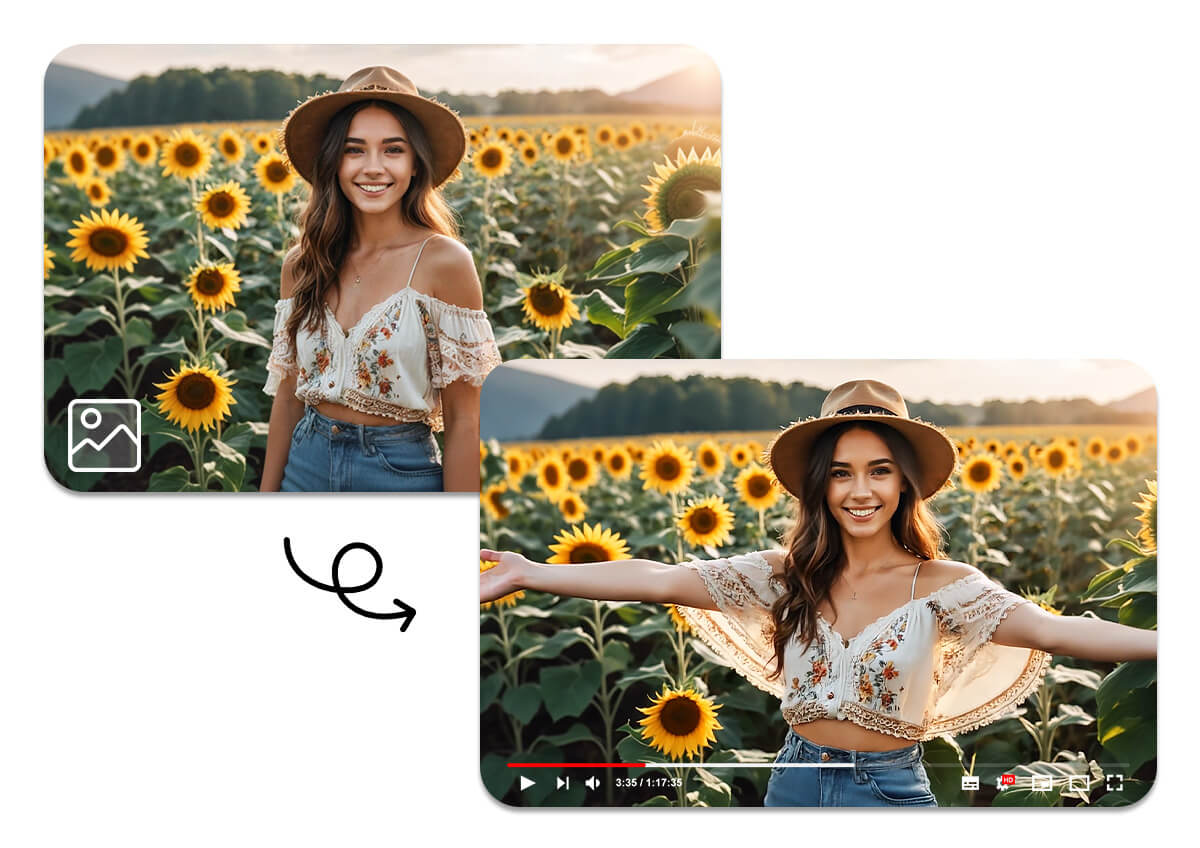
With our AI-powered image-to-video generator, you can easily animate static images and create visually stunning videos—no editing required. Upload a photo or add a text prompt to guide the animation, from subtle motion to cinematic effects. Whether you're preserving special moments or crafting viral content for TikTok, Instagram, or YouTube, this tool helps you bring your ideas to life—quickly and beautifully.
How to Turn an Image into a Video with YouCam AI Video Generator
Creating AI-generated videos from photos is fast and easy with YouCam’s Image to Video tool.
Here’s how it works:
Step 1: Upload an Image or Photo
Choose the image you want to animate, preferably with a clean background for the best results. Supported formats include JPG, JPEG, PNG, TIFF, and GIF.

Step 2: Select a Template or Enter a Prompt
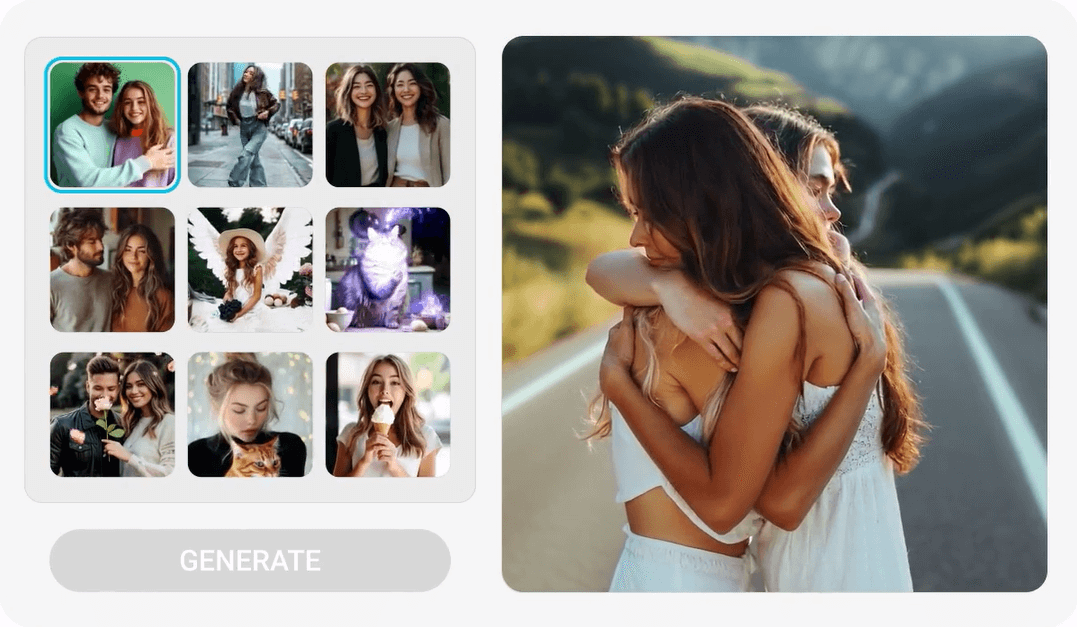
Pick from over 20+ professionally designed video templates, or enter a custom text prompt using the “Animate your photo” option for a more personalized AI video.
Step 3: Click "Generate" to Create Your AI Video
Simply click the Generate button, and the AI will process your image into a dynamic video. Once complete, you can view and download your video from the gallery.

Turn Photos into Eye-Catching Videos Instantly
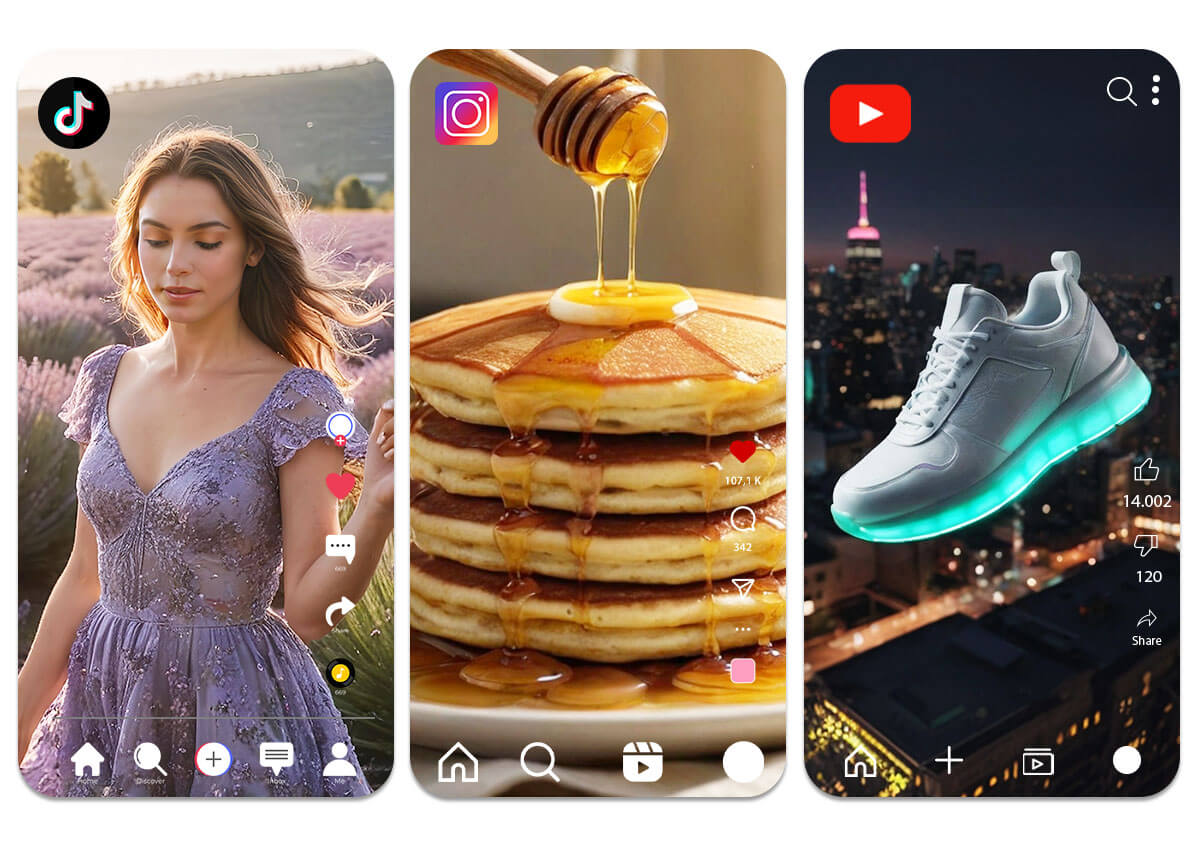
Transform your photos into professional videos with YouCam’s AI Image-to-Video Generator. Bring static images to life with AI-powered animations, and perfectly matched background motion. Create scroll-stopping content for TikTok, Instagram, YouTube, and more—ideal for creators, marketers, and anyone looking to make an impact with visual storytelling.
Create AI Videos from Scratch
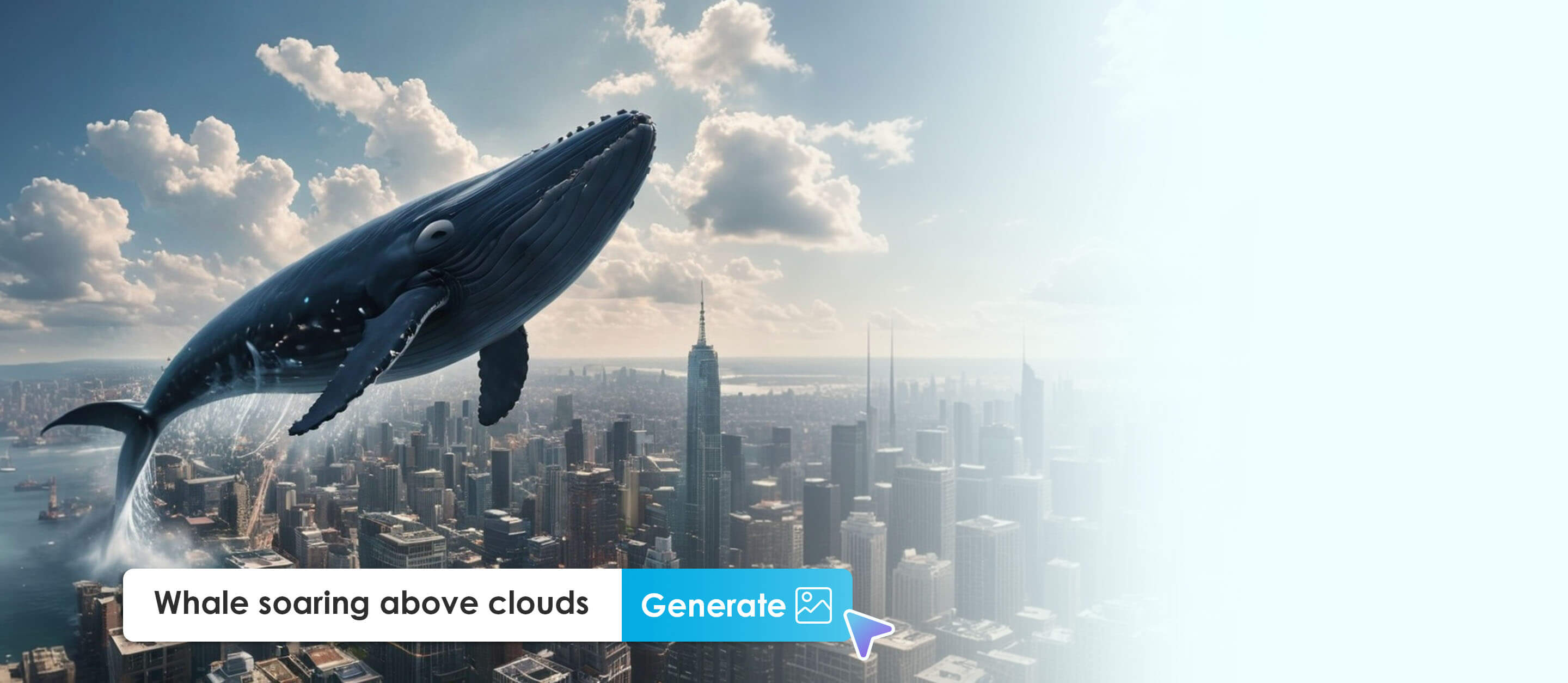
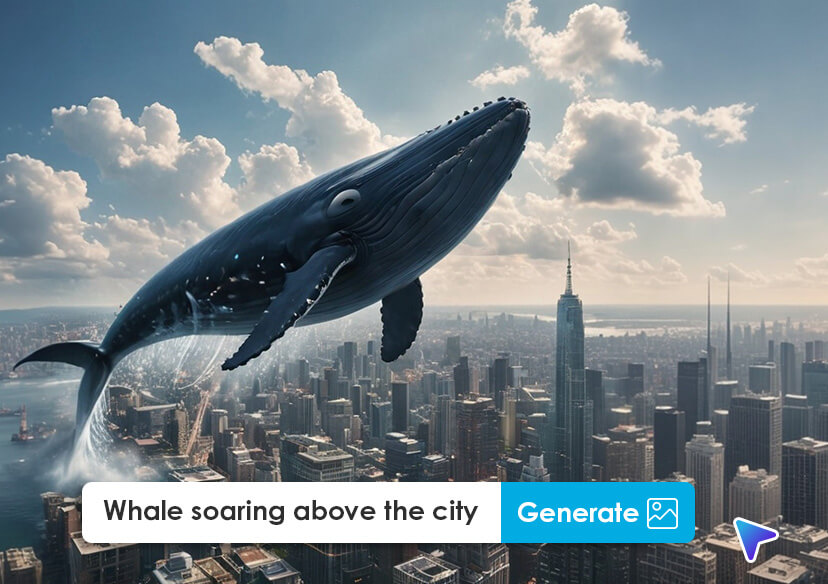
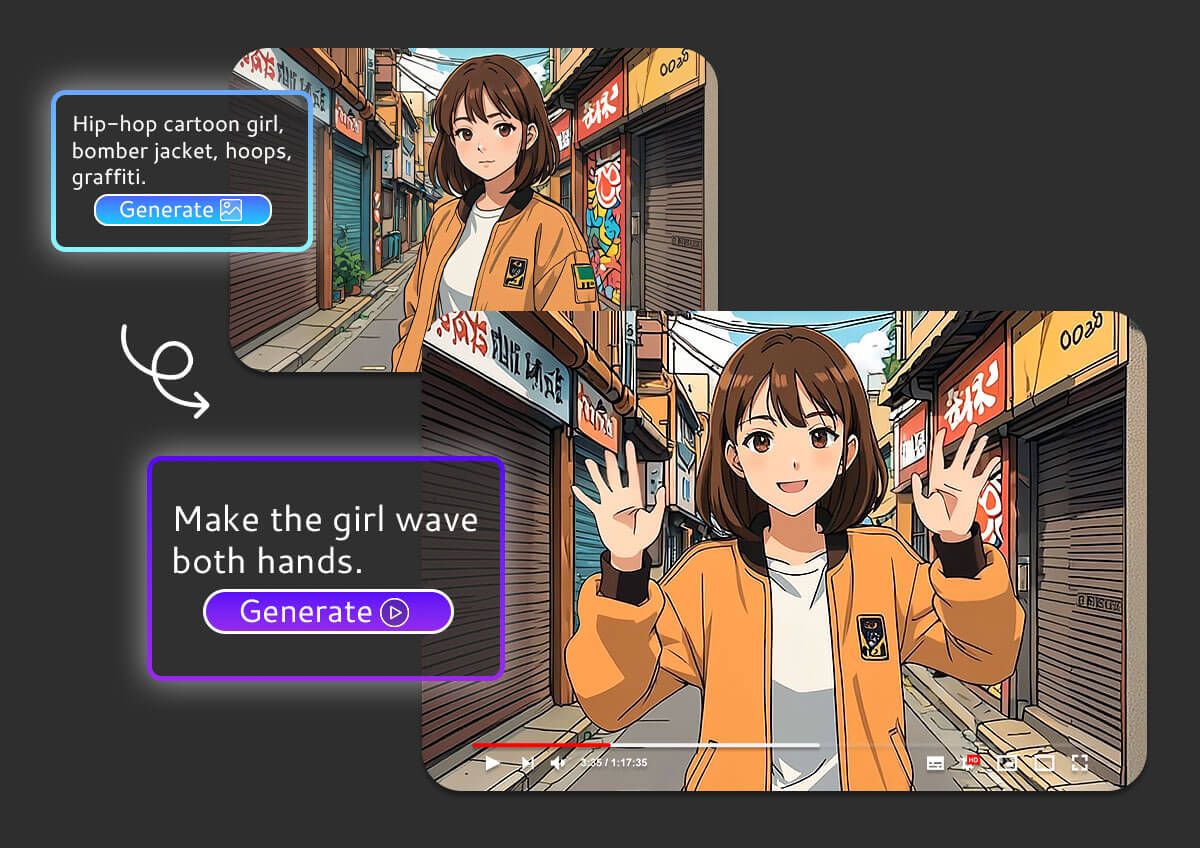
No photo? No problem! Use our AI text-to-image generator to create custom visuals, then instantly turn them into videos with our image-to-video tool. Everything happens in one place. With our AI-powered video editor, you can generate, animate, and edit your content from start to finish—no need for multiple apps or tools.
Generate Videos in One Click with 20+ Ready-Made Templates
Choose from over 20 professionally designed video templates and create stunning content in seconds. Just pick a template, add your images, and let AI do the rest. Whether it’s for TikTok, Instagram, or product marketing, our one-click video generator makes content creation fast, easy, and hassle-free—no editing skills required.
Frequently Asked Questions of AI Image to Video Generation
What is the YouCam AI Image to Video Generator?
It’s an AI-powered tool that transforms static images into dynamic, animated videos. You can choose from over 20+ templates or enter a text prompt to customize the animation.
Do I need editing experience to use this tool?
No editing skills required! The tool is designed to be beginner-friendly. Just upload your image, choose a template or prompt, and click "Generate."
What file formats are supported?
You can upload JPG, JPEG, PNG, TIFF, and GIF files. For the best results, use high-quality images with clean backgrounds.
Can I create videos without uploading a photo?
Yes! You can use the AI Text-to-Image feature to generate visuals from text prompts, then turn them into videos—all in one platform.
Where can I use the videos I create?
Your AI-generated videos are perfect for TikTok, Instagram Reels, YouTube Shorts, social media ads, and even personal storytelling.

