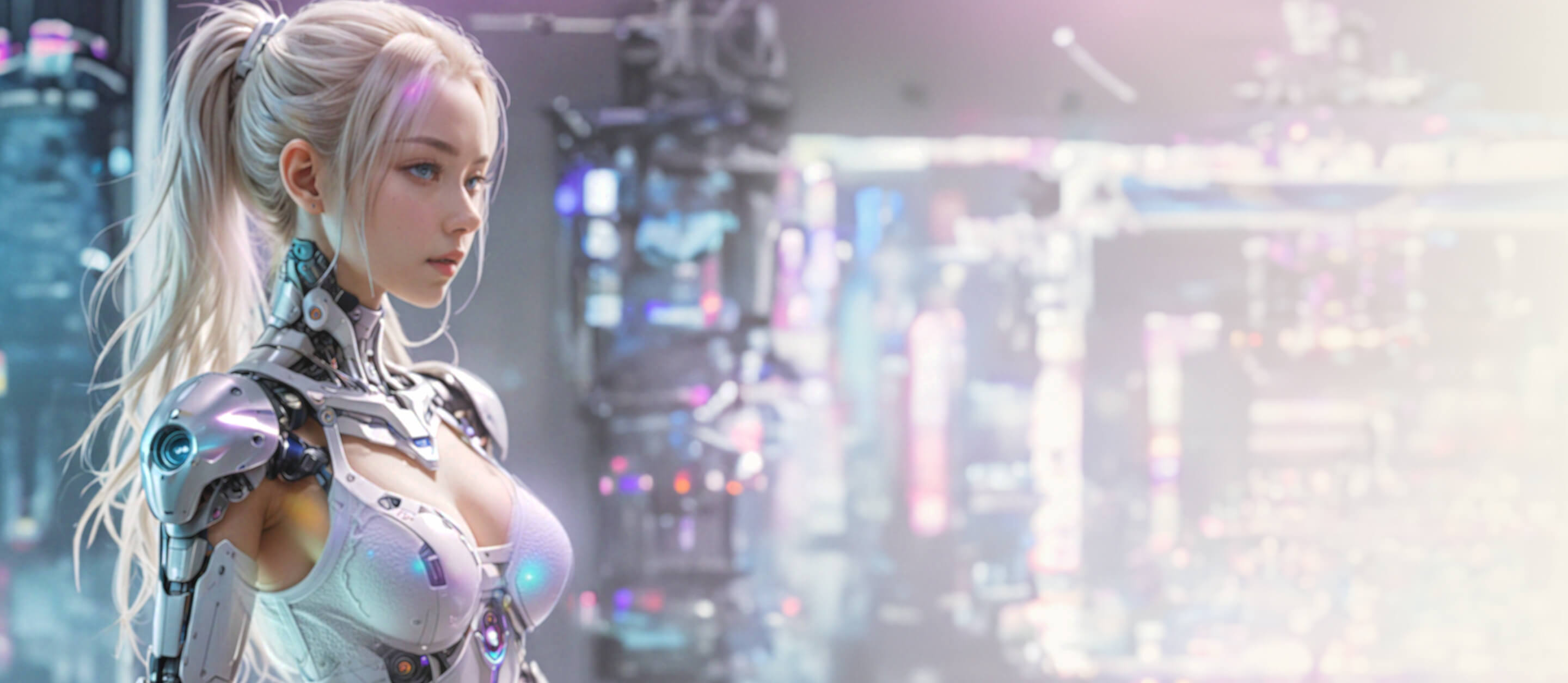
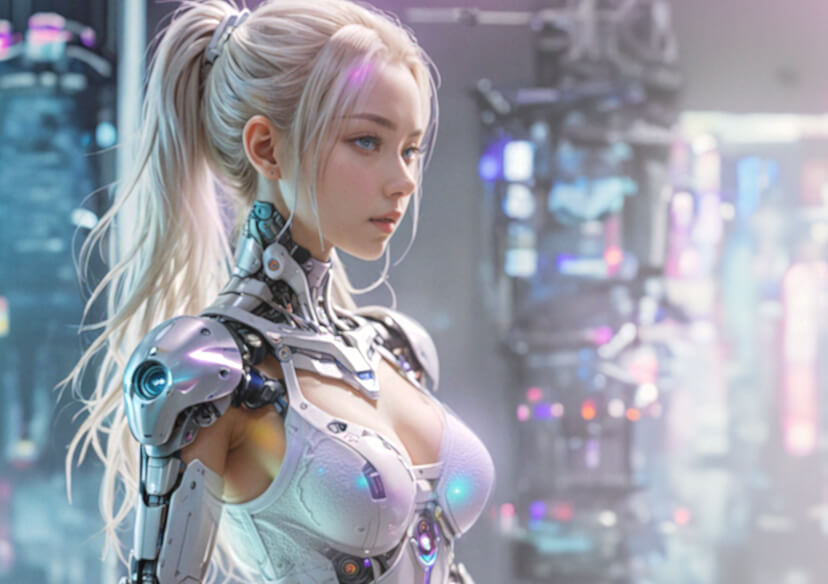





Midjourney Upscaler: Upscale Midjourney Images to HD Online
Ever created a jaw-dropping image with Midjourney, only to wish it was sharper, bigger, or just popped more? You don’t need pricey software or tech skills to make it happen. With the YouCam Online Editor, upscaling your Midjourney images to stunning HD is simple, fast, and free.

How to Use Midjourney Upscaler Online for Free?
Turning your Midjourney images into HD masterpieces is as easy as 1-2-3 with YouCam Online Editor. Here’s how:
Upload Your Photo
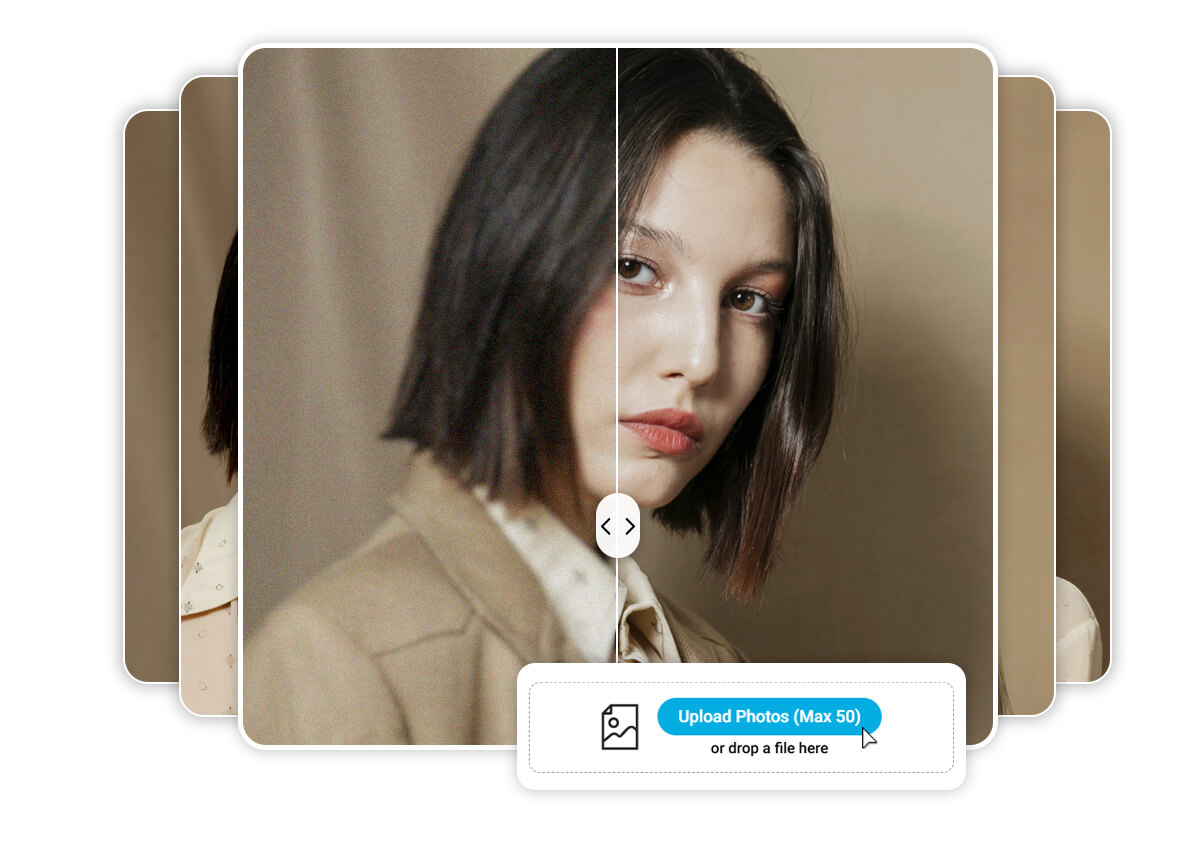
Simply drag and drop your image into the YouCam Online Editor. You can also select up to 50 images for batch enhancement. Format support include: JPG, JPEG, PNG, TIFF, and GIF.

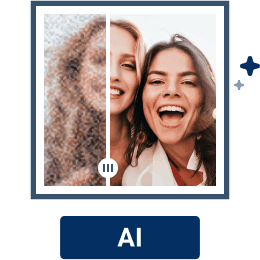
Upscale Photo with AI
Our AI denoiser automatically detects and removes noise in seconds. Select the ‘Best Quality’ option to upscale your images to 4x resolution.

Save Your HD Image
Once the AI finishes upscaling, preview your enhanced image. Happy with the results? Download it in HD for free and start sharing your masterpiece!
Enhance Your AI Art in HD Resolution
Low-resolution images can feel like a letdown, especially when you’re sharing your work online or printing it for a project. The YouCam Online Editor uses AI Upscaler to boost your Midjourney images, giving them the crisp, professional edge they deserve.
Upscale Images to 4K for Free
Whether you’re designing for social media, a website, or a gallery, size and clarity matter. The YouCam Online Editor can upscale your Midjourney images to 4K, ensuring every detail stands out. Say goodbye to pixelated edges and hello to vibrant, high-quality visuals.
Improve Portrait Quality to HD
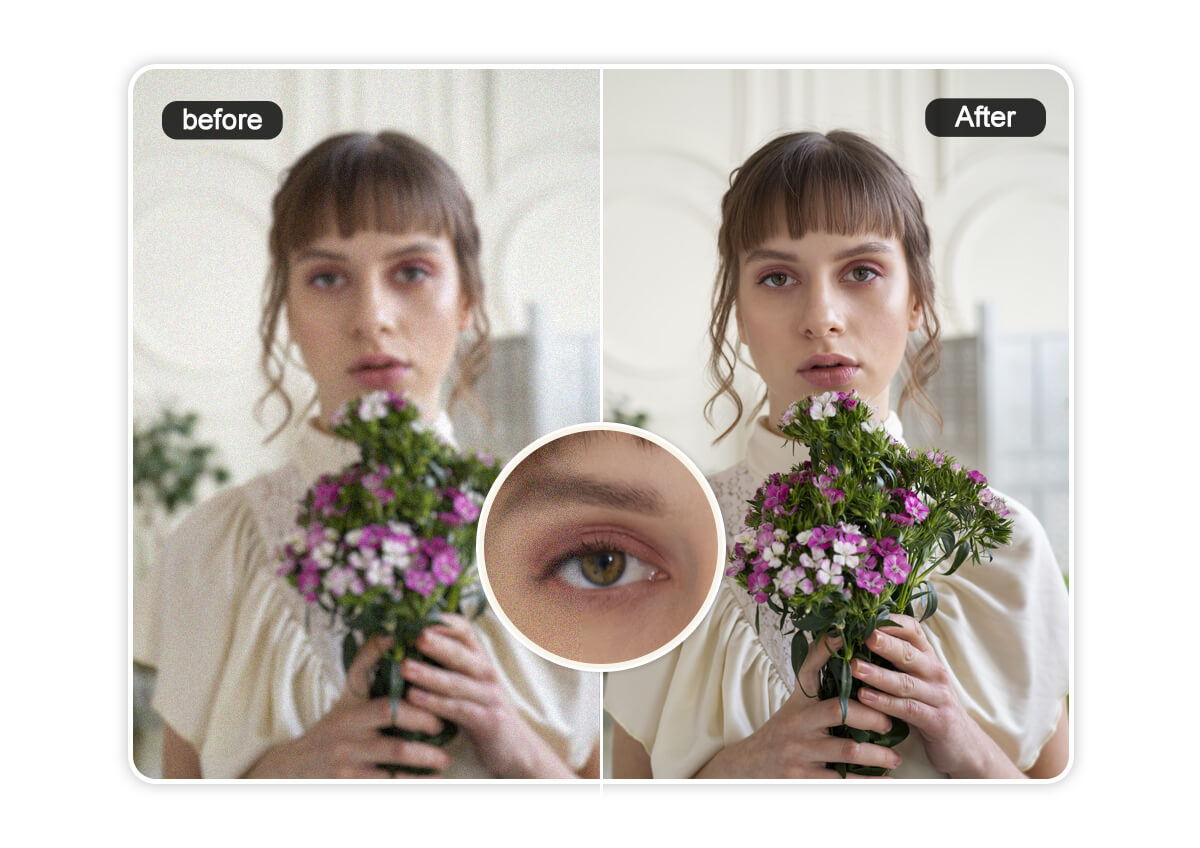
AI portraits generated from Midjourney can still suffer from noise and compression artifacts. YouCam’s Midjourney Upscaler cleans up those grainy portraits, giving you smoother skin tones and sharper details. You’ll get professional-quality results without losing the natural look.
Enhance Images in Bulk to Save Time
Got a batch of Midjourney images to upscale? With YouCam Online Editor, you can process up to 50 images at once, saving you hours of manual work. Perfect for content creators and marketers juggling tight deadlines.
Online Midjourney Upscaler FAQs
Can Midjourney Upscale Images?
Midjourney creates stunning AI art, but upscaling isn’t built into its platform. That’s where YouCam Online Editor comes in—its AI-powered upscaler enhances your Midjourney images to HD or 4K effortlessly.
How to Upscale Midjourney Images for Free?
With YouCam Online Editor, you can upscale your Midjourney images for free in just a few clicks. Upload, enhance, and download.
Can AI Upscale Images to 4K?
Absolutely! The YouCam Online Editor uses advanced AI to upscale images to 4K, preserving details and boosting clarity for professional-quality results.
What Is the Best Free AI Upscaler?
YouCam Online Editor stands out as the best free AI upscaler for its ease of use, high-quality results, and bulk processing capabilities. It’s perfect for Midjourney users looking to enhance their art without breaking the bank.
How Do I Increase Quality in Midjourney?
To boost the quality of your Midjourney images, use YouCam Online Editor to upscale them to HD or 4K. Its AI ensures your images look sharp, vibrant, and ready for any project.

